Skip to content
Interactive Whiteboard China Manufacturer and Wholesale Supplier
Seelinkin is a professional manufacturer and global supplier of interactive whiteboards. Our products are made with high-quality materials and advanced display technology, offering smooth writing, precise touch control, and reliable long-term performance. They are widely used in education, corporate meetings, and training environments to improve communication and collaboration efficiency.
We also provide flexible customization options to meet different project requirements, delivering reliable solutions for global clients.
Key Features of Interactive Whiteboard
- Multi-Touch Technology: Supports smooth writing, gesture control, and multi-user collaboration.
- Ultra HD Display Integration: Delivers clear visuals for presentations, teaching, and video conferencing.
- OEM Customization Support: Branding, system configuration, and hardware customization available for wholesale clients.
- Smart Connectivity Options: Compatible with HDMI, USB, wireless casting, and cloud-based platforms.
- Durable Commercial Design: Built for long-term operation in high-frequency usage environments.
- Cross-Platform Compatibility: Works with Windows, Android, and major educational software systems.
- High Sensitivity Touch Response: Ensures precise writing and smooth annotation experience.
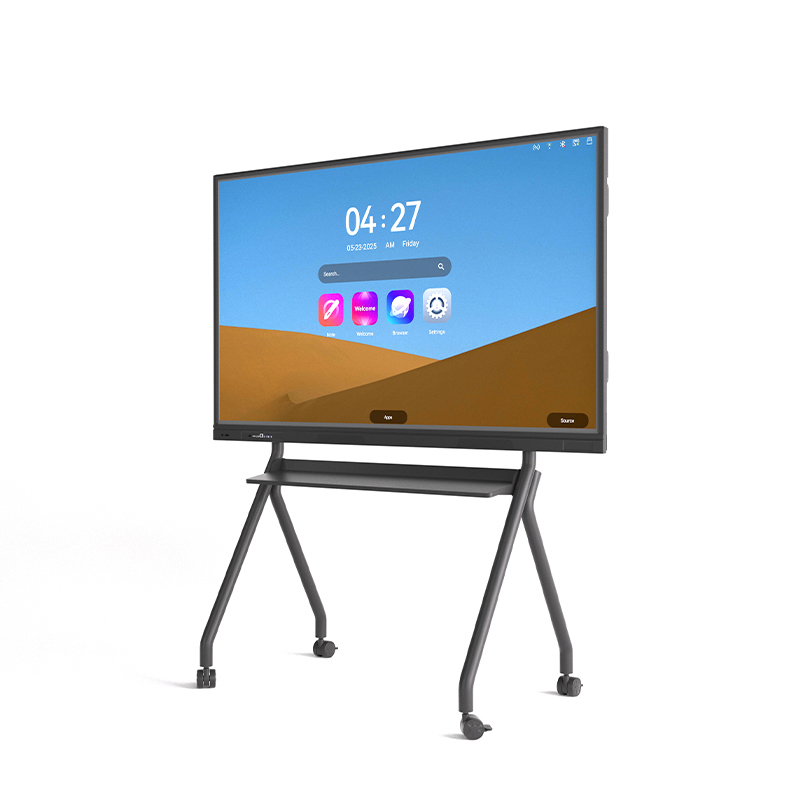
Interactive Whiteboard Series
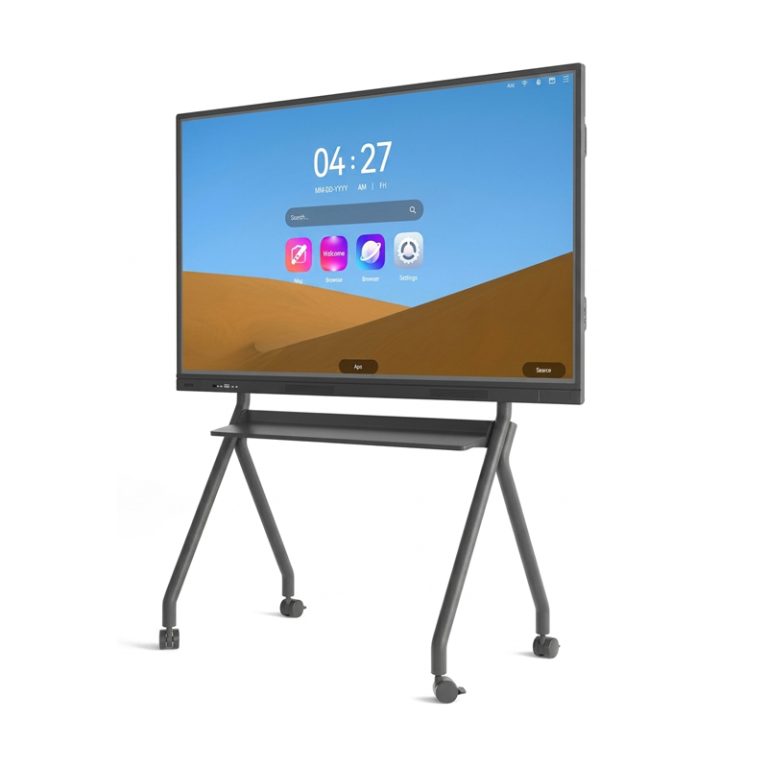
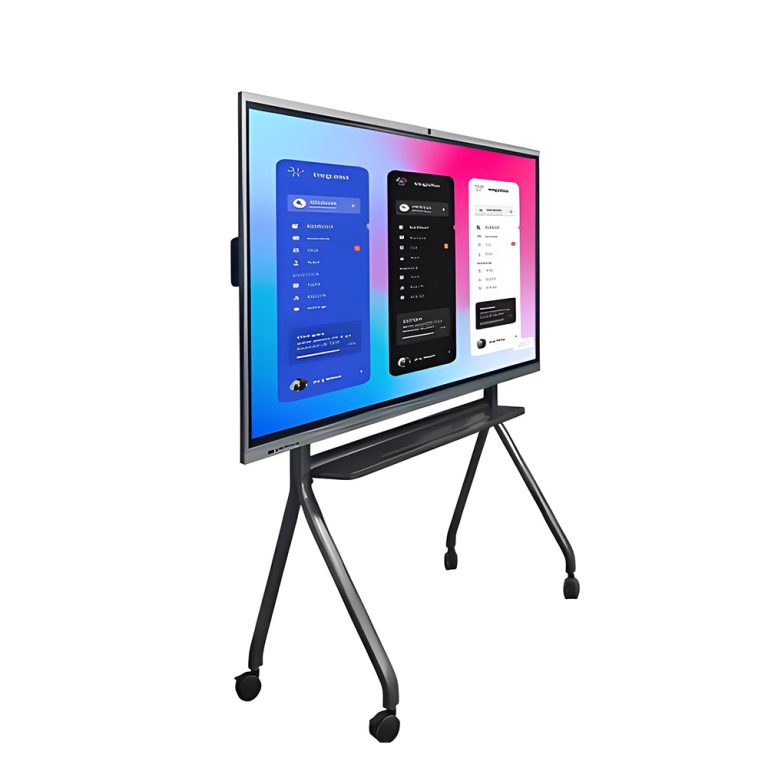
Seelinkin interactive whiteboards are engineered to deliver a professional-grade writing experience that feels natural, fluid, and effortlessly responsive. Powered by advanced touch technology, users can write, draw, and interact directly on the display with pinpoint accuracy — every stroke captured just as intended, with virtually no delay.
Designed for real-world demands, the system supports natural handwriting and intuitive multi-touch gestures, making it easy for anyone to pick up and use without a learning curve. Whether you’re leading a classroom lesson, running a business meeting, or delivering a key presentation, the board keeps up with the pace of your ideas.
Built to last, Seelinkin whiteboards combine durable construction with consistently stable performance, ensuring reliable daily operation session after session. The high-definition display delivers vivid color reproduction and exceptional clarity, keeping content sharp and legible from virtually any viewing angle in the room.
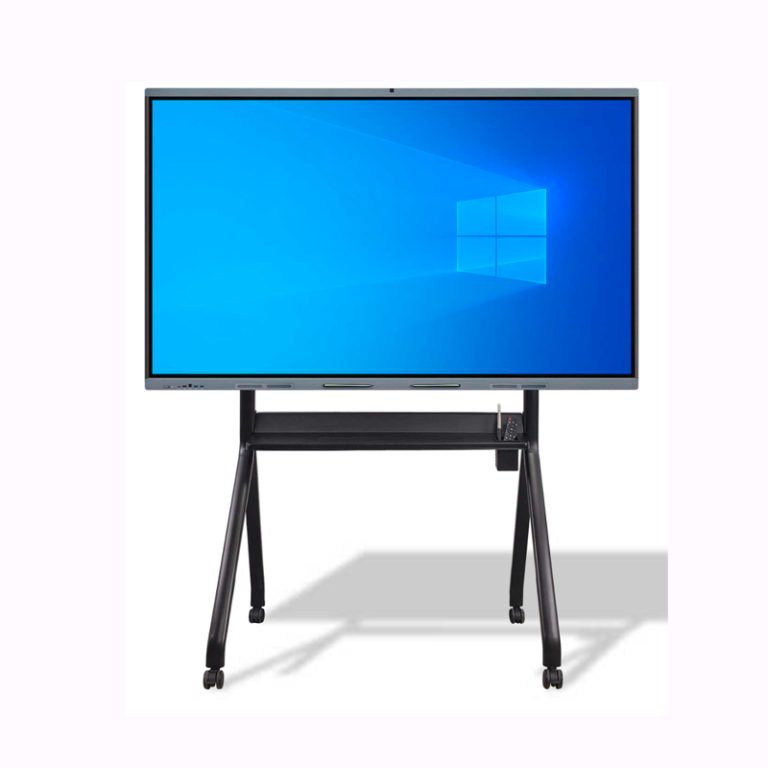
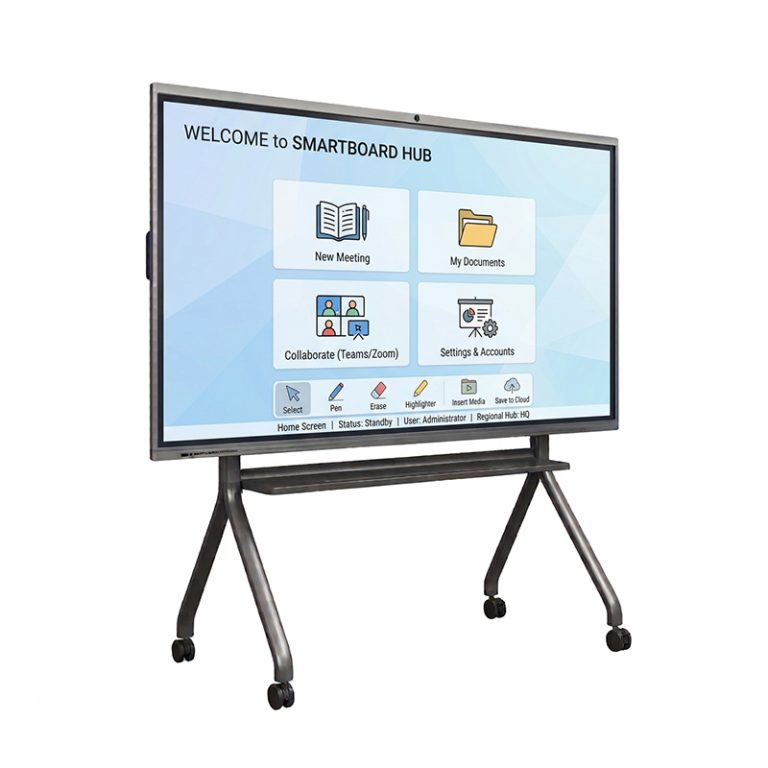
Why Choose Seelinkin Interactive Digital Whiteboard
Contact us today for a customized solution!
What Are the Uses of an Interactive Whiteboard
Education
-
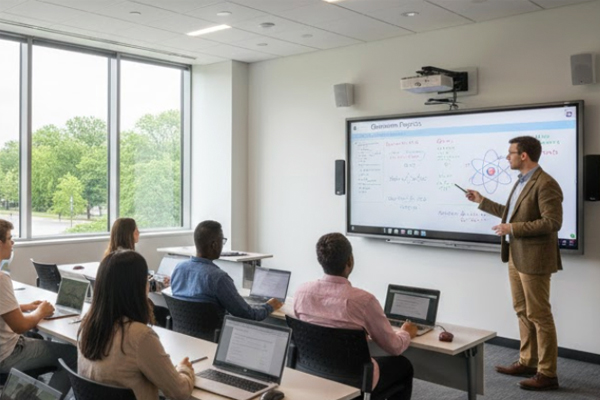
Boosts student engagement with interactive lessons.
-
Accommodates various learning styles effortlessly.
-
Provides instant access to online educational resources.
-
Allows multiple students to collaborate simultaneously.
-
Lets teachers save and share notes digitally.

Corporate Meetings
-
Enhances brainstorming with real-time annotation.
-
Simplifies complex data and report presentations.
-
Integrates seamlessly with video conferencing tools.
-
Enables easy saving and sharing of meeting minutes.
-
Facilitates collaborative decision-making processes.
Training Sessions
-
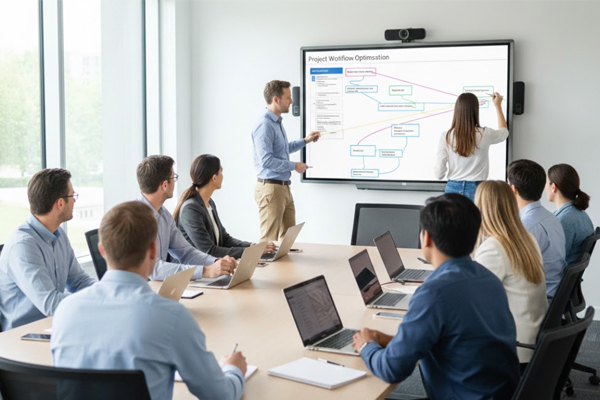
Creates immersive, hands-on learning experiences.
-
Displays procedures and videos with perfect clarity.
-
Uses real-time polls for instant feedback.
-
Allows direct annotation on training materials.
-
Provides reusable digital training content.
Remote Collaboration
-
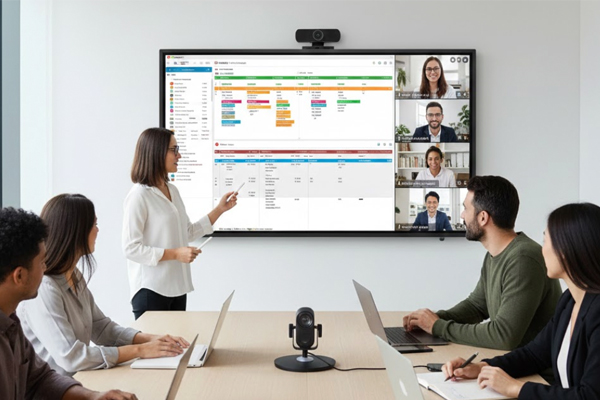
Offers a shared digital workspace for all teams.
-
Keeps local and remote participants in sync.
-
Works with platforms like Teams and Zoom.
-
Visualizes projects for clear team alignment.
-
Reduces communication barriers effectively.
More Information
Advantages of Interactive Whiteboard
- Improves engagement Users can interact directly with the content instead of just watching, making learning and meetings more active.
- Enhances understanding Visual explanations, annotations, and real-time edits help people grasp ideas more easily.
- Boosts collaboration Multiple users can participate at the same time, supporting group discussions and teamwork.
- Increases efficiency Changes can be made in real time, eliminating the need to rewrite or reprint materials.
- Easy digital integration Connects with software, cloud platforms, and video tools for seamless sharing and saving of content.
- Better communication Supports clearer delivery for both in-person and remote audiences through visual aids and screen sharing.
- Saves and shares content easily Sessions can be recorded or exported, allowing participants to revisit material anytime.
what is an interactive whiteboard
An interactive whiteboard is a large touch-sensitive display that combines the functions of a traditional whiteboard with a computer system and, in some cases, a projector or built-in smart screen. It allows users to directly interact with digital content using their fingers, a stylus, or special pens.
It can be used to write, draw, annotate documents, display multimedia, and control applications in real time. Content on the screen can be saved, shared, or edited instantly, making collaboration more efficient in classrooms, meetings, and training sessions. Compared with traditional whiteboards, it offers a more dynamic and interactive way to present and communicate information.
How to Choose the Best Interactive Whiteboard
- Display quality: Look for high resolution, good brightness, and clear image performance to ensure comfortable viewing and effective presentations.
- Touch performance: A fast and accurate multi-touch system is important for smooth writing, drawing, and real-time collaboration.
- Compatibility and connectivity: Ensure it supports common systems (Windows, Android, etc.) and has multiple ports like HDMI, USB, and wireless screen sharing.
- Software features: Check whether it includes useful tools such as annotation, file sharing, lesson/meeting functions, and interactive applications.
- Durability and build quality: A stable structure and long service life are important, especially for classrooms, training rooms, and conference use.
- Size and installation options: Choose the right screen size and installation method based on your room space and usage scenario.
- After-sales support: Reliable technical support and service help ensure long-term stable operation and easier maintenance.
FAQ
1.How to calibrate an interactive whiteboard?
To calibrate an interactive whiteboard, access the calibration or settings menu on the device or connected system and select the calibration function. Follow the on-screen instructions, which usually require you to touch specific target points accurately using your finger or stylus.
Once all points are completed, the system will automatically adjust touch alignment. After calibration, test the screen response to ensure touch accuracy and repeat the process if needed for optimal performance.
2. How do interactive whiteboards work?
An interactive whiteboard works by combining a touch-sensitive display and a computer system.
It detects touch or stylus input using infrared, capacitive, or electromagnetic technology and instantly converts it into digital actions on the screen for writing, drawing, or controlling content.
3. What is the lifespan of an interactive whiteboard?
An interactive whiteboard typically lasts 5–10 years, depending on usage, quality, and maintenance.
High-quality models can reach 30,000–60,000 hours of operation, making them suitable for long-term use in education and business. Proper care helps extend their service life.