Skip to content
Dual Screen kiosk China Manufacturer and Wholesale Supplier
Seelinkin manufactures and supplies Dual Screen Kiosks with wholesale and OEM custom services. One screen handles user interaction while the other displays ads or branding content, widely used in retail, restaurants, and self service environments. We support hardware customization, system integration, and scalable production for global projects.
- Dual independent displays for simultaneous interaction and content delivery
- High-resolution, responsive touchscreen interface
- Real-time advertising and promotions on the secondary screen
- Remote content management for both screens
- Durable commercial-grade build for high-traffic environments
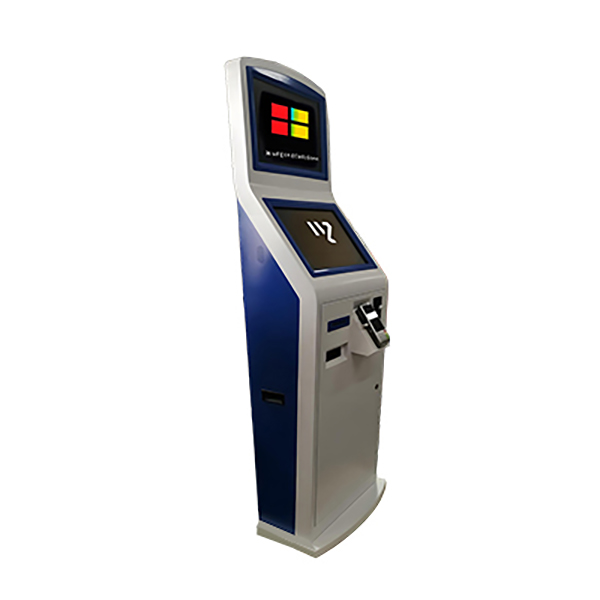
Double-Sided Digital Vertical Touchscreen Kiosk Series
Seelinkin dual screen kiosks combine high quality responsive touchscreens with a robust, commercial grade build, designed to deliver seamless self service, secure payment processing, and dynamic advertising from a single unit. Fully customizable to your brand, our kiosks help businesses across retail, hospitality, and public sectors boost customer engagement, drive additional revenue, and streamline day to day operations.
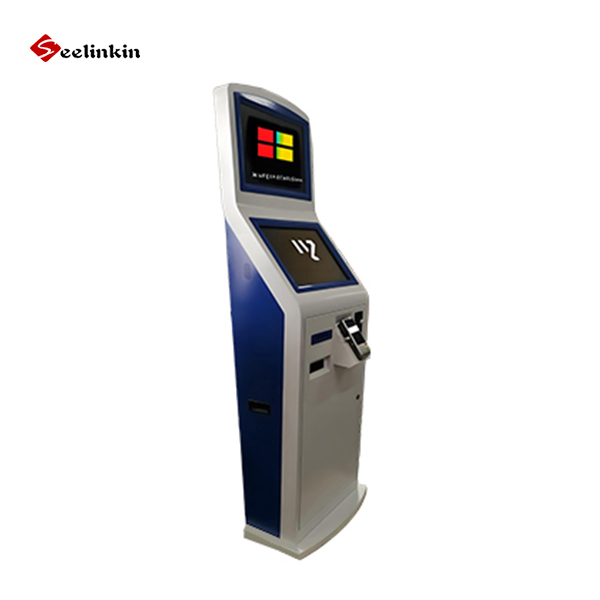
Why choose Seelinkin dual screen kiosk ?
Seelinkin offers reliable dual-screen self-service kiosks backed by strong manufacturing and global project experience. With an annual production capacity of 10,000 units and exports to over 70 countries, we tailor kiosk design, functionality, and branding to fit your specific business needs. All products are certified to ISO 9001, CE, RoHS, FCC, and UL standards, and we offer quotations within 12 hours, standard delivery in 30–40 days, and a 1-year free warranty starting from cargo arrival.
Dual Screen Kiosk Applications
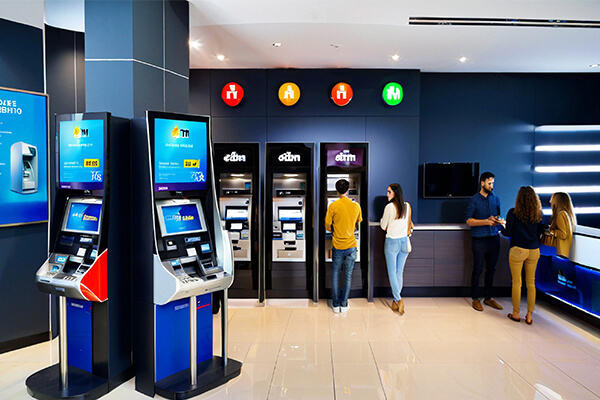
Currency exchange kiosk applications
Currency exchange kiosk is used for exchange one currency for another at competitive rates, real-time exchange rates finformation, prepaid card top up service.
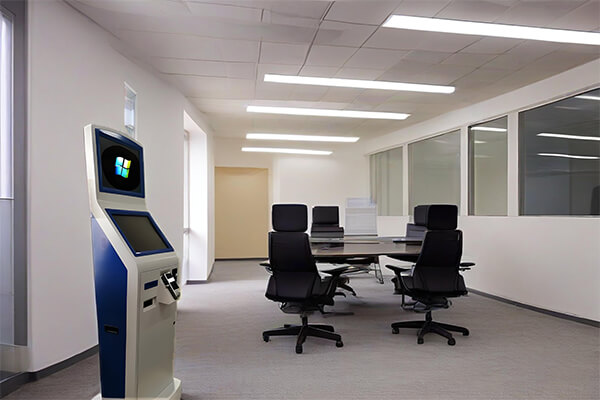
Corporate offices kiosk applications
Corporate office kiosk is used visitor check-in, employee check-in/out, wayfinding, meeting room management, internal communications, security and access control, customer service, training and onboarding, feedback and surveys, digital signage and branding.
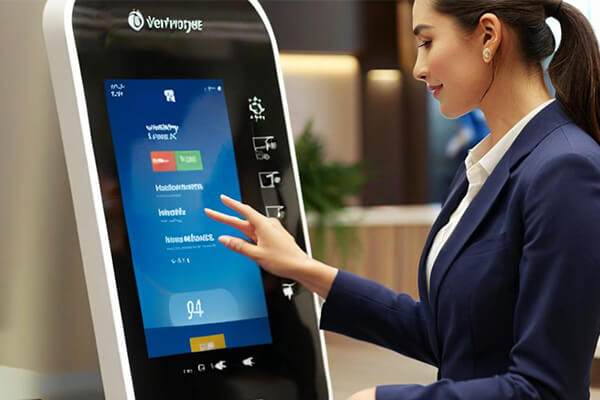
Government kiosk applications
Government kiosk is used for service applications and renewals, bill payments, information dissemination, voter registration and inormation, public records and documentation, health and social services, job and employment services, pentalty charges, feedback and surveys.
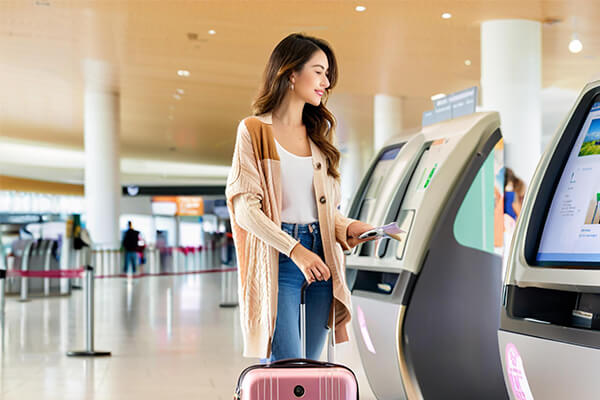
Airport kiosk applications
Airport kiosk is used for airport check-in, baggage tagging, flight information, boarding pass printing, ugrades and changes, fequent flyer services, wayfinding, security and customs, customer service, advertising and promotion.
More Information
Key Benefits of Dual Screen Kiosks
Maximize Screen Real Estate With two displays working simultaneously, you can present more content without cluttering a single screen. Dedicate one screen to navigation or self-service, and the other to promotions, wayfinding, or real-time information — all within a compact footprint.
Serve Two Audiences at Once The front screen engages the customer while the rear-facing screen captures the attention of passersby. This dual-sided exposure increases impressions and turns every interaction into a chance to communicate your message.
Boost Upselling and Revenue While customers complete a transaction on the primary screen, the secondary screen can display targeted promotions, recommended add-ons, or loyalty program offers — giving you more opportunities to drive sales at the point of service.
Enhanced Self-Service Experience Dual screen configurations work well for self-ordering, check-in, and payment workflows. One screen handles the user journey while the other confirms order summaries, displays dynamic pricing, or showcases branded content — reducing confusion and speeding up service.
Dynamic Content Flexibility Both screens can run fully independent content streams, or be synchronized for a cohesive visual experience. Manage and update content remotely, keeping your messaging current and consistent across locations.
Reduced Perceived Wait Times Engaging content on a secondary screen keeps customers informed and occupied while they wait, helping reduce frustration and improve overall satisfaction.
Dual Screen Kiosks vs Single Screen Kiosks: Key Differences
| Feature | Dual Screen Kiosk | Single Screen Kiosk |
|---|---|---|
| Screen setup | Two screens (primary + secondary) | One screen |
| User experience | Separate zones for interaction + info | All functions on one screen |
| Content capability | Runs dual content simultaneously | One content stream only |
| Promotions and upselling | Dedicated screen for targeted ads/offers | Competes with main UI space |
| Engagement | Engages user + surrounding audience | Only engages active user |
| Wait experience | Secondary screen reduces perceived wait time | No dedicated engagement screen |
| Best use cases | Retail, QSR, airports, hospitals | Basic check-in, info, low-traffic areas |
FAQ
What is a Dual Screen Kiosk?
A Dual Screen Kiosk is a self service device with two displays, one for customer interaction such as ordering, payment or check in, and one facing outward for ads or brand content. It is widely used in retail, restaurants, hotels and banks.
Can Seelinkin provide certification support for Dual Screen Kiosk projects?
Yes. Seelinkin can support CE, RoHS, FCC, and UL-related certification requirements based on your target market, configuration, and project standards. Our team can help confirm the required certification documents before production.
How to Choose the Right Dual Screen Kiosk?
Consider your use case, screen size, hardware needs, customization options, certifications like ISO 9001, CE, RoHS, FCC and UL, and the supplier’s manufacturing experience, delivery time and warranty support.