Skip to content
Choosing the right Kiosk Screen Sizes is essential for delivering a smooth and effective user experience across different applications. From retail self-checkout to information kiosks, screen size directly impacts usability, visibility, and customer engagement. Understanding how to match screen dimensions with specific use cases helps businesses improve efficiency and user satisfaction. This guide will walk you through the key factors to consider when selecting the ideal kiosk screen size.

Why Kiosk Screen Sizes Matter
User Experience Impact
Screen size plays a major role in how people use kiosks. A larger display can make information easier to read and touch targets easier to select. Smaller screens may work for simple tasks, but they can limit the amount of content shown at once.
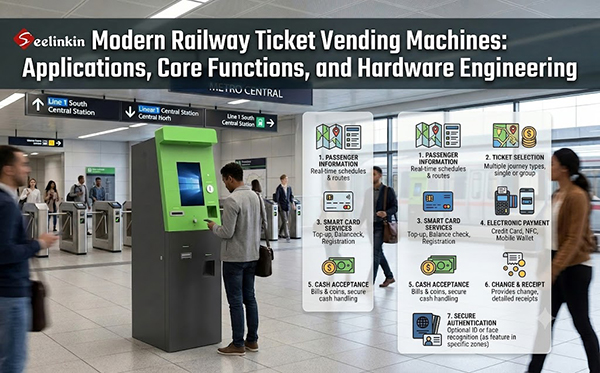
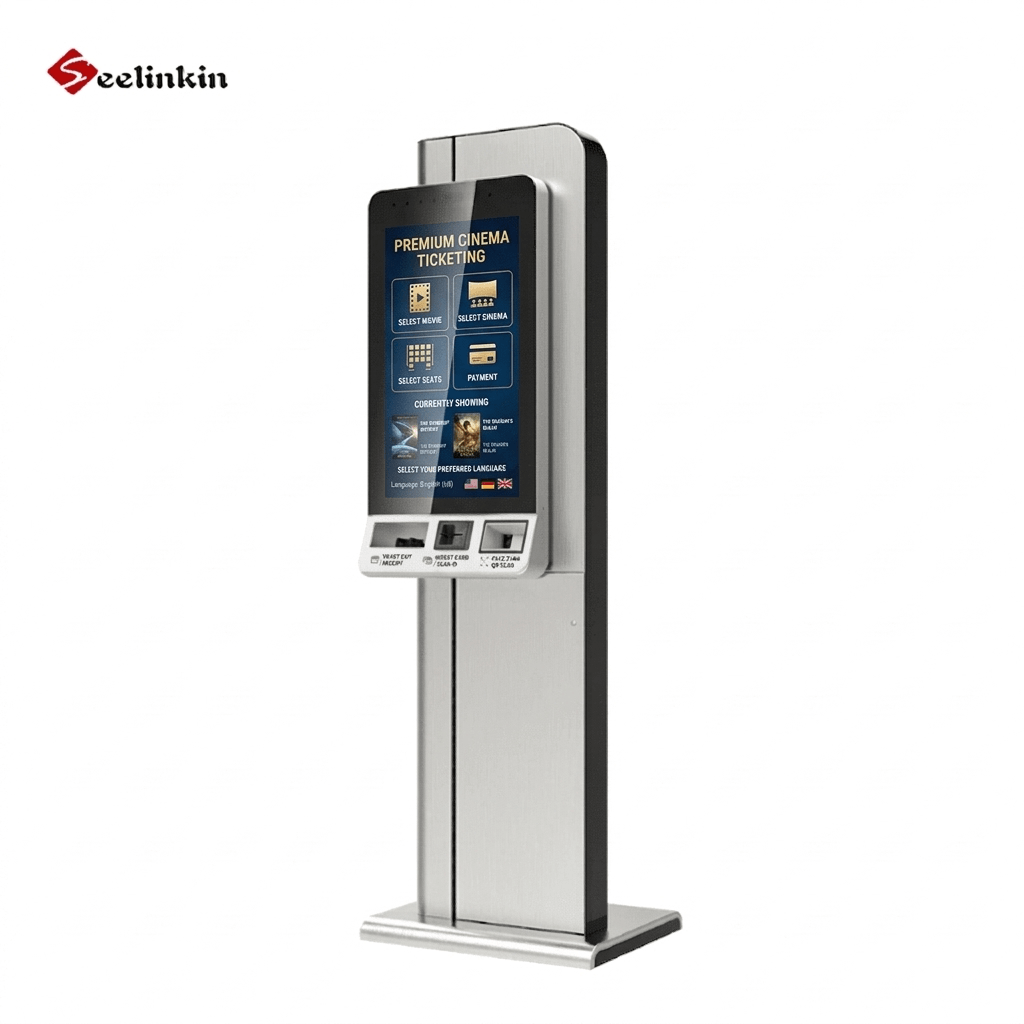
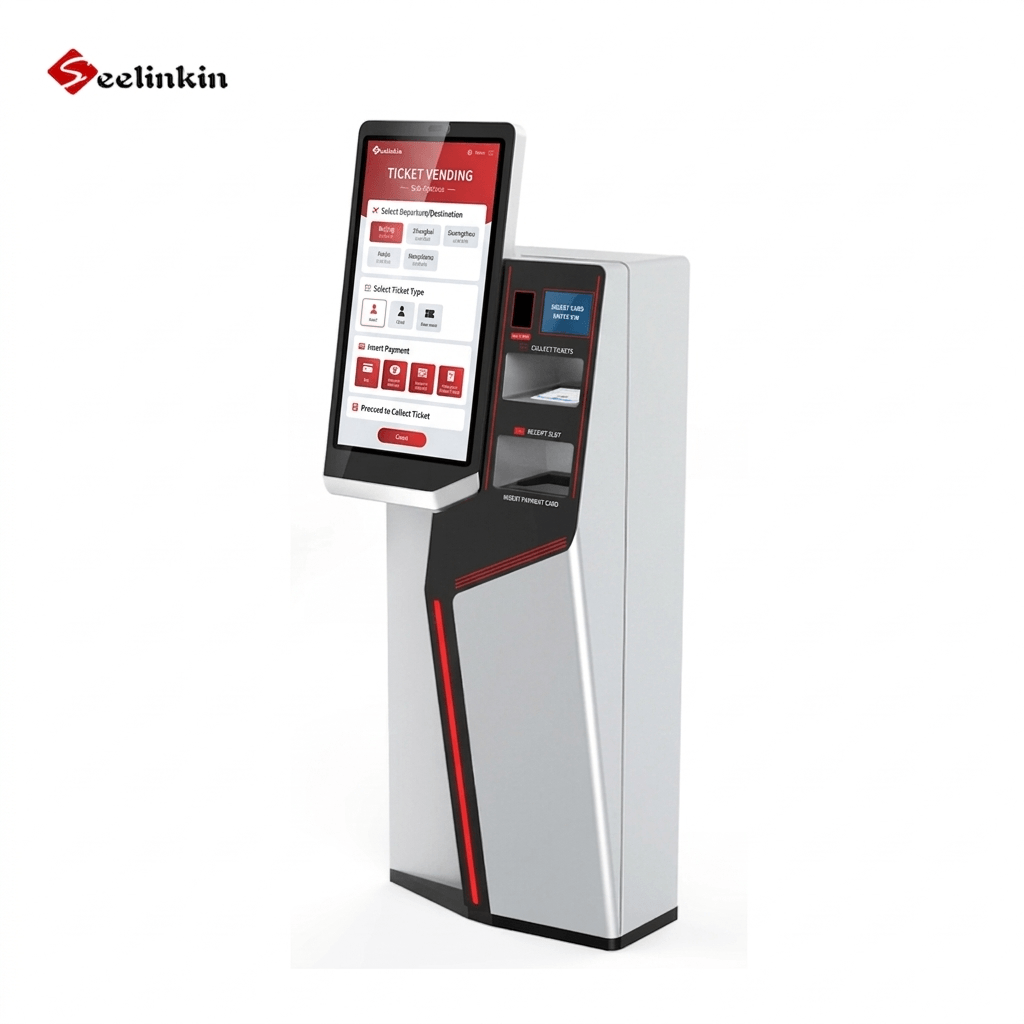
An interactive kiosk with the right screen size helps users complete tasks quickly. For example, ticketing kiosks often use medium screens so users can see options clearly. When users do not need to scroll or zoom, they feel more confident using the system.
Visibility and Engagement
Visibility affects how well people notice and use your kiosk. A screen that is too small may get ignored, while a very large screen can attract attention but may not fit every space. The right balance improves user engagement and makes the kiosk more inviting.
Interactive features, such as touch or gesture controls, work best when the display is easy to see from different angles. Brightness and contrast also matter, especially for outdoor or public spaces. Interactive kiosks with good visibility encourage more people to try them.
| Application Type | Typical Screen Size | Interactive Features |
|---|---|---|
| Information Kiosk | 19″–32″ | Touch, QR code scanning |
| Self-Service Kiosk | 22″–32″ | Touch, payment options |
| Digital Signage | 32″–55″+ | Touch, motion sensors |
Choosing the right screen size supports both interactive use and overall success. When users can see and interact with content easily, they are more likely to return.
Choosing Kiosk Screen Sizes
User Needs and Interaction
Understanding user needs is the first step in selecting kiosk screen sizes. Different users interact with kiosks in different ways. For example, older adults may prefer larger screens with bigger text, while younger users may feel comfortable with smaller displays.
Consider the main tasks users will perform. If your kiosk handles payments or ticketing, users need to see buttons and instructions clearly. For wayfinding, users often want to view maps and directions at a glance, so a larger screen size helps.
Demographics also play a role. Children may need lower screens, while adults may need higher placement. Think about whether users will stand, sit, or use wheelchairs. Matching the screen size to these needs improves comfort and efficiency.
Application and Environment
The application type and environment affect the ideal screen size. Indoor kiosks in quiet areas can use smaller screens because users stand close. Outdoor kiosks or those in busy places need larger screens for better visibility.
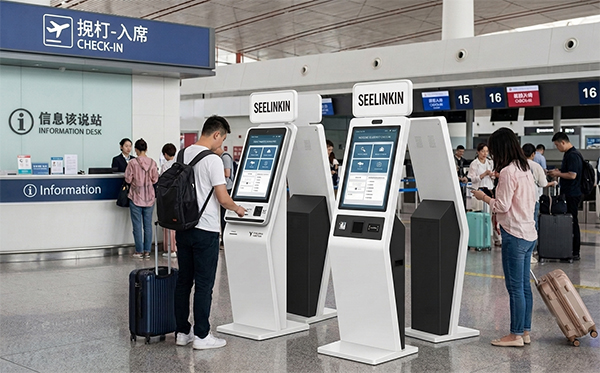
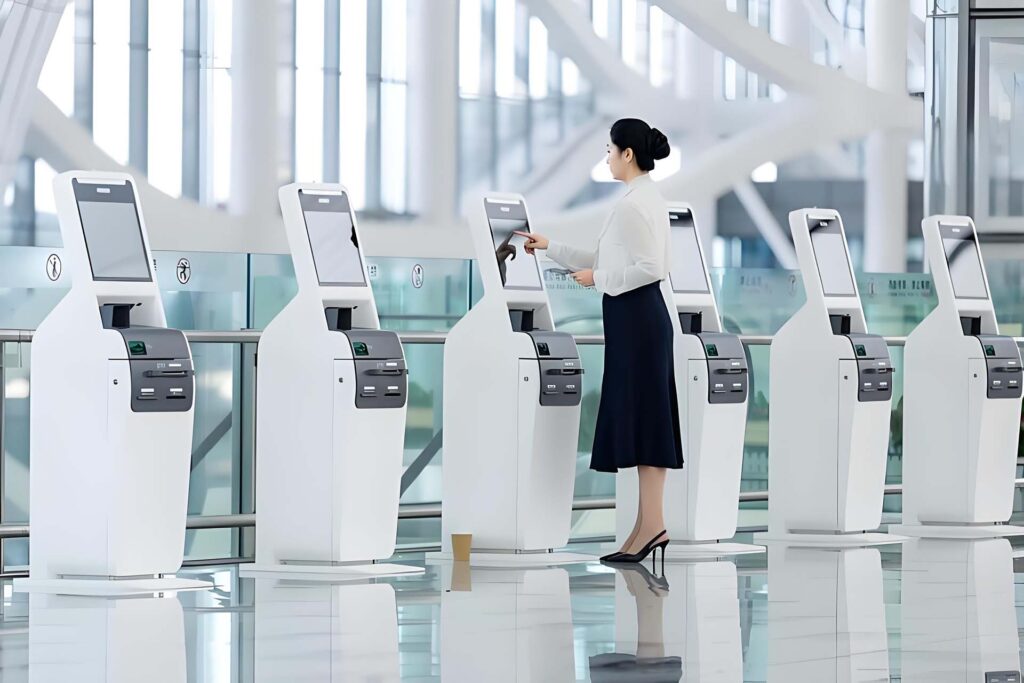
Wayfinding kiosks in malls or airports often use big screens. These help people see maps from a distance. Self-service kiosks in restaurants or stores may use medium screens, as users interact up close.
Viewing distance matters. If users stand far away, increase the screen size. For close-up tasks, a moderate screen size is enough. Lighting conditions also influence visibility. Bright outdoor areas require screens with high brightness and contrast.
| Environment | Recommended Screen Size | Example Application |
|---|---|---|
| Indoor, close | 19″–27″ | Self-checkout |
| Indoor, distant | 27″–32″ | Wayfinding |
| Outdoor | 32″–55″+ | Digital signage |
Display Features and Aspect Ratio
Display features impact how content appears on the screen. The 16:9 aspect ratio is now standard for most kiosk screen sizes. This ratio fits most videos, images, and interactive layouts.
Brightness and contrast are important for readability. Outdoor kiosks need higher brightness to fight glare. Indoor kiosks can use lower brightness, but good contrast still matters.
Viewing angle affects how users see the screen from the side. Wide viewing angles help in public spaces where people approach from different directions. For wayfinding, a wide viewing angle ensures everyone can see the map.
Choosing the right kiosk screen sizes involves more than just picking a number. You must balance user needs, application type, and display features. This approach leads to better user experiences and more effective interactive kiosks.
Accessibility and Space
ADA and Accessibility
Kiosk design must follow accessibility standards to serve all users. The Americans with Disabilities Act (ADA) sets guidelines for public kiosks. These rules help people with disabilities use kiosks without barriers.
Screen height is important. The center of the screen should be between 15 and 48 inches from the floor. This range allows both standing users and those in wheelchairs to reach the display.
Touch targets should be large and easy to press. Clear audio and visual feedback help users know when they have made a selection. Braille instructions or headphone jacks can support users with vision or hearing loss.
Space and Placement
Space around the kiosk affects how people use it. Leave enough room for users to approach from the front and sides. Wheelchair users need at least 30 by 48 inches of clear floor space in front of the kiosk.
Consider where people will stand or wait. Avoid placing kiosks in narrow hallways or crowded corners. Good placement improves flow and reduces wait times.
A table can help you plan space:
| Kiosk Type | Minimum Space Needed | Placement Tip |
|---|---|---|
| Wall-mounted | 3 ft x 4 ft | Near entrances, eye level |
| Freestanding | 4 ft x 5 ft | Open areas, easy to access |
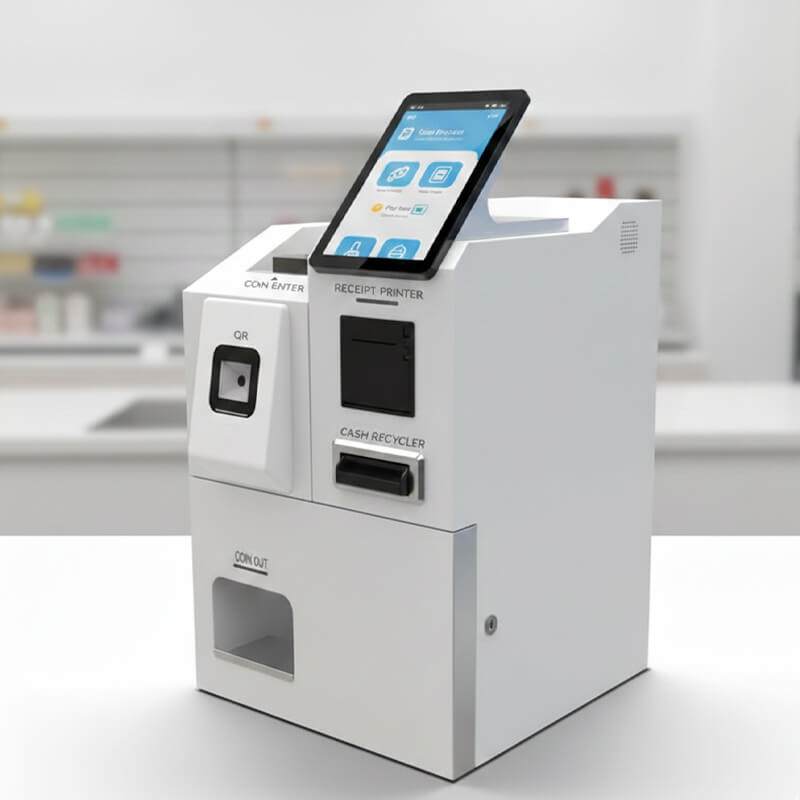
| Countertop | 2 ft x 3 ft | On counters, near service |
Proper space and placement make kiosks easier and safer to use. Good planning supports both accessibility and user satisfaction.
Optimal Screen Size Recommendations
Information Kiosks
Information kiosks help users find directions, schedules, or general details in public spaces. The optimal screen size for an information kiosk usually falls between 19 inches and 32 inches. These sizes allow users to read text and view maps without crowding the display.
A 19-inch screen works well for simple information kiosks in libraries or small offices. Larger screens, such as 27 or 32 inches, suit busy locations like airports or hospitals. These displays make it easier for multiple people to view content at once.
Touch Screen Kiosk Options
Touch screen kiosk solutions come in many forms. The most common sizes range from 22 inches to 32 inches. These displays offer enough space for interactive menus, payment options, and on-screen keyboards.
A touch screen kiosk with a 22-inch display fits well in compact spaces, such as small stores or lobbies. Larger touch screen kiosk models, like those with 27 or 32-inch screens, provide a better experience for self-service tasks. These medium to large-sized screens make it easier for users to select items, enter information, and complete transactions.
Touch screen kiosk systems often use a 16:9 aspect ratio. This format supports modern touchscreen applications and multimedia content. For self-service kiosk deployments in busy environments, a touch screen kiosk with a 32-inch display ensures clear visibility and easy interaction.
Touch screen kiosk technology also appears in outdoor settings. In these cases, a touch screen kiosk may use a 32-inch or even 43-inch display. High brightness and wide viewing angles help the touchscreen remain readable in sunlight.
Self-service kiosk options often rely on a touch screen kiosk interface. These kiosks appear in restaurants, airports, and retail stores. A self-service kiosk with a 27-inch or 32-inch touchscreen balances space and usability.
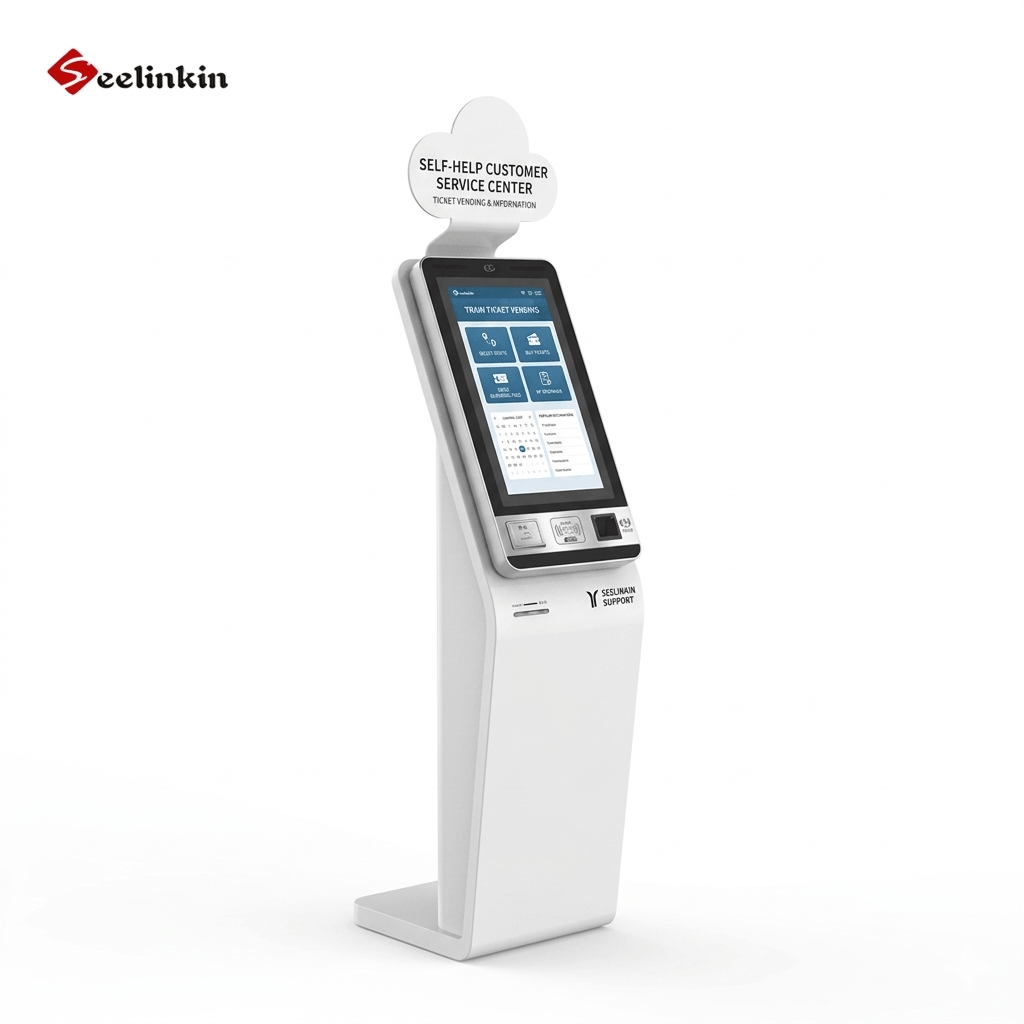
Touch screen kiosk solutions support many applications. For example, a touch screen kiosk can handle ticket sales, check-ins, or product lookups. The touchscreen must be large enough for users to tap buttons and read instructions easily.
A touch screen kiosk with a 19-inch display may work for simple self-service tasks. However, most self-service kiosks use a 22-inch or larger touchscreen for better user experience. Touch screen kiosk systems in high-traffic areas often require larger displays to serve more users at once.
Touch screen kiosk technology continues to evolve. Newer touch screen kiosk models offer improved durability and faster response times. Choosing the right touchscreen size ensures your touch screen kiosk meets both user and business needs.
Digital Signage Kiosks
Digital signage kiosks display advertisements, announcements, or interactive content. These kiosks often use larger screens to reach more people. Standard sizes include 32 inches, 43 inches, 55 inches, and even larger.
A 32-inch digital signage kiosk works well in hallways or small waiting areas. For bigger spaces, such as shopping malls or transportation hubs, a 55-inch screen or larger draws more attention. Large digital signage kiosks can show videos, slideshows, and interactive touchscreen features.
Digital signage kiosks with interactive touchscreen displays help users find products, view promotions, or get directions. The touchscreen should be large enough for easy navigation. In most cases, a 43-inch or 55-inch touchscreen provides the best balance between visibility and usability.
When choosing a digital signage kiosk, consider the viewing distance and the amount of information displayed. Larger screens work best for crowded or open areas. Smaller screens fit better in narrow spaces or where users stand close to the kiosk.
Table: Common Kiosk Types and Recommended Screen Sizes
| Kiosk Type | Recommended Screen Size | Typical Use Case |
|---|---|---|
| Information kiosk | 19″–32″ | Maps, schedules, directions |
| Touch screen kiosk | 22″–32″ | Self-service, payments, check-in |
| Digital signage kiosk | 32″–55″+ | Advertising, announcements |
Choosing the optimal screen size depends on the kiosk type, location, and user needs. Larger screens attract more attention and support more complex tasks. Smaller screens save space and suit simple applications.
Supporting Considerations
Screen Technology and Resolution
Screen technology affects how users interact with kiosks. LCD and LED screens are common choices for kiosk displays. Each type offers different benefits for brightness and clarity.
Screen size and resolution must match the application. High resolution helps users read text and view images without strain. Touch technology improves user experience by allowing direct interaction with the screen.
Some kiosks use capacitive touch technology for smooth and accurate responses. Others use resistive touch technology for durability in harsh environments. Choosing the right screen technology ensures the kiosk meets user needs.
Durability and Cost
Durability factors play a key role in kiosk design. Screens must withstand frequent use and possible impacts. Outdoor kiosks need extra protection from weather and vandalism.
Touch technology can affect durability factors. Capacitive touch screens are sensitive but may need more protection. Resistive touch screens handle rough use better and suit outdoor settings.
Consider these durability factors when selecting materials:
- Scratch resistance
- Water and dust protection
- Impact resistance
Cost depends on screen technology, durability factors, and size. Higher durability factors often increase price but reduce maintenance needs. A balance between cost and durability factors helps maximize value.
| Durability Factor | Importance Level | Example Use Case |
|---|---|---|
| Scratch resistance | High | Public kiosks |
| Water protection | Medium | Outdoor kiosks |
| Impact resistance | High | Transit stations |
Conclusion
Selecting the right Kiosk Screen Sizes is essential for optimizing usability, visibility, and overall user satisfaction across different environments. From compact information kiosks to large digital signage displays, screen size directly influences interaction efficiency, accessibility, and engagement. By aligning display dimensions with application type, user needs, and installation space, businesses can improve operational performance and deliver a more seamless self-service experience. Ultimately, the right screen size enhances both functionality and long-term kiosk effectiveness.