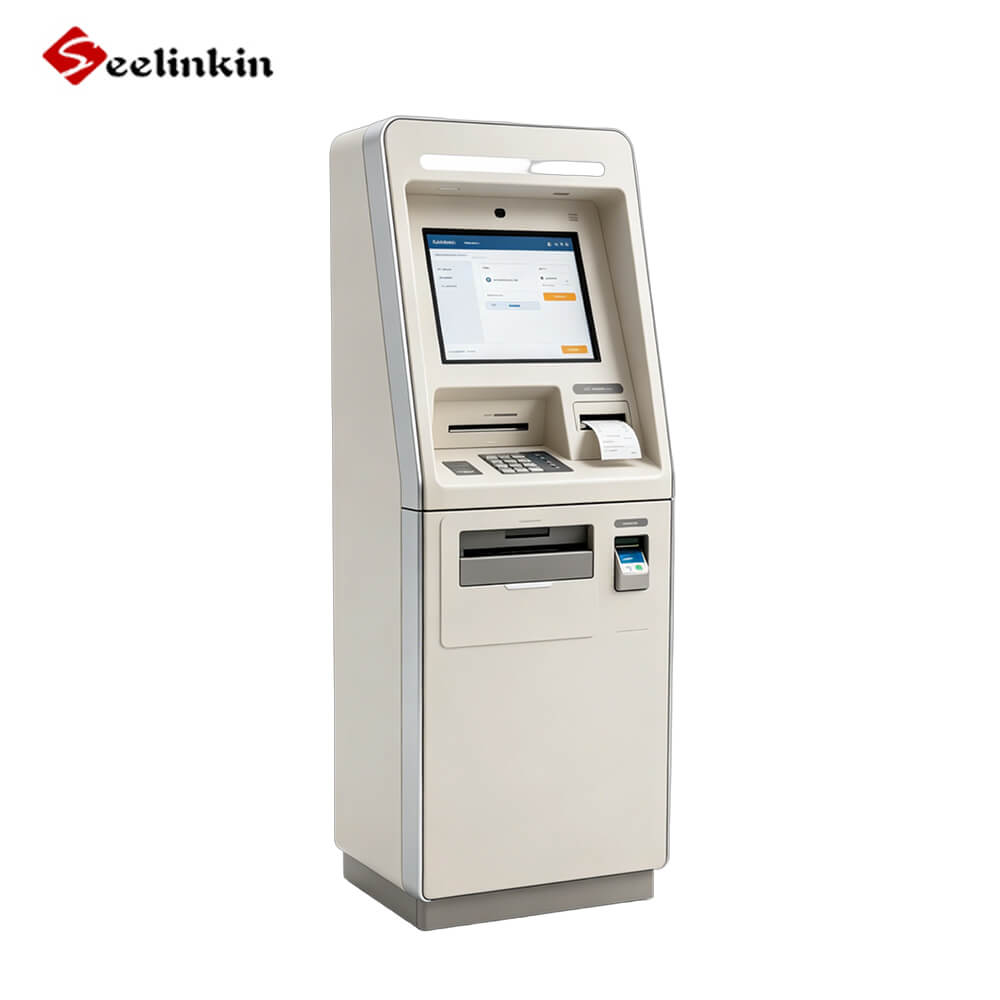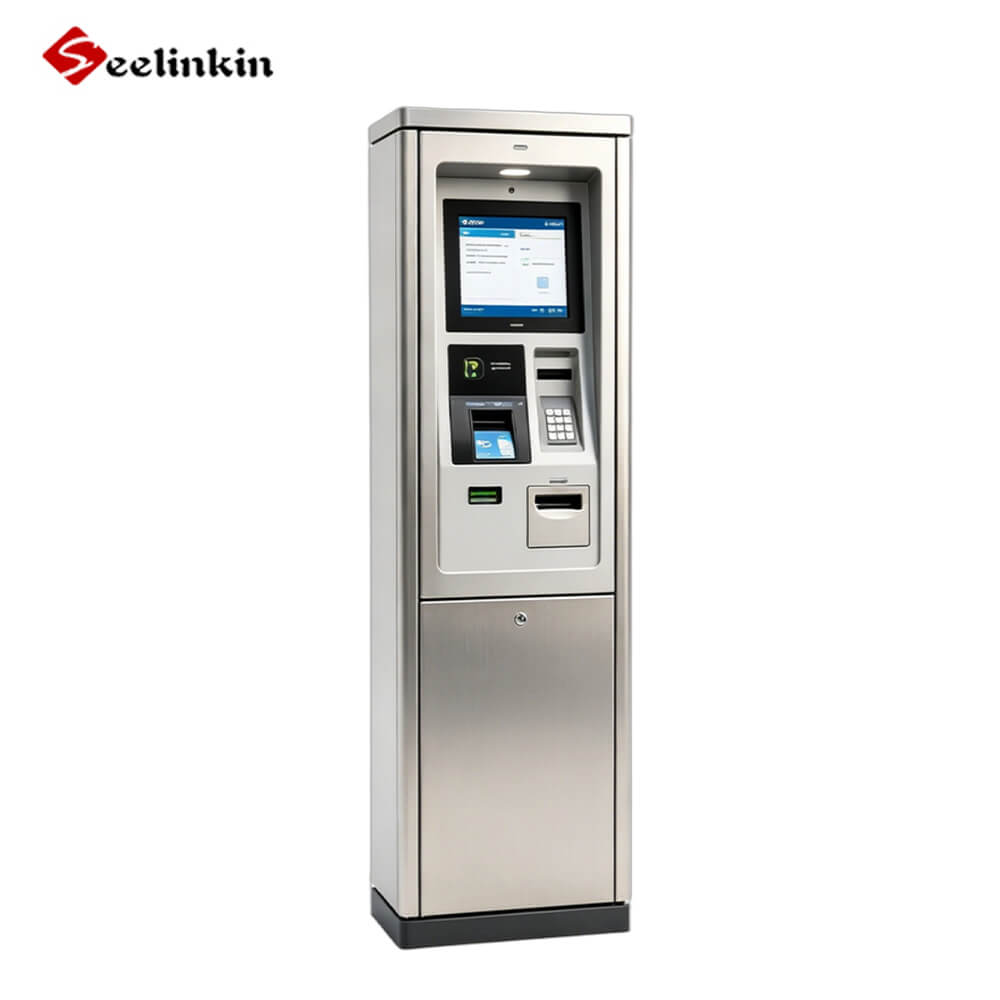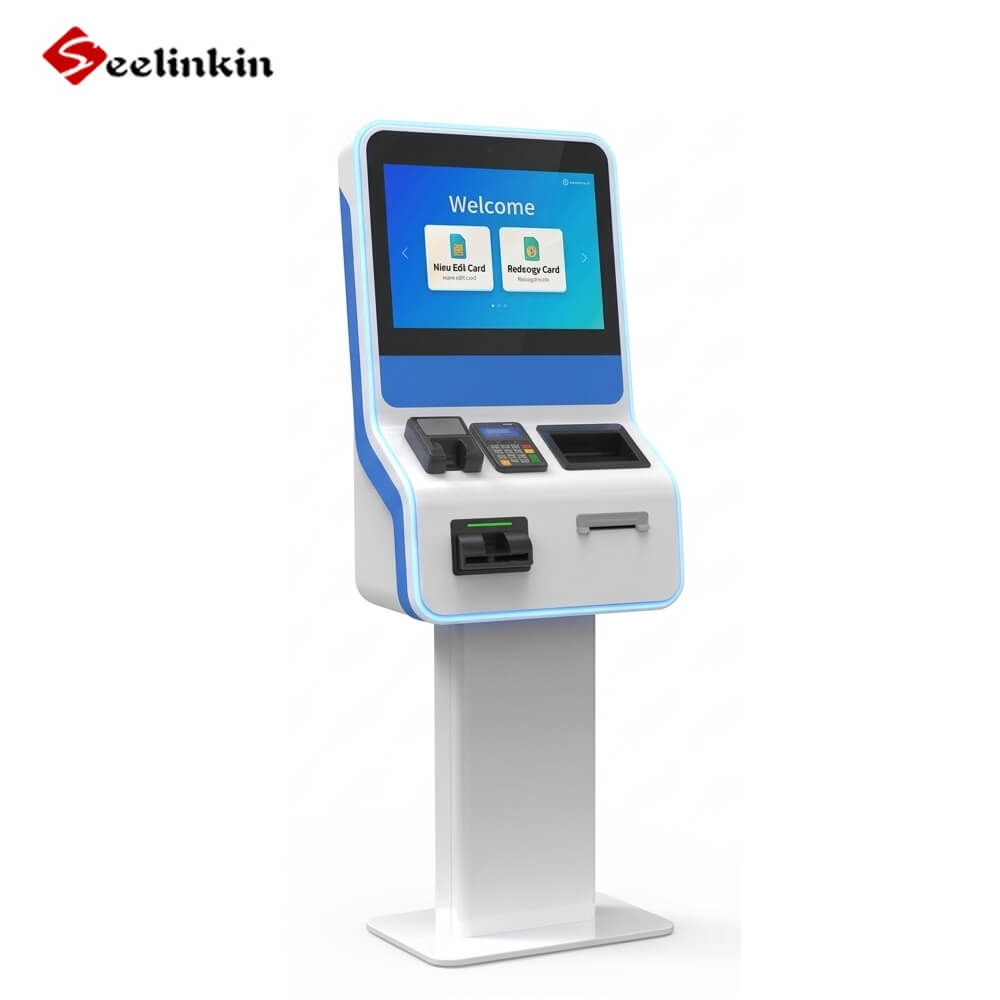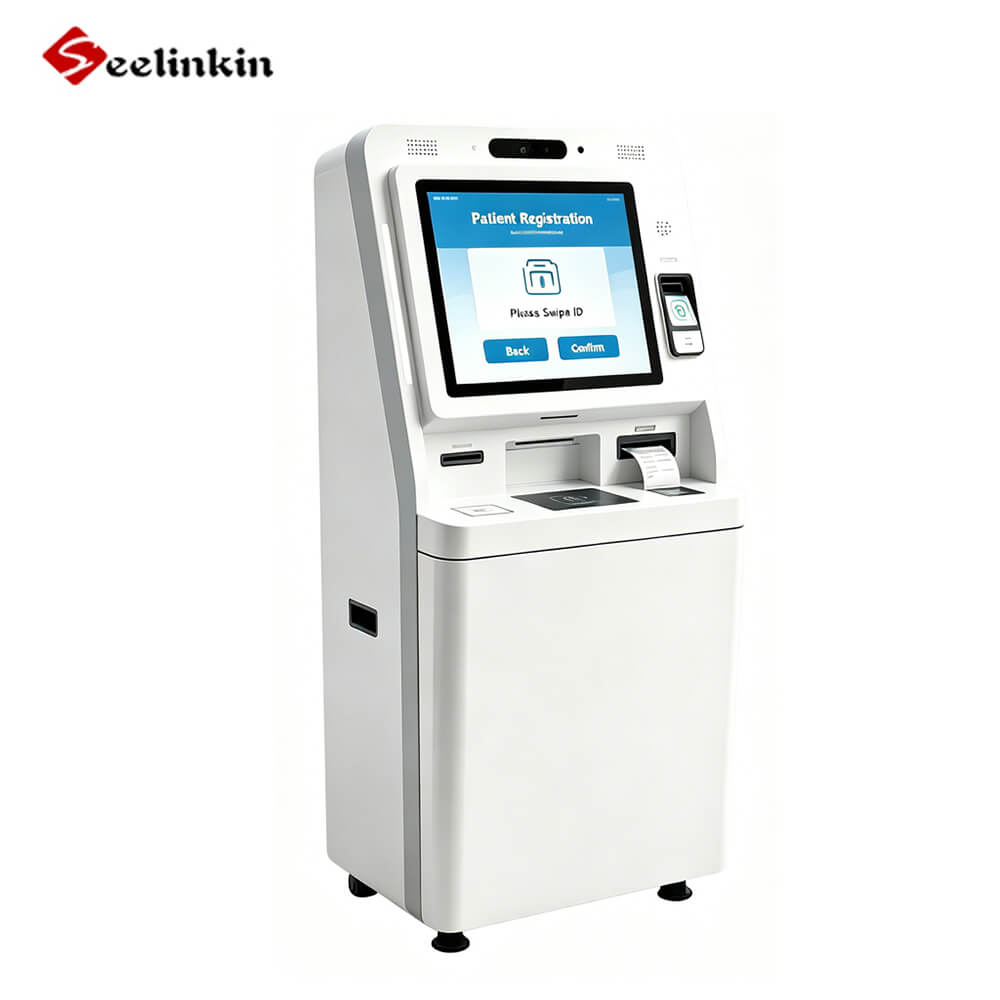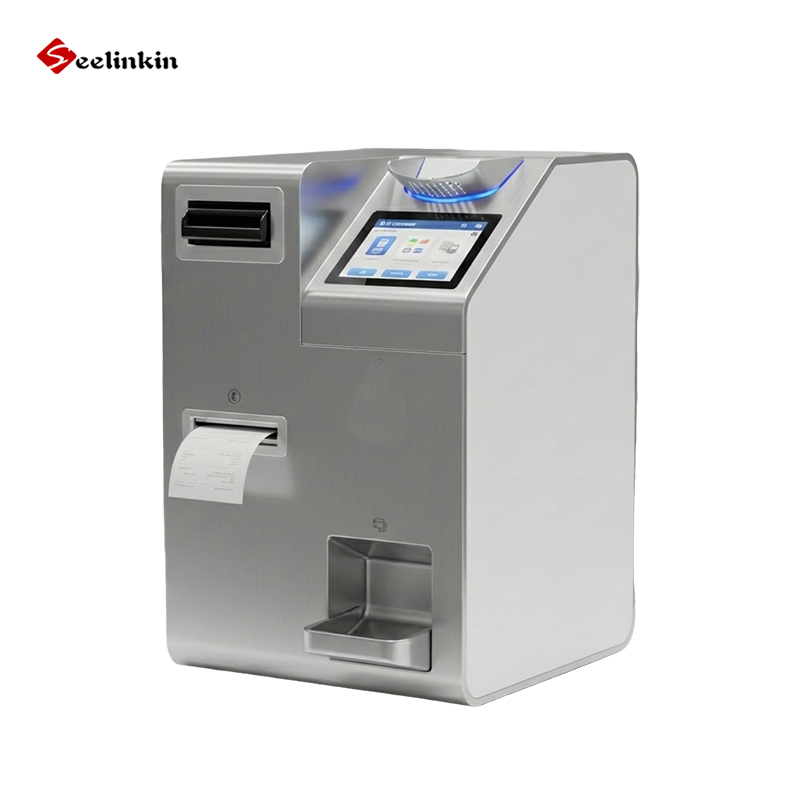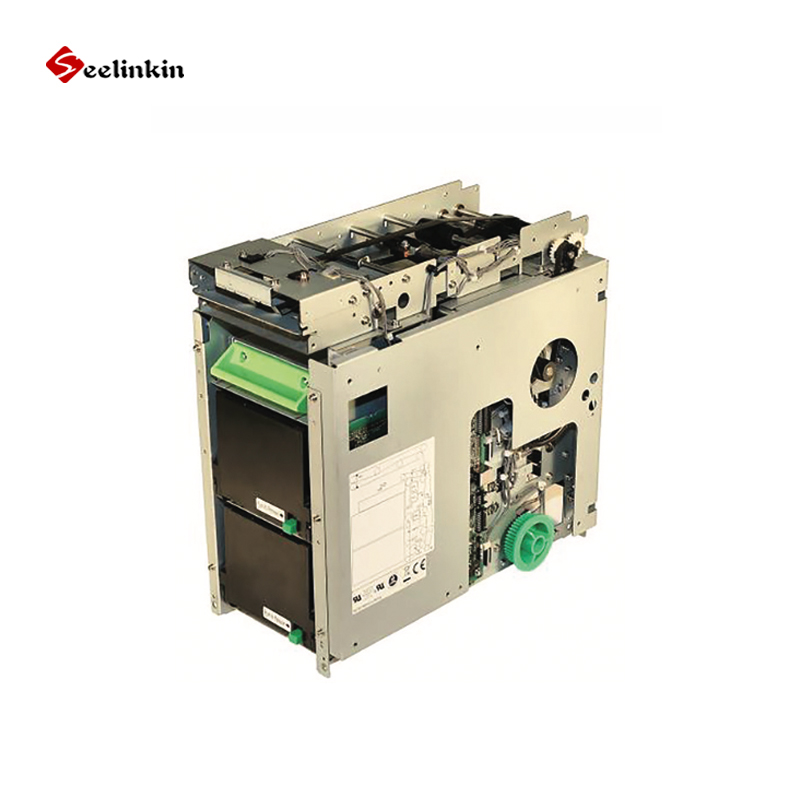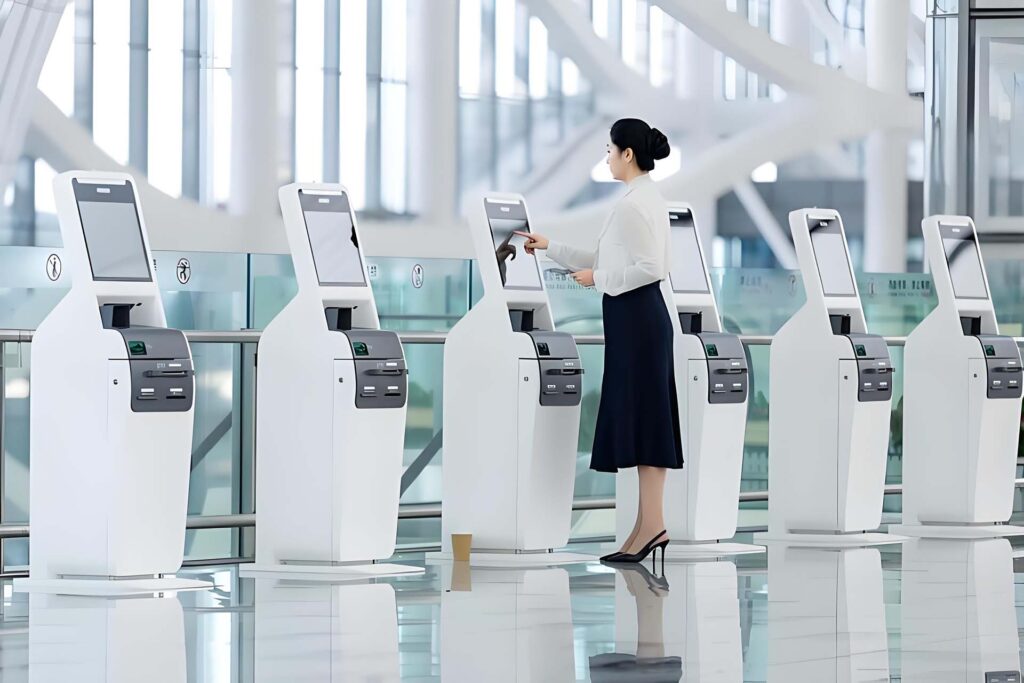
Kiosks are transforming how businesses deliver self-service experiences across retail, hospitality, healthcare, and public spaces. This article explains 7 key kiosk types, from self-order systems to information kiosks, and how each improves efficiency, customer experience, and operational flow. Understanding these solutions helps businesses choose the right Kiosk technology for their needs and stay competitive in a rapidly evolving digital environment.
Kiosk Types Explained
What Is a Kiosk
A kiosk is a digital device that helps people complete tasks or access information in public spaces. Most kiosks have a touchscreen, which makes them easy to use. People interact with kiosks to order food, check in for appointments, or find directions.
How Kiosks Are Categorized
Kiosk types explained often depend on the main task the device performs. Experts group kiosks by their primary function, such as self-service, information, or payment. This method helps people understand which kiosk fits their needs.
Here is a simple table showing the seven main types of kiosks:
| Kiosk Type | Main Purpose |
|---|---|
| Self-Service | Complete tasks |
| Information | Provide details |
| Wayfinding | Give directions |
| Ticketing | Issue tickets |
| Check-In/Check-Out | Manage arrivals |
| Payment | Process payments |
| Photo | Print or edit photos |
The types of kiosks explained in this guide help readers match solutions to their goals. Each section will describe how the kiosk works, its features, and common uses.
The next sections will break down each kiosk type. Readers will learn how each device operates and why it matters.
Self-Service Kiosks
Overview
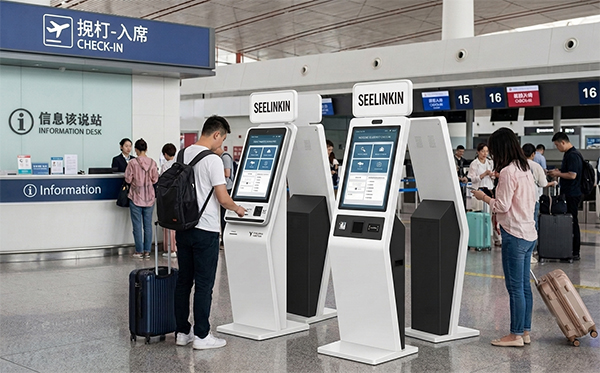
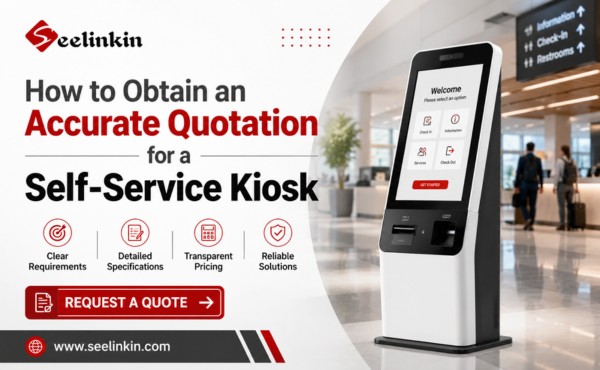
Self-service kiosks are interactive machines that allow users to complete tasks without staff assistance. These kiosks use touchscreens and simple menus to guide people through processes. Businesses install self-service kiosks to improve customer experience and streamline operations.
How They Work
Self-service kiosks operate by presenting options on a digital screen. Users tap the screen to select services, such as ordering food or checking in for appointments. The kiosk processes requests and provides instructions or receipts. Interactive features help users navigate each step easily.
Key Features
Self-service kiosks include several important features:
- Touchscreen interface for easy navigation
- Secure payment processing
- Clear instructions and prompts
- Accessibility options for all users
- Interactive menus for service selection
These kiosks focus on automating routine tasks and improving customer experience. Interactive design ensures users can complete actions quickly.
| Feature | Benefit |
|---|---|
| Touchscreen | Simple operation |
| Payment system | Secure transactions |
| Accessibility | Inclusive for everyone |
| Interactive menus | Easy service selection |
Common Uses
Self-service kiosks appear in many public spaces. People use them for self-service tasks like checking in at hotels, buying tickets, or ordering food. Airports, restaurants, and retail stores rely on these kiosks to handle routine services. Self-service kiosks help businesses manage high volumes and improve customer experience.
Information Kiosks
Overview
Information kiosks help people access information quickly in public places. These kiosks use digital screens to display answers to common questions. People use them to find details about services, schedules, or locations.
Information kiosks appear in airports, malls, museums, and healthcare facilities. They help visitors access information without asking staff for help. Many businesses use these kiosks to improve customer service.
How They Work
An information kiosk uses a touchscreen or keypad for user input. People tap or type to select topics or search for details. The kiosk then displays the requested information on the screen.
Some kiosks offer maps or step-by-step guides. Others provide answers to frequently asked questions. Users can access information at any time, which makes these kiosks very convenient.
Key Features
Information kiosks include several helpful features:
- Large, easy-to-read screens
- Simple menus for fast navigation
- Search functions for quick results
- Audio support for people with vision needs
- Multi-language options
The main goal is to help users access information with little effort. These kiosks often update content automatically to stay current.
| Feature | Benefit |
|---|---|
| Touchscreen | Easy to use |
| Search tool | Fast access to details |
| Audio support | Helps more users |
| Language options | Reaches a wider audience |
Common Uses
People use information kiosks in many settings. In malls, they access information about store locations and hours. In airports, travelers check flight details and gate numbers.
Healthcare facilities use information kiosks to help patients access information about services and directions. Museums install these kiosks to provide exhibit details. These devices make it easy for anyone to access information when they need it.
Wayfinding Kiosks
Overview
Wayfinding kiosks help people find their way in large or complex spaces. These devices use digital screens to show maps and directions. Many public places use this type of kiosk to guide visitors.
How They Work
A wayfinding kiosk displays a map of the location. Users touch the screen to select their destination. The kiosk then shows the best route and may highlight important points along the way. Some kiosks offer step-by-step directions or print a small map for users.
Key Features
Wayfinding kiosks include several useful features:
- Interactive touchscreen for easy navigation
- Detailed maps with clear labels
- Search function to find specific locations
- Accessibility options for users with disabilities
- Multi-language support for diverse visitors
| Feature | Benefit |
|---|---|
| Touchscreen | Simple user interaction |
| Search tool | Quick destination finding |
| Accessibility | Inclusive for all users |
| Multi-language | Helps international guests |
These features make the kiosk easy to use for everyone.
Common Uses
Wayfinding kiosks appear in airports, hospitals, malls, and universities. Visitors use them to locate stores, offices, or departments. These kiosks help reduce confusion and save time for both guests and staff.
Ticketing Kiosks
Overview
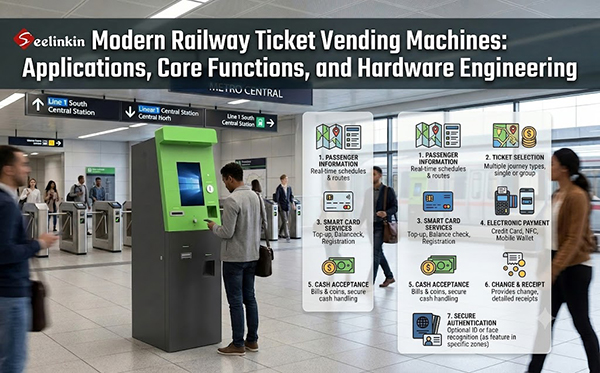
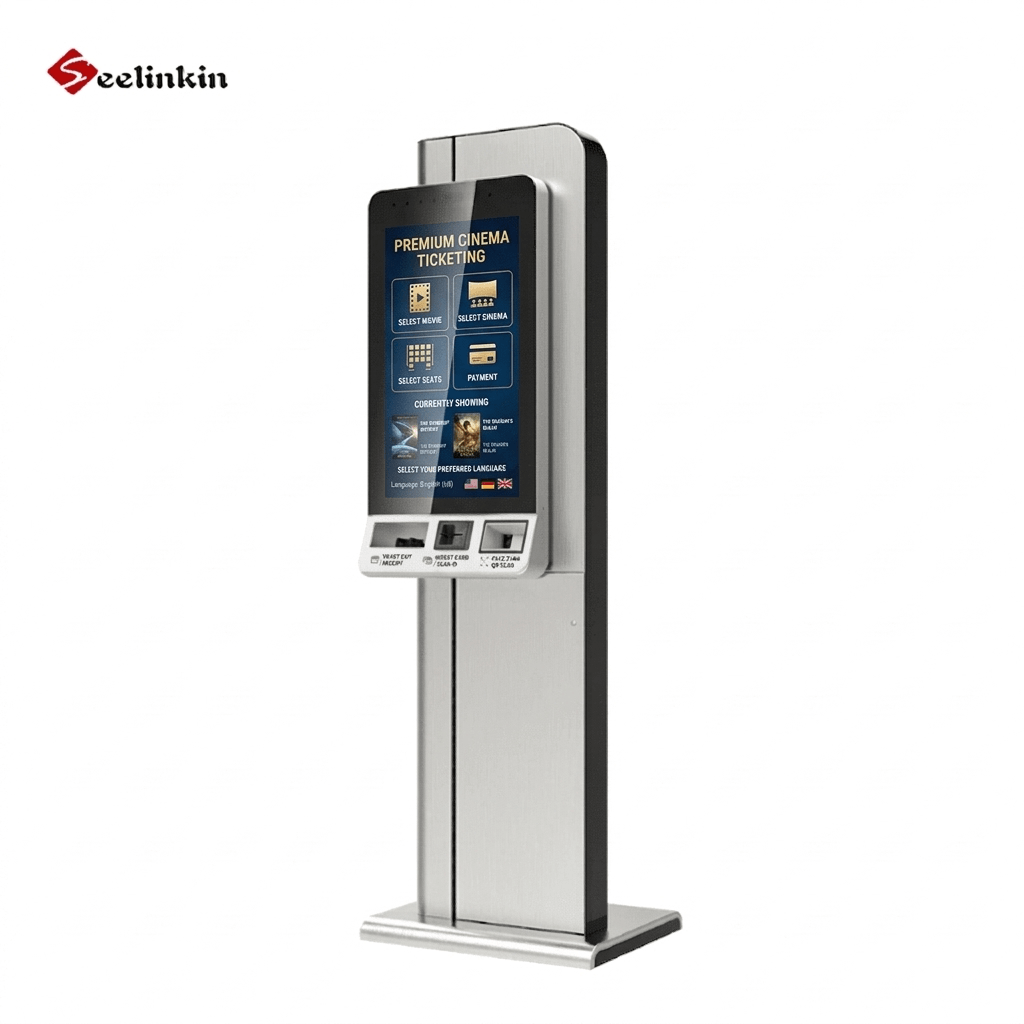
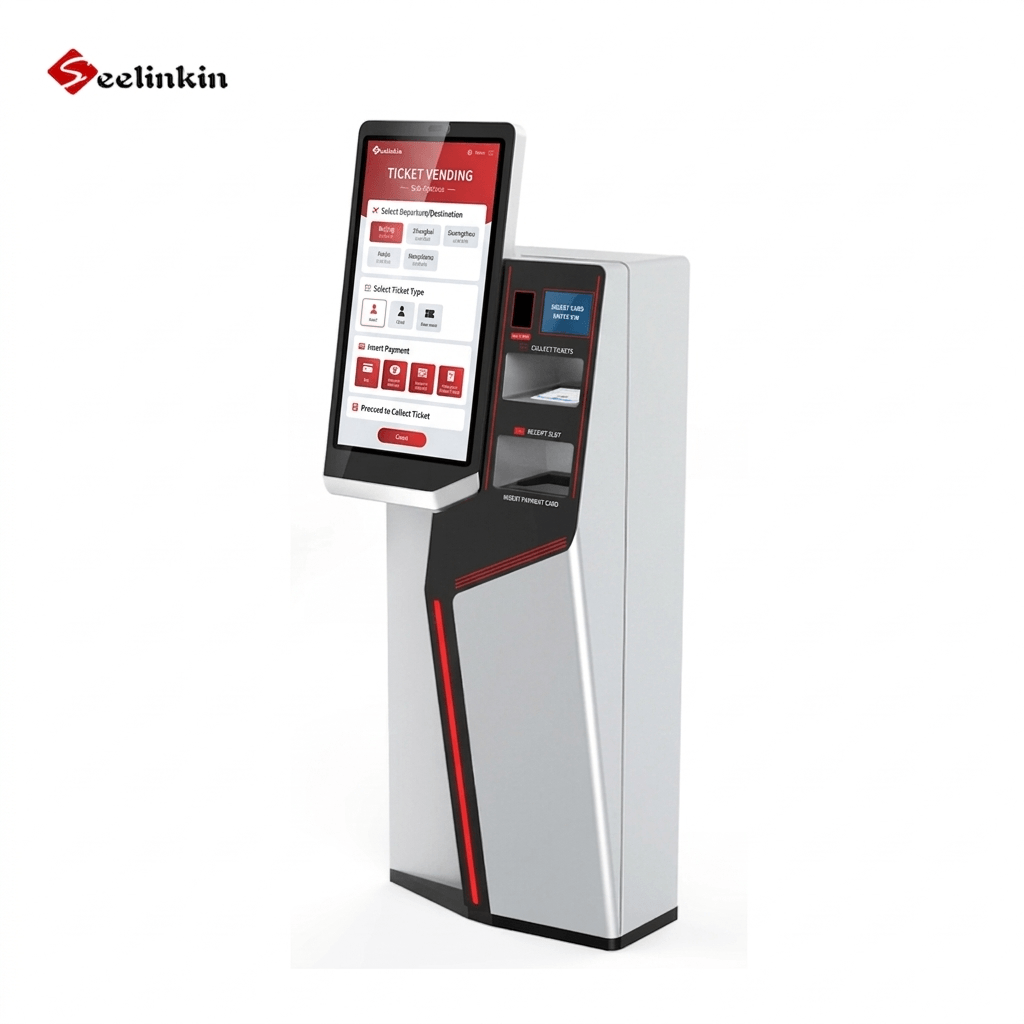
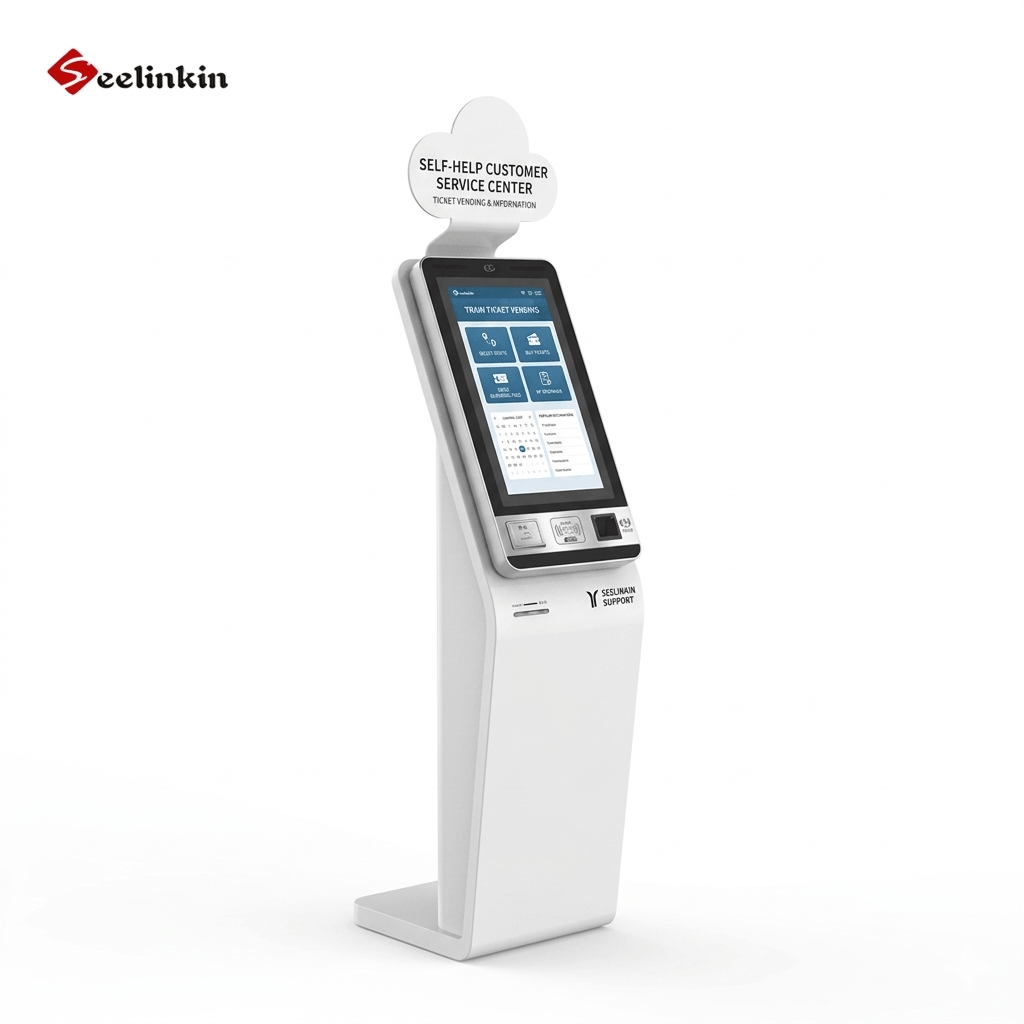
Ticketing kiosks help people buy or collect tickets in public places. These machines use digital screens to guide users through the process. Many businesses use this type of kiosk to speed up ticket sales and reduce lines.
How They Work
A ticketing kiosk displays options for different events or services. Users select the ticket they want and follow the prompts on the screen. The kiosk can print a ticket or send a digital version to a mobile device.
Some ticketing kiosks accept payment by card or mobile wallet. Others allow users to scan a code to collect pre-purchased tickets. The process is quick and does not require staff assistance.
Key Features
Ticketing kiosks include several important features:
- Touchscreen interface for easy selection
- Secure payment processing
- Fast ticket printing or digital delivery
- Barcode or QR code scanning
- Multi-language support
These features help users complete their tasks quickly and safely. The kiosk also updates ticket availability in real time.
| Feature | Benefit |
|---|---|
| Touchscreen | Simple navigation |
| Payment options | Flexible transactions |
| Code scanning | Easy ticket collection |
| Multi-language | Accessible for all visitors |
Common Uses
People use ticketing kiosks in many locations. You can find them at train stations, movie theaters, museums, and amusement parks. These kiosks help visitors avoid long lines and get tickets fast.
A ticketing kiosk also works well for events like concerts or sports games. Businesses choose this solution to improve customer service and manage crowds more efficiently.
Check-In/Check-Out Kiosks
Overview
Check-in/check-out kiosks help people register their arrival or departure in public spaces. These devices use digital screens to guide users through the process. Many businesses use this type of kiosk to manage visitor flow and improve efficiency.
How They Work
A kiosk for check-in or check-out displays simple prompts on its screen. Users enter their information, such as a name or confirmation code. The kiosk then confirms the entry and may print a badge or receipt.
Some kiosks connect to a central system to update records in real time. Others send notifications to staff when a guest arrives or leaves. This process reduces the need for manual paperwork.
Key Features
Check-in/check-out kiosks include several important features:
- Touchscreen interface for easy use
- Secure data entry and privacy protection
- Fast badge or receipt printing
- Integration with scheduling or visitor management systems
- Accessibility options for all users
| Feature | Benefit |
|---|---|
| Touchscreen | Simple navigation |
| Secure data handling | Protects user information |
| Badge printing | Quick visitor identification |
| System integration | Real-time updates |
These features help businesses manage arrivals and departures smoothly.
Common Uses
You can find this type of kiosk in hotels, offices, hospitals, and event venues. Guests use them to check in for appointments, register for events, or confirm departures. Schools and clinics also use these kiosks to track visitors and improve security.
Check-in/check-out kiosks save time for both staff and visitors. They help reduce lines and make the process more convenient for everyone.
Payment Kiosks
Overview
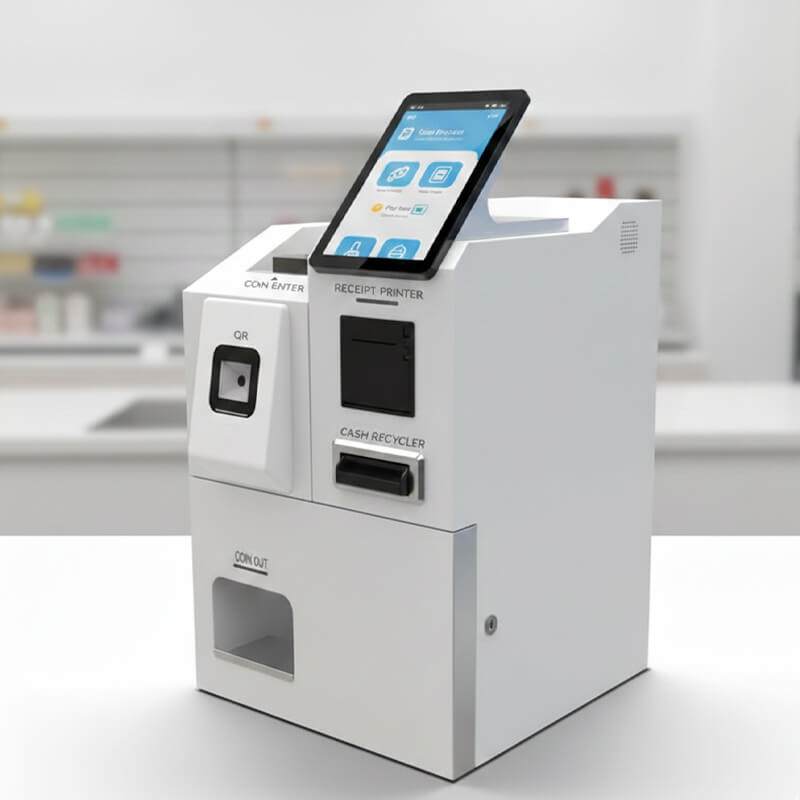
Payment kiosks are digital machines that help people make payments without staff assistance. These kiosks appear in many public places, such as malls, transit stations, and utility offices. They provide a fast and secure way to complete financial tasks.
How They Work
A payment kiosk uses a touchscreen to guide users through each step. People select the service they need, enter account details, and choose a payment method. The kiosk accepts cash, credit cards, or mobile payments, then prints a receipt or sends a digital confirmation.
Key Features
Payment kiosks include several important features that make them easy to use:
- Touchscreen interface for simple navigation
- Multiple payment options, including cash and cards
- Secure data encryption to protect user information
- Receipt printing or digital confirmation
- Multilingual support for diverse users
| Feature | Benefit |
|---|---|
| Touchscreen | Easy to use |
| Multiple payment types | Flexible for users |
| Data security | Protects sensitive information |
| Receipt options | Proof of transaction |
These features help users perform transactions quickly and safely.
Common Uses
People use payment kiosks to pay bills, buy transit passes, or reload prepaid cards. Many parking lots use these kiosks for ticket payments. Utility companies install payment kiosks to let customers pay bills at any time.
Payment kiosks also appear in government offices for license renewals or fines. These kiosks reduce wait times and help businesses handle more transactions each day.
Photo Kiosks
Overview
Photo kiosks are digital machines that let people print, edit, or share photos in public places. These devices help users turn digital images into physical prints or gifts. Many people use a photo kiosk for quick and easy photo services.
How They Work
A photo kiosk usually has a touchscreen and a card reader. Users upload photos from a phone, USB drive, or memory card. The kiosk displays the images and guides users through editing or printing steps.
Some kiosks offer simple editing tools, such as cropping or adding filters. After making changes, users select print sizes or products. The kiosk then prints the photos or creates items like calendars or greeting cards.
Key Features
Photo kiosks include several helpful features:
- Touchscreen interface for easy navigation
- Multiple input options (USB, memory card, wireless)
- Basic editing tools for quick adjustments
- Fast, high-quality printing
- Options for photo gifts and enlargements
| Feature | Benefit |
|---|---|
| Touchscreen | Simple user experience |
| Editing tools | Personalize photos |
| Multiple inputs | Flexible photo access |
| Fast printing | Quick results |
Common Uses
People use photo kiosks in stores, malls, and airports. These devices help users print vacation photos, create gifts, or make passport pictures. Businesses install a photo kiosk to offer convenient photo services without staff assistance.
Types of Kiosks: Comparison and Benefits
Key Benefits
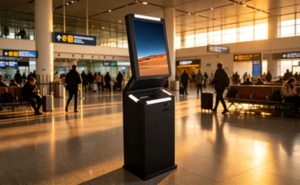
Each kiosk offers unique advantages. Self-service kiosks improve speed and reduce wait times. Information kiosks help visitors find answers quickly. Wayfinding kiosks guide people through large spaces. Ticketing kiosks make buying tickets simple. Check-in/check-out kiosks manage arrivals and departures efficiently. Payment kiosks allow secure transactions. Photo kiosks let users print and edit images with ease.
Ideal Applications
Different kiosks fit specific environments. Self-service kiosks work well in restaurants and hotels. Information kiosks suit airports, malls, and museums. Wayfinding kiosks help in hospitals and universities. Ticketing kiosks are common at theaters and transit stations. Check-in/check-out kiosks support offices and clinics. Payment kiosks are useful in utility offices and parking lots. Photo kiosks are found in stores and airports.
| Kiosk Type | Best Location |
|---|---|
| Self-Service | Restaurants, Hotels |
| Information | Airports, Museums |
| Wayfinding | Hospitals, Malls |
| Ticketing | Theaters, Stations |
| Check-In/Check-Out | Offices, Clinics |
| Payment | Utility Offices, Lots |
| Photo | Stores, Airports |
Differences and Overlaps
Kiosks differ in their main purpose. Some focus on information, while others handle payments or tickets. Many kiosks share features like touchscreens and accessibility options. For example, self-service and payment kiosks both improve customer experience and offer secure transactions. Information and wayfinding kiosks both help visitors find what they need.