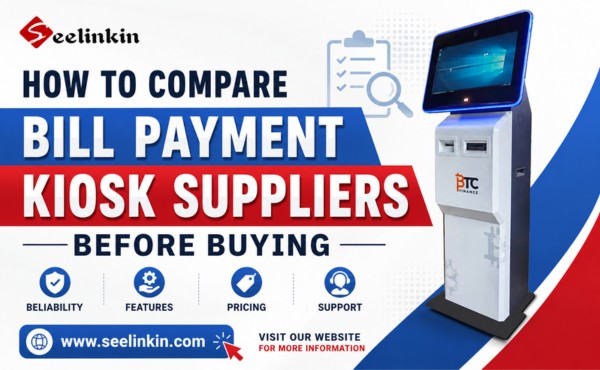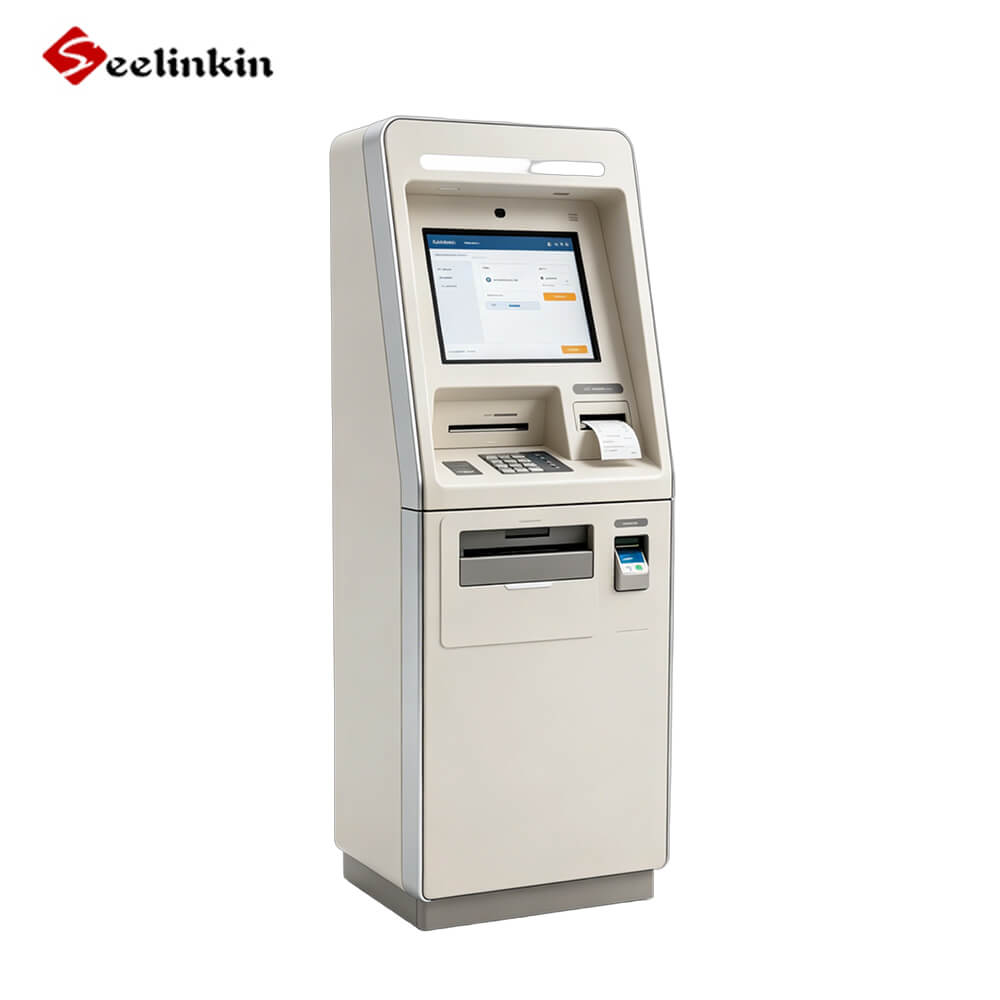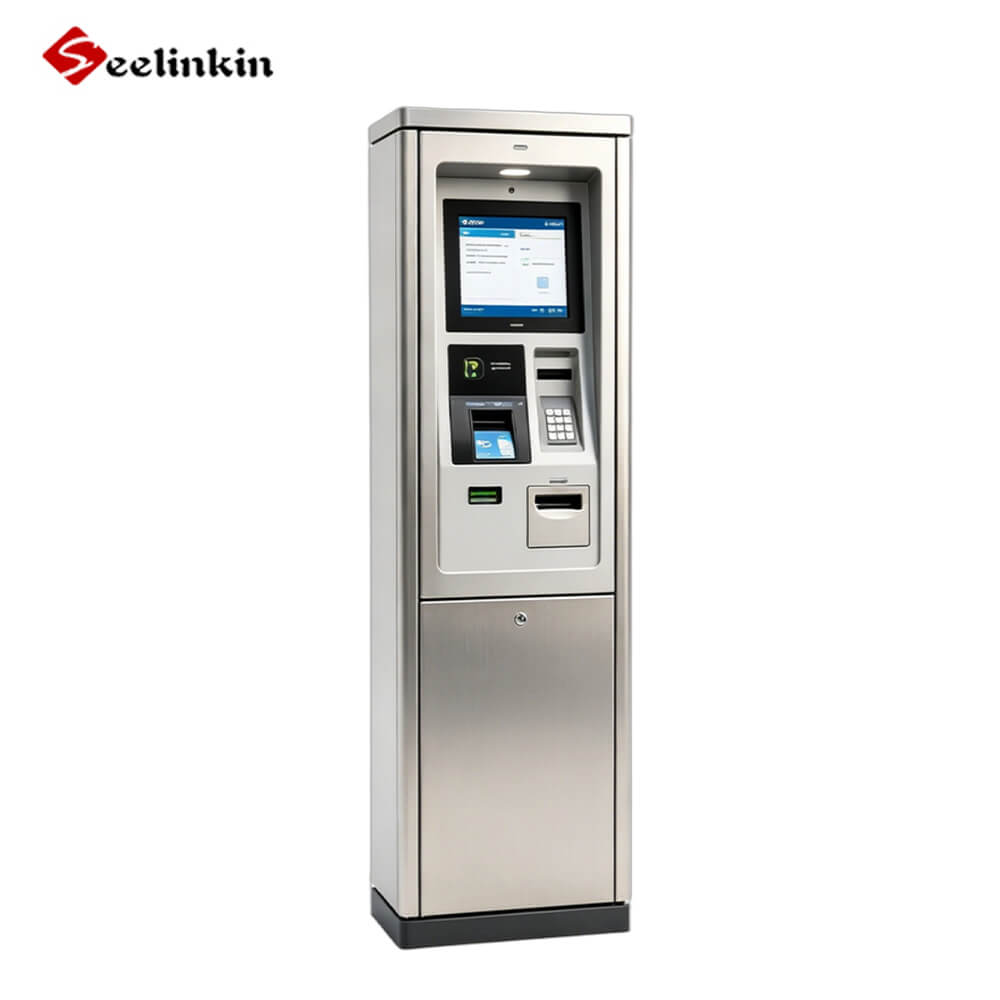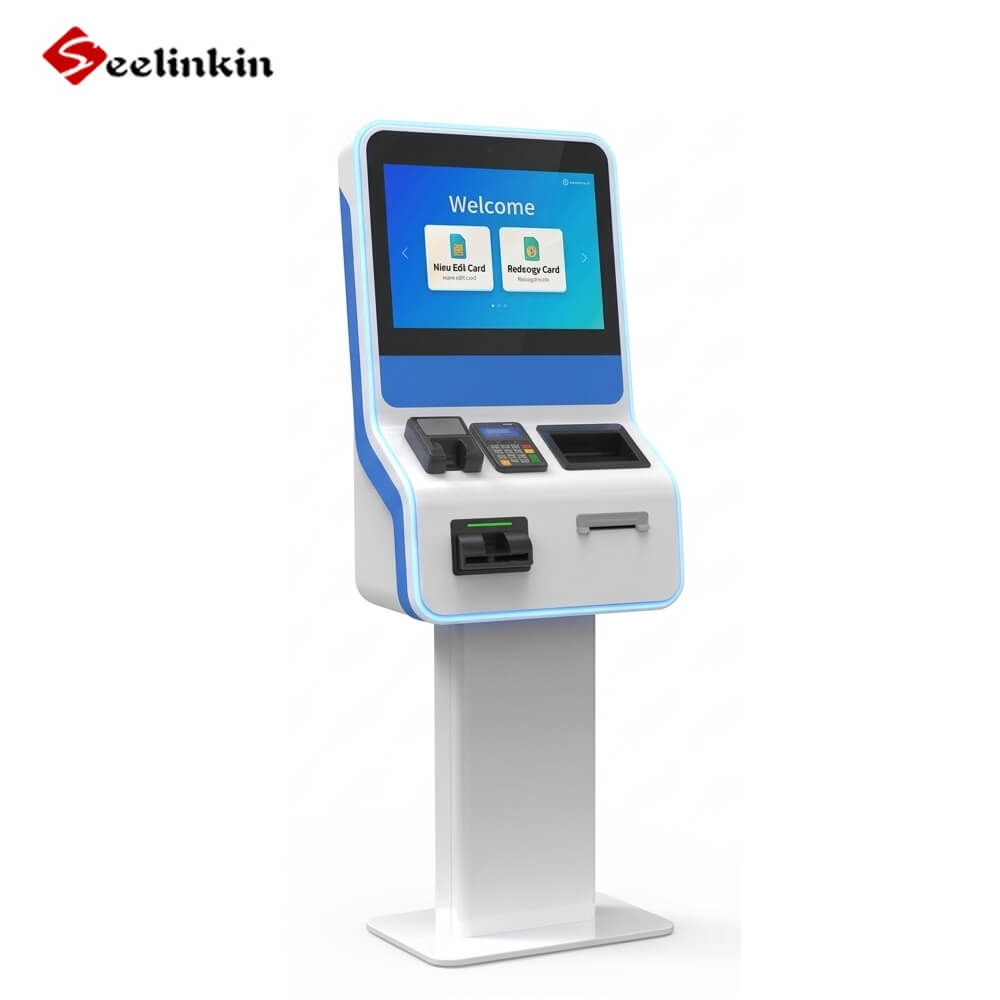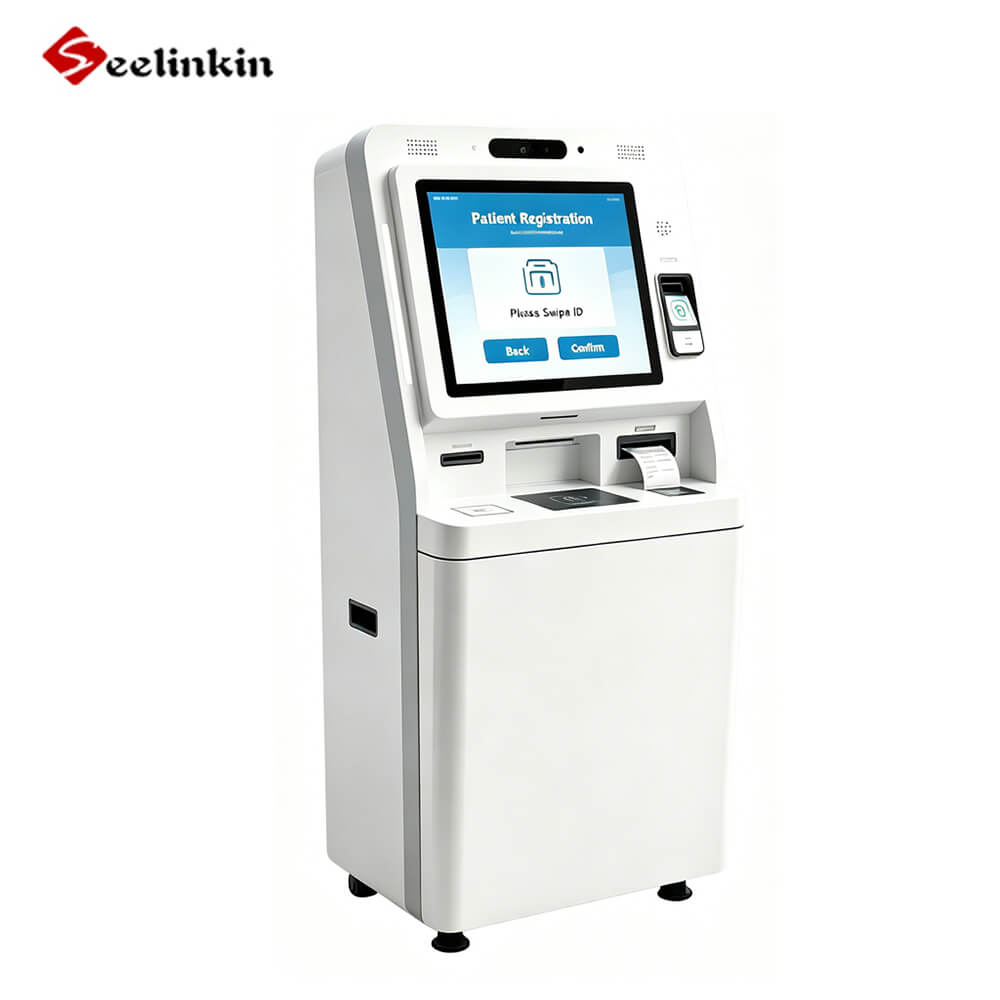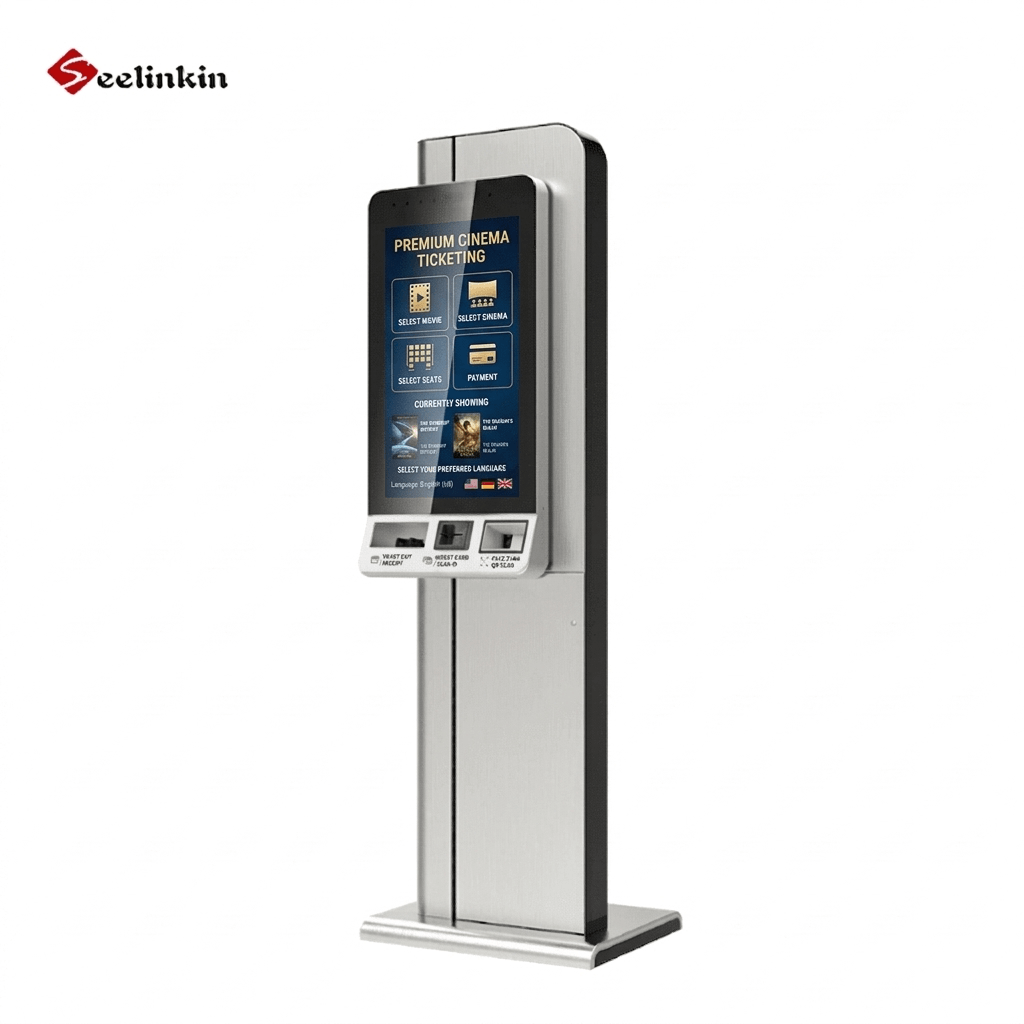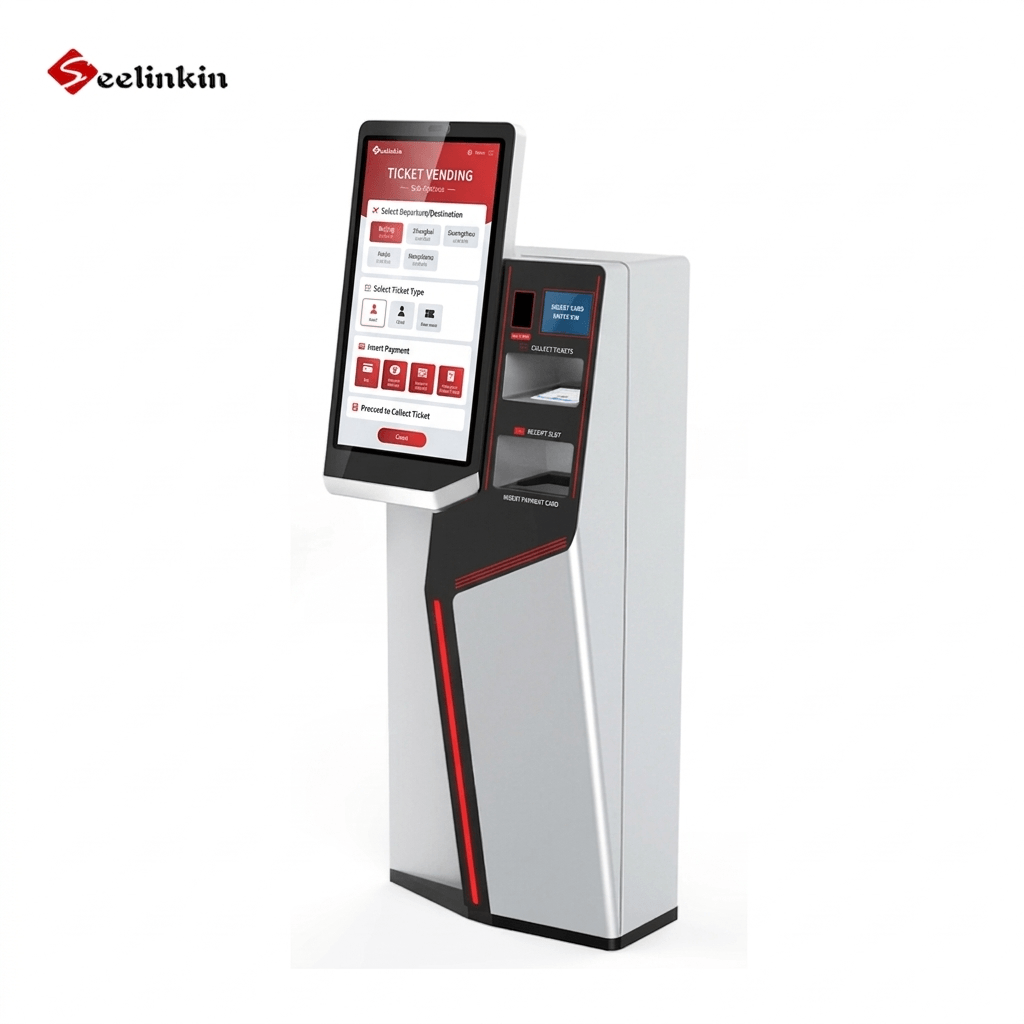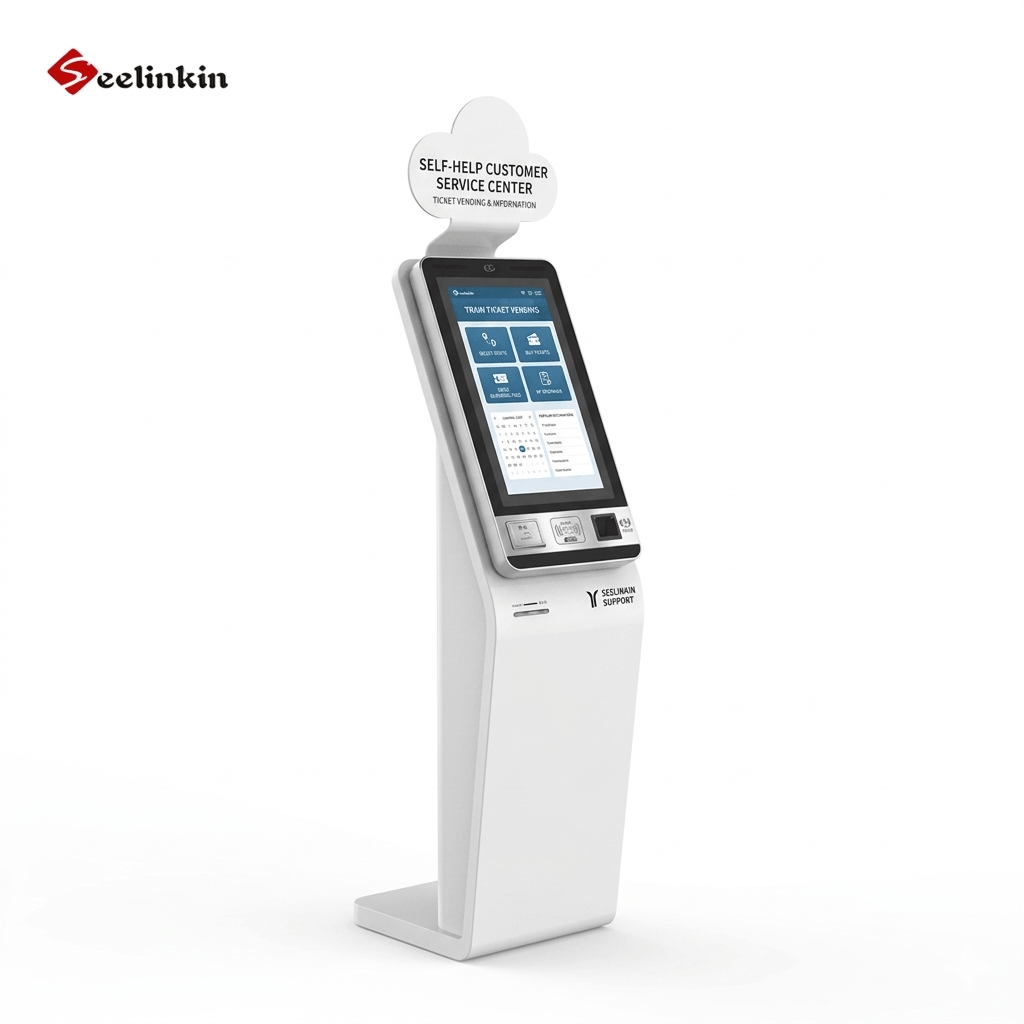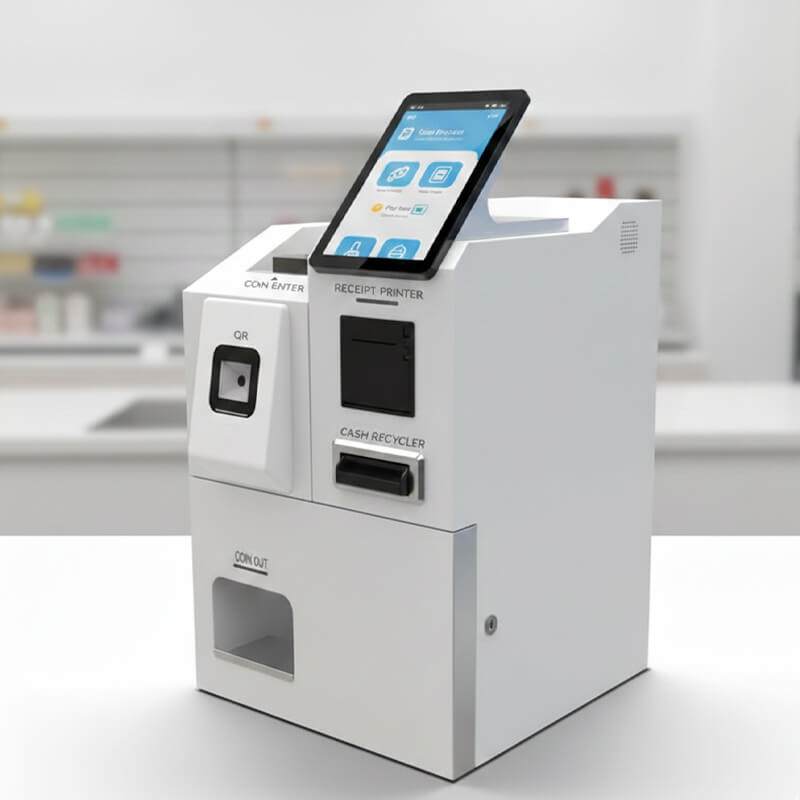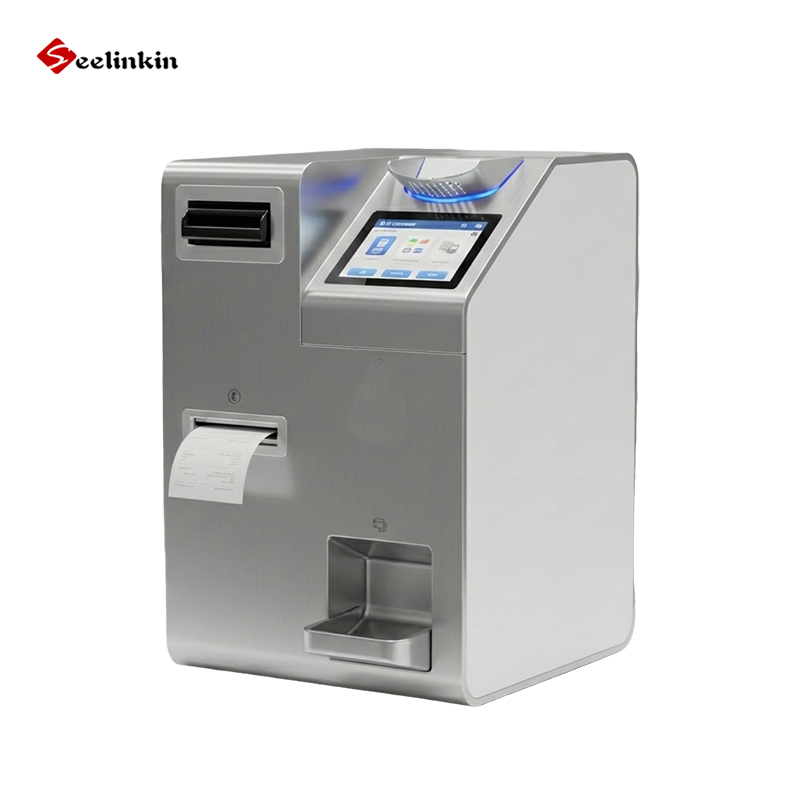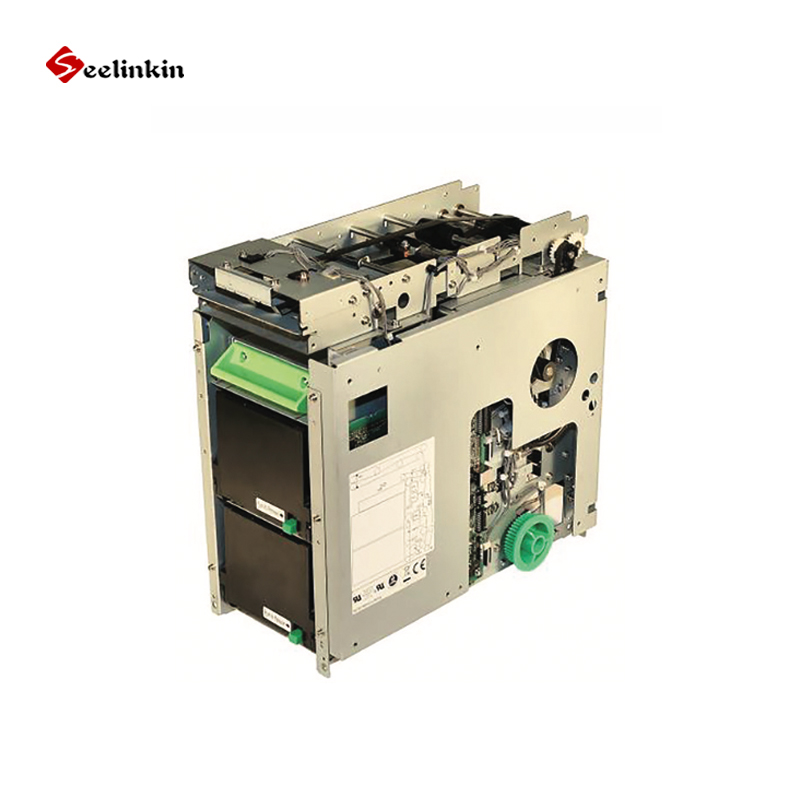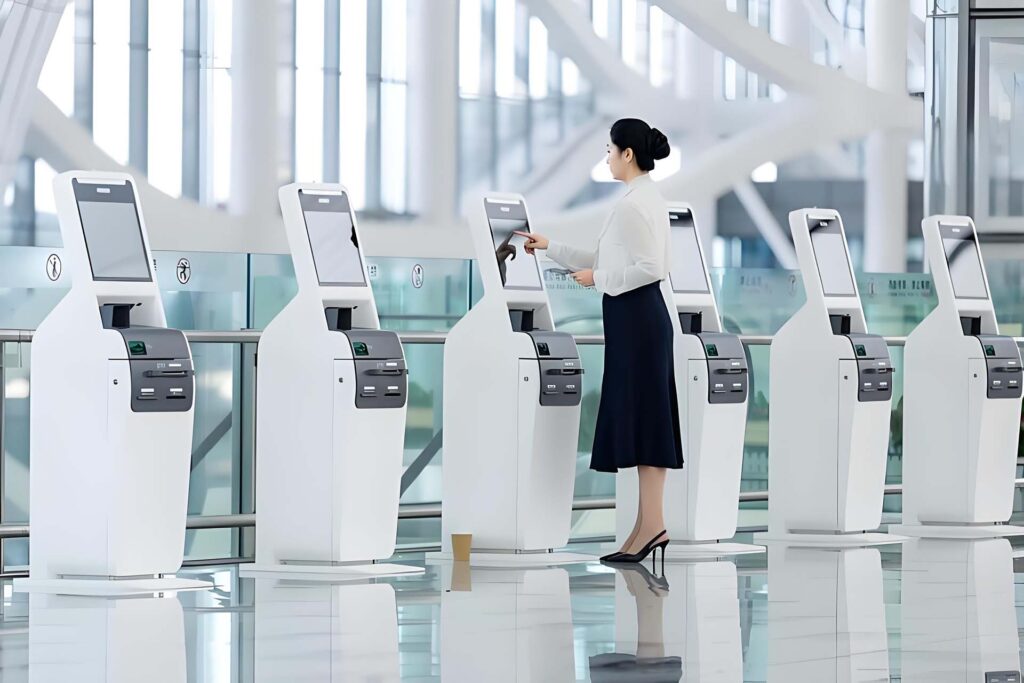
Choosing the right Self-Service Kiosk Suppliers is essential for businesses aiming to improve efficiency, customer experience, and long-term operational success. A reliable supplier provides quality hardware, compliance support, and tailored solutions that match specific industry needs. This guide explores key factors to consider when selecting a partner, helping you make informed decisions and avoid costly mistakes while ensuring sustainable performance.

Choosing Reliable Suppliers
Key Qualities to Look For
Choosing Reliable Suppliers means looking for certain qualities that set them apart. A good supplier uses high-quality components in every kiosk. This helps the kiosk last longer and work better. Customizable designs are also important. These allow you to match the kiosk to your business needs. Durable enclosures protect the kiosk from damage and wear.
A reliable supplier offers clear communication and fast response times. They should provide detailed product information and answer your questions quickly. Good suppliers also have a proven track record of meeting deadlines.
Look for these qualities:
-
- High-quality components
- Customizable designs
- Durable enclosures
- Clear communication
- On-time delivery
Choosing Reliable Suppliers with these qualities can help your business avoid problems and reduce downtime.
Importance of Industry Experience
Industry experience matters when Choosing Reliable Suppliers. A supplier who knows your industry understands your unique challenges. They can recommend the right type of kiosk for your needs. For example, a supplier with retail experience knows what works best in busy stores.
Suppliers with industry experience can also help with compliance issues. They know about ADA requirements and other rules that affect your business. This knowledge can save you time and money.
Choosing Reliable Suppliers with industry experience gives you confidence. You know they can handle your project and deliver the right solution.
Defining Your Business Needs
Setting Kiosk Objectives
Every business must set clear objectives for its self-service kiosks. Objectives help guide the selection process and ensure the kiosk meets business goals. Common objectives include improving customer service, reducing wait times, and increasing sales.
Objectives may change based on industry. For example, a restaurant may want faster ordering, while a hospital may focus on patient check-in. Setting objectives early makes it easier when Choosing Reliable Suppliers.
Identifying Essential Features
Each kiosk should have features that match your business needs. Essential features often include touch screens, payment systems, and printers. Some businesses need barcode scanners or cameras.
Essential features to consider:
-
- Touch screen interface
- Secure payment options
- Receipt or ticket printer
- Barcode scanner
- Camera for identification
A table can help organize feature priorities:
| Feature | Importance | Reason |
|---|---|---|
| Touch Screen | High | Easy user interaction |
| Payment System | High | Secure transactions |
| Printer | Medium | Receipts/tickets |
| Barcode Scanner | Medium | Inventory/ID |
| Camera | Low | Security/ID |
Choosing the right features ensures the kiosk supports your business operations.
Considering Space and ADA Compliance
Space and accessibility are important when planning kiosk placement. Measure the area where the kiosk will be installed. Make sure there is enough room for users to interact comfortably.
ADA compliance means the kiosk must be accessible to all users, including those with disabilities. Check height, reach, and clear floor space. Suppliers with experience in ADA compliance can help you meet legal requirements.
Choosing Reliable Suppliers who understand space and ADA compliance helps avoid costly mistakes and ensures all customers can use your kiosks.
Evaluating Kiosk Quality
Hardware Durability
Hardware durability is a key factor when choosing a kiosk supplier. Strong materials help kiosks withstand heavy use and harsh environments. Stainless steel and tough plastics often provide better protection.
A durable kiosk reduces maintenance costs and downtime. It also keeps your investment safe over time.
Interface and User Experience
The interface shapes how users interact with the kiosk. Clear menus and easy navigation improve satisfaction. Large touch screens and simple layouts help users complete tasks quickly.
Features that enhance user experience:
-
- Responsive touch screens
- Intuitive menu design
- Multilingual support
- Visual cues and icons
A good interface makes the kiosk accessible to everyone. It also lowers the chance of user errors.
Security and Compliance
Security protects sensitive information and transactions. Reliable kiosks use encrypted payment systems and secure software. Compliance with industry standards ensures safety for users and businesses.
| Security Feature | Purpose |
|---|---|
| Encryption | Protects data |
| Secure Payment | Prevents fraud |
| Access Controls | Limits unauthorized use |
Security and compliance are essential for protecting your business and customers. Always review these features before making a decision.
Assessing Support and Services
Pre-Sales Consultation
A reliable supplier offers strong pre-sales consultation. This service helps you clarify your needs and understand available options. Good suppliers ask questions about your business goals and suggest solutions that fit.
Pre-sales support often includes site surveys and technical advice. Some suppliers provide mock-ups or demos to help you visualize the final product. These steps ensure you make informed decisions.
Installation and Training
Proper installation is essential for kiosk performance. Suppliers should offer professional installation services. This reduces the risk of errors and ensures the kiosk works as intended.
Training is just as important. Staff must know how to use and maintain the kiosk. Many suppliers provide on-site or virtual training sessions.
Key installation and training services:
-
- Professional setup
- User training for staff
- Maintenance instructions
A well-trained team can solve minor issues quickly. This keeps your kiosks running smoothly.
After-Sales Support
After-sales support shows the supplier’s commitment to your success. Reliable suppliers offer technical support, maintenance, and repair services. Fast response times help minimize downtime.
| Support Service | Benefit |
|---|---|
| Technical Support | Quick problem resolution |
| Maintenance Plans | Prevents breakdowns |
| Repair Services | Extends kiosk lifespan |
Strong after-sales support builds trust and ensures long-term satisfaction with your kiosks.
Checking Reputation
Reading Reviews and Testimonials
Reading reviews and testimonials helps you learn about a supplier’s reputation. Reviews from other businesses show how the supplier handles real projects. Look for comments about product quality, delivery times, and customer service.
You can find reviews on industry forums, business directories, and the supplier’s website. Testimonials often highlight successful partnerships and satisfied customers. These insights help you decide if the supplier meets your standards.
Requesting References
Requesting references is a smart step before making a decision. Reliable suppliers should provide contact information for past clients. Speaking with these clients gives you honest feedback about their experiences.
Questions to ask references:
-
- Was the project completed on time?
- Did the kiosk meet your needs?
- How did the supplier handle problems?
References can confirm the supplier’s reliability and support. They also help you understand what to expect during your own project.
Reviewing Case Studies
Reviewing case studies shows how a supplier solves real business challenges. Case studies describe the project goals, solutions, and results. They often include details about installation, customization, and support.
| What to Look For | Why It Matters |
|---|---|
| Clear objectives | Shows supplier focus |
| Measurable results | Proves effectiveness |
| Problem-solving | Demonstrates expertise |
Case studies help you see if the supplier has experience with projects like yours. They also show how the supplier handles unique needs and delivers value.
Comparing Costs and Value
Total Cost of Ownership
Total cost of ownership includes more than the price of the kiosk. It covers installation, maintenance, software updates, and support. Businesses should ask suppliers for a breakdown of all costs.
A table can help compare costs:
| Cost Type | Description |
|---|---|
| Purchase Price | Initial payment |
| Installation | Setup and configuration |
| Maintenance | Repairs and upkeep |
| Software Updates | System improvements |
| Support | Technical assistance |
Hidden Fees
Hidden fees can surprise buyers after the purchase. These fees may include shipping, extended warranties, or extra training sessions. Always ask suppliers to list all possible charges.
Common hidden fees:
-
- Shipping and delivery
- Customization requests
- Additional training
- Extended warranty
Understanding hidden fees helps prevent budget problems.
Balancing Price and Quality
Price and quality must be balanced for the best value. Low-cost kiosks may lack durability or important features. High-quality kiosks often cost more but last longer and perform better.
Consider these factors:
-
- Material strength
- Feature reliability
- Supplier reputation
Researching and Vetting

Creating a Shortlist
Start by gathering information on potential kiosk suppliers. Use online directories, industry forums, and trade shows to find options. Make a list of suppliers who meet your basic needs and have positive feedback.
Check each supplier’s experience and product range. Remove any supplier who does not offer the type of kiosk you need. Focus on Choosing Reliable Suppliers who show a strong track record in your industry.
Requesting Proposals and Demos
Contact each supplier on your shortlist. Ask for detailed proposals that outline their solutions, pricing, and timelines. Request a live or virtual demo to see the kiosk in action.
A demo helps you judge the kiosk’s interface and build quality. Use this time to ask questions about customization and support. Take notes on how each supplier responds to your needs.
| Evaluation Criteria | Why It Matters |
|---|---|
| Demo Quality | Shows real features |
| Proposal Clarity | Eases comparison |
| Responsiveness | Reflects reliability |
Reviewing Service Agreements
Read all service agreements carefully before making a decision. Look for details about warranty, support, and maintenance. Make sure the agreement covers installation, training, and after-sales service.
Compare agreements from each supplier side by side. Choose the supplier who offers clear terms and strong support. This step helps ensure you select a partner who will stand by your business.
Conclusion
Choosing Reliable Suppliers is essential for ensuring long-term performance, efficiency, and return on investment in self-service kiosk projects. By focusing on product quality, industry experience, customization, compliance, and strong after-sales support, businesses can reduce operational risks and improve user experience. Careful evaluation of cost, reputation, and service agreements helps secure dependable partnerships that support sustainable growth and consistent service delivery.