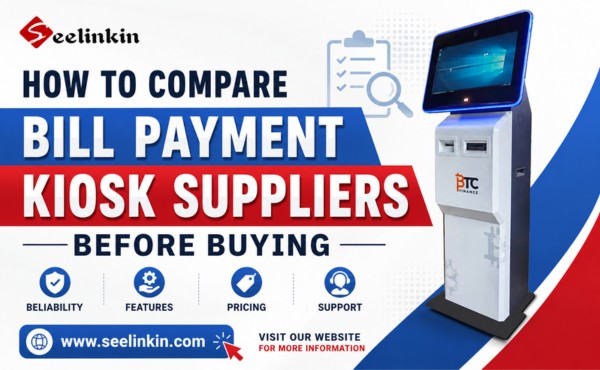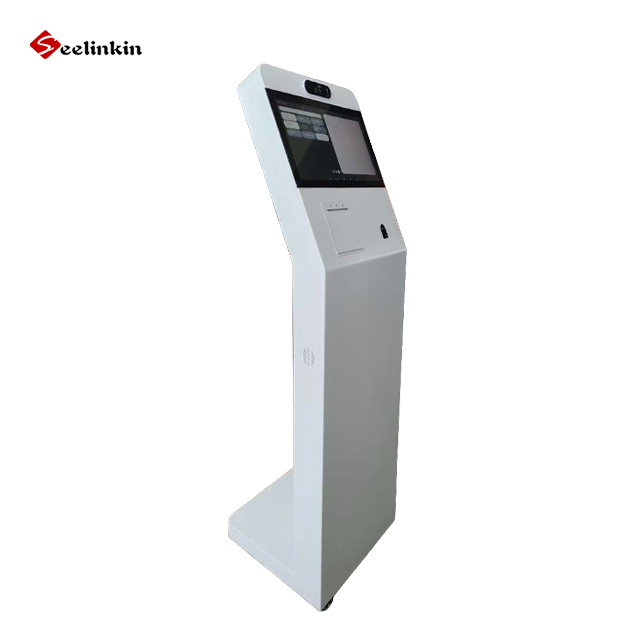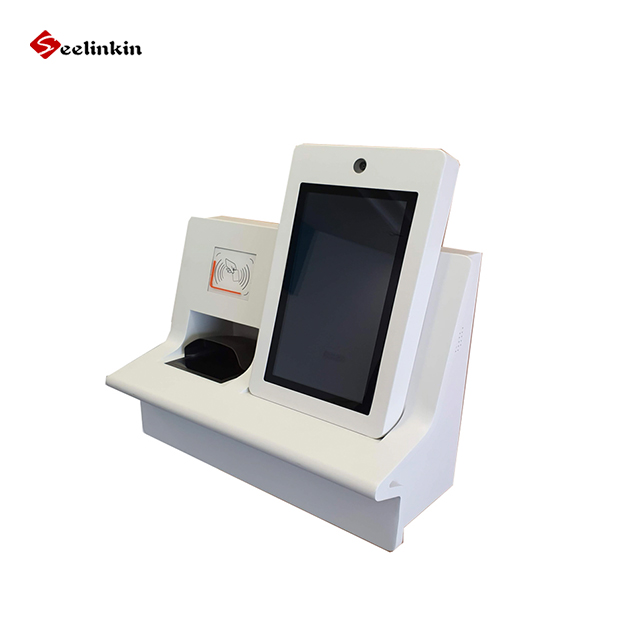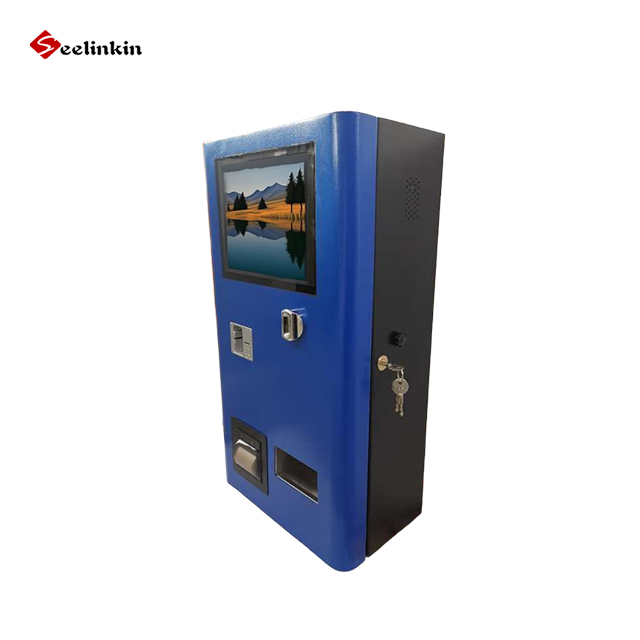
To request an accurate quote, start by stating your project goals and requirements. Clear details about your self-service kiosk application, hardware, and software help suppliers understand your needs. Accurate quoting improves pricing and supports planning for quality solutions. Early research into kiosk suppliers ensures reliable results.
Define Your Self-Service Kiosk Application First
Choosing the right application is the first step in getting an accurate self-service kiosk quote. Each type of kiosk serves a different purpose and affects the self-service kiosk cost. Clear application details help kiosk suppliers recommend the best solutions.
Airport Check-in Kiosk
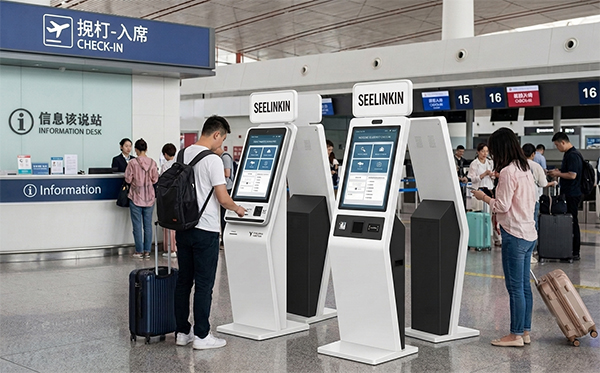
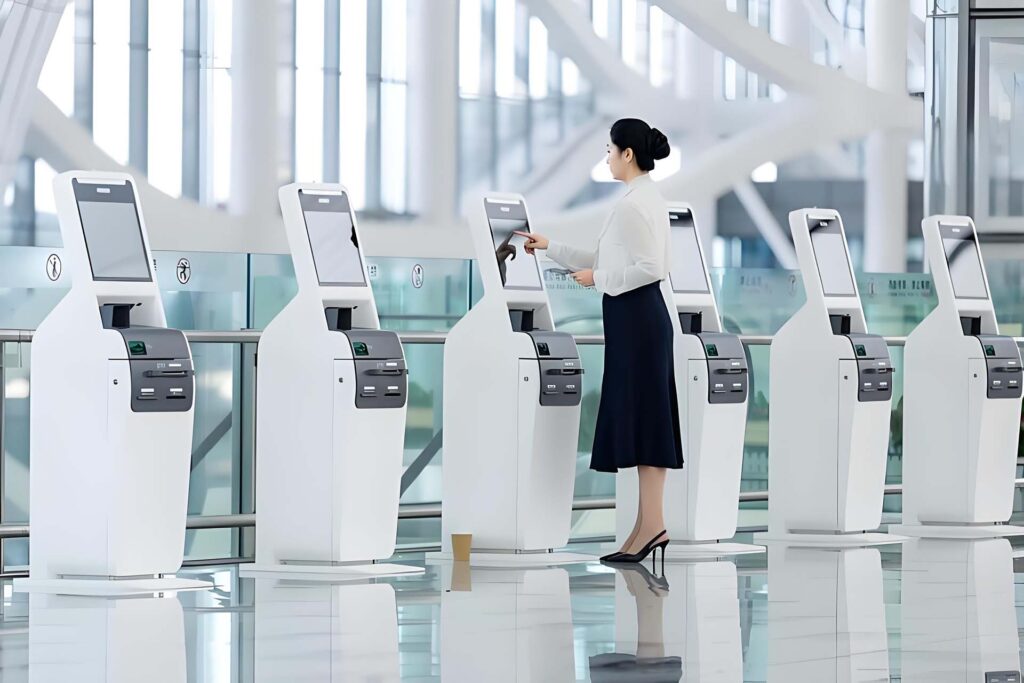
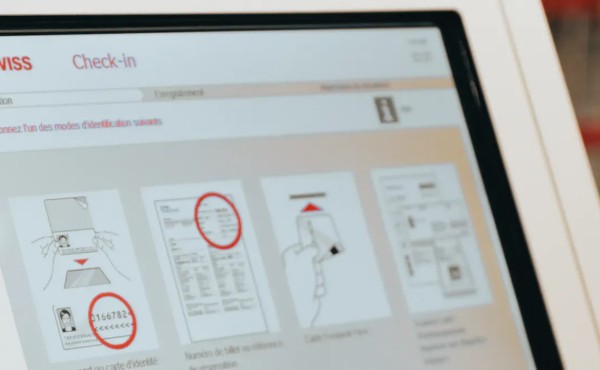
Airport check-in kiosks help travelers check in quickly. These kiosks often need passport scanners and boarding pass printers. The average self-ordering kiosk costs for airports can be higher due to advanced hardware.
Hotel Self Check-in Kiosk
Hotel self check-in kiosks allow guests to check in and get room keys without waiting. These kiosks may include ID scanners and payment modules. Hotels can improve service quality and reduce labor costs with these kiosks.
Payment Kiosk
Payment kiosks let users pay bills or buy products. They often include cash acceptors, card readers, and receipt printers. Payment kiosks can lower staff workload and speed up transactions.
Ticketing Kiosk
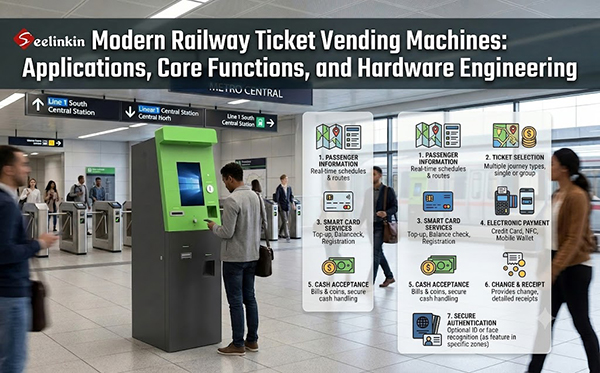
Ticketing kiosks sell tickets for events, transport, or attractions. These kiosks need touch screens and printers. The self-service kiosk cost for ticketing depends on the features and order quantity.
Restaurant Self-Service Kiosk
A restaurant self-service kiosk lets customers order food and pay at their table or at the entrance. These kiosks can include menu displays, card readers, and receipt printers. Many restaurants choose these kiosks to improve service speed and reduce errors.
| Kiosk Type | Common Features | Main Benefit |
|---|---|---|
| Airport Check-in Kiosk | Passport scanner, printer | Fast check-in |
| Hotel Self Check-in Kiosk | ID scanner, payment module | Easy guest check-in |
| Payment Kiosk | Card reader, cash acceptor | Quick payments |
| Ticketing Kiosk | Touch screen, printer | Fast ticket sales |
| Restaurant Self-Service Kiosk | Menu display, card reader | Faster food ordering |
Confirm the Main Kiosk Hardware Configuration
Choosing the right hardware is essential for any kiosk project. Hardware affects both performance and user experience. Suppliers need clear details to provide an accurate quote.
Screen Size and Touch Type
Screen size impacts visibility and usability. Common sizes range from 15 to 32 inches. The touch screen interface is important for easy navigation. Some kiosks use capacitive touch, while others use resistive touch. Larger screens suit ticketing kiosks and restaurant kiosks. Smaller screens fit payment kiosks in compact spaces.
Printer, Scanner and Camera Options
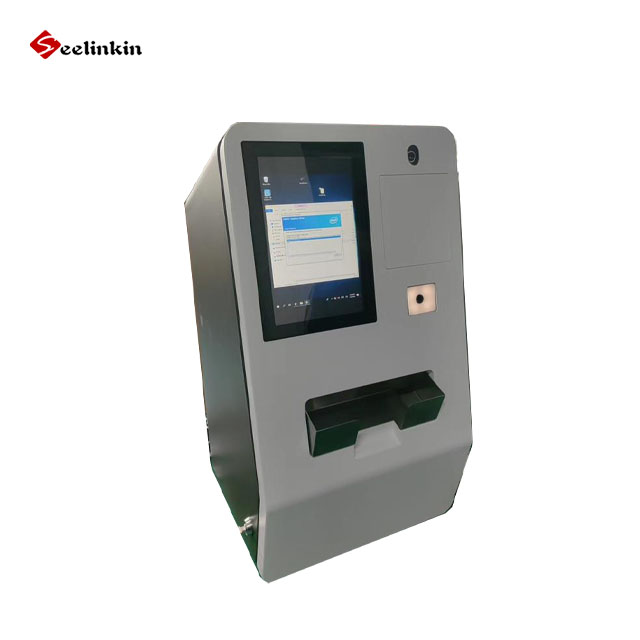
Printers are needed for receipts, tickets, or boarding passes. Scanners help with ID verification or barcode reading. Cameras can support facial recognition or security. Payment kiosks often require receipt printers. Airport check-in kiosks may need passport scanners. Quality hardware ensures reliable operation.
| Hardware Option | Common Use | Benefit |
|---|---|---|
| Printer | Receipts, tickets | Fast document output |
| Scanner | ID, barcode, passport | Quick data capture |
| Camera | Security, recognition | Enhanced safety |
Card Reader, NFC and Payment Module
Card readers allow users to pay with credit or debit cards. NFC modules support contactless payments. Payment modules handle cash, coins, or mobile payments. Secure payment options protect user data. Payment kiosks must have reliable modules for fast transactions. Ticketing kiosks also benefit from multiple payment methods.
- Card reader: Accepts card payments
- NFC: Enables contactless transactions
- Payment module: Supports cash and mobile payments
Specify the Operating System and Software Needs
Windows or Android Operating System
The operating system is a key part of any kiosk. Most kiosks use either Windows or Android. Windows offers strong compatibility with many business applications. Android provides a user-friendly interface and lower hardware costs. The choice depends on your software needs and the type of kiosk you plan to deploy.
Software Integration and API Support
Software integration allows your kiosk to connect with other systems. Many projects need the kiosk to work with payment gateways, booking systems, or loyalty programs. API support makes it easier to link the kiosk with your existing software. Good integration ensures smooth operation and better user experience.
- List the main systems your kiosk must connect to.
- Ask about available APIs and integration options.
- Check if the supplier has experience with similar solutions.
Multi-Language and Remote Management Needs
Many kiosks serve users from different backgrounds. Multi-language support helps everyone use the kiosk easily. Remote management lets you update software, monitor performance, and fix issues without visiting each kiosk. These features improve service quality and reduce maintenance time.
| Feature | Benefit |
|---|---|
| Multi-language support | Serves more users |
| Remote management | Easier updates and monitoring |
Confirm Your Custom Kiosk Design Requirements
Logo, Color and Branding Design
Branding plays a key role in any kiosk project. Suppliers can add your logo, match your brand colors, and use your preferred fonts. This helps your self-service kiosk fit into your business environment and attract users.
A clear branding plan supports a consistent look across all locations. It also helps users recognize and trust your kiosk.
Cabinet Size, Material and Structure
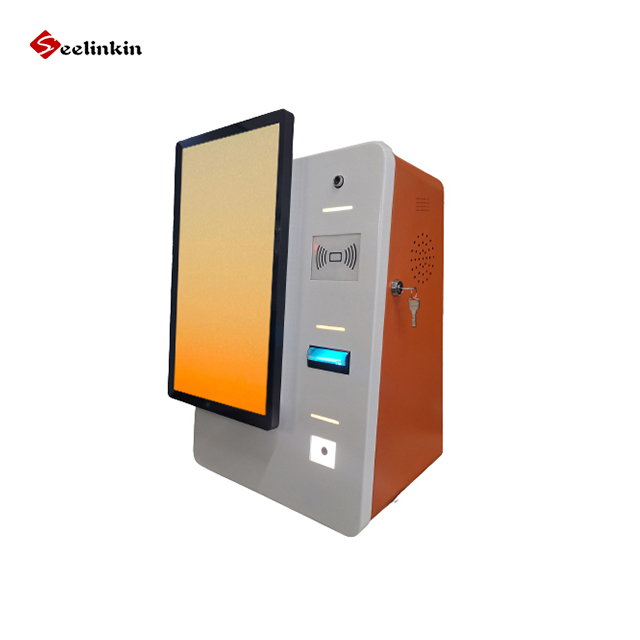
The cabinet design affects both the appearance and durability of the kiosk. You can choose from different sizes to fit your space. Materials like steel, aluminum, or tempered glass offer different levels of strength and style.
| Material | Benefit | Common Use |
|---|---|---|
| Steel | High durability | Public spaces |
| Aluminum | Lightweight, modern | Retail, offices |
| Tempered Glass | Sleek, easy to clean | High-end settings |
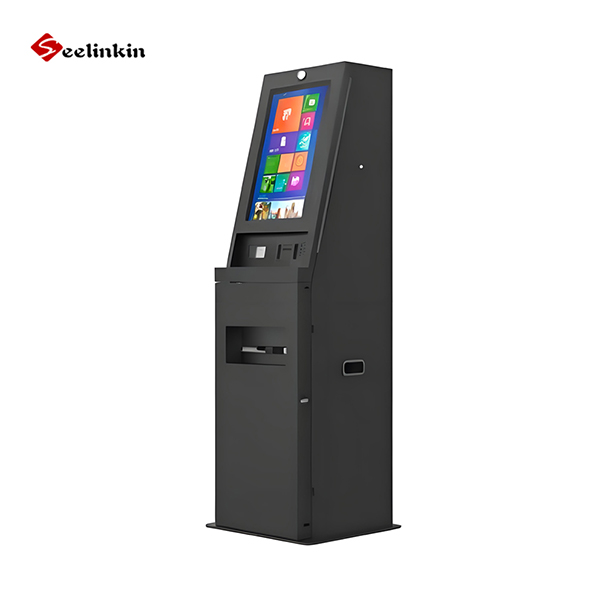
Structure options include wall-mounted, floor-standing, or countertop models. The right choice depends on your location and user needs. A well-designed cabinet improves both safety and user experience.
OEM and ODM Custom Design Options
OEM and ODM options allow for full customization of your kiosk. OEM means you can add your own branding to an existing design. ODM lets you create a new design from scratch to meet special requirements.
- OEM: Use a standard kiosk with your logo and colors.
- ODM: Develop a unique kiosk for your project.
Custom design options help you get the best solutions for your business. They also ensure high quality and a perfect fit for your needs.
Provide Order Quantity and Project Details
Sample Order or Bulk Order Quantity
Order quantity affects pricing and delivery options for any kiosk project. A sample order lets you test the self-service kiosk before a full rollout. Bulk orders often qualify for better pricing and can improve roi by lowering the cost per unit.
A clear order quantity also helps suppliers plan for quality control and timely delivery. Accurate numbers support better project planning and roi calculations.
Delivery Time and Shipping Destination
Delivery time depends on the size of your order and the location of your business. Shipping destinations can affect both pricing and logistics. Some regions may have longer transit times or higher shipping costs.
- Ask suppliers for estimated delivery times based on your location.
- Confirm if they offer tracking and insurance for your shipment.
- Check if customs or import rules apply to your destination.
Providing this information helps kiosk suppliers give you a realistic timeline and total pricing.
Warranty, Installation and After-Sales Support
Warranty terms protect your investment in a self-service project. Most suppliers offer warranties that cover parts and labor for a set period. Good after-sales support ensures your kiosk stays in top condition and maintains quality.
| Service Type | What to Ask Suppliers |
|---|---|
| Warranty | Length and coverage details |
| Installation | On-site or remote setup options |
| After-Sales Support | Maintenance, repairs, and training |
Providing full project details leads to more accurate pricing and better results for your self-service solution.
Self-Service Kiosk Quote Request Checklist
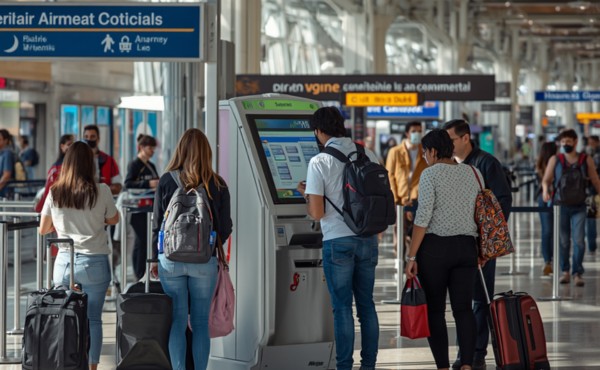
A clear checklist helps you gather all the details needed for an accurate kiosk quote. Suppliers use this information to match your project needs and deliver the right solution. This step improves quality and supports a better customer experience.
Application and Usage Scenario
Start by describing how you plan to use the kiosk. List the main tasks the kiosk will perform. For example, you might need a kiosk for ticketing, payments, or check-in. Explain where the kiosk will be placed, such as in a hotel lobby or a restaurant. This information helps suppliers understand your goals and recommend the best customization options.
Required Hardware Modules
Identify the hardware modules your kiosk must include. Common modules are touch screens, printers, scanners, cameras, and payment devices. Some projects need extra features like NFC or card readers. Make a list of all required modules and note any special requests for customization. This step ensures the kiosk will have the right features for your business.
| Hardware Module | Needed for | Customization Options |
|---|---|---|
| Touch Screen | User interaction | Size, type |
| Printer | Receipts, tickets | Speed, paper size |
| Scanner | ID, barcode, passport | Type, placement |
| Payment Device | Transactions | Card, NFC, cash options |
Software, Customization and Quantity Details
Share your software needs with the supplier. Tell them if you need Windows or Android, and list any required integrations. Mention if you need multi-language support or remote management. Customization is important for branding and unique features. State your preferred colors, logo placement, and any special design requests. Finally, specify the number of kiosks you plan to order. This helps suppliers prepare accurate pricing and production plans.
Conclusion
Clear communication and early planning help you get an accurate self-service kiosk quote. Follow each step to make sure your kiosk meets your needs and fits your budget.
- Share detailed project information with suppliers.
- Review hardware, software, and design options.
- Confirm order quantity and support services.