...
Airport check in kiosk
airport kiosk
Airport check in kiosk
airport kiosk

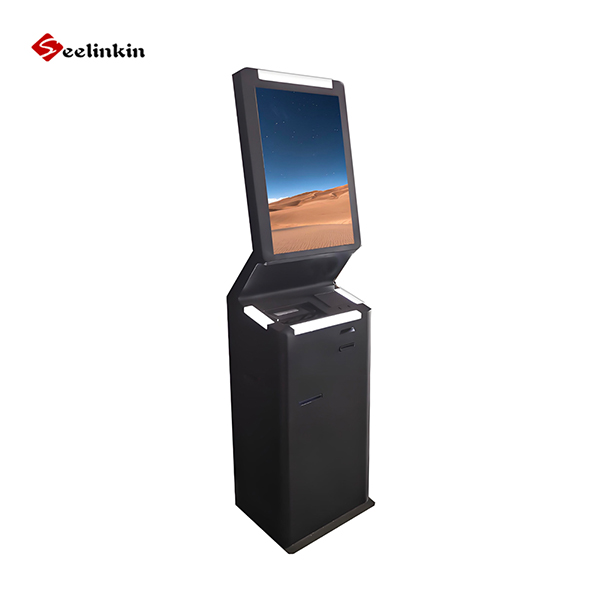
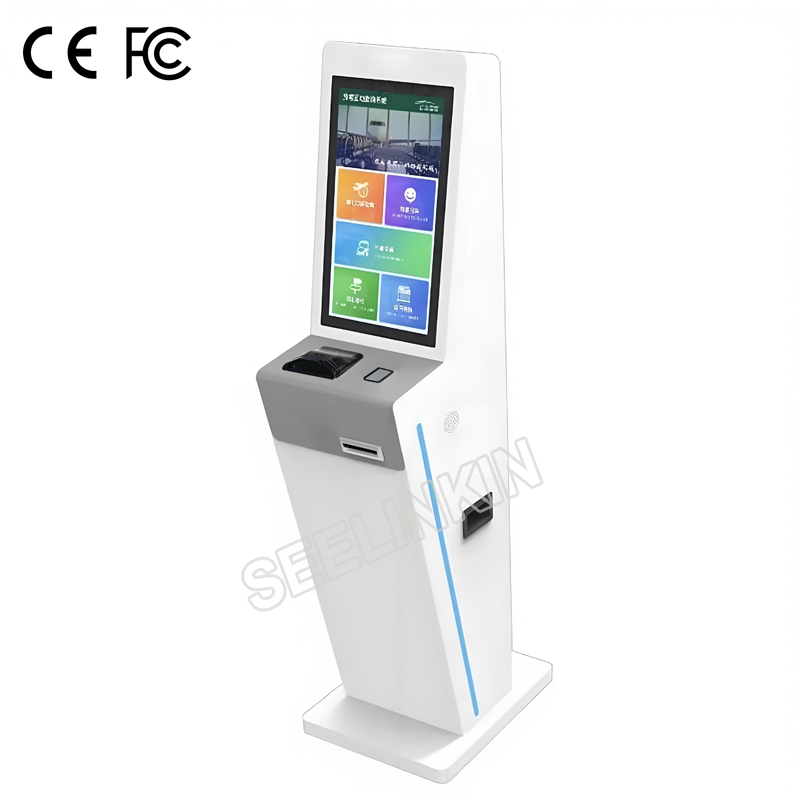
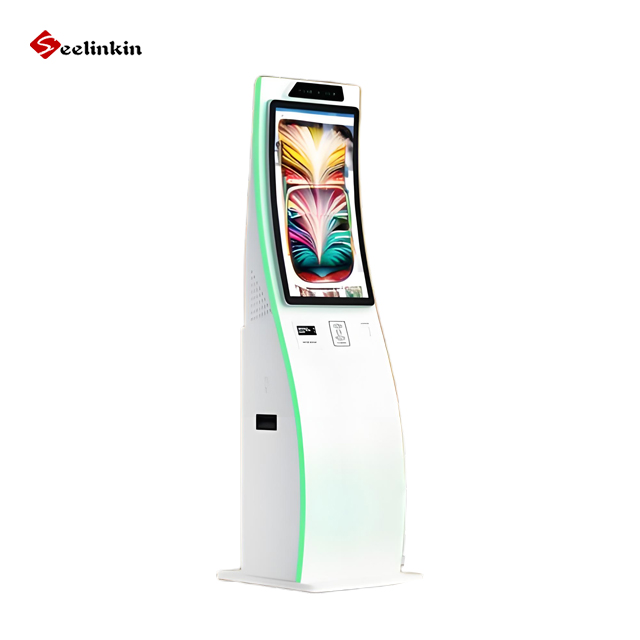
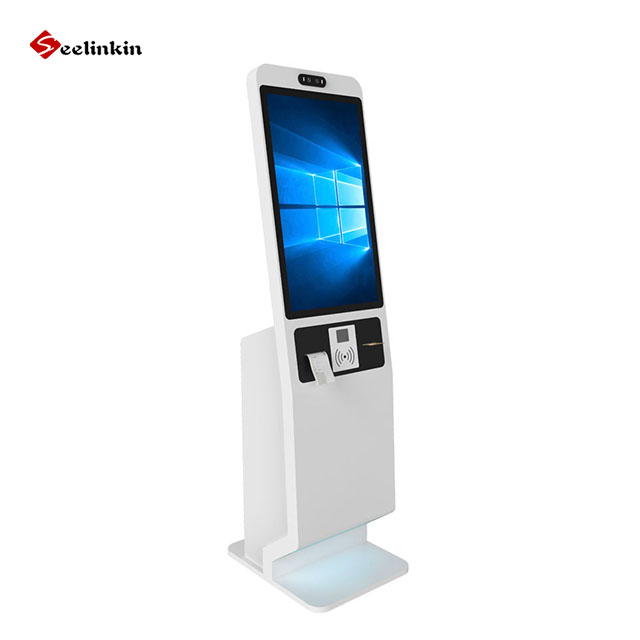
21.5 inch Airport Self-Service Check-in Kiosk

The Seelinkin self-service check-in kiosk features a 21.5 inch touch screen, an Intel i5 computer, and passport and QR code scanning with built-in thermal printing. It supports Ethernet, USB, Wi-Fi, and Windows or Linux OS, and is CE and FCC certified, ideal for airports and other travel terminals.

Key Features

  • 21.5 inch capacitive touch screen, 24 inch optional
  • Industrial grade Intel i5 computer, i7 optional
  • Integrated passport and QR code scanner
  • Built-in thermal receipt printer for boarding passes and luggage tags
  • Ethernet and USB connectivity, Wi-Fi optional
  • Universal 100-240V AC power supply
  • Windows or Linux operating system optional

Welcome To Share This Product:

Products Categories
Get A Free Quote
Contact Form Demo (#3)

Key Benefits of Self-Service Check-in Kiosk

  • Faster Check-in Process: Enables passengers to complete check-in independently, reducing waiting time and easing pressure on staffed counters
  • Reliable Industrial Performance: Industrial grade computer configuration ensures stable operation under continuous, high frequency daily use
  • Accurate Identity Verification: Combined passport and QR code scanning reduces manual errors and speeds up passenger processing
  • Lower Operating Costs: Thermal printing technology eliminates the need for ink or ribbon replacement, cutting long-term consumable expenses
  • Global Deployment Ready: Universal power supply and CE/FCC certification support installation across different countries and regions
  • Flexible System Integration: Optional Windows or Linux OS allows easy compatibility with existing airport management systems
  • Scalable Configuration: Adjustable screen size and processor options allow airports to match hardware performance with actual traffic demands

Technical Specifications

Components Specification
Model SL695
Screen Size 21.5 inch (optional for 24 inch)
Touch Screen Capacitive touch
Comuter Industrial grade Intel i 5 cpu computer (optional for i 7 cpu)
Scanner Passport + QR code scanner
Printer Thermal receipt printer
Connectivity Ethernet, USB, Wi-Fi optional
Power Supply 100-240V AC
Operating System Windows/Linux optional
Certifications CE, FCC

Applications of Self-Service Check-in Kiosks

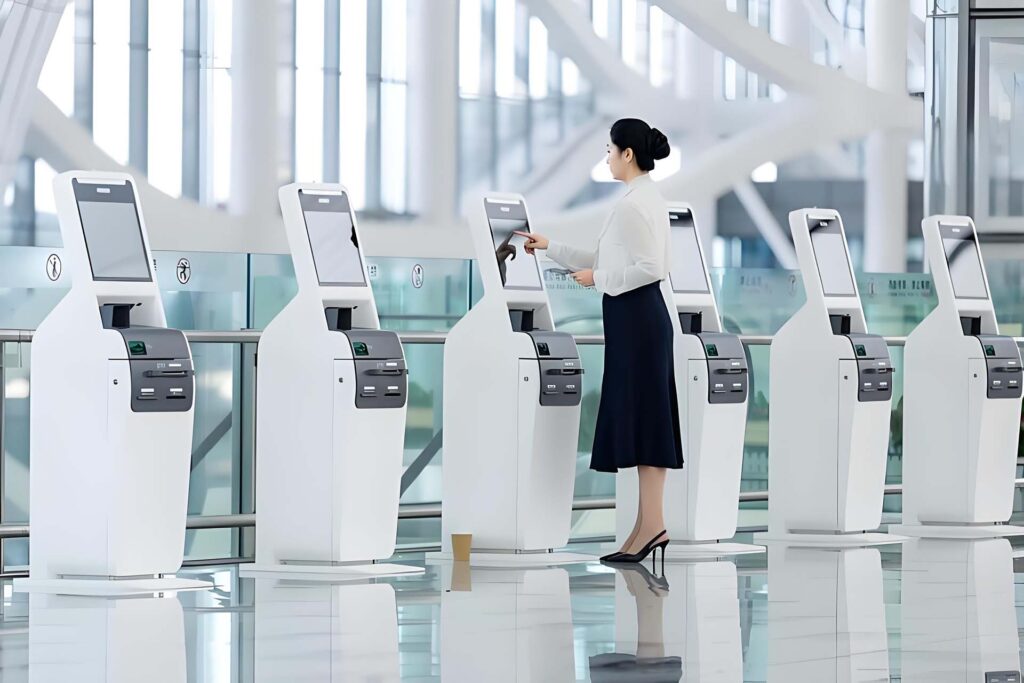
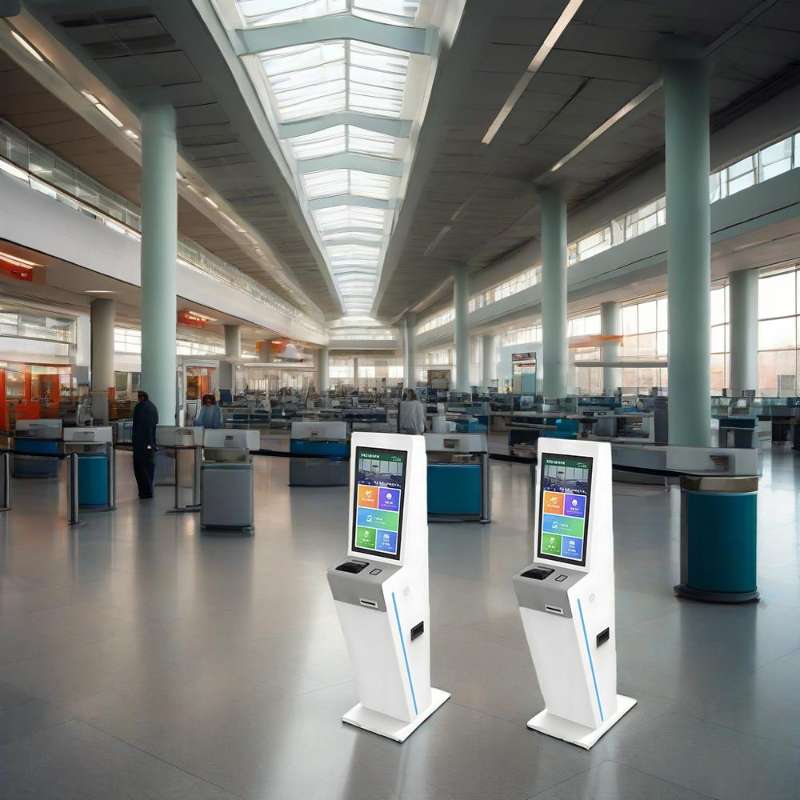
  1. International Airport Check-in Counters: Provides fast self-service check-in, baggage tag printing, and boarding pass issuance for departing passengers, helping to reduce queue time and ease staff workload during peak travel periods.
  2. Airline Counters and City Check-in Points: Suitable for airline-operated check-in counters and off-airport city terminals, enabling passenger identity verification through passport and QR code scanning to streamline the check-in process before arrival at the airport.
  3. Baggage Drop-off and Self-Tagging Stations: Integrates with baggage handling systems to let passengers print and attach their own baggage tags, while functioning as a cashless kiosk for excess baggage fee payments, improving processing efficiency and reducing wait times during high traffic hours.
  4. Multi-modal Transport Hubs: Deployed in integrated airport-rail-bus transport centers for unified check-in and ticketing services, improving passenger flow management and enabling convenient cross-service transfers.

FAQ

What functions does this Airport Self-Service Kiosk support?

It supports passport and QR code scanning for identity verification, printing boarding passes and baggage tags, and provides a user-friendly touch screen interface for self-service check-in.

What are the main benefits of using this kiosk?

It significantly reduces passenger waiting time, improves passenger flow, lowers staff workload, and enhances overall operational efficiency for airports and airlines.

Is the kiosk suitable for international airports?

Yes, it is specifically designed for international airport check-in counters and supports passport scanning, making it suitable for global travel hubs.

How do I choose the right screen size for an airport check-in kiosk?
Choose the screen size based on the kiosk function, software interface, viewing distance, and installation space. A 21.5-inch screen is suitable for most airport check-in kiosks because it provides clear touch operation and enough display area while keeping the kiosk compact for airport terminals.
Get Your Custom Airport Check-in Kiosk Quote

Enhance airport passenger check-in with Seelinkin self-service airport check-in kiosks. Our solutions support custom configurations and bulk orders for airports, airlines, and travel hubs. Whether you need passport scanning, QR code reading, receipt printing, system integration, or customized hardware options, our team can help you find the right kiosk solution for your project.

Contact us today to discuss your airport check-in kiosk requirements and get a fast quote.

Related News

Choosing the right supplier can impact your business success. The most important criteria to compare bill payment kiosk suppliers include […]

Interactive whiteboards are transforming classrooms and workplaces by enabling more engaging, collaborative, and efficient communication. This Interactive Whiteboard Guide explores […]

Choosing the right materials for outdoor kiosks can mean the difference between a structure that lasts decades and one that […]

Understanding the touch screen kiosk market is essential for making informed business choices. This industry changes quickly as technology evolves […]

Kiosks are transforming how businesses deliver self-service experiences across retail, hospitality, healthcare, and public spaces. This article explains 7 key […]

As leading manufacturers continue to advance interactive whiteboard technology, eight key benefits have emerged that support transforming classrooms and improving […]

Kiosks are widely used in retail, hospitality, and service industries, but they often face technical and operational issues that can […]

Choosing the right Self-Service Kiosk Suppliers is essential for businesses aiming to improve efficiency, customer experience, and long-term operational success. […]

Scroll to Top

Get A Free Quote Now !

Contact Form Demo (#3)
If you have any questions, please do not hesitate to contact us.
Touch screen kiosk China Manufacturer banner
Seraphinite AcceleratorOptimized by Seraphinite Accelerator
Turns on site high speed to be attractive for people and search engines.