Skip to content
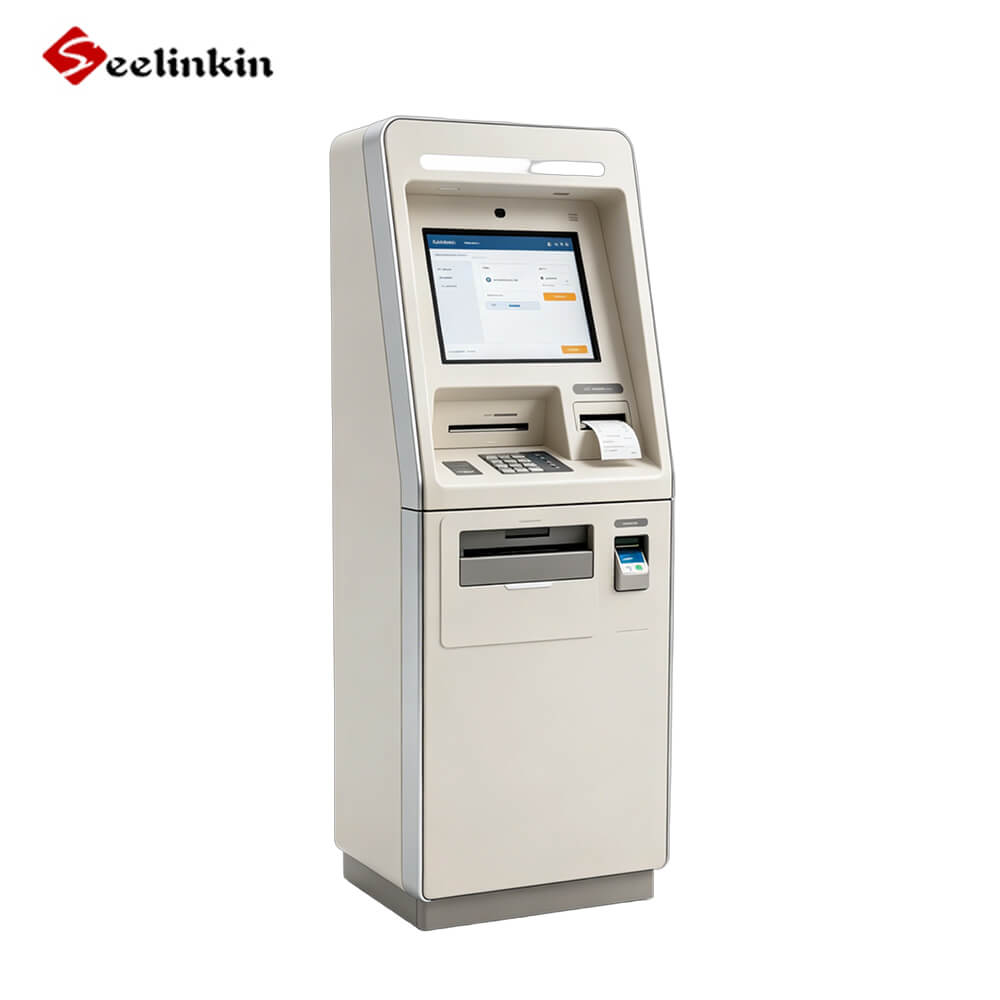
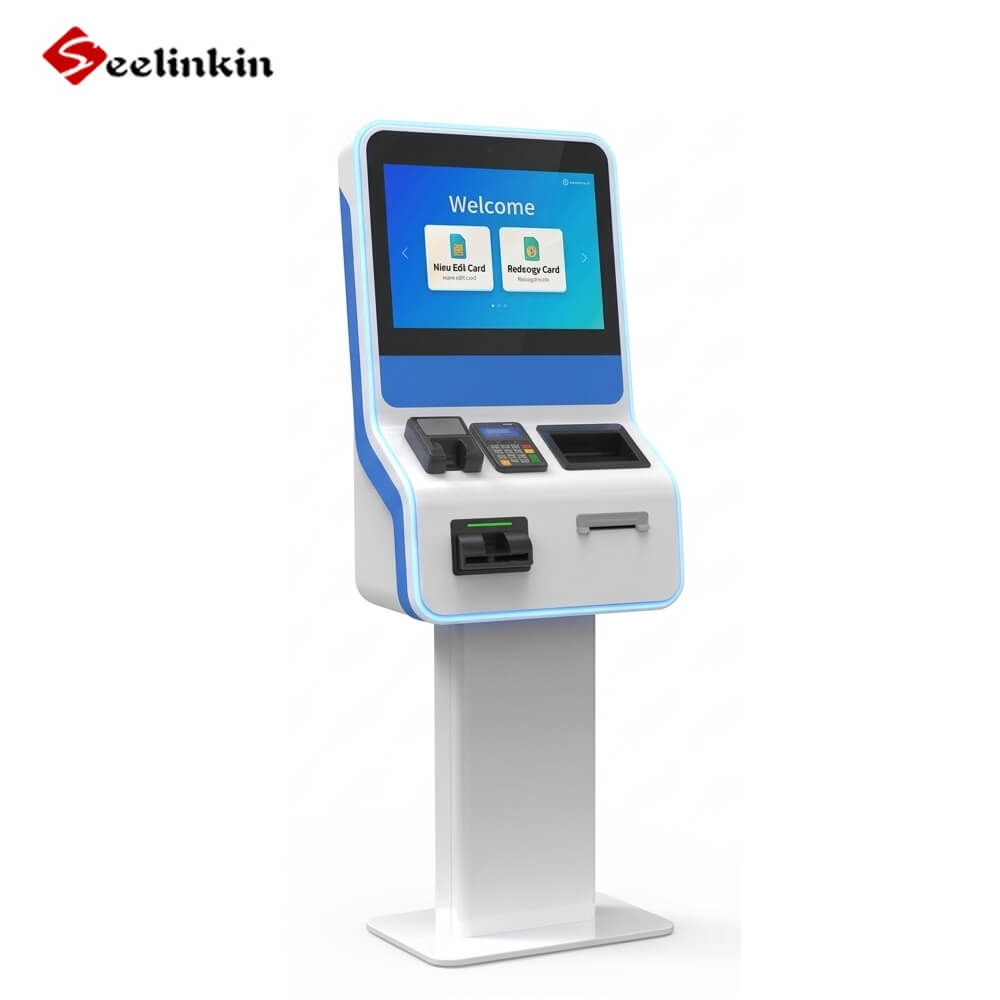
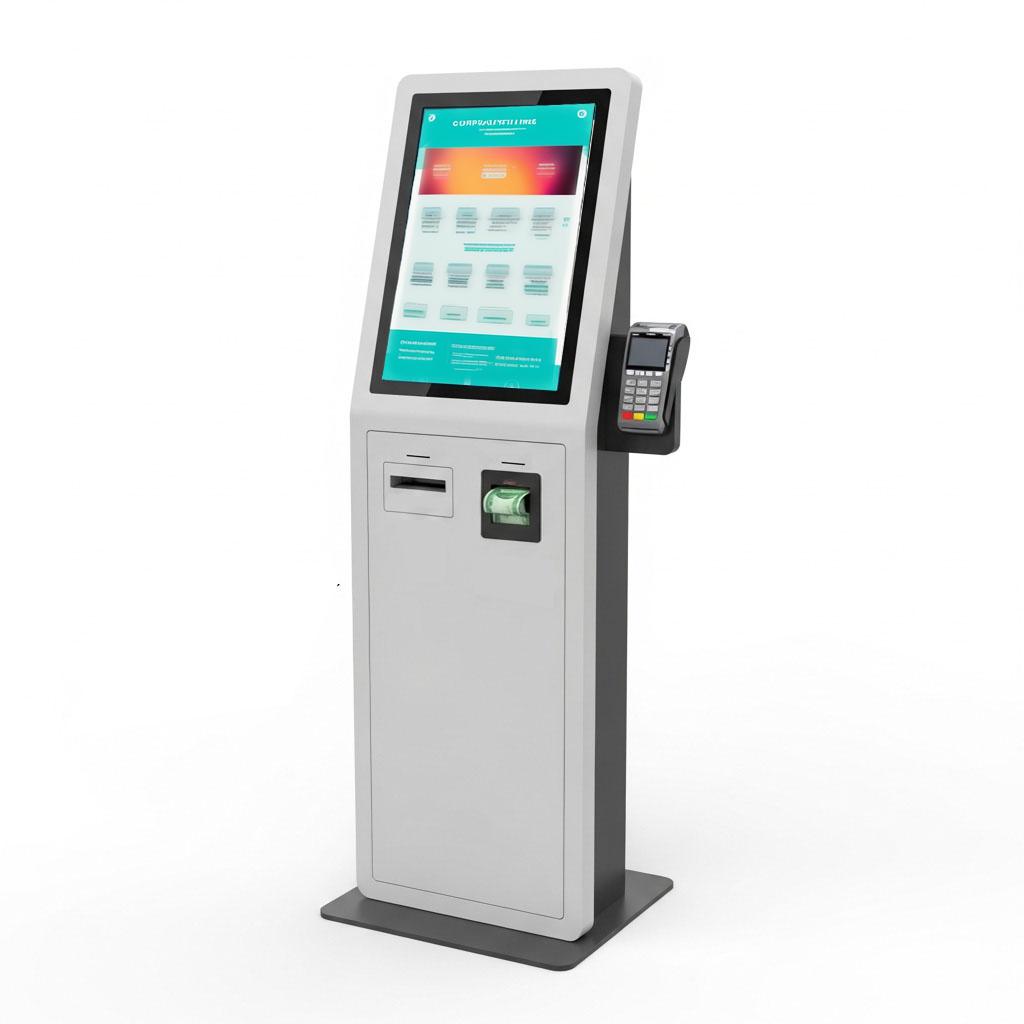
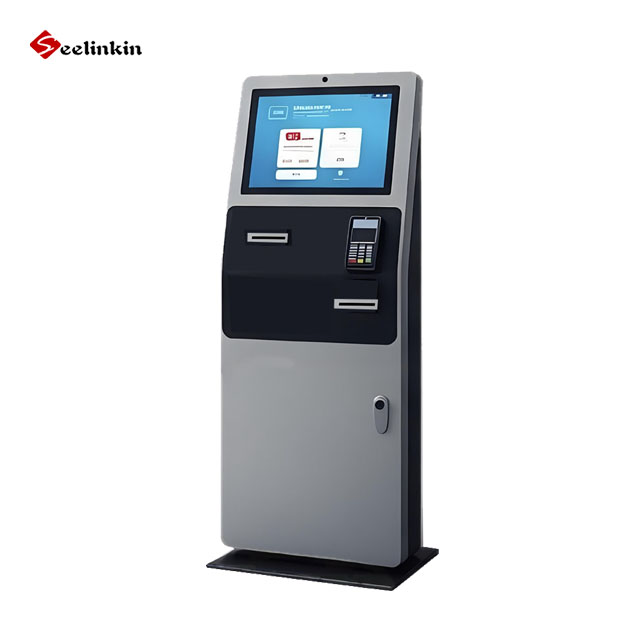
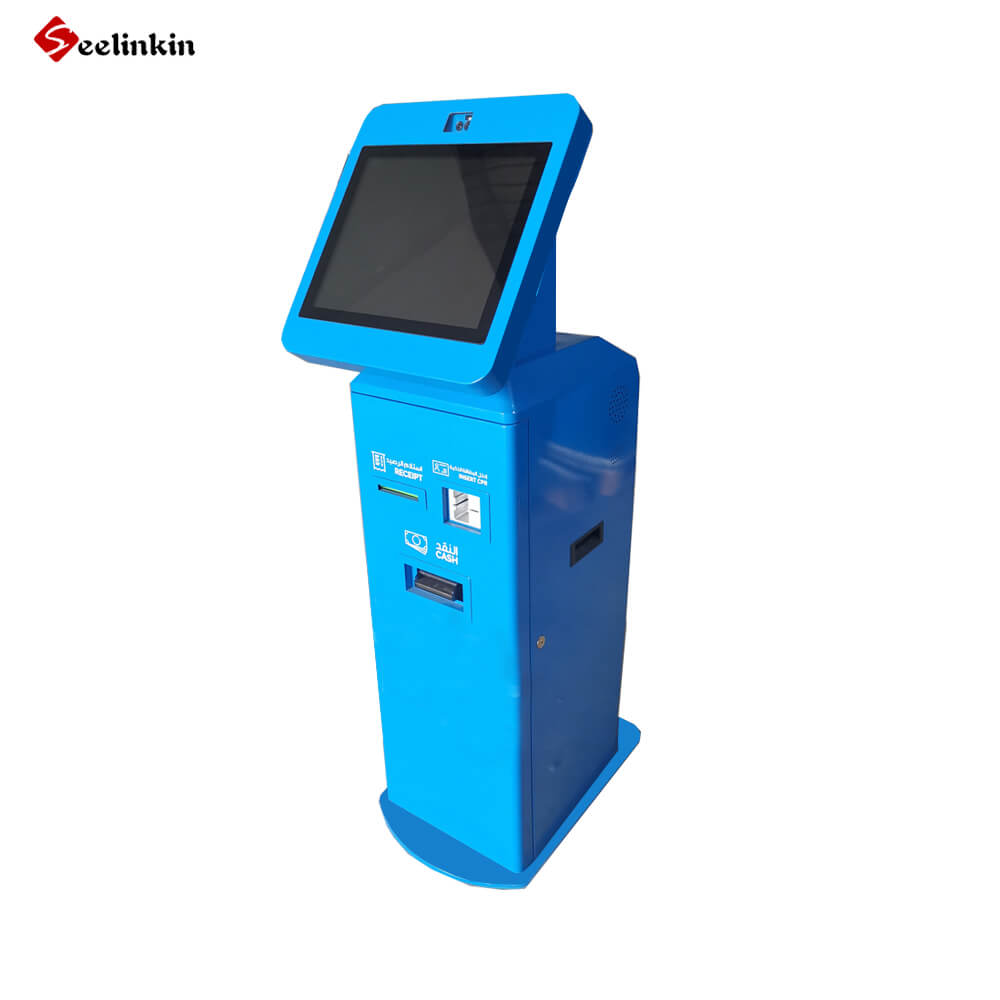
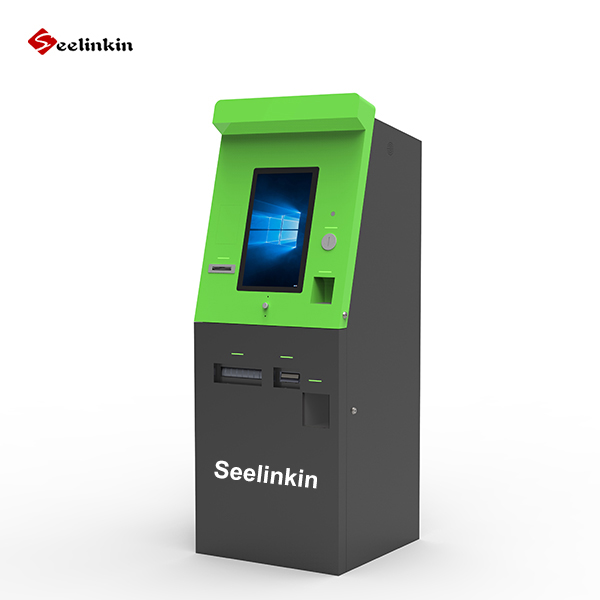
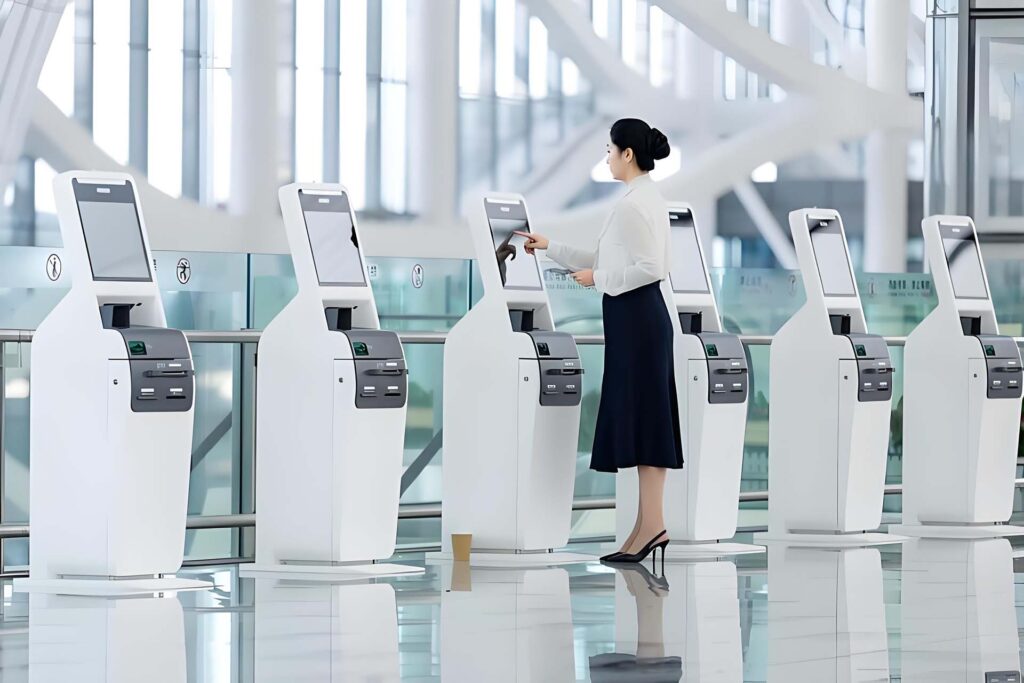
Key features shape the performance of every bill payment kiosk. Security protects transactions and builds trust. Efficiency improves operational efficiency and enhances customer experience, which leads to customer loyalty. Payment kiosks must deliver a seamless customer experience for both businesses and users. Cloud-based reporting and sales analytics offer business flexibility and help kiosks track payment data. Customer experience improves when kiosks support multiple payment options. Payment kiosks with strong security and payment versatility drive customer loyalty. Use this list of key features to evaluate each payment kiosk for operational efficiency and customer experience.
Key Features for Modern Payment Kiosks
Robust Security
Security stands as the most important feature for any kiosk. Payment kiosks must protect sensitive information and prevent unauthorized access. Enhanced security includes strong authentication, tokenization, and regular software updates. Security features help businesses build trust with users. Tokenization replaces card details with unique codes, reducing risk. Security also covers physical protection, such as tamper-resistant hardware. Kiosk operators must monitor security features to ensure ongoing protection.
End-to-End Encryption
End-to-end encryption is a key feature for modern payment kiosks. This technology protects data from the moment it enters the kiosk until it reaches the payment processor. End-to-end encryption prevents hackers from accessing sensitive payment information. Tokenization works alongside encryption to add another layer of security. Kiosks with end-to-end encryption offer safer transactions for users. Payment kiosks must use encryption features to meet compliance standards. End-to-end encryption is a requirement for secure payment features.
PCI DSS Compliance
PCI DSS compliance is a must-have feature for any payment kiosk. Compliance ensures that kiosks follow strict standards for handling payment data. Security features must meet PCI DSS compliance to protect cardholder information. Kiosks with PCI DSS compliance reduce the risk of data breaches. Tokenization and encryption are part of compliance requirements. Payment kiosks must update features regularly to maintain compliance. Compliance features help businesses avoid penalties and keep user data safe.
| Feature | Benefit |
|---|---|
| Security | Protects user data |
| End-to-end encryption | Prevents data theft |
| PCI DSS compliance | Meets industry standards |
Payment kiosks must combine security, compliance, and encryption features to deliver safe and reliable transactions. These features form the foundation for every modern kiosk.
Multiple Payment Methods
Cash, Card, and Check Acceptance
A modern kiosk must support diverse payment methods. Cash, card, and check acceptance allow users to choose the most convenient option. Multi-payment compatibility ensures that the kiosk can process payments from different sources. Payment method compatibility helps businesses reach more customers. Many users still prefer cash for bill payment. Card transactions offer speed and security. Checks remain important for some users, especially in certain industries.
A payment kiosk should have clear instructions for each payment method. The kiosk must guide users through cash deposits, card swipes, and check scanning. Payment kiosks with these features reduce confusion and improve user satisfaction. Businesses benefit from kiosks that handle multiple payment types efficiently.
Mobile and Contactless Payments
Contactless transactions are becoming more popular. A kiosk must support mobile payment terminal features to meet modern demands. Mobile payments allow users to pay bills quickly using smartphones or smartwatches. Contactless transactions reduce wait times and improve hygiene. Payment kiosks with contactless transactions offer a safer experience.
Many kiosks now accept payments through NFC technology. This enables users to tap their device and complete payment instantly. Payment kiosks with contactless transactions also support QR code scanning. Multi-payment compatibility ensures that kiosks can process both traditional and digital payments.
| Payment Method | Benefits |
|---|---|
| Cash | Widely accessible |
| Card | Fast and secure |
| Check | Useful for some users |
| Mobile/Contactless | Convenient and hygienic |
A kiosk with diverse payment methods meets the needs of a broad audience. Payment kiosks that offer contactless transactions and mobile payment terminal features help businesses stay competitive. Payment kiosks must adapt to changing payment trends to remain relevant.
Intuitive User Interface
A modern payment kiosk must offer an intuitive user interface. Users expect a simple process when making a payment. A clear interface reduces errors and helps users complete their payment quickly.
Touchscreen Technology
Touchscreen technology is now standard for every payment kiosk. This feature allows users to select options and enter information with ease. A responsive touchscreen improves the speed of each payment and makes the kiosk more accessible for all users.
A payment kiosk with a touchscreen can display large buttons and readable text. This helps users of all ages and abilities. The kiosk should respond instantly to each touch, which keeps the payment process smooth.
Multilingual Support
Multilingual support is essential for a payment kiosk in diverse communities. Users may speak different languages, so the kiosk must offer language options. This feature ensures that everyone can understand the payment instructions.
A payment kiosk with multilingual support can display instructions in several languages. This reduces confusion and helps users complete their payment without assistance. Multilingual options also show that the kiosk values every customer.
Key benefits of multilingual support in a payment kiosk:
-
- Increases accessibility for non-English speakers
- Reduces user errors during payment
- Improves overall satisfaction with the payment process
A payment kiosk with an intuitive interface, touchscreen technology, and multilingual support creates a positive experience. These features help users complete their payment with confidence. Businesses benefit from fewer errors and faster payment processing.
Fast and Reliable Processing
A modern kiosk must process each payment quickly and accurately. Users expect fast service when they use a kiosk for bill payment. Delays can cause frustration and reduce trust in the kiosk.
Real-Time Payment Confirmation
Real-time updates are essential for every payment kiosk. When a user completes a payment, the kiosk should provide instant confirmation. This feature gives users peace of mind that their payment was successful.
A kiosk with real-time updates can display a confirmation message on the screen. Some kiosks also print a receipt or send a digital copy. Real-time updates help businesses track each payment as soon as it happens.
Payment confirmation in real time also helps businesses manage their records. Staff can see which payments have been made without delay. This feature is important for both users and business owners.
Transaction Tracking
Transaction tracking allows users and businesses to review payment history. A kiosk with this feature can store details of each payment. Users can check their recent payments if they need proof or have questions.
Businesses benefit from transaction tracking because it helps with reporting and audits. The kiosk can generate reports that show all payments made during a certain period. This makes it easier to spot issues or trends.
Key benefits of transaction tracking in a payment kiosk:
-
- Users can verify their payment history
- Businesses can monitor payment activity
- Easier to resolve disputes
A kiosk that offers fast processing, real-time updates, and transaction tracking improves the overall experience. These features make the payment process smooth and reliable for everyone.
Receipt Options
A modern kiosk must provide clear receipt options for every payment. Receipts help users confirm their transaction and keep records. Businesses rely on receipts to track payments and resolve disputes.
Printed Receipts
Printed receipts remain important for many users. A kiosk can print a receipt after each payment. This receipt shows the date, amount, and confirmation number. Users can keep printed receipts for their records. Some people prefer a physical copy for proof of payment. Printed receipts also help users who do not use digital devices.
A kiosk should use high-quality printers to ensure receipts are easy to read. The printer must work quickly to avoid delays. Clear instructions guide users to collect their printed receipt after payment.
Digital Receipts
Digital receipts are becoming more popular. A kiosk can send a digital receipt by email or SMS. This option suits users who want to store payment records electronically. Digital receipts reduce paper waste and support eco-friendly practices. Users can access their payment history anytime from their devices.
Benefits of digital receipts from a kiosk:
-
- Easy to store and organize
- Accessible from anywhere
- Environmentally friendly
A kiosk must offer secure delivery of digital receipts. The system should protect user information during the payment process. Digital receipts help businesses manage records and improve customer service.
Both printed and digital receipts enhance the payment experience at a kiosk. Users can choose the option that fits their needs. Receipt options build trust and support efficient payment tracking.
Accessibility and Visibility
ADA Compliance
A modern kiosk must meet ADA compliance standards. This ensures that every user can access the payment features, including those with disabilities. ADA compliance requires the kiosk to have reachable screens, tactile buttons, and audio support.
Many users rely on these features to complete their payment independently. The kiosk should provide clear instructions in both visual and audio formats. Braille labels and headphone jacks help users with vision impairments.
A payment kiosk with ADA features increases accessibility for all. Businesses benefit from a wider customer base and improved reputation. ADA compliance also reduces the risk of legal issues related to accessibility.
High-Visibility Design
Visibility is important for any payment kiosk. A high-visibility design helps users find the kiosk quickly, even in busy or low-light areas. Bright colors, clear signage, and lighting make the kiosk stand out.
The kiosk should use large fonts and high-contrast colors on the screen. This makes payment instructions easy to read for everyone. Good lighting around the kiosk improves safety and comfort during payment.
Key elements of high-visibility design:
-
- Bright exterior colors
- Illuminated screens
- Clear payment signage
A payment kiosk with high visibility attracts more users. It also reduces confusion and speeds up the payment process. Businesses see higher usage rates when the kiosk is easy to spot and use.
A focus on accessibility and visibility ensures that every payment kiosk serves all users effectively. These features support a positive payment experience and help businesses meet community needs.
Adaptability for Indoor and Outdoor Use
Weatherproof Construction
A kiosk must operate reliably in both indoor and outdoor environments. Weatherproof construction protects the kiosk from rain, snow, and extreme temperatures. Durable materials shield the kiosk from moisture and dust. Sealed enclosures prevent water from entering the payment terminal. This feature ensures the kiosk remains functional during storms or harsh weather. Businesses depend on a kiosk that can withstand outdoor conditions. Payment kiosks with weatherproof features reduce maintenance needs. Strong construction extends the lifespan of the kiosk. Users trust a kiosk that works in any climate.
A kiosk should have corrosion-resistant surfaces. This prevents rust and damage from humidity. Payment kiosks with weatherproofing support uninterrupted service. The kiosk must also resist vandalism and accidental impacts. Reliable weatherproofing helps businesses avoid costly repairs.
Lighting and Surveillance
Lighting improves visibility for every kiosk. Bright lights help users find the kiosk at night or in low-light areas. Proper lighting makes payment instructions easy to read. A kiosk with good lighting increases safety for users. Payment kiosks placed outdoors need extra illumination. This feature attracts more users and reduces confusion.
Surveillance protects the kiosk and users. Cameras monitor the kiosk area and deter theft or vandalism. Payment kiosks with surveillance features offer greater security. Businesses can review footage if issues arise. Surveillance also helps resolve payment disputes. A kiosk with lighting and cameras builds user confidence.
Key benefits of lighting and surveillance for payment kiosks:
-
- Enhanced safety for users
- Reduced risk of theft or damage
- Improved payment experience
A kiosk that adapts to indoor and outdoor use supports reliable payment services. Weatherproof construction, lighting, and surveillance make the kiosk a trusted solution for businesses and users.
Integration with Payment Systems
API Connectivity
A modern kiosk must connect smoothly with other systems. API connectivity allows the kiosk to share payment data with banks, billing platforms, and business software. This feature helps the kiosk send and receive payment information quickly.
When a kiosk uses strong API connectivity, it can update payment records in real time. This reduces errors and keeps all systems in sync. Businesses can track every payment made at the kiosk without delay.
A kiosk with good API support can work with many payment processors. This flexibility helps businesses choose the best payment partners. API connectivity ensures the kiosk stays up to date with industry standards.
Stable Payment Cycle
A stable payment cycle is important for every kiosk. The kiosk must process each payment from start to finish without problems. Users expect the kiosk to handle their payment quickly and accurately.
The kiosk should confirm each payment and update records right away. This helps users trust the kiosk with their bills. A stable payment cycle also means fewer failed transactions and less downtime.
Key benefits of a stable payment cycle in a kiosk:
-
- Reliable payment processing
- Fewer errors or delays
- Better user experience
A kiosk with a stable payment cycle supports business growth. It helps businesses manage cash flow and reporting. Reliable payment cycles make the kiosk a trusted choice for users and companies.
Modern Payment Terminal Hardware
Durable Build
A modern payment terminal must have a durable build to withstand daily use. The kiosk often operates in public spaces where it faces constant interaction. Strong materials protect the kiosk from scratches, dents, and accidental impacts. Payment kiosks with robust construction last longer and require less maintenance. Many kiosks use metal or reinforced plastic for their exterior. This choice helps the modern payment terminal resist wear and tear. Businesses depend on a kiosk that can handle heavy traffic and frequent payment transactions.
A modern payment terminal with a sturdy frame supports consistent payment processing. Users trust a kiosk that feels solid and secure. The kiosk must also protect internal components from dust and moisture. Payment kiosks with durable builds offer better performance in both indoor and outdoor environments.
Tamper Resistance
Tamper resistance is a key feature for every modern payment terminal. The kiosk must prevent unauthorized access to its payment systems. Tamper-resistant designs include secure locks, alarm sensors, and reinforced panels. These features help protect the kiosk from theft and vandalism. Payment kiosks with tamper resistance keep user data safe during every payment transaction.
A modern payment terminal often uses special seals and anti-tamper screws. These additions make it difficult for anyone to open the kiosk without proper tools. Payment kiosks with tamper resistance also alert staff if someone tries to interfere with the hardware. Businesses rely on a kiosk that can safeguard payment information at all times.
| Tamper Resistance Feature | Benefit |
|---|---|
| Secure locks | Prevents unauthorized access |
| Alarm sensors | Alerts staff to tampering |
| Reinforced panels | Protects internal components |
A modern payment terminal with durable build and tamper resistance ensures safe and reliable payment processing. These features help businesses protect their investment and provide a secure experience for every kiosk user.
Customization and Branding
Custom Interface
A modern kiosk must offer a custom interface to match business needs. Full customization allows businesses to design the screen layout, colors, and menu options. This feature helps the kiosk reflect the company’s identity and values.
A custom interface improves the payment experience for users. Clear instructions and logical steps guide users through each payment. Businesses can add helpful prompts or tips to reduce errors during the payment process.
Custom interfaces also support accessibility. The kiosk can adjust font size, contrast, and language options. This flexibility ensures every user can complete a payment with ease.
Branded Exterior
Branding on the kiosk exterior builds recognition and trust. A branded kiosk stands out in busy locations and attracts more users. Consistent colors, logos, and graphics make the kiosk easy to identify.
A branded exterior reassures users that the kiosk is secure for payment. People feel more confident using a kiosk that matches the business’s other materials. This trust leads to higher usage rates and repeat payments.
Businesses can update the kiosk exterior for special events or promotions. Seasonal graphics or campaign messages keep the kiosk fresh and engaging. Branding also helps prevent misuse, as users can spot official kiosks quickly.
| Customization Feature | Benefit |
|---|---|
| Custom Interface | Matches business needs |
| Branded Exterior | Builds trust and loyalty |
A kiosk with full customization and strong branding supports business growth. These features make the payment process smooth and memorable for every user.
Parking Payment Kiosk Use Case
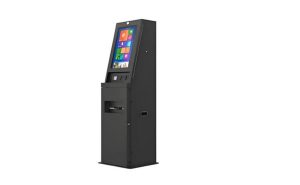
Specialized Features for Parking Payments
A parking payment kiosk must offer features that address the unique needs of parking facilities. The kiosk should accept multiple payment options, including cash, card, and mobile payments. Many users expect a parking payment machine to provide fast and easy payment processing.
Parking payment kiosks often include license plate recognition. This feature helps users link their payment to their vehicle. The kiosk can display clear instructions for entering license plate numbers or scanning QR codes. A self-service parking kiosk allows users to pay without assistance.
Parking payment kiosks must print receipts or send digital confirmations. These receipts help users prove their payment at the parking payment station. The kiosk should also support pre-payment and post-payment options. Some parking payment machines allow users to pay for extra time if needed.
Parking payment kiosks must operate reliably in outdoor environments. Weatherproof construction protects the kiosk from rain and heat. The kiosk should have bright screens and clear signage for easy visibility.
Integration with Parking Systems
Parking payment kiosks must connect with parking management systems. This integration allows the kiosk to update payment records in real time. The parking payment machine can communicate with entry and exit barriers.
A parking payment kiosk should support API connectivity. This feature helps the kiosk share payment data with parking software. The kiosk can track payment history and link it to each vehicle.
Parking payment kiosks must provide stable payment cycles. Reliable payment processing ensures that users can enter and exit without delays. The kiosk should alert staff if there are payment issues.
| Feature | Benefit |
|---|---|
| License plate recognition | Links payment to vehicle |
| API connectivity | Real-time payment updates |
| Weatherproof construction | Reliable outdoor operation |
| Receipt options | Proof of payment |
Parking payment kiosks help parking facilities manage payments efficiently. The kiosk supports secure transactions and improves user satisfaction.
Conclusion
Choosing a kiosk with the right features improves payment security and reliability. A kiosk that supports multiple payment methods and strong hardware creates a better experience for users. Businesses should select a kiosk that offers fast payment processing, clear receipts, and easy integration with payment systems. A kiosk with accessible design and weatherproof construction works well in many locations. Payment kiosks with customization and branding help build trust. The right kiosk ensures safe payment transactions every time. Payment kiosks support efficient operations and user satisfaction. A kiosk with real-time payment confirmation reduces errors. Payment kiosks with tamper resistance protect user data. Prioritize these features when selecting a modern payment kiosk.