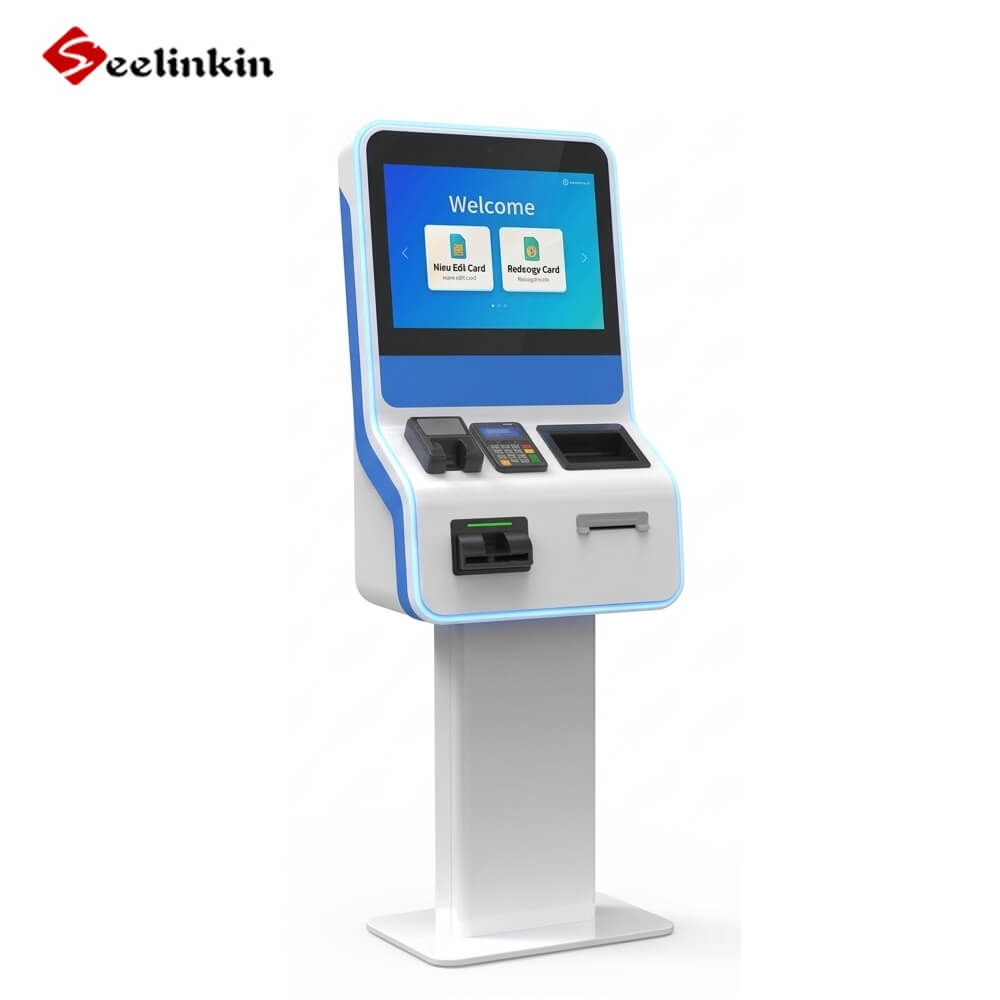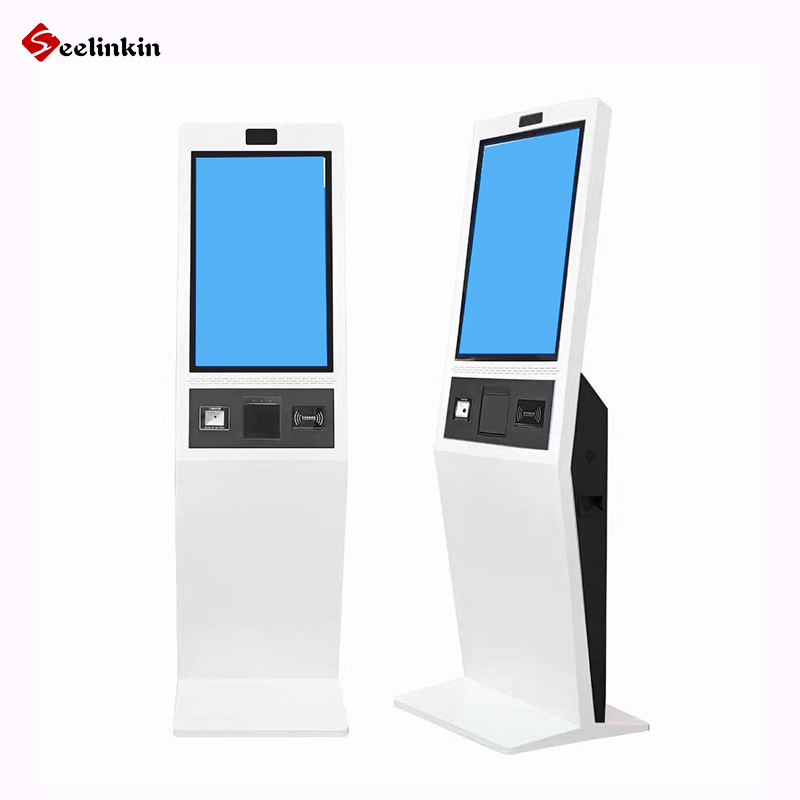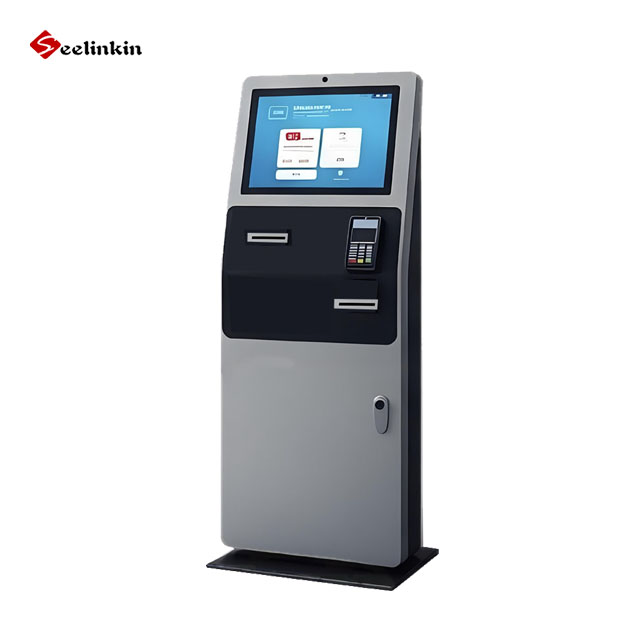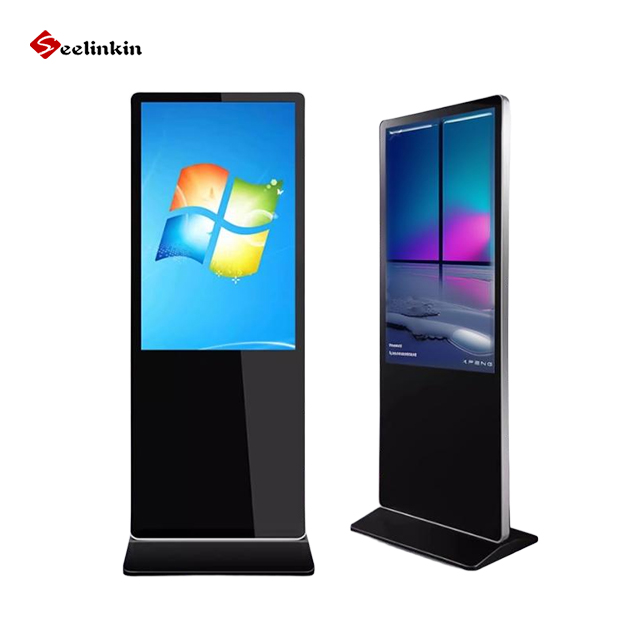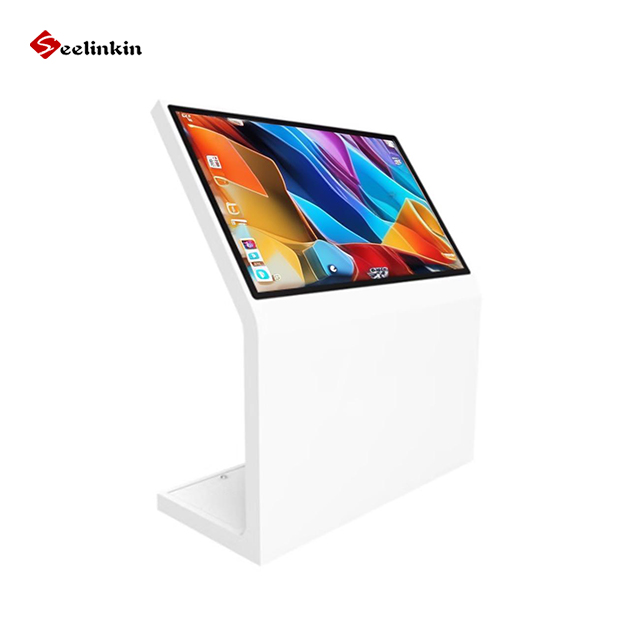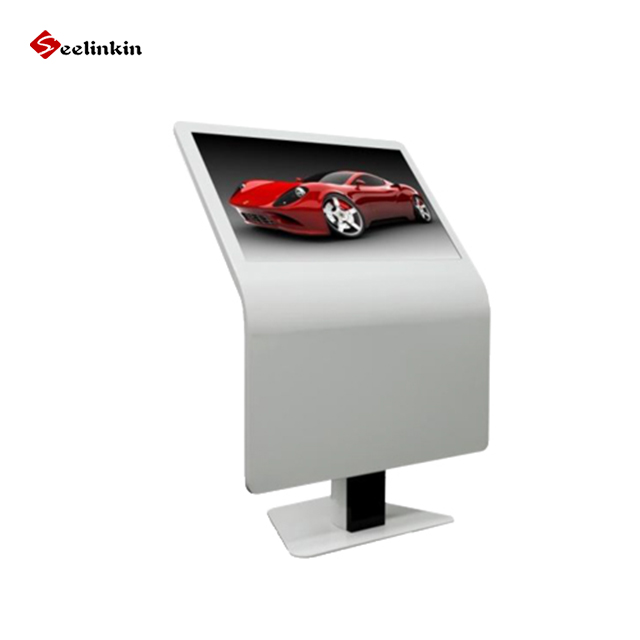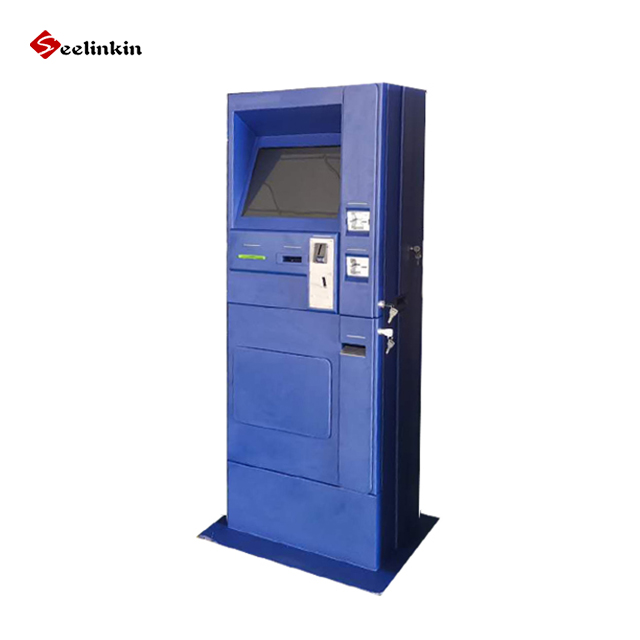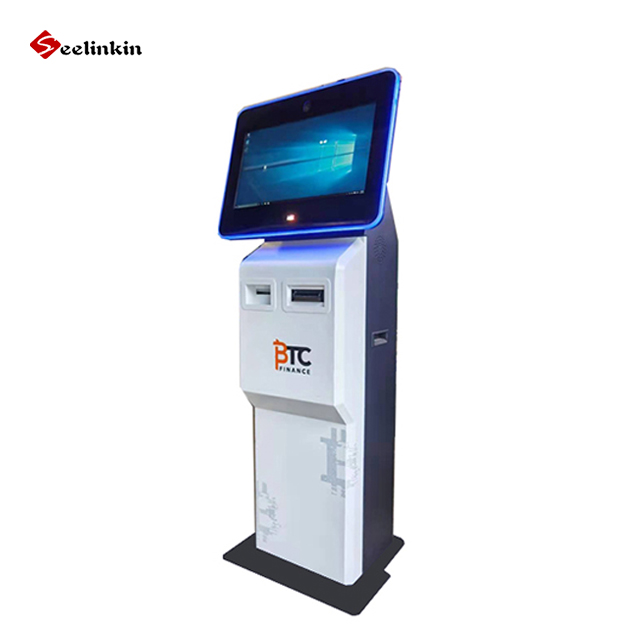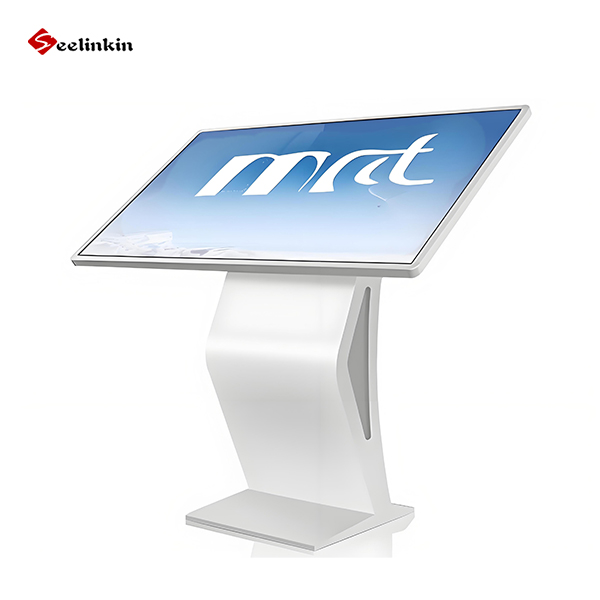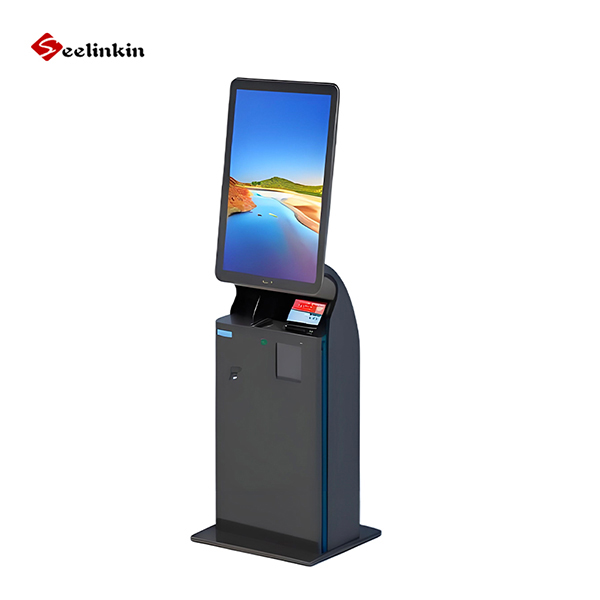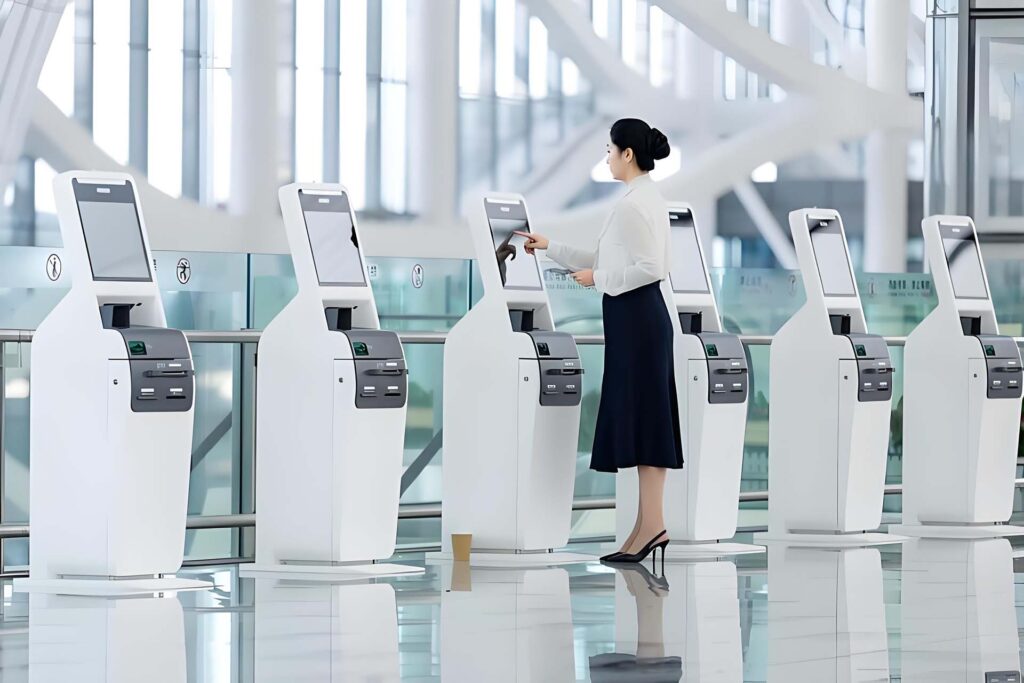
Kiosks are standalone, interactive terminals — typically touchscreen-based — designed to deliver information or services to users without requiring staff assistance. Deployed across airports, hospitals, shopping centres, government offices, and transit hubs, public kiosks have become essential infrastructure in modern urban environments.
As demand for faster, self-service experiences grows, understanding the key uses of kiosks in public spaces helps businesses, facility managers, and city planners make informed decisions about technology investment.
Key Uses of Kiosks in Public Spaces
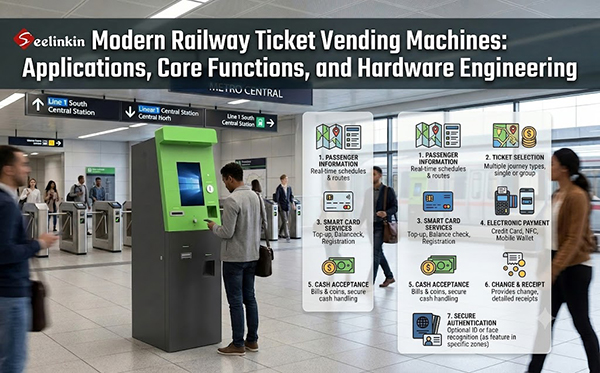
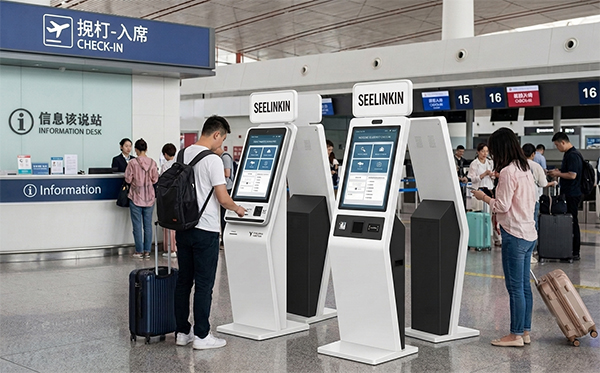
1. Self-Check-In and Ticketing
One of the most widespread uses of kiosks in public spaces is self-service check-in. Airlines pioneered this application, allowing passengers to print boarding passes and tag luggage independently — dramatically cutting queue times during peak travel periods.
Today, self-check-in kiosks operate across:
- Rail and ferry terminals — for ticket collection and seat selection
- Cinemas and event venues — for booking confirmation and ticket printing
- Hotels — for room key issuance and early check-in
- Sports arenas — for entry validation and seat upgrades
Self-check-in kiosks reduce pressure on customer-facing staff, lower operational costs, and give travellers greater autonomy over their journey.
2. Wayfinding and Interactive Directories
Large public environments — shopping malls, hospital campuses, universities, and airports — can be genuinely difficult to navigate. Wayfinding kiosks solve this by providing interactive maps, searchable directories, and step-by-step routing to a destination.
Modern wayfinding kiosks integrate real-time data to display:
- Store opening hours and promotions
- Live transport departure times
- Available parking spaces
- Accessibility routes for wheelchair users
For high-footfall venues, wayfinding kiosks measurably reduce staff interruptions and visitor frustration, improving the overall experience for first-time and returning visitors alike.
3. Bill Payment and Financial Services
Payment kiosks in banks, post offices, supermarkets, and government buildings allow citizens to pay utility bills, taxes, fines, and mobile top-ups without speaking to an agent.
These kiosks are particularly valuable in regions with lower internet penetration, acting as a bridge for people who don’t bank online. Features commonly include:
- Cash and card acceptance
- Multi-language interfaces
- Receipt printing
- QR code and barcode scanning for invoice reference
Bill payment kiosks extend service availability beyond standard office hours, supporting 24/7 access to essential financial transactions.
4. Healthcare Registration and Patient Intake
Hospitals, clinics, and pharmacies increasingly deploy kiosks at reception to capture patient data, confirm appointments, collect insurance information, and obtain digital consent — all before a patient reaches the front desk.
Healthcare kiosks deliver measurable benefits:
- Shorter waiting times at reception counters
- Improved data accuracy by placing form-filling in the patient’s hands
- Reduced administrative burden on clinical and reception staff
- Infection control through contactless check-in flows
Some advanced units integrate health questionnaires, symptom screening, and identity verification — tools that proved especially valuable during and after the COVID-19 pandemic.
5. Self-Ordering in Food and Beverage
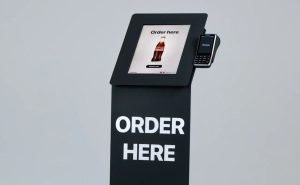
Quick-service restaurants, food courts, cafeterias, and hotel dining operations have made self-ordering kiosks mainstream. McDonald’s global rollout is the most widely recognised example, but adoption spans fast-casual dining, stadium concessions, and workplace canteens.
Why operators invest in food ordering kiosks:
- Higher average order values — customers add more items and customise freely without social pressure
- Faster throughput during peak hours
- Fewer order errors compared to verbal communication
- Upsell automation through on-screen prompts for add-ons and upgrades
For food businesses facing rising labour costs, self-ordering kiosks extend service capacity without proportionally increasing headcount.
6. Government and Civic Services
Public agencies around the world deploy kiosks to bring government services directly to citizens, reducing the need for in-person appointments and long queues at service counters.
Common government kiosk applications include:
- Driving licence renewals and status checks at DMV or DVLA offices
- Tax return filing assistance and payment processing
- Court fine payments and case status lookups
- Benefits and welfare registration and document submission
- Voter registration updates and polling location lookup
Many government kiosks operate 24/7 in accessible community locations such as libraries, post offices, and shopping centres — extending civic services to residents outside standard working hours.
7. Retail Product Discovery and Endless Aisle
Retailers facing physical shelf limitations use in-store kiosks to give shoppers access to their full product catalogue — a strategy known as the “endless aisle.” Customers can browse items not stocked locally, compare specifications, check real-time inventory, and place orders for home delivery.
Retail kiosk use cases include:
- Price checking and barcode scanning
- Loyalty programme management and points redemption
- Product reviews and comparison tools
- Click-and-collect order tracking
Department stores, electronics retailers, home improvement chains, and fashion brands are among the heaviest adopters of retail kiosk technology.
8. Visitor Management and Access Control
In corporate offices, manufacturing plants, schools, and secure facilities, visitor management kiosks handle guest registration, badge printing, host notification, and NDA signing — without requiring a receptionist to manage the process manually.
Key capabilities include:
- Real-time host notification via email or SMS
- Temporary access pass issuance
- Integration with building access control systems
- Entry and exit logging for compliance and audit
Visitor management kiosks improve security consistency, reduce front-desk workload, and create a professional, efficient arrival experience for guests.
Benefits of Kiosks in Public Spaces
Across all use cases, kiosks in public spaces deliver a consistent set of operational and experiential advantages:
| Benefit | Impact |
|---|---|
| 24/7 availability | Services operate beyond staffed hours |
| Reduced wait times | Faster throughput in high-volume environments |
| Lower operational cost | Fewer staff needed for repetitive tasks |
| Multilingual support | Inclusive access for diverse populations |
| Accessibility compliance | ADA/DDA-compliant interfaces for all users |
| Data capture | Real-time analytics on user behaviour |
| Contactless interaction | Hygiene-friendly, post-pandemic ready |
| Higher revenue per transaction | Upsell automation increases order values |
Emerging Trends in Kiosk Technology
The kiosk industry is evolving rapidly. Key trends shaping the next generation of public space kiosks include:
- AI-powered personalisation — kiosks that adapt their interface and recommendations based on user behaviour and preferences
- Voice interaction — natural language support for hands-free operation
- Biometric verification — facial recognition for secure identity confirmation at border control and high-security facilities
- Outdoor ruggedisation — solar-powered, weatherproof units for transit stops, parks, and street-level deployments
- 5G connectivity — enabling richer, real-time data integration for faster, more responsive experiences
FAQ
1. What are the most common uses of kiosks in public spaces?
The most common uses include self-check-in and ticketing, wayfinding and directories, bill payment, healthcare patient intake, food self-ordering, government services, retail product discovery, and visitor management.
2. What industries use public kiosks the most?
Retail, food service, healthcare, transportation, and government are the leading sectors for kiosk deployment, with hospitality and education growing rapidly in 2025 and 2026.
3. Are public kiosks accessible for people with disabilities?
Yes. Modern kiosks are built to meet ADA, DDA, and similar accessibility standards, including adjustable height, audio output, large-text display modes, and headphone jacks for private listening.
4. How do kiosks reduce operational costs? By automating repetitive tasks — check-in, payment, registration — kiosks allow staff to focus on complex, high-value interactions, reducing the need for additional headcount as visitor volumes scale.
5. Can kiosks operate outdoors? Yes. Outdoor kiosks feature IP-rated weatherproof enclosures, anti-glare displays, and wide temperature tolerances, making them suitable for transit stops, parking facilities, parks, and street-level public spaces.
6. Are payment kiosks secure? Reputable kiosk manufacturers use PCI-DSS compliant payment modules, end-to-end encryption, and tamper-evident hardware to protect both card and cash transactions.
Conclusion
The key uses of kiosks in public spaces span nearly every sector of modern life — from how we travel and eat, to how we access healthcare and government services. By combining 24/7 availability, self-service efficiency, and increasingly intelligent personalisation, kiosks have moved from a convenience technology to a core pillar of public infrastructure.
For businesses and public organisations evaluating kiosk investment, the evidence is clear: well-deployed kiosks reduce costs, improve user satisfaction, and scale service capacity in ways that staffing alone cannot match.