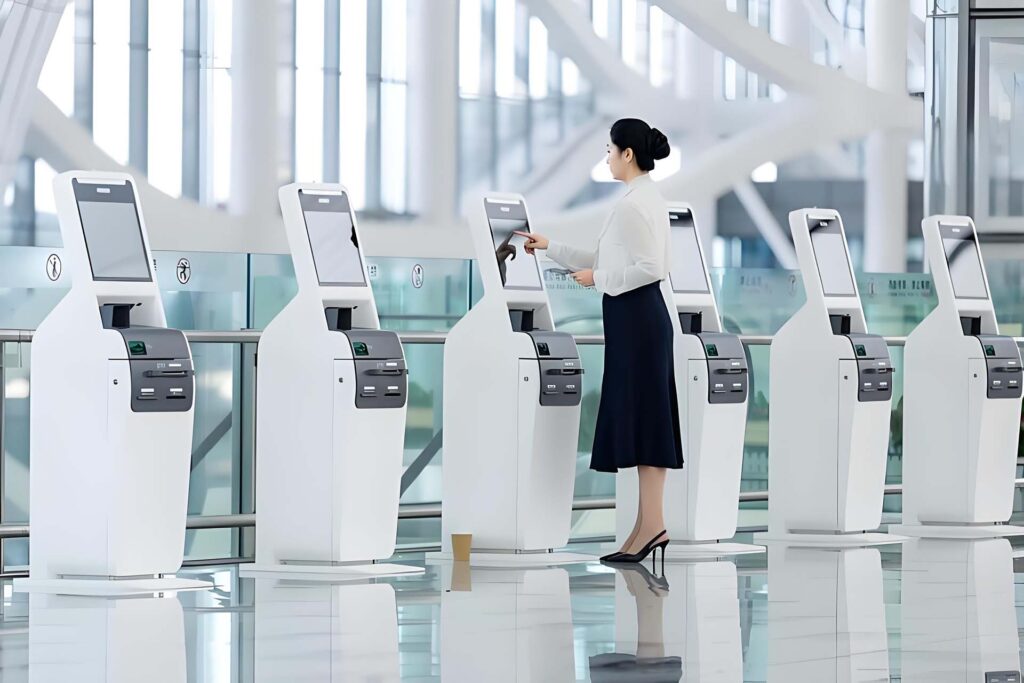
Self Service Kiosk OEM Manufacturer
Seelinkin is a professional manufacturer of self-service kiosks, working with brand owners, operators, system integrators, and solution providers worldwide. Whether you need ready-made models or fully customized solutions, Seelinkin delivers reliable, high-quality kiosks from concept to finished product.
Our kiosk series is designed for modern business environments. Combining advanced touchscreen technology with intelligent interaction systems, Seelinkin kiosks provide smooth, efficient self-service experiences across retail, food service, healthcare, government, hospitality, and more.
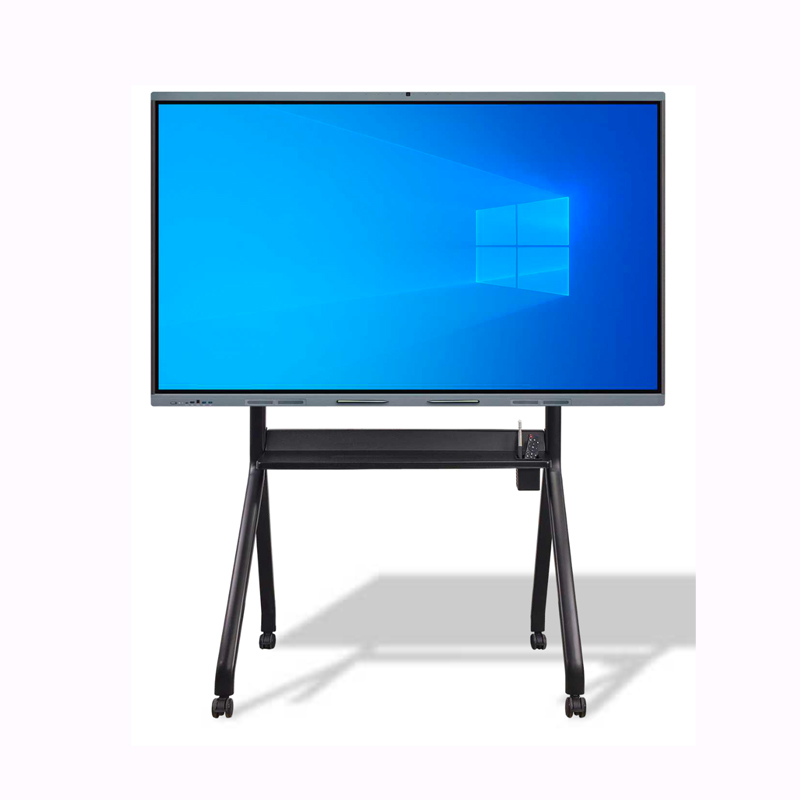
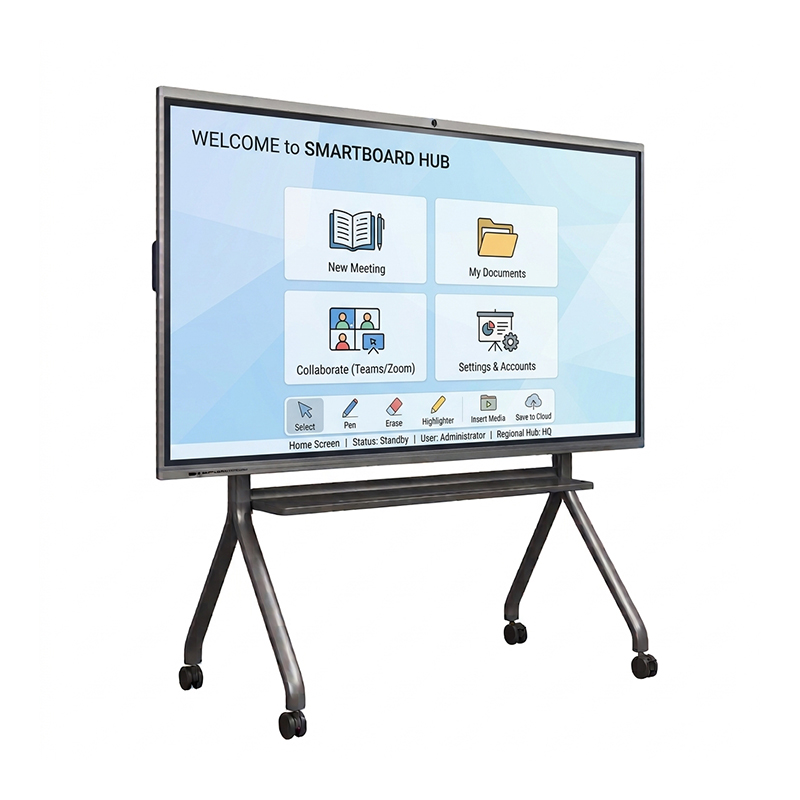
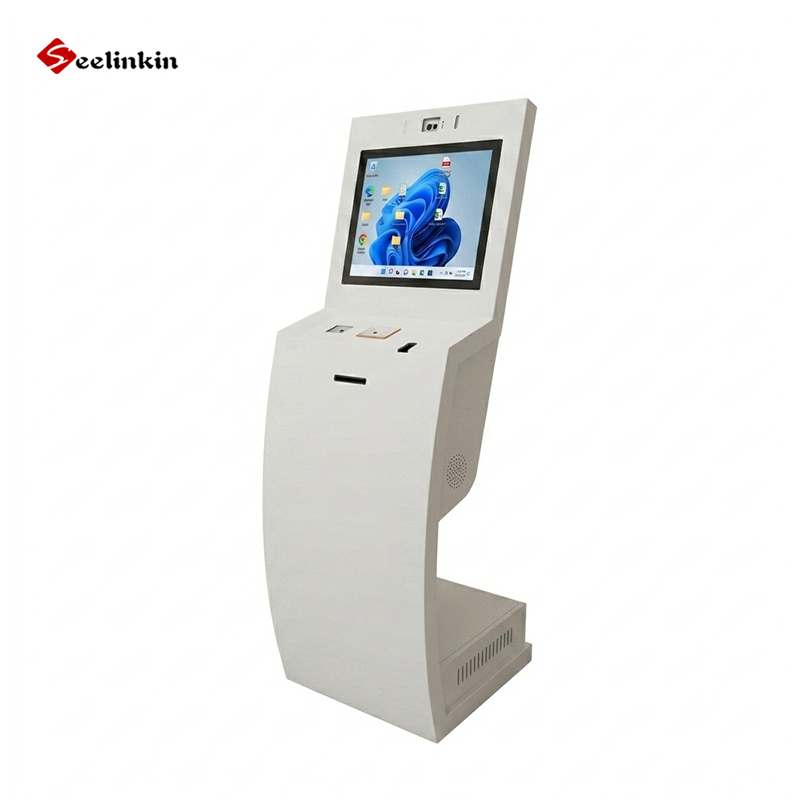
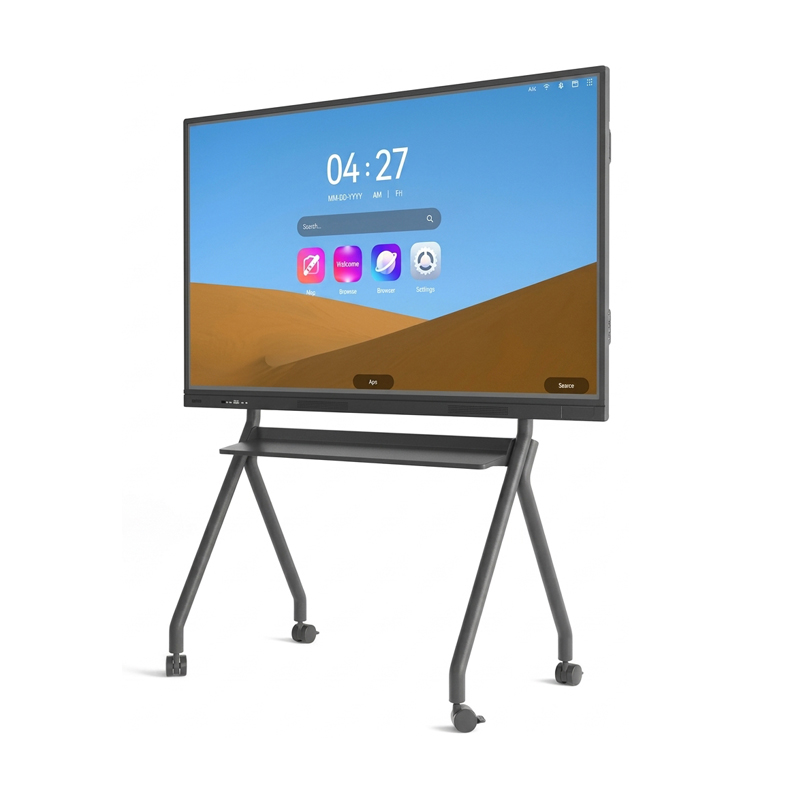
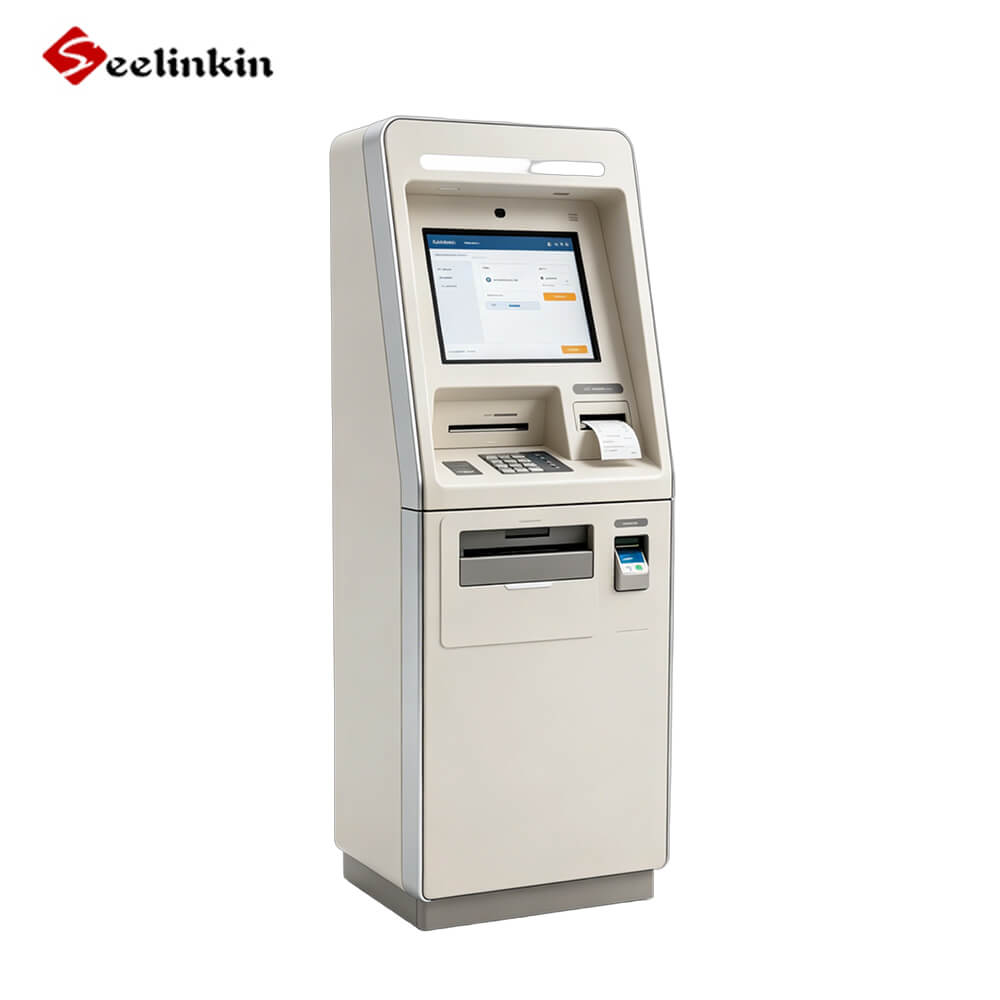
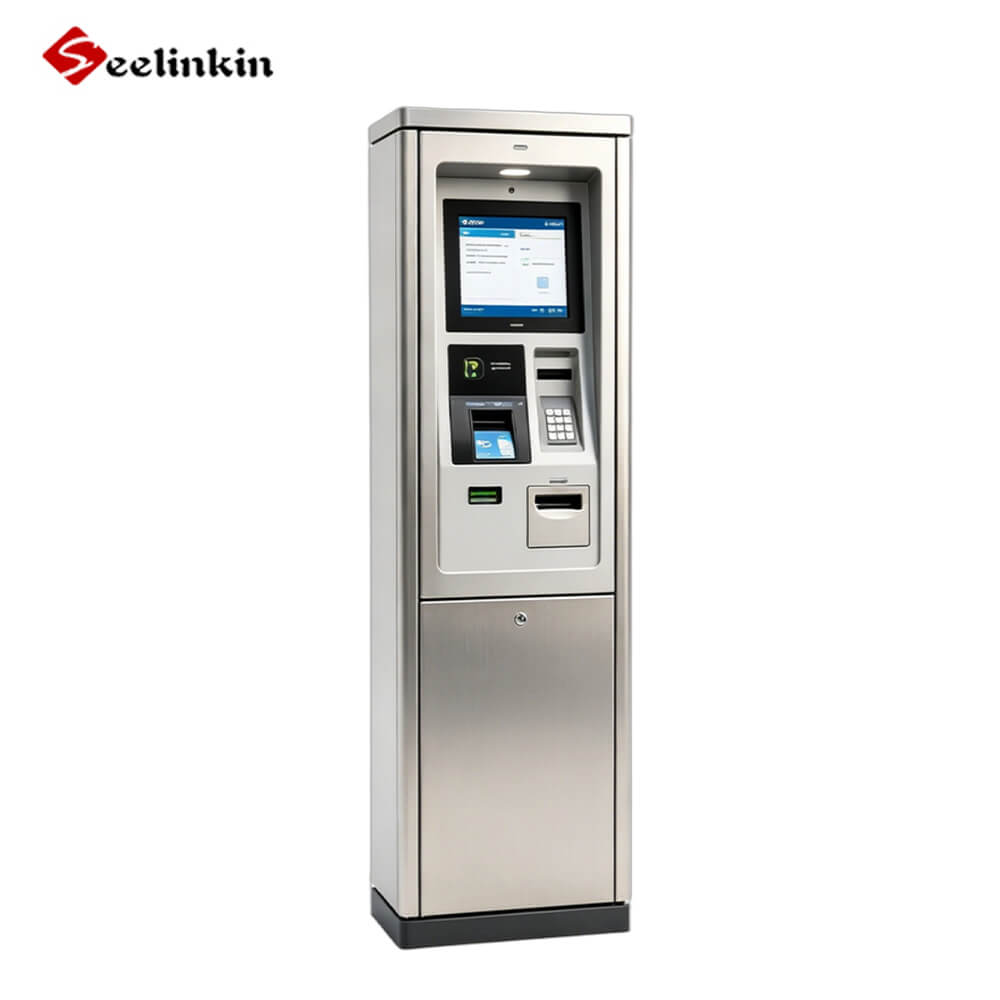
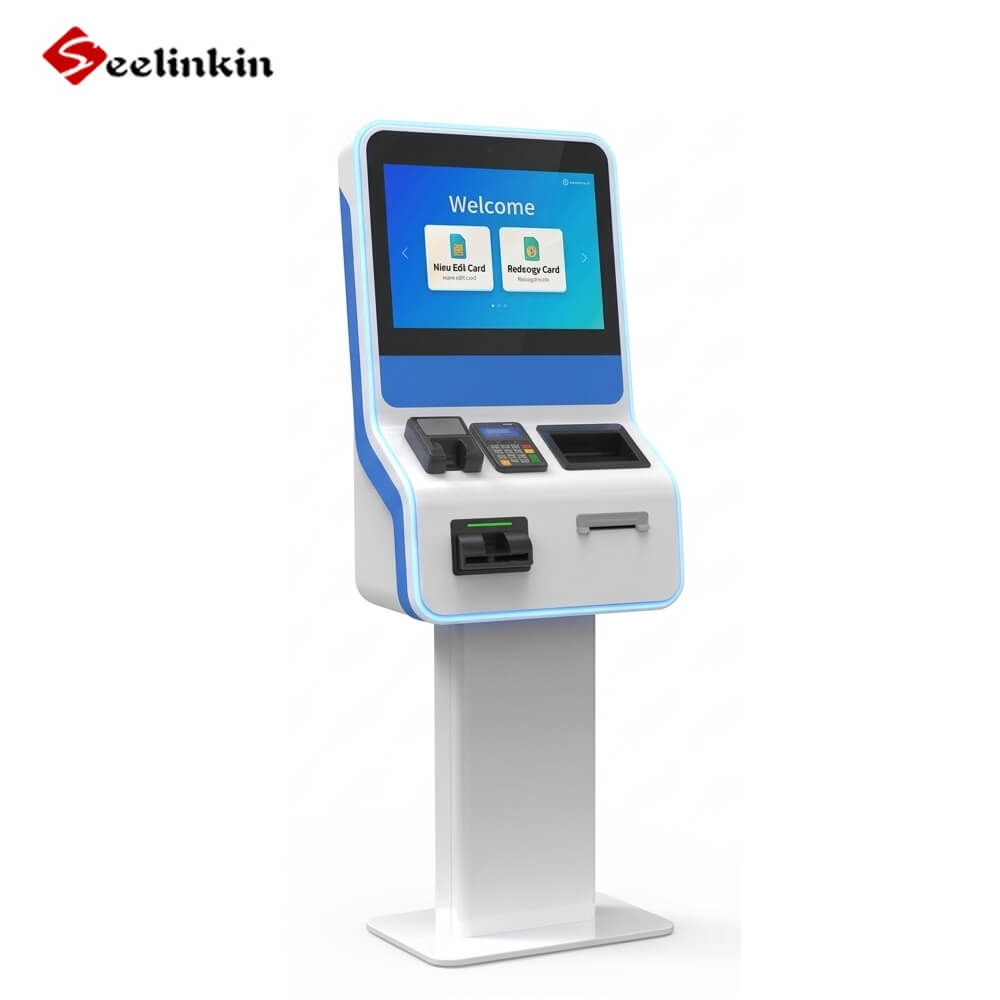
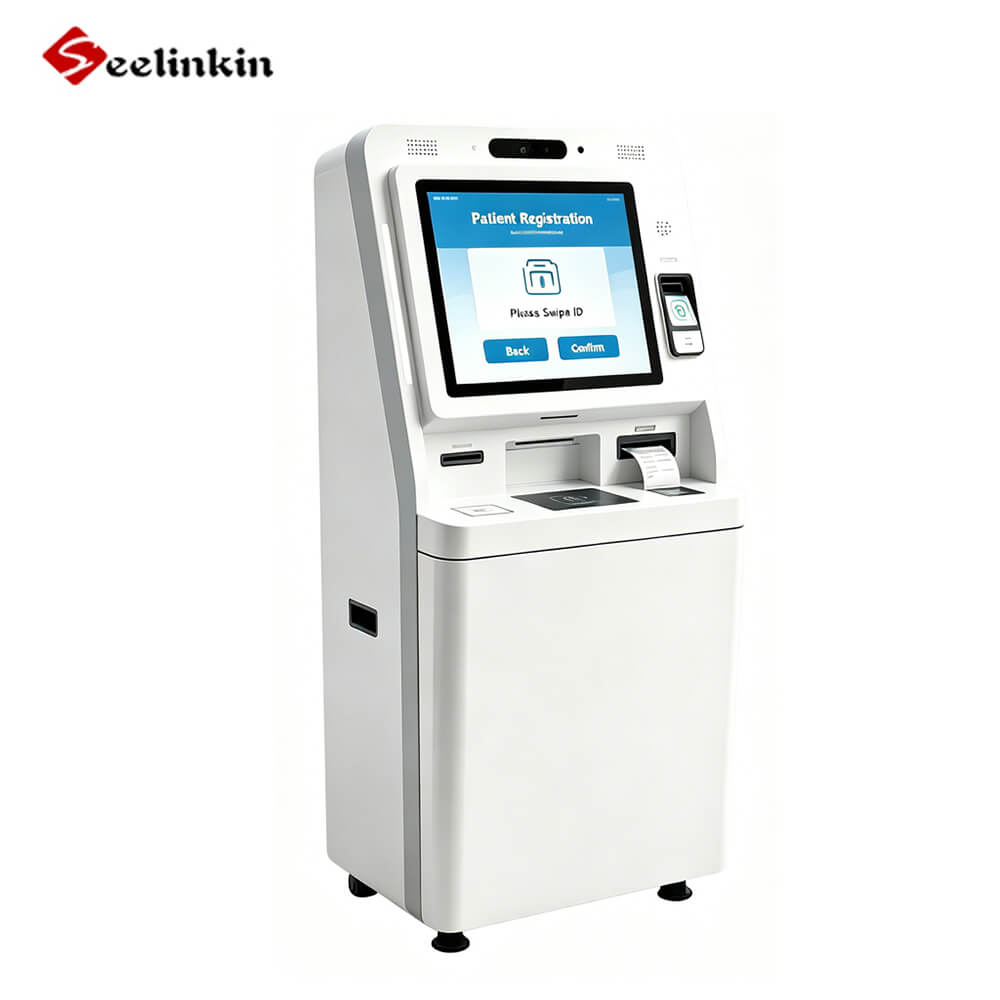
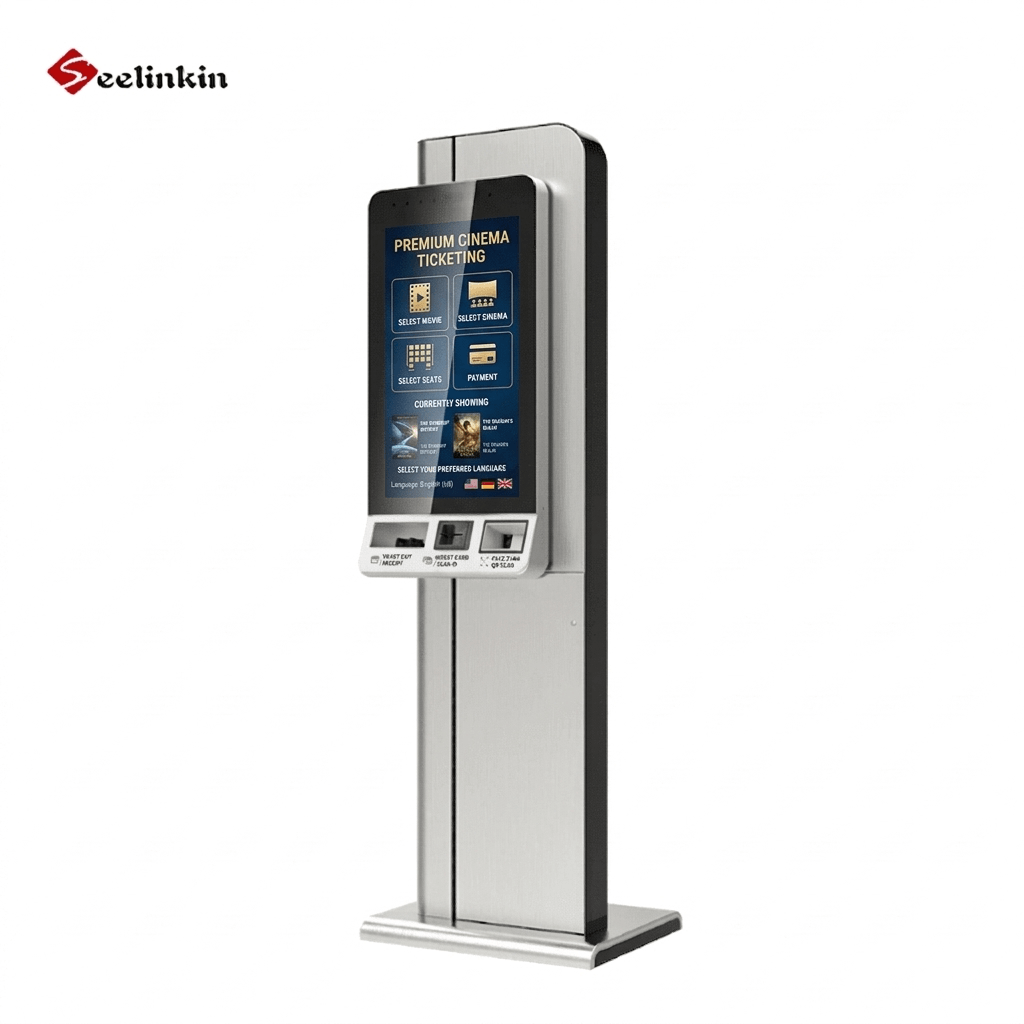
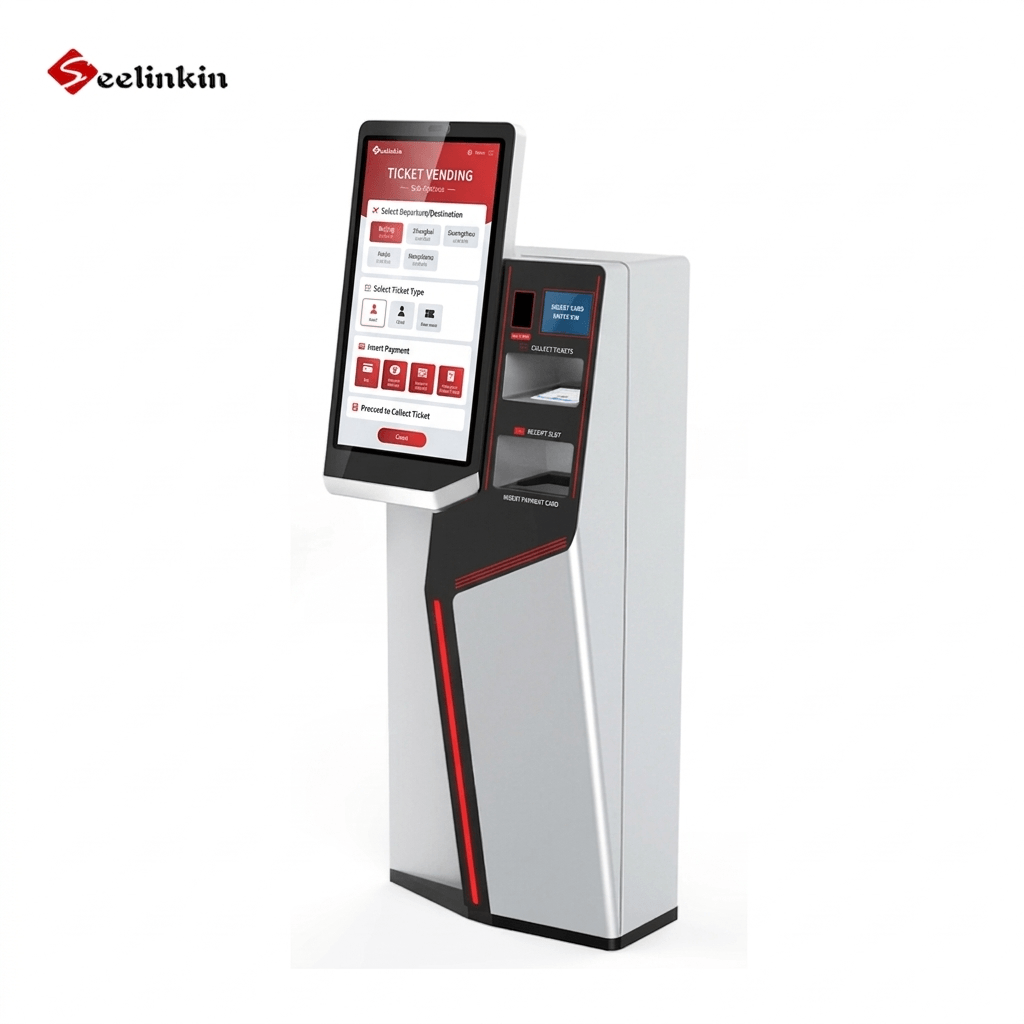
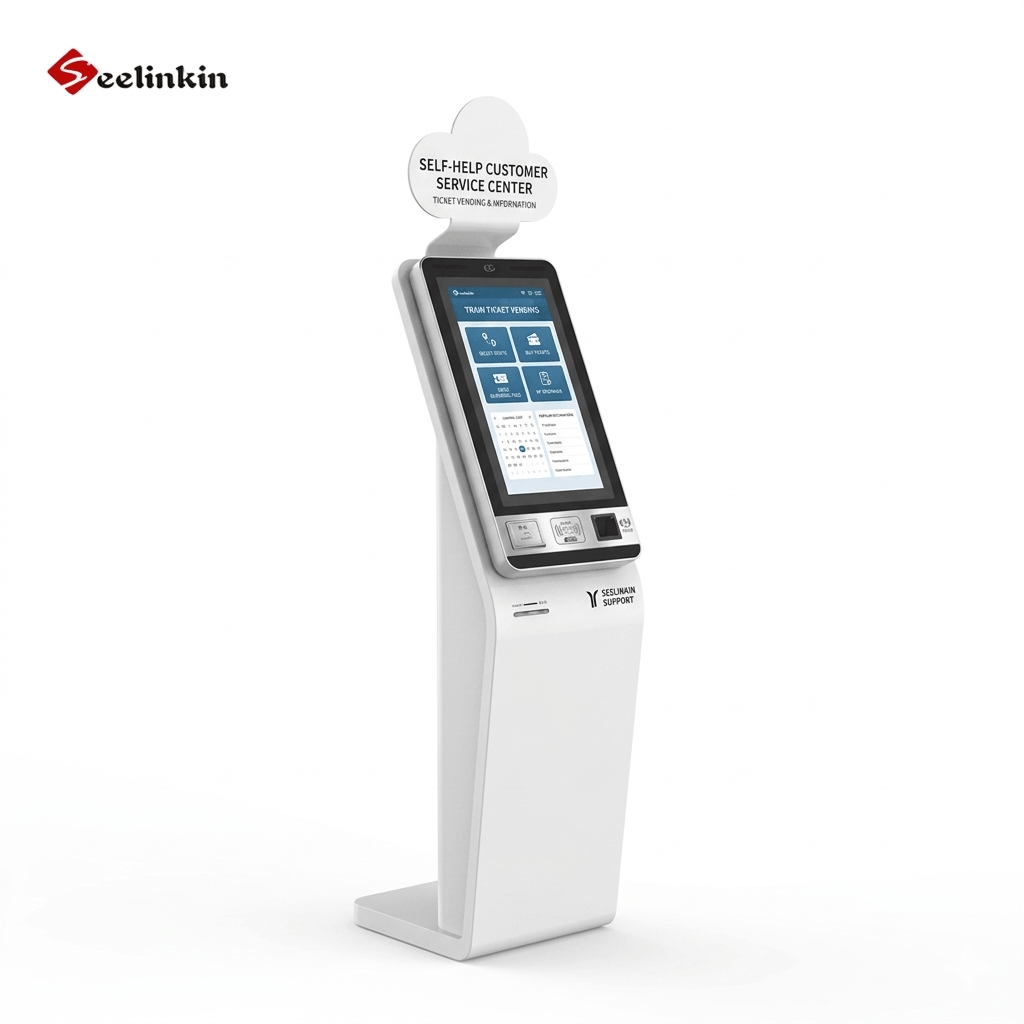
What Is a Self-Service Kiosk?
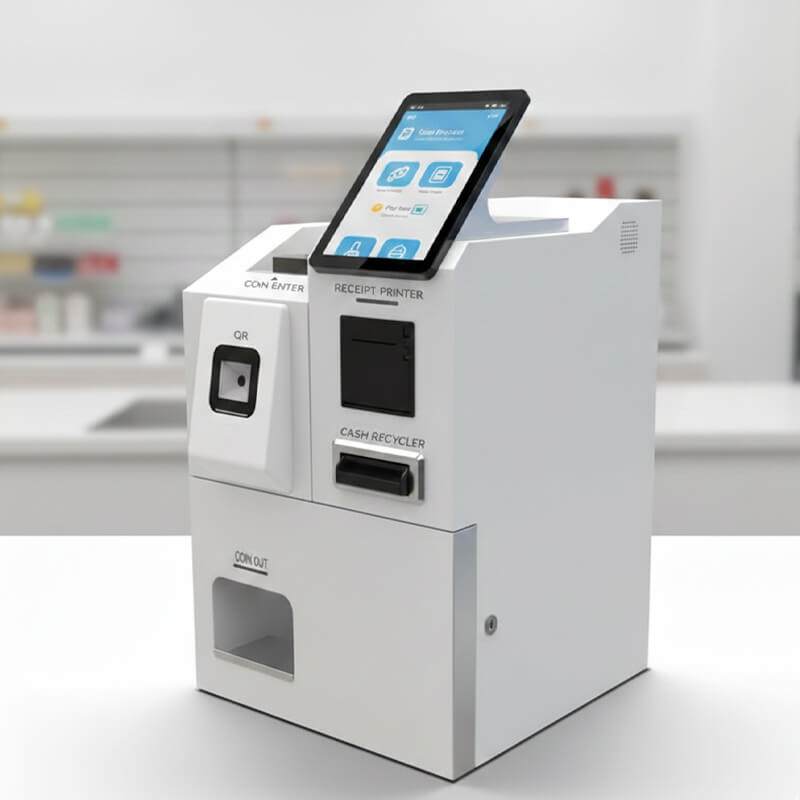
A self-service kiosk is an interactive, standalone terminal that enables users to complete transactions or access services independently — without the need for a staff member. Typically equipped with a touchscreen display, card reader, barcode scanner, and printer, these machines put the customer firmly in control of their own experience.
From fast-food restaurants to airport check-in desks and hospital reception areas, self-service kiosks are now a fixture of everyday life. They represent a convergence of hardware innovation, intuitive software design, and a shifting consumer preference toward speed and autonomy.
How Do Self-Service Kiosks Work?
At their core, self-service kiosks run purpose-built software on dedicated hardware. A user interacts with the touchscreen interface to navigate menus, input data, and trigger actions — such as placing an order, printing a ticket, or verifying an ID.
Most modern kiosks connect to a central server or cloud backend in real time, syncing inventory, pricing, and customer records. Payment processing is handled via integrated card readers compliant with EMV and PCI-DSS security standards. Many kiosks also support QR codes, NFC (contactless), and loyalty card integrations.
The best self-service kiosks are designed around a single core task. Simplicity of interface directly correlates with customer adoption rates and reduced error frequency.
Types of Self-Service Kiosks
Food & Beverage Ordering Kiosks
Common in quick-service restaurants (QSRs) like McDonald's, Burger King, and KFC, these kiosks let customers browse menus, customise orders, and pay — all without queuing at a counter. They have been shown to increase average order value by 15–30% through upselling prompts.
Retail Self-Checkout Kiosks
Supermarkets and pharmacies use self-checkout terminals to allow customers to scan, bag, and pay for items independently. Major retailers including Walmart, Tesco, and ALDI have invested heavily in this technology to improve throughput.
Travel & Airline Check-In Kiosks
Airlines including Singapore Airlines, Emirates, and British Airways deploy check-in kiosks at airports worldwide. Passengers can print boarding passes, select seats, and tag luggage in minutes, dramatically cutting queue times at peak hours.
Healthcare Registration Kiosks
Hospitals and clinics use patient check-in kiosks to verify insurance, update personal information, and sign consent forms electronically — freeing reception staff for more complex patient interactions.
Banking & ATM Kiosks
Beyond traditional ATMs, advanced banking kiosks now support account opening, loan applications, and video calls with a live bank advisor — extending financial services into underserved locations.
Government & DMV Kiosks
Government agencies deploy kiosks for licence renewals, fine payments, document issuance, and voter registration, reducing foot traffic at government offices and cutting administrative costs.
Benefits for Businesses & Customers
- Faster service: Average transaction time drops significantly compared to staffed counters.
- Lower operational costs: One kiosk can handle the workload of multiple staff during peak hours.
- 24/7 availability: Kiosks do not require breaks, sick leave, or shift changes.
- Increased revenue: Automated upsell prompts and add-on suggestions boost average order value.
- Data collection: Every transaction generates actionable data on customer preferences and behaviour.
- Improved accessibility: Multilingual interfaces and ADA-compliant designs serve a broader audience.
Key Industries Using Kiosks
Self-service kiosks have found a foothold across virtually every consumer-facing sector. Retail remains the largest adopter, followed by hospitality (hotels and restaurants), healthcare, transportation (airports, rail, transit), banking & financial services, and government. Emerging verticals include education (campus ID and printing kiosks) and real estate (property viewing terminals).
| Industry | Typical Applications |
|---|---|
| 🍔 Restaurant | Self-service ordering, self-service pickup |
| 🛒 Retail | Self-checkout, price inquiry, membership registration |
| 🏨 Hotel | Self check-in/check-out, information inquiry |
| 🏥 Healthcare | Self-registration, report printing, wayfinding |
| 🏛️ Government | Service processing, queue number, self-service document issuance |
| 🎬 Entertainment | Self-ticketing, ticket collection |
Challenges & Considerations
Despite their advantages, self-service kiosks come with genuine challenges. Digital exclusion is a real concern — elderly or less tech-savvy users may struggle with touchscreen interfaces, requiring businesses to retain human fallback options. Maintenance is another ongoing cost: hardware breakdowns, software updates, and sanitisation (particularly post-COVID) require dedicated resources.
Cybersecurity is increasingly important as kiosks handle sensitive payment and health data. Businesses must ensure PCI-DSS compliance, regular patching, and physical tamper-proofing. Finally, the human touch in complex service scenarios — complaints, medical emergencies, nuanced advice — cannot yet be replaced by a screen.
FAQs About Self Service Kiosks
1. Are self-service kiosks cost-effective for small businesses?
Yes — cloud-based kiosk software and affordable tablet hardware have brought entry costs down dramatically. Small cafés, barbershops, and boutique retailers are all now viable kiosk adopters with ROI timelines of 6–18 months.
2. What operating systems do self-service kiosks run?
Most kiosks run Windows, Android, or Linux in a locked-down “kiosk mode” that prevents users from exiting the designated application. Chrome OS is gaining traction for cloud-native deployments.
3. How do self-service kiosks handle accessibility requirements?
ADA-compliant kiosks feature adjustable-height screens, tactile keypads, audio guidance, and high-contrast display modes. In many countries, accessibility compliance is a legal requirement for public-facing kiosks.
4. What is the difference between a kiosk and an ATM?
An ATM is a specialised kiosk designed exclusively for banking transactions. A self-service kiosk is a broader category encompassing any automated terminal — ATMs are a subset of kiosks.