FAQ
1.What is the Donation Kiosk?
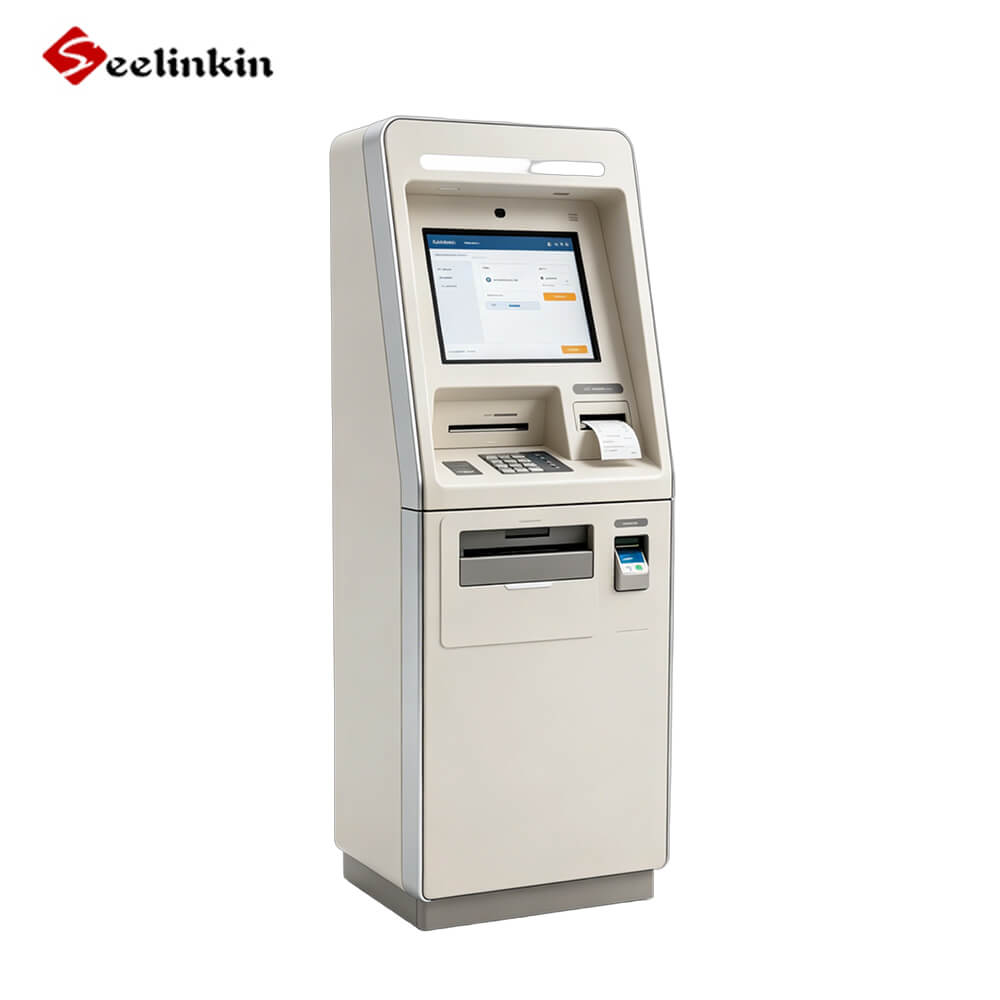
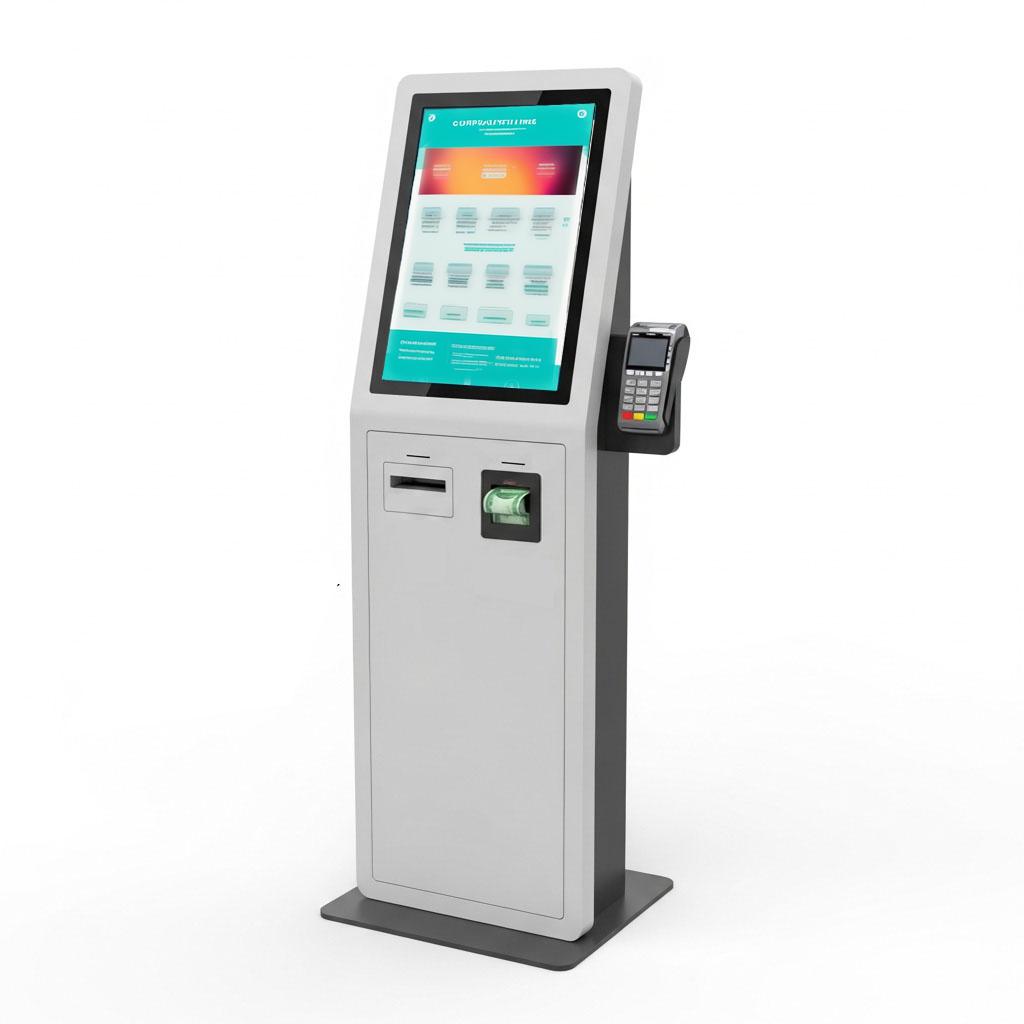
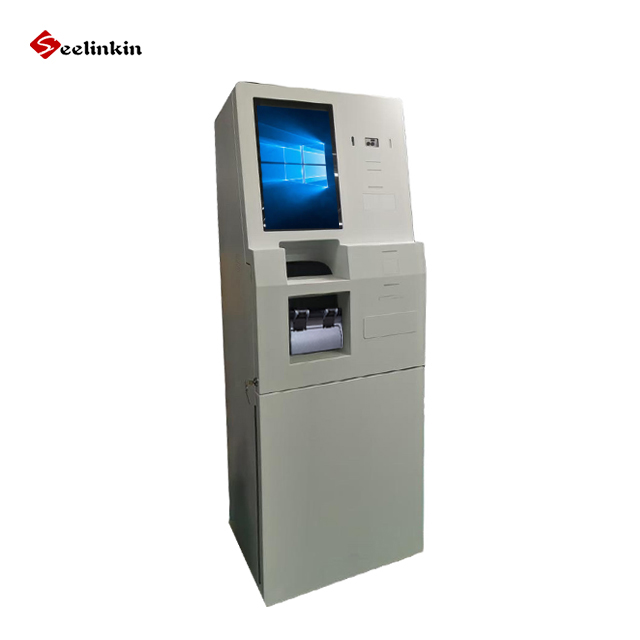
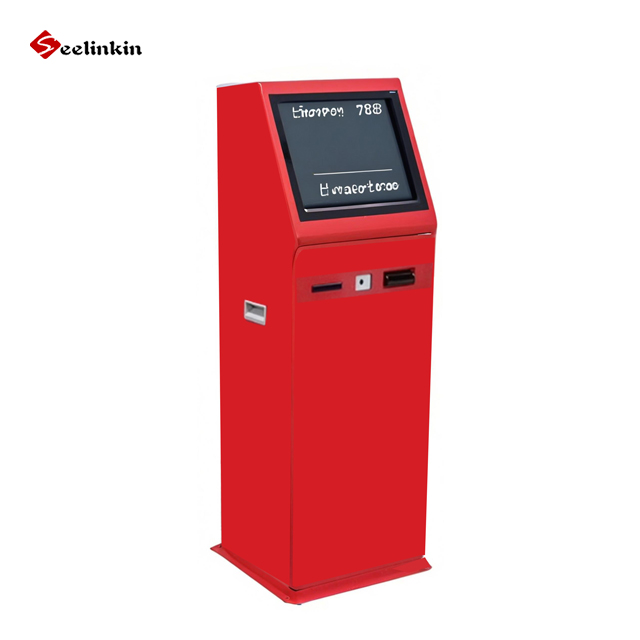
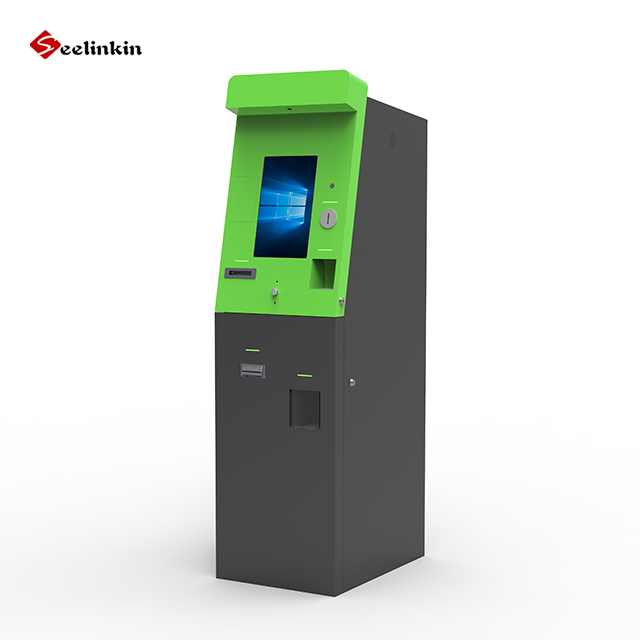
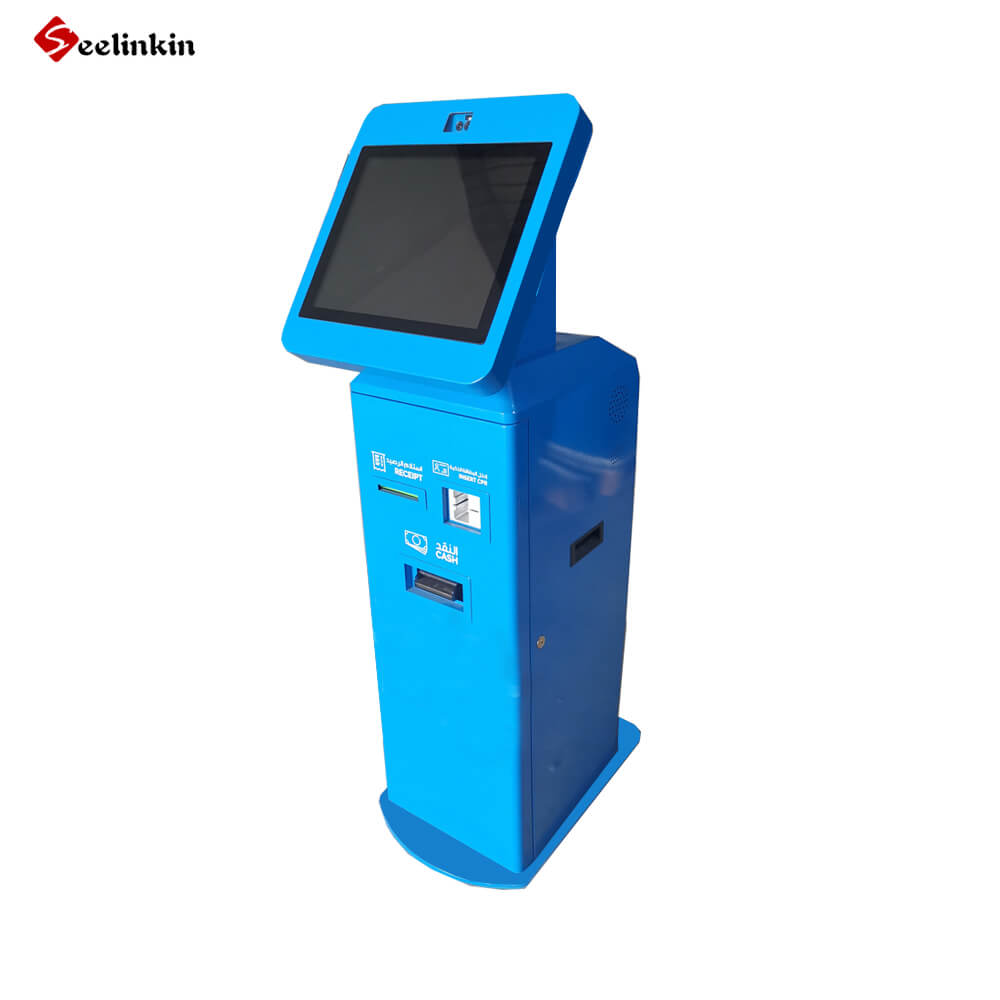
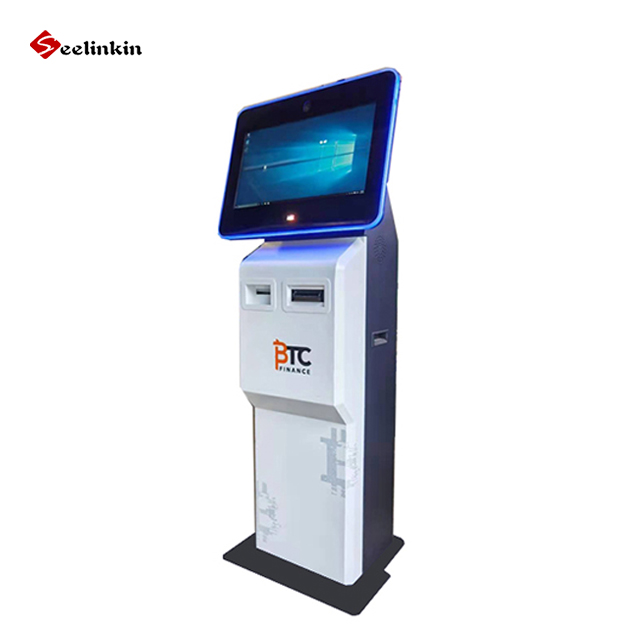
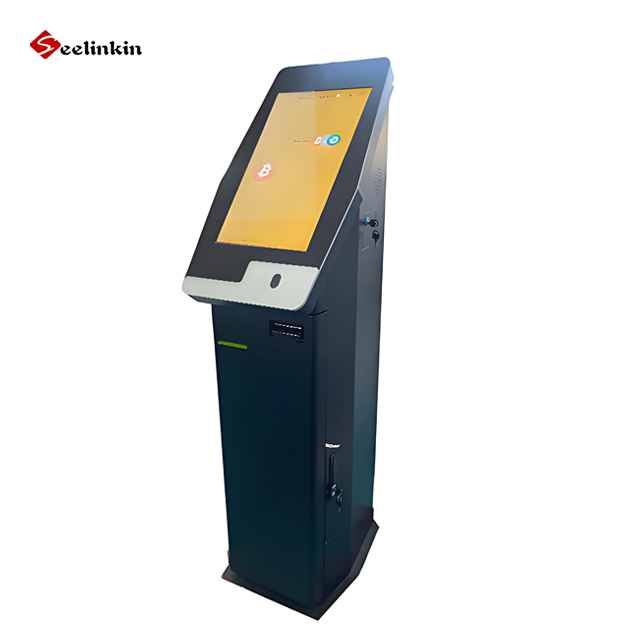
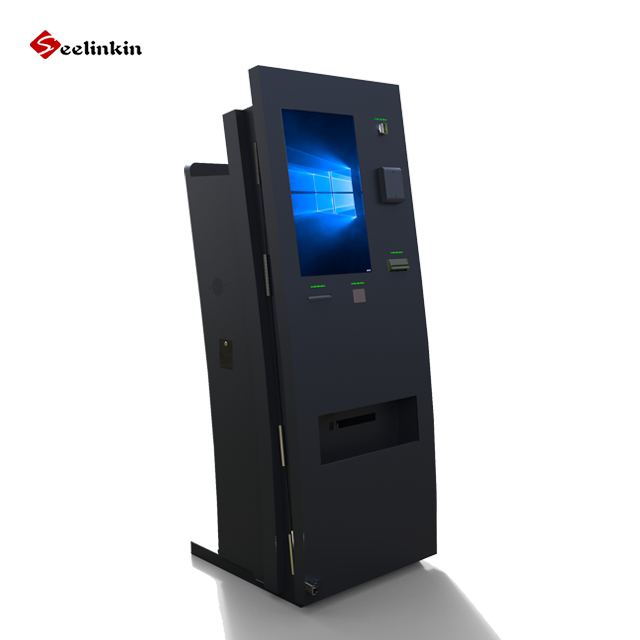
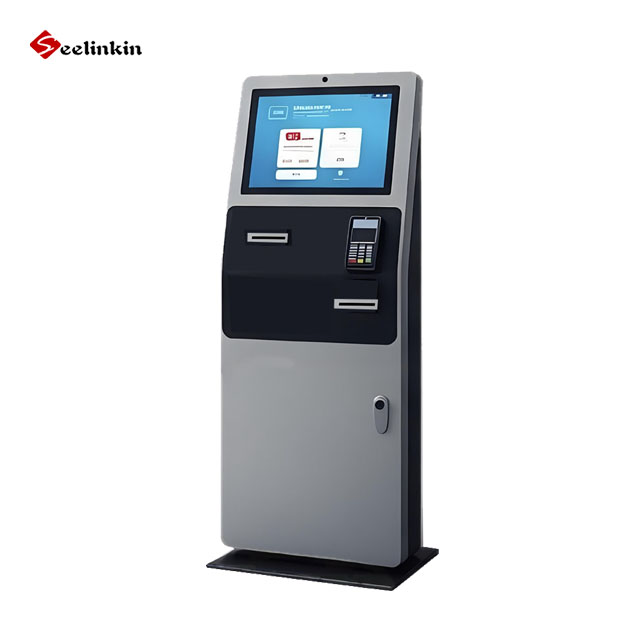
The Donation Kiosk is a self-service terminal designed to collect charitable contributions in public spaces. It combines a 19-inch HD touchscreen, cash acceptor, card payment terminal, and receipt printer in one secure unit, allowing donors to give quickly and conveniently without the need for staff assistance.
2.Who is the Donation Kiosk Ideal For?
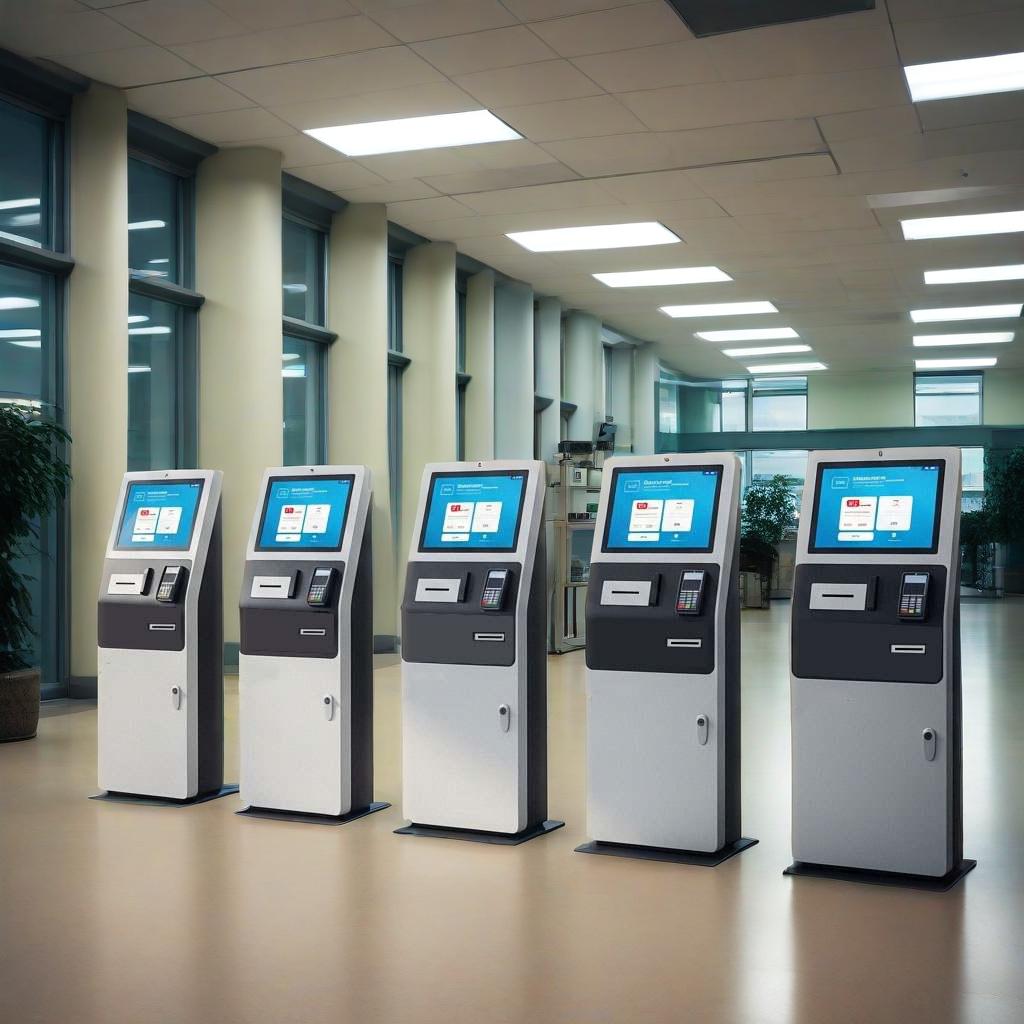
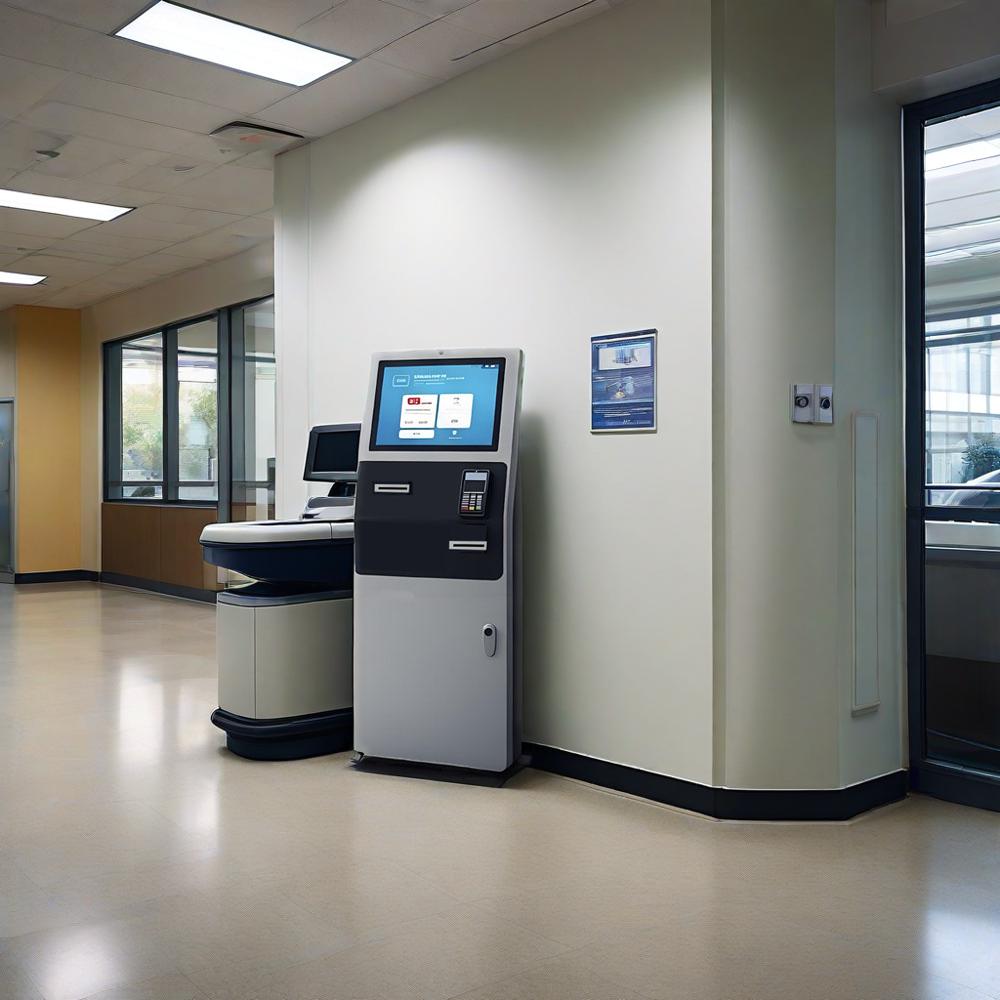
The Donation Kiosk is ideal for charity organizations, religious institutions such as churches, mosques, and temples, hospitals and healthcare facilities, museums, schools, universities, and non-profit organizations. Any organization that needs a reliable, unattended donation collection solution in a public or semi-public space will benefit from this kiosk.
3.What Payment Methods Does the Donation Kiosk Support?
The Donation Kiosk supports a wide range of payment methods, including cash (multiple bill types via NV200-compatible acceptor), credit and debit cards with chip and PIN, and NFC contactless payments such as Apple Pay and Google Pay. It integrates with major payment gateways including Stripe, PayPal, and custom API solutions.
4.Is the Donation Kiosk Secure?
Yes. The Donation Kiosk is built with security at its core. It features AES-256 data encryption, EMV L2 card compliance, and an IP54-rated stainless steel enclosure to protect against tampering and environmental conditions. All transactions are processed through certified, industry-standard security protocols to safeguard both donors and organizations.
5.What is the Maintenance Like for the Donation Kiosk?
The Donation Kiosk is designed for minimal maintenance. Its robust stainless steel enclosure and high-quality components are rated for over 50,000 hours of operation. The lockable rear service panel allows easy access for routine checks, cash collection, and printer paper replacement. Remote management capabilities also allow administrators to monitor performance and update software without being on-site.
6.What is the main difference between a Windows and Android donation kiosk?
A Windows donation kiosk runs on a full desktop operating system, making it better suited for organizations that require complex software integrations, custom enterprise applications, or compatibility with existing Windows-based management systems. An Android donation kiosk is lighter, faster to boot, and more cost-effective, making it ideal for straightforward donation collection in churches, charities, and public spaces.