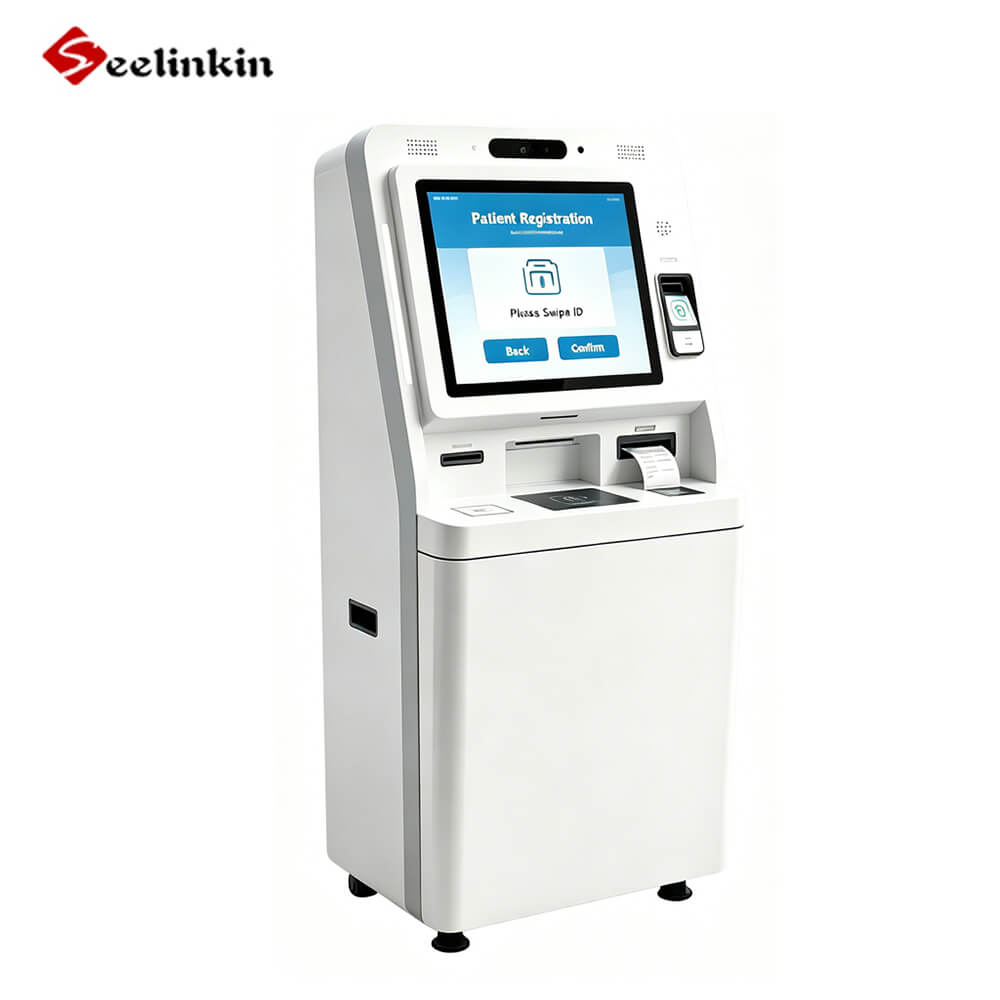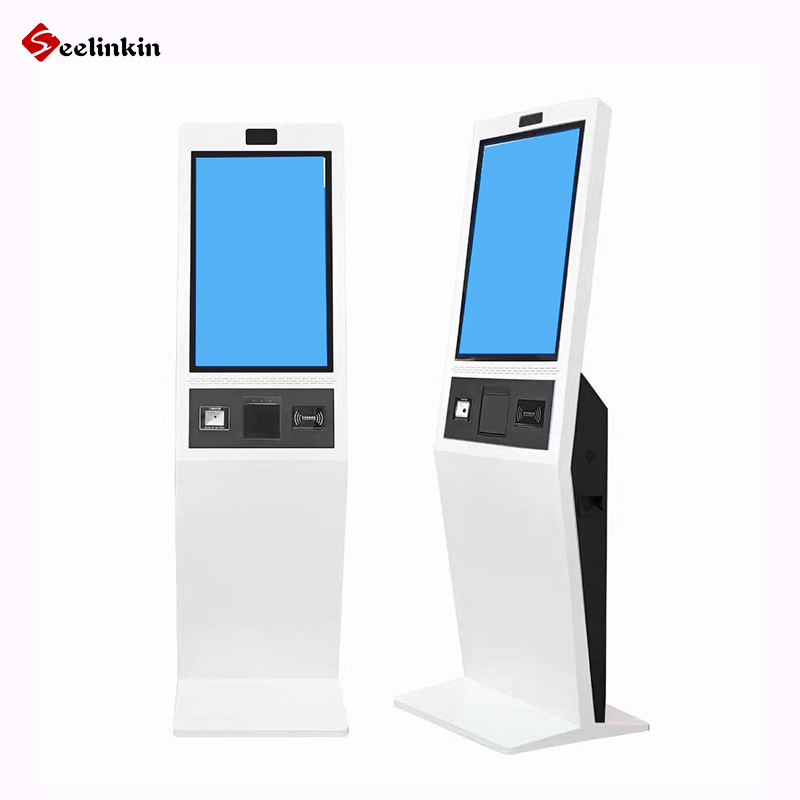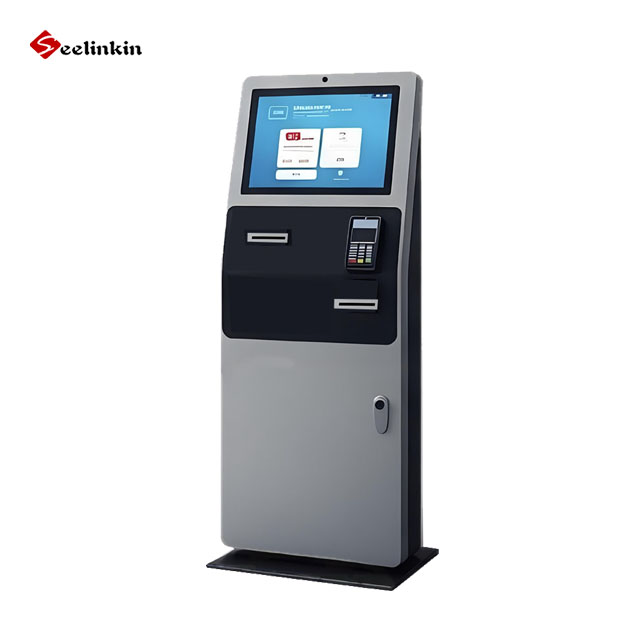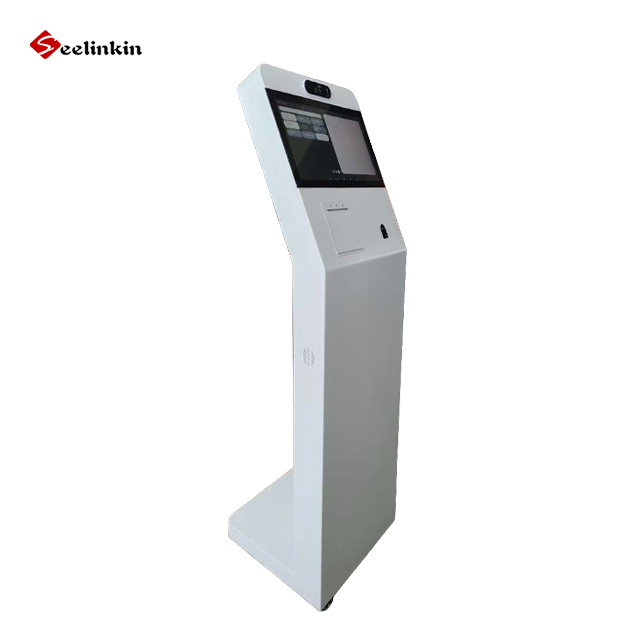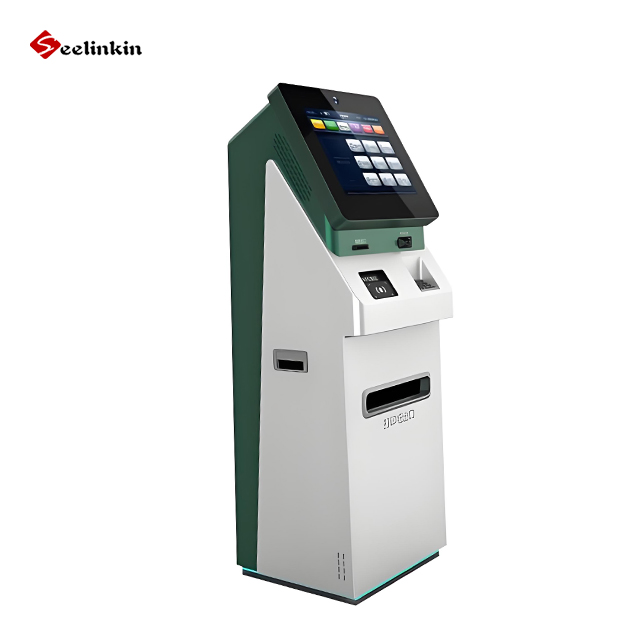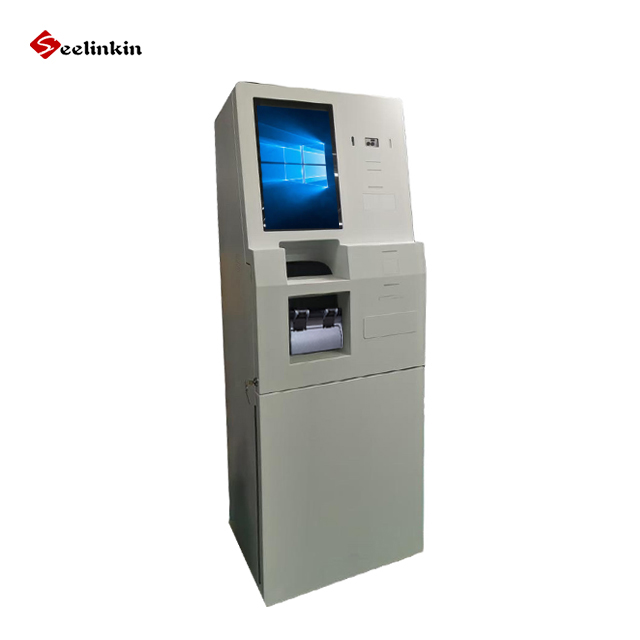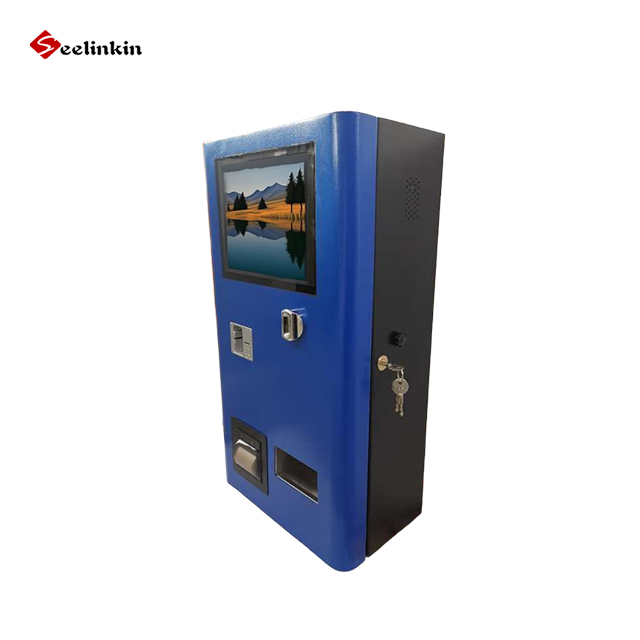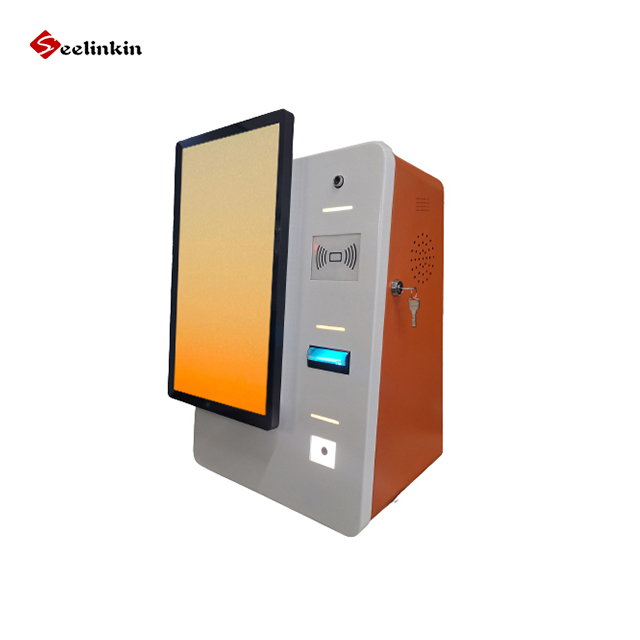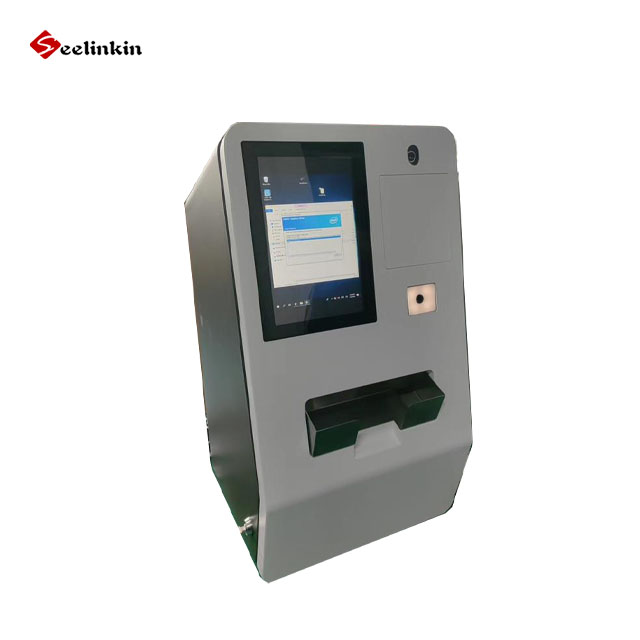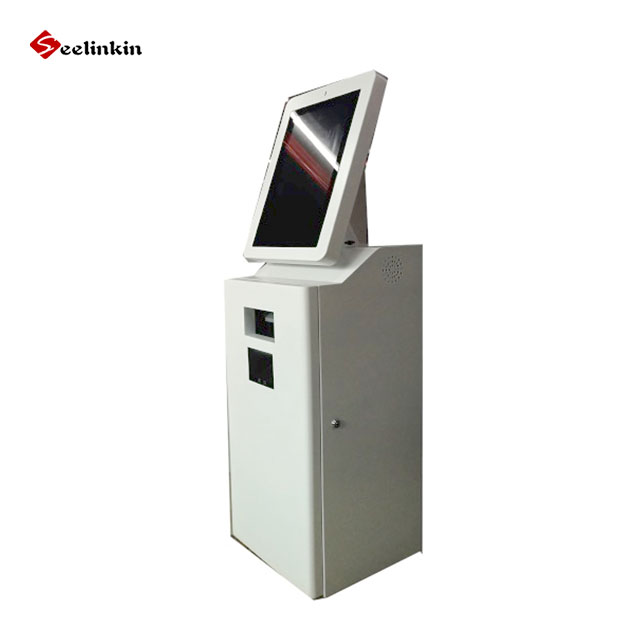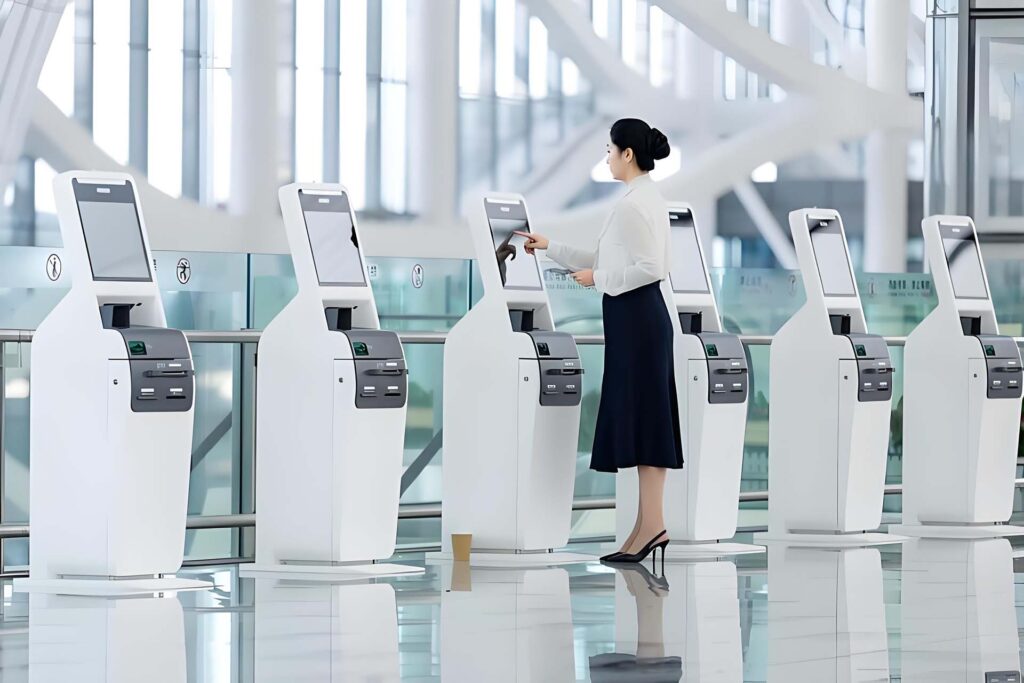
A kiosk machine is a self-service digital device that lets users access services, make payments, or find information without help from staff. Many businesses use kiosks to speed up transactions and reduce waiting times. Digital kiosk technology appears in places like retail stores, airports, restaurants, and healthcare centers. Kiosks help companies improve efficiency and offer customers a convenient way to interact with services.
Tip: Consider how a kiosk can automate routine tasks and make your operations smoother.
Kiosk Machine Overview
What Is a Kiosk Machine
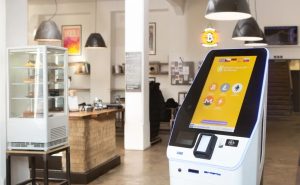
A kiosk machine is a self-service device that allows people to complete tasks on their own. This digital kiosk often stands in public places, such as shopping centers or hospitals. It uses a touchscreen or buttons to help users find information, make payments, or access services. The main goal of a kiosk machine is to give users control over simple actions without needing help from staff.
A digital kiosk can work all day and does not get tired. It can serve many people at once. This makes it a good choice for busy locations. People can use a kiosk to check in for appointments, buy tickets, or look up directions. The design of these machines makes them easy to use for most people.
Core Functions of Kiosks
Kiosks perform several important functions. They help businesses by automating routine tasks. This means staff can focus on other jobs that need more attention. Here are some common functions of a kiosk:
- Payment Processing: Many kiosks let users pay for goods or services. They accept cash, cards, or digital payments.
- Information Access: A digital kiosk can display maps, schedules, or answers to common questions.
- Order Placement: In restaurants or stores, kiosks allow customers to place orders directly.
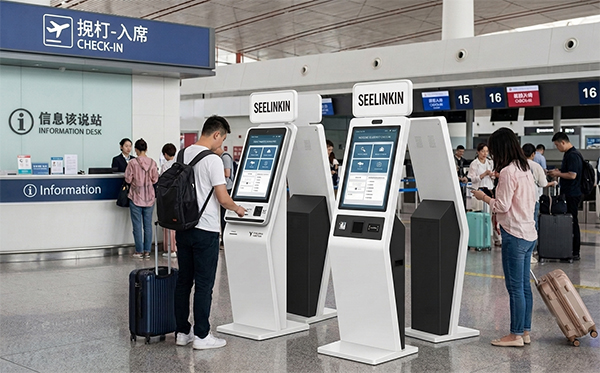
- Check-In Services: Some kiosks help people check in for appointments or flights.
Note: Kiosks can reduce wait times and improve the flow of people in busy areas.
A kiosk machine helps businesses run smoothly. It also gives customers a faster and more private way to get what they need.
Types of Kiosk Machines
Kiosk machines come in several forms. Each type serves a unique purpose and helps businesses operate more efficiently. The following are the most common types found in public spaces.
Self-Service Kiosks
Self-service kiosks allow users to complete tasks without staff assistance. These machines often use touch screen kiosks to guide people through simple steps. Many stores and restaurants use self-ordering kiosks so customers can place orders or check out items. Self-checkout kiosks are popular in grocery stores, where shoppers scan and pay for products themselves. These self-service machines help reduce lines and speed up service.
Note: Self-service kiosks improve convenience and give customers more control over their experience.
Payment Kiosks
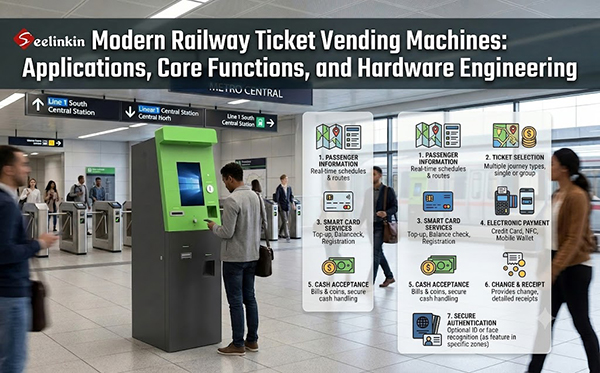
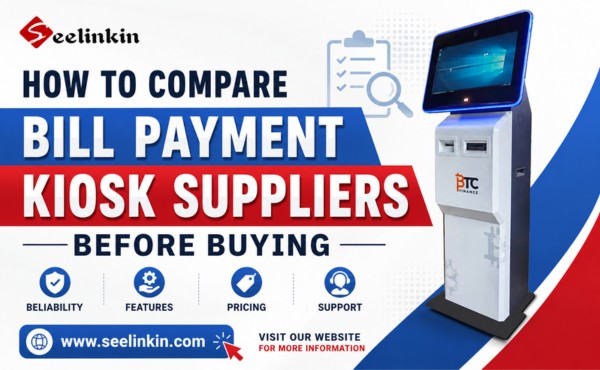
Payment kiosks focus on handling transactions. Users can pay bills, buy tickets, or make purchases quickly. These kiosks accept cash, cards, and digital payments. Payment kiosks are often found in transportation hubs, shopping centers, and utility offices. Ticket dispensing kiosks are a special kind of payment kiosk that prints tickets for events or travel. Businesses use payment kiosks to streamline payment processes and reduce errors.
Information Kiosks
Information kiosks provide details and directions to users. These interactive kiosks display maps, schedules, and answers to common questions. Hospitals, airports, and malls use information kiosks to help visitors find their way. The screens are easy to read and often include multiple languages. Information kiosks make it simple for people to get the help they need without waiting for staff.
Unattended Digital Kiosks
Unattended digital kiosks operate without any staff nearby. These unmanned digital kiosks work around the clock and handle tasks like recycling, device charging, or product returns. Many businesses use these kiosks to offer services at any time. Unattended digital kiosks help companies serve more customers and keep operations running smoothly.
Tip: Choosing the right kiosk type depends on your business needs and the services you want to offer.
Key Features of Kiosk Machines
User Interface and Accessibility
A kiosk machine needs an intuitive user interface. This feature helps users complete tasks quickly. Touchscreens, clear menus, and simple instructions make the digital kiosk system easy to use. Many kiosk systems include accessibility options. These options help people with disabilities. For example, some kiosks have audio guidance or larger text. An intuitive user interface also reduces mistakes during the payment process. Users can follow steps without confusion. Accessibility features ensure everyone can use kiosk technology.
Tip: A well-designed interface increases customer satisfaction and encourages repeat use.
Security and Payment Integration
Security is a key feature in kiosk systems. Kiosk technology protects user data and payment information. Encryption and secure connections keep transactions safe. The payment process must be reliable and fast. Kiosks often support multiple payment methods, such as cards or mobile payments. Secure payment integration prevents fraud and builds trust. Kiosk management software monitors activity and alerts staff to any issues. This software helps maintain security and keeps the payment process smooth.
- Secure payment integration
- Real-time monitoring
- Fraud prevention
Business System Connectivity
Kiosk machines connect to business systems for better efficiency. This connectivity allows kiosks to update inventory, track sales, and manage appointments. Kiosk management software links the digital kiosk system to databases and other tools. Businesses can collect data and analyze trends. This information helps improve services and streamline operations. Kiosk systems work with existing technology to support business goals.
| Feature | Benefit |
|---|---|
| System Connectivity | Real-time updates |
| Data Collection | Improved decision-making |
| Software Integration | Smooth operations |
Note: Business system connectivity makes kiosk machines a valuable part of modern operations.
Operational Benefits of Kiosk Machines
Efficiency and Productivity Gains
A kiosk machine increases efficiency in many business settings. Staff members spend less time on routine tasks. The digital kiosk handles payments, orders, and information requests. This automation allows employees to focus on more complex duties. The kiosk also manages customer flow management by guiding people through steps quickly. Businesses see faster service and fewer bottlenecks. The digital kiosk operates all day, so customers can access services at any time. This approach saves time for both staff and customers.
Tip: Using a kiosk machine helps businesses serve more people in less time.
Cost Reduction
Kiosk machines help companies lower costs. Businesses need fewer staff members for basic tasks. The digital kiosk reduces the need for manual labor. Maintenance costs are often lower because kiosks require less attention than traditional service counters. Energy-efficient designs also cut expenses. Companies spend less on training since the kiosk guides users through each process. The reduction in errors from automated systems leads to fewer costly mistakes.
| Cost Saving Area | Impact |
|---|---|
| Labor | Fewer staff needed |
| Maintenance | Lower upkeep costs |
| Training | Less staff training |
| Error Reduction | Fewer mistakes |
Enhancing Customer Experience
Kiosk machines improve customer experience in several ways. Customers enjoy faster service and shorter wait times. The digital kiosk provides clear instructions, making tasks easy to complete. Accessibility features help everyone use the kiosk, including people with disabilities. Customer flow management ensures that lines move smoothly. The kiosk offers privacy for payments and information requests. This approach leads to increased customer engagement and a better customer buying experience. An improved customer experience encourages repeat visits and builds loyalty.
Note: A digital kiosk creates a welcoming environment for all customers.
Data Collection and Analytics
Kiosk machines collect valuable data during each transaction. Businesses use this information to analyze trends and improve services. The digital kiosk tracks customer preferences and buying patterns. Companies adjust their offerings based on real-time feedback. Data from the kiosk helps managers make informed decisions. Analytics tools show which services are most popular and when customer flow peaks. This insight supports better planning and resource allocation.
- Real-time data collection
- Trend analysis
- Improved decision-making
Tip: Data from kiosks helps businesses understand their customers and adapt quickly.
Choosing and Implementing Kiosks
Assessing Business Needs
Selecting a kiosk starts with understanding your business goals. Identify the tasks you want to automate. Review the volume of customers and the types of services you offer. Consider the location where the kiosk will operate. Ask staff and customers about their needs. Make a list of features that will help your business. Compare different models and decide which functions are most important. Use a table to organize your requirements.
| Requirement | Importance | Notes |
|---|---|---|
| Payment processing | High | Needed daily |
| Information access | Medium | For visitors |
| Accessibility | High | All users |
Tip: Clear goals help you choose the right solution for your business.
Implementation Challenges
Deploying a kiosk can present challenges. Some locations may lack space or power. Staff may need training to support the new system. Customers might need guidance during the first weeks. Technical issues can arise during installation. Plan for these challenges by creating a checklist. Test the kiosk before full deployment. Monitor user feedback and adjust settings as needed. Address problems quickly to keep operations smooth.
- Space and power requirements
- Staff training
- Customer guidance
- Technical troubleshooting
Note: Early planning reduces delays and improves success.
Maintenance and Support
Regular maintenance keeps the kiosk running well. Schedule routine checks for hardware and software. Clean screens and update systems often. Set up a support plan for quick repairs. Keep spare parts ready for common issues. Monitor performance and collect data to spot problems early. Provide contact information for support teams. Good maintenance extends the life of your kiosk and ensures reliable service.
Tip: Consistent support builds trust with customers and staff.
Conclusion
Kiosk machines improve operations by automating routine tasks and reducing costs. Digital kiosk systems help businesses deliver faster service and boost customer experience. Kiosk solutions offer secure and accessible options for payments and information. Many companies see higher customer experience scores after adding kiosks. Customers enjoy shorter wait times and more privacy. Explore kiosk options that fit your industry and focus on customer experience.
- Automate tasks
- Lower costs
- Enhance customer experience