Skip to content
Understanding how self-service kiosks operate is essential for businesses adopting automation. This guide explains how Kiosks Work, from user interaction to backend processing, and why they improve efficiency, reduce wait times, and enhance customer experience. As self-service technology becomes more common across retail, hospitality, and transportation, knowing the fundamentals helps you evaluate and implement the right solution.
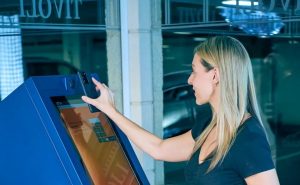
What Are Self-Service Kiosks?
Definition
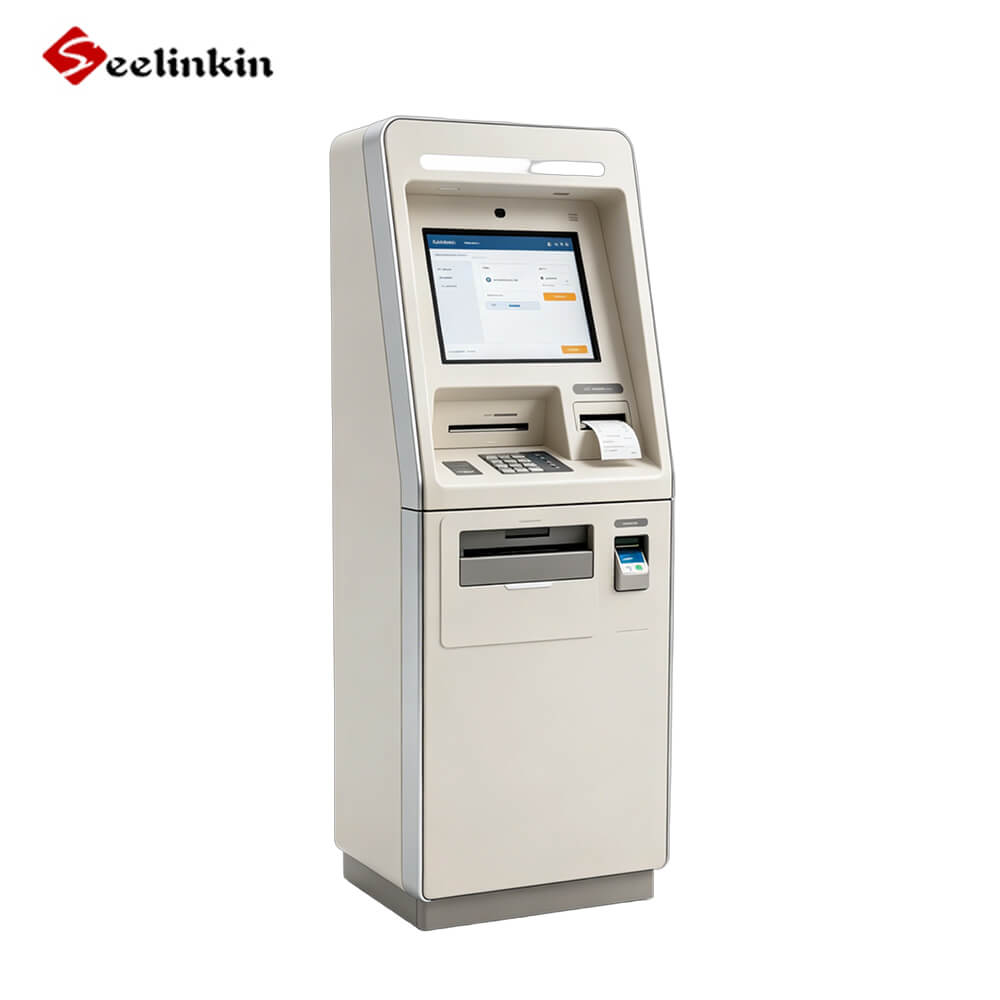
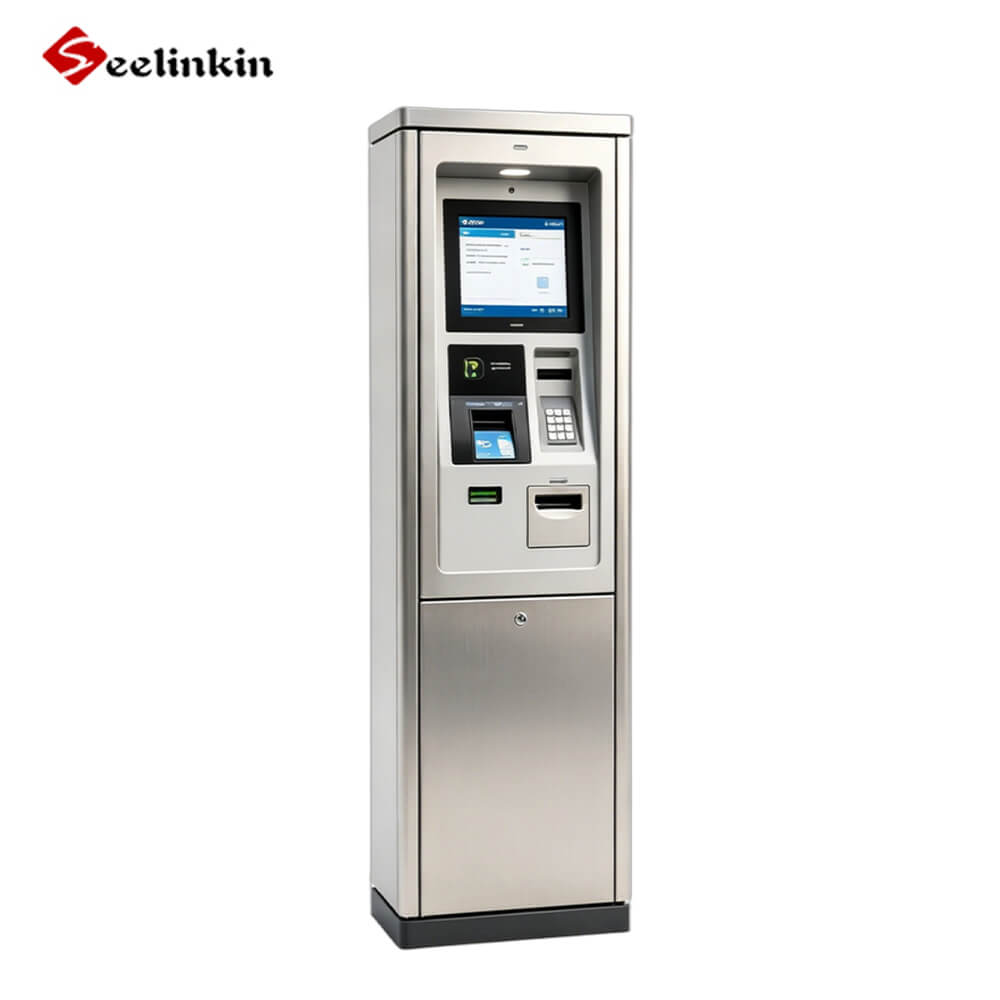
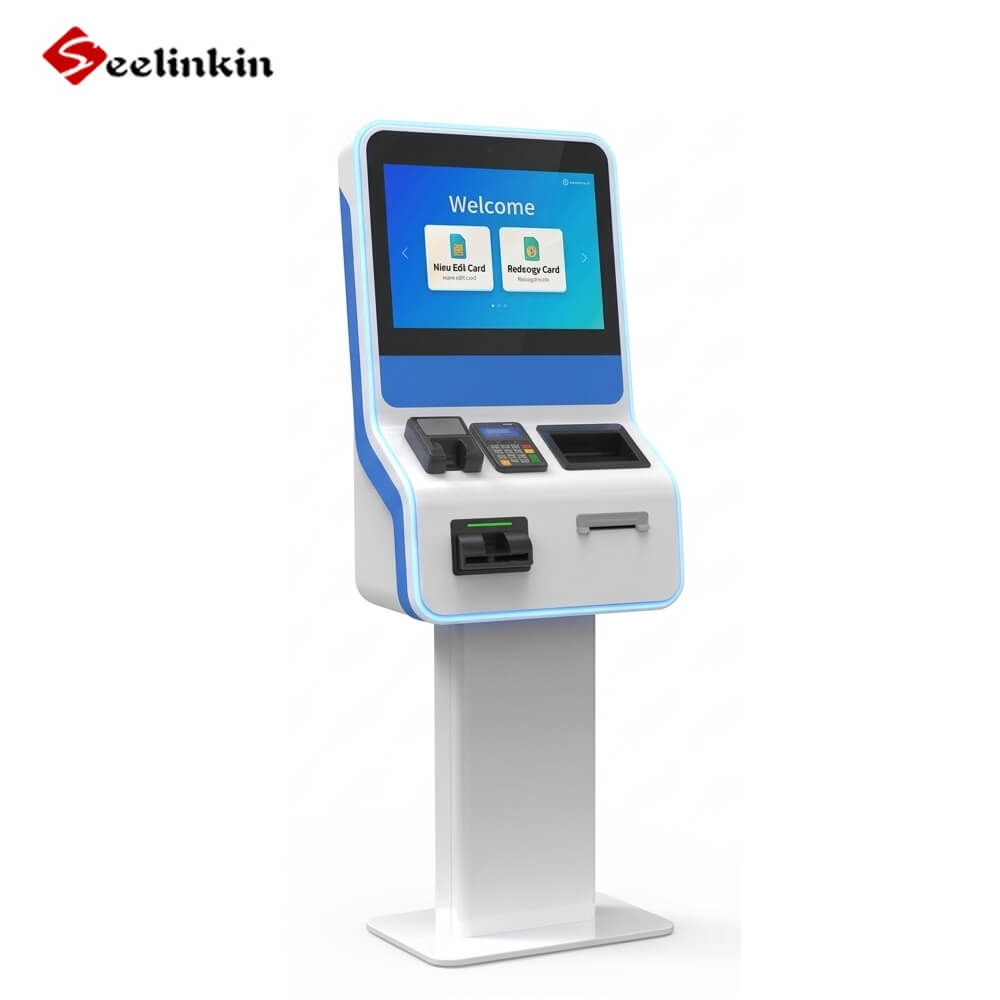
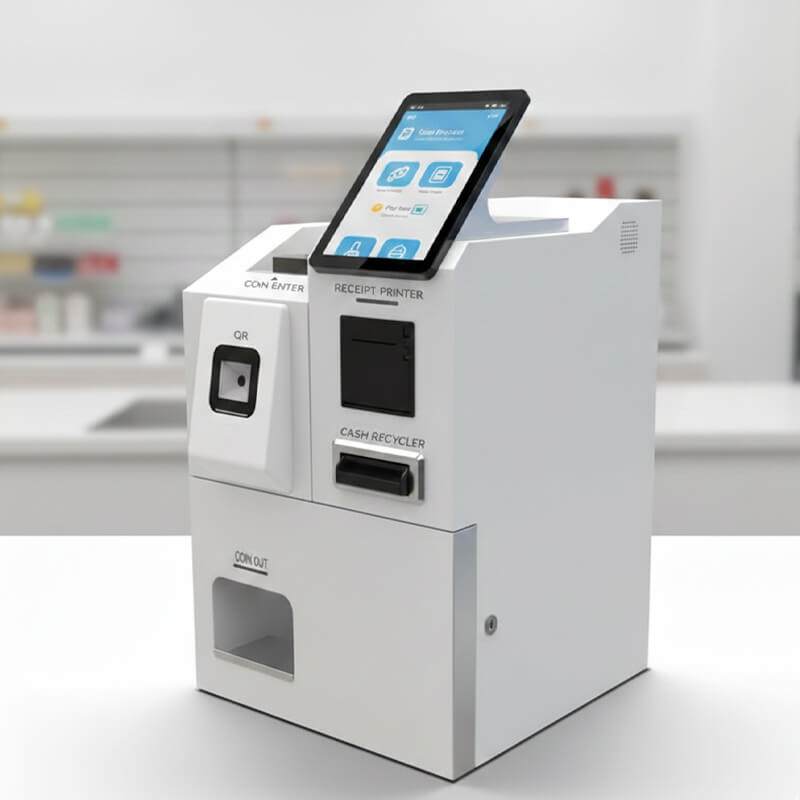
Self-service kiosks are digital devices that allow people to complete tasks on their own. These machines stand alone and use interactive screens to guide users through different services. Most kiosk models include a touchscreen, a computer terminal, and software that manages the process.
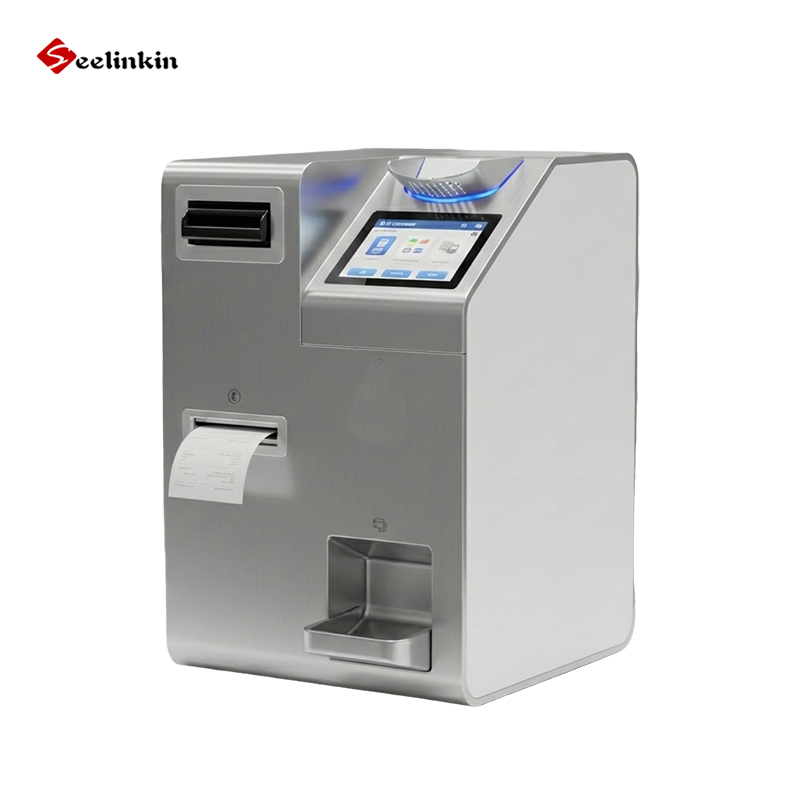
The hardware in self-service kiosks often includes a display, a card reader, and sometimes a printer. The software provides the instructions and options that appear on the screen. This combination gives users self-service functionality without needing help from staff.
Common Types
Many kiosk models exist for different needs. Each type serves a unique purpose and appears in specific places.
Retail
Retail kiosk models help shoppers scan items, check prices, or pay for products. Self-checkout kiosks are common in grocery stores and large retailers. These machines let customers complete purchases quickly and avoid long lines.
Food Service
Food service kiosk models allow customers to order meals, customize their choices, and pay at restaurants or cafes. These kiosks often show menu options with pictures and let users select ingredients or meal sizes. Many fast-food chains use these machines to speed up service and reduce errors.
Ticketing and Check-In
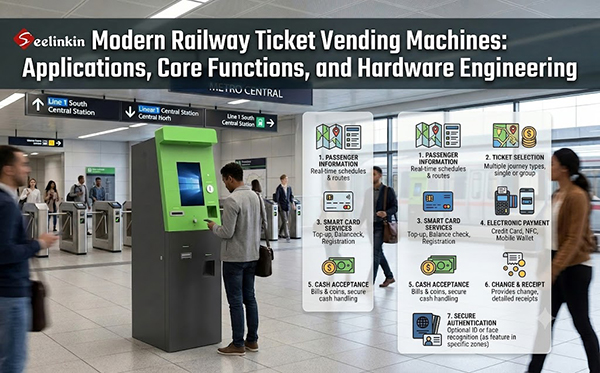
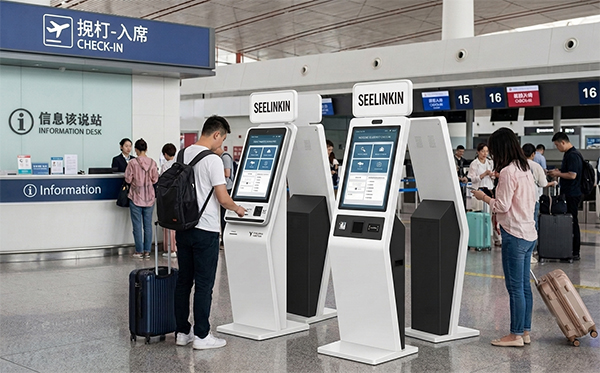
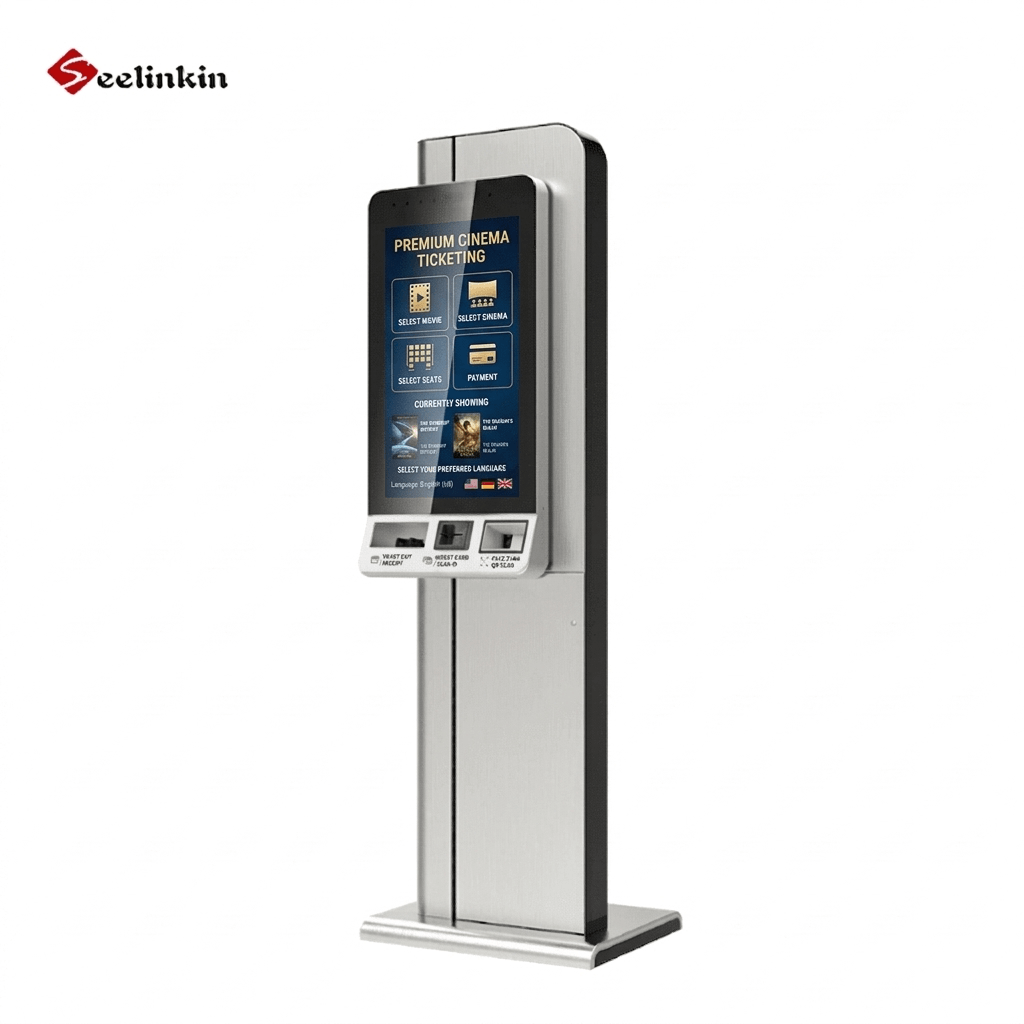
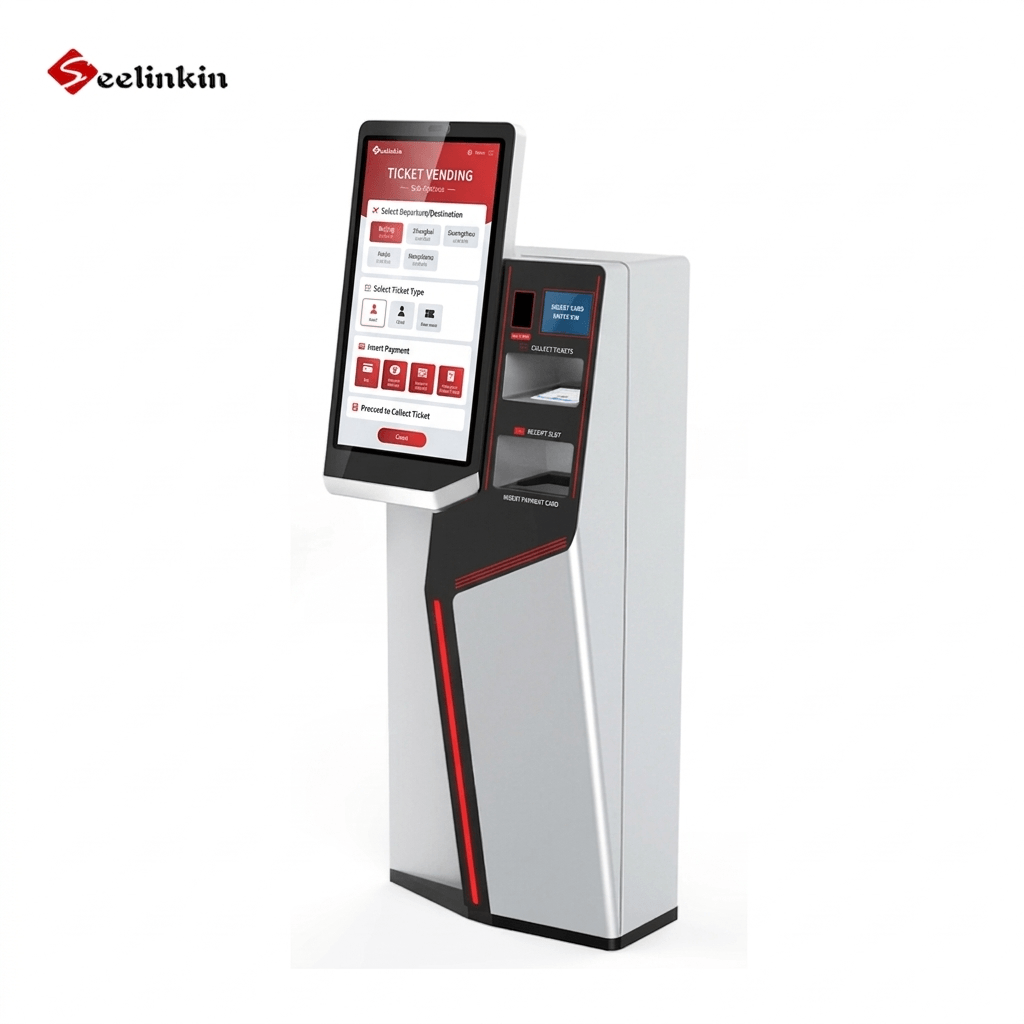
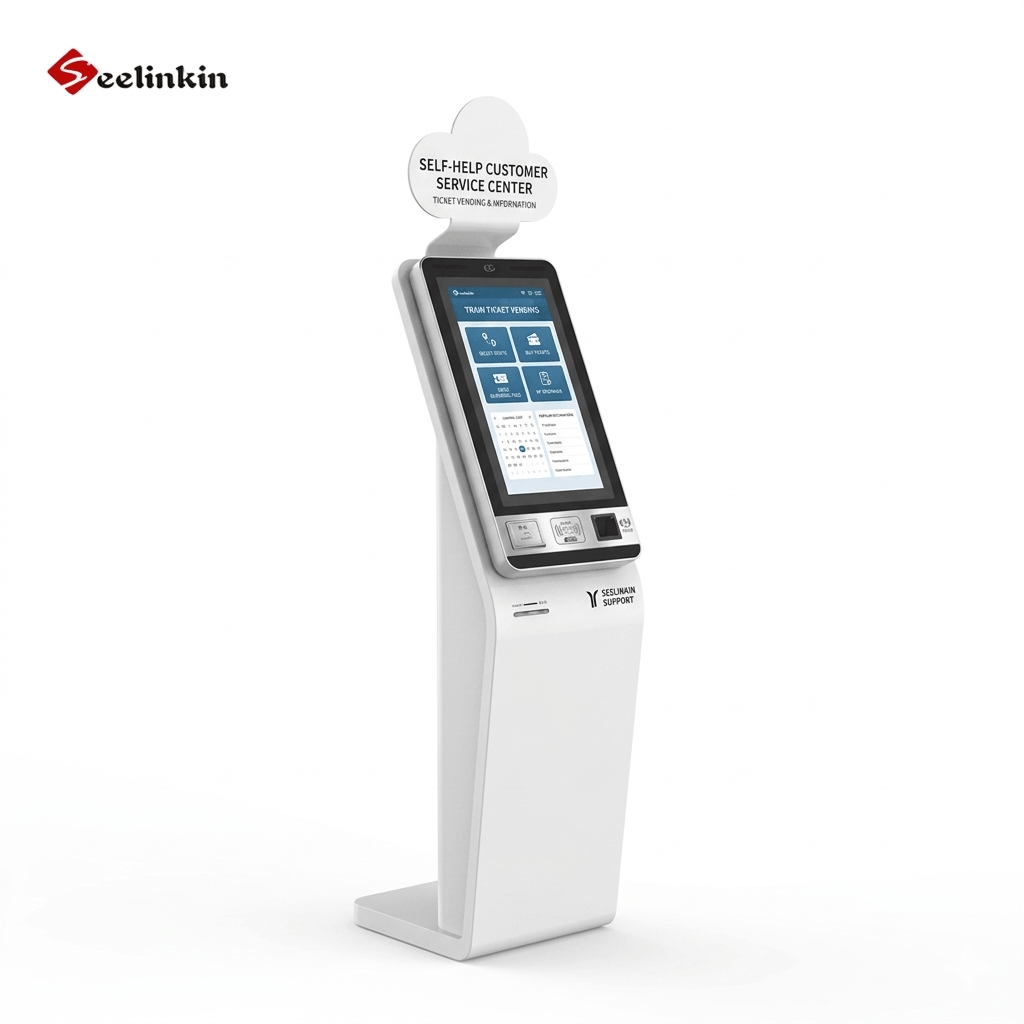
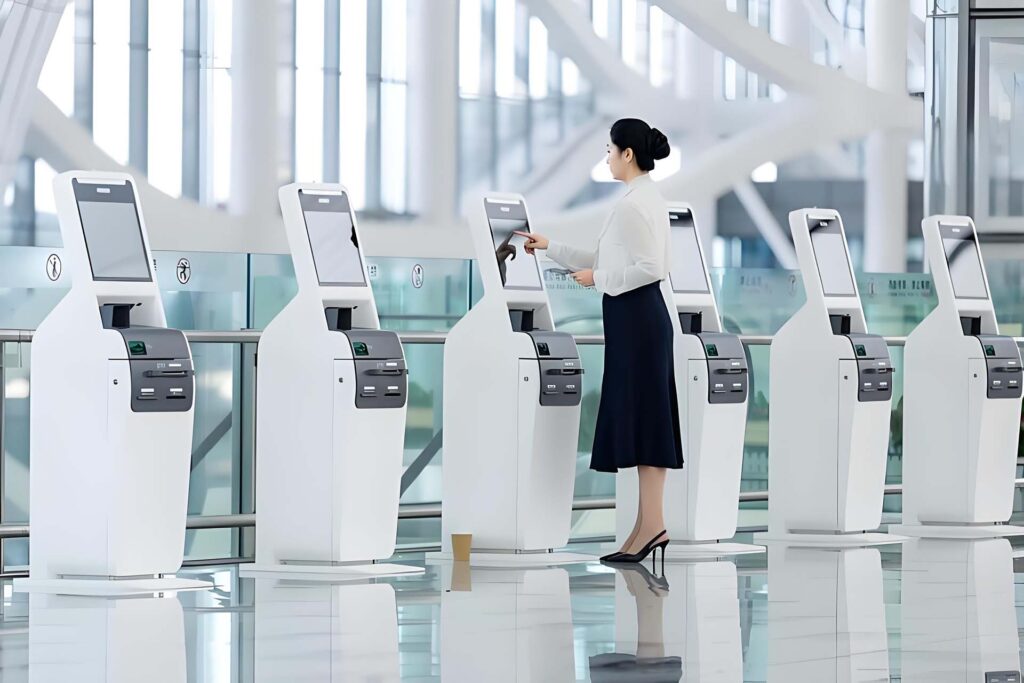
Ticketing and check-in kiosk models provide tickets for events, transportation, or movies. Many airports use self-check in kiosks to help travelers print boarding passes and luggage tags. These machines also appear in train stations, bus terminals, and cinemas.
Where They’re Used
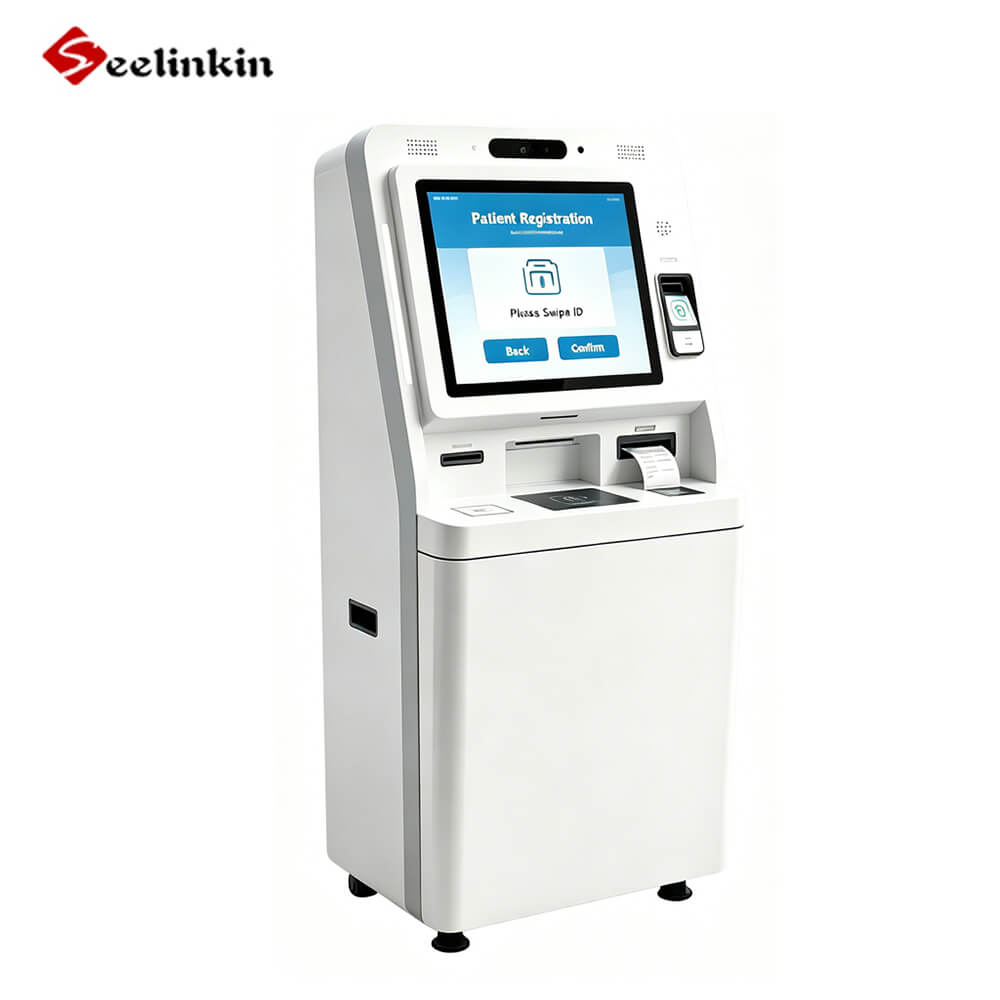
Self-service kiosks appear in many public and private spaces. You can find them in supermarkets, airports, hospitals, hotels, and shopping malls. Businesses use different kiosk models to offer services like bill payment, information lookup, and appointment scheduling.
Self-service kiosks make everyday tasks faster and easier. Their flexibility allows them to fit many industries and customer needs.
How Self-Service Kiosks Work
User Interaction
Touchscreen and Input
Self-service kiosks use touchscreens as the main way for people to interact. Users tap, swipe, or type on the screen to start a task or select an option. The kiosk responds quickly to each touch, making the process smooth and easy.
Many kiosks also have physical buttons, card readers, or barcode scanners. These extra input methods help users complete tasks like scanning items or entering codes. The goal is to make every step clear and simple.
Accessibility Options
Self-service kiosks include features that help everyone use them. Some kiosks have larger text, voice guidance, or adjustable screens. These options support people with vision or mobility challenges.
Kiosks may also have headphone jacks or braille labels. These features make the customer experience better for all users. Accessibility helps more people complete tasks without help from staff.
Service Selection
Browsing and Customizing
After starting, users see a menu or list of services on the kiosk screen. They can browse through options and choose what they need. For example, a person can select a meal, ticket, or product.
Many self-service kiosks let users customize their order. They can add or remove items, change sizes, or pick special features. This step gives users control and makes the process personal.
Processing
Data Transfer
When a user makes a selection, the kiosk sends the information to the main system. This data transfer happens in seconds. The system checks the details and gets ready for the next step.
The kiosk keeps the process safe and private. It uses secure methods to send and receive information. This protects user data during every order.
System Integration
Self-service kiosks connect with other systems in the business. For example, a food kiosk sends orders to the kitchen, while a ticketing kiosk updates seat availability. This integration keeps everything running smoothly.
The kiosk also updates inventory, tracks sales, and manages records. These actions happen in the background. Users do not see these steps, but they help make the customer experience better.
Payment
Methods
Self-service kiosks offer several payment methods. Most kiosks accept credit cards, debit cards, and mobile payments. Some kiosks also allow cash payments or gift cards.
Users follow prompts on the screen to complete their payment. The kiosk guides each step and shows clear instructions. This process helps users finish their order quickly.
Security
Security is a key part of payment at self-service kiosks. The kiosk uses encrypted connections to protect sensitive information. Card readers and payment systems follow strict standards to keep data safe.
Many kiosks display security messages during payment. These alerts remind users to check their surroundings and keep their information private. Secure payment improves trust and the customer experience.
Confirmation
On-Screen and Receipts
After payment, self-service kiosks show a confirmation message on the screen. Users see details about their order, including items, price, and payment status. This step helps users check their choices before leaving.
Some kiosks print a receipt or send a digital copy. Receipts include order numbers and other important information. Users can use these receipts to track their order or solve any issues.
Assistance Options
Help and Support
Self-service kiosks provide help and support for users. Many kiosks have a help button or information icon on the screen. Users can tap these options to get instructions or answers to common questions.
Some kiosks connect to staff through video or audio support. This feature helps users solve problems without leaving the kiosk. Help options make self-service kiosks easier to use for everyone.
Key Features of Self-Service Kiosks
User Interface
The user interface is the part of self-service kiosks that people see and touch. Most kiosks use a touchscreen display with clear icons and large buttons. This design helps users find what they need quickly.
Simple menus guide users through each step. Instructions appear on the screen to show what to do next. Many kiosks use bright colors and easy-to-read text for better visibility.
Some kiosks include audio prompts or visual cues. These features help users who may have trouble reading or seeing the screen. A good user interface makes the kiosk experience smooth and stress-free.
Customization
Self-service kiosks allow users to personalize their experience. For example, a food kiosk lets you add or remove ingredients from your meal. In a ticketing kiosk, you can pick your seat or choose a time.
Customization options appear as checkboxes, sliders, or drop-down menus. These tools let users change their order to match their needs. The kiosk updates the total price and details as you make changes.
Personalization helps users feel in control. It also reduces mistakes because you can review your choices before finishing. Many people prefer kiosks for this reason.
Common customization features:
-
- Add or remove items
- Change sizes or quantities
- Select special options
Security
Security is a key feature in self-service kiosks. These machines protect user data during every transaction. Kiosks use encrypted connections to keep payment information safe.
Most kiosks follow strict security standards. Card readers and payment systems use technology that blocks unauthorized access. The kiosk never stores sensitive data after the order is complete.
Some kiosks display security tips on the screen. These messages remind users to shield their PIN or check for tampering. Security features build trust and encourage more people to use self-service kiosks.
Integration
Integration is a key feature that makes self-service kiosks powerful tools for businesses. These machines do not work alone. They connect with many systems to provide a smooth experience for users.
A kiosk often links to payment processors. This connection allows users to pay for their order using cards or mobile payments. The payment system checks the transaction and sends approval back to the kiosk.
Inventory management is another important part of integration. When a user places an order, the kiosk updates the inventory in real time. This helps businesses keep track of stock and avoid selling items that are out of supply.
Order fulfillment systems also connect with self-service kiosks. For example, in a restaurant, the kiosk sends the order directly to the kitchen. Staff can see the details on their screens and start preparing the food right away.
Many kiosks link to customer databases. This connection lets users access loyalty programs or view past orders. It also helps businesses offer personalized suggestions based on user history.
Some kiosks connect with scheduling or booking systems. Users can make appointments, reserve seats, or check in for events. The kiosk updates the central calendar so staff know who is coming and when.
Security systems also play a role in integration. The kiosk works with secure networks to protect user data during every step. This keeps information safe from unauthorized access.
Here are some common systems that integrate with self-service kiosks:
- Payment processors
- Inventory management
- Order fulfillment
- Customer databases
- Scheduling and booking
- Security networks
Integration makes self-service kiosks flexible and reliable. Businesses can add new features or connect to more systems as their needs change. This helps keep the customer experience smooth and up to date.
A well-integrated kiosk can handle many tasks at once. It can process an order, update inventory, and send payment information in seconds. This saves time for both users and staff.
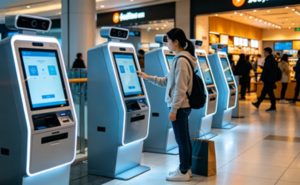
Trends in Self-Service Kiosks
AI and Personalization
Artificial intelligence is changing how self-service kiosks work. AI helps kiosks understand what users want by learning from past choices. This technology can suggest products or services based on user preferences.
Some kiosks use facial recognition to greet users and remember their favorite orders. Others use AI to adjust language or menu options for different users. These features make the experience faster and more personal.
AI also helps kiosks answer questions and solve problems. Users can get help from a virtual assistant on the screen. This reduces the need for staff and improves customer satisfaction.
Contactless Tech
Contactless technology is now common in many self-service kiosks. Users can pay by tapping a card or using a mobile wallet. This method is fast and reduces the need to touch shared surfaces.
Many kiosks also support QR codes. Users scan a code with their phone to start an order or make a payment. This keeps the process clean and safe.
Contactless features became more important during health concerns. They help prevent the spread of germs and make people feel comfortable using kiosks. Businesses continue to add new contactless options to improve safety.
| Contactless Feature | How It Works | Benefit |
|---|---|---|
| Tap-to-Pay | Card or phone tap | Fast and hygienic |
| QR Code | Scan with phone | No need to touch screen |
| Mobile Wallet | App-based payment | Secure and convenient |
New Use Cases
Self-service kiosks now appear in more places than before. Hospitals use kiosks for patient check-in and information. Schools use them for lunch orders and library checkouts.
Some kiosks help people schedule appointments or pay bills. Others provide directions in large buildings or help visitors find services. These new uses show how flexible kiosks can be.
Self-service kiosks continue to evolve. They help people complete tasks quickly and independently. As technology improves, kiosks will offer even more helpful features.
Conclusion
Self-service kiosks guide users through simple steps, from making selections to completing payments and receiving confirmation. These machines save time and make everyday tasks easier for people in many places. Anyone can use a kiosk with confidence and enjoy a faster, more convenient experience.