Skip to content
Self-service kiosks offer 15 key benefits that drive business growth and customer satisfaction. These automated solutions allow customers to manage transactions directly, increasing efficiency and reducing human error. Self service kiosks have become essential in many industries because they provide reliable, consistent service while adapting to changing consumer needs. Businesses use kiosks to streamline operations, while customers enjoy greater control and convenience. The benefits of self service kiosks extend to both large and small organizations looking to improve the self-service experience.
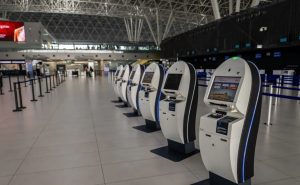
Faster Service With Self-Service Kiosks
Reduced Wait Times
Self-service kiosks help customers experience shorter wait times. These kiosks allow users to place orders or complete tasks without waiting for staff assistance. Many businesses see a boost in throughput during busy hours because self-service kiosks process requests quickly.
Self-service kiosks also improve efficiency by streamlining the ordering process. Customers can review options, make selections, and confirm their choices in seconds. This leads to faster service and a smoother flow in high-traffic areas.
Quick Transactions
Self-service kiosks enable quick transactions for both simple and complex orders. The kiosk interface guides users step by step, which minimizes confusion and speeds up the process. Self-ordering kiosks are especially useful in restaurants and retail stores where customers want to customize their orders.
- Customers can pay, select products, and receive receipts instantly.
- Businesses benefit from increased throughput and reduced transaction times.
- Staff can focus on other tasks while kiosks handle routine orders.
A table below shows how self-service kiosks compare to traditional service in transaction speed:
| Service Type | Average Transaction Time |
|---|---|
| Traditional Counter | 3-5 minutes |
| Self-Service Kiosk | 1-2 minutes |
Self-service kiosks deliver faster service by automating payment and order steps. This technology helps businesses serve more customers in less time. The result is a better experience for everyone.
Enhanced Customer Experience
Greater Convenience
Self-service kiosks make daily tasks easier for everyone. Customers can place orders, check in, or pay bills without waiting for staff. This convenience improves the guest experience and helps people save time.
Many locations use self-service kiosks to offer 24/7 access. Customers enjoy using self-order kiosks because they can complete transactions at their own pace. This flexibility increases customer satisfaction and encourages repeat visits.
Customer Control
Self-service technology gives customers more control over their choices. People can review menus, customize orders, and double-check details before confirming. This level of control leads to fewer mistakes and a better guest experience.
A table below shows how self-service kiosks improve customer satisfaction compared to traditional service:
| Feature | Traditional Service | Self-Service Kiosk |
|---|---|---|
| Order Customization | Limited | Extensive |
| Speed | Moderate | Fast |
| Control Over Process | Low | High |
Self-service kiosks also help businesses gather feedback. This feedback helps improve the customer experience and boost satisfaction. When customers feel heard, they are more likely to return.
Improved Accuracy In Transactions
Fewer Errors
Self-service kiosks help reduce mistakes during transactions. Customers enter their own information, which lowers the risk of miscommunication. This process helps improve order accuracy because there is less chance for staff to misunderstand requests.
Many businesses see fewer errors when using kiosks. The digital interface checks for missing or incorrect details before finalizing an order. This step ensures that orders are correct and complete.
A study found that self-service kiosks can improve order accuracy by allowing customers to double-check their selections. This leads to higher satisfaction and fewer returns or complaints.
Reliable Order Processing
Kiosks use automated systems to process orders. These systems follow the same steps every time, which increases accuracy and reliability. Staff can focus on other tasks while the kiosk handles routine transactions.
Automated order processing helps improve order accuracy by reducing human error. The system records each order exactly as entered by the customer. This method supports improved order accuracy and builds trust with customers.
| Benefit | Traditional Service | Self-Service Kiosk |
|---|---|---|
| Error Rate | Higher | Lower |
| Order Confirmation | Sometimes | Always |
| Data Entry Consistency | Varies | Consistent |
Self-service kiosks help businesses deliver accurate and reliable service. Customers appreciate knowing their orders will be processed correctly every time.
Key Benefits Of Self Service Kiosks For Businesses
Standardized Service Quality
Self-service kiosks help businesses deliver the same level of service to every customer. Each kiosk follows programmed steps, so the process stays consistent. This reduces the risk of mistakes and ensures that all customers receive accurate information.
For example, in quick-service restaurants, self-ordering kiosks display the same menu and options for everyone. This means that no matter how busy the location gets, the quality of service does not change. Staff can focus on other tasks while kiosks handle routine orders.
The key benefits of using self-service kiosks include fewer errors and a more reliable experience. Businesses can also train staff more easily because the process is always the same.
Increased Order Capacity
Self-service kiosks allow businesses to serve more customers, especially during busy times. Multiple kiosks can operate at once, which increases order capacity and reduces wait times. This leads to higher sales and improved efficiency.
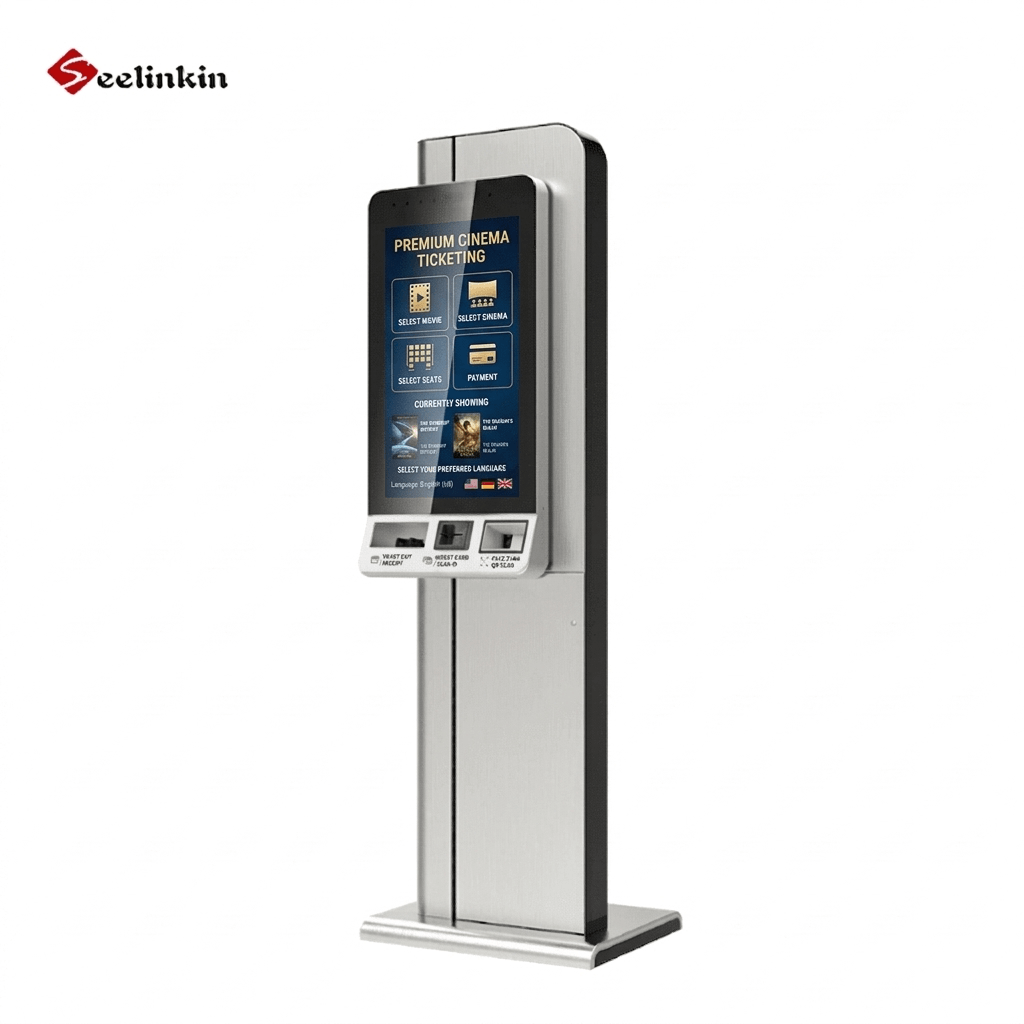
A real-world example is a movie theater that uses kiosks for ticket sales. During peak hours, customers can use several kiosks at once, so lines move faster. This helps the business attract more customers who value quick service.
The benefits of self service kiosks also include the ability to handle large crowds without extra staff. Self-service technology makes it easier to manage high demand and keep customers satisfied.
Self-service kiosks are a smart investment for businesses that want to grow. They offer a scalable solution that adapts to changing customer needs.
Lower Labor Costs
Reduced Staffing Needs
Self-service kiosks help businesses lower labor costs by reducing the need for front-line staff. Many routine tasks, such as order taking and payment processing, can be handled by kiosks. This allows businesses to operate with fewer employees during each shift.
A table below shows how staffing needs can change with self-service kiosks:
| Task Type | Traditional Staffing | With Kiosks |
|---|---|---|
| Order Taking | 3-4 staff | 1-2 staff |
| Payment Handling | 2 staff | 1 staff |
Kiosks provide scalability for busy peak times. Businesses can add more kiosks instead of hiring extra staff. This approach helps control labor expenses while meeting customer demand.
Staff Focus On Complex Tasks
When kiosks handle routine transactions, staff can focus on more complex or high-value tasks. Employees can spend more time helping customers with special requests or solving problems. This improves the overall quality of service.
Staff can also manage inventory, maintain equipment, or support back-of-house operations. These tasks require attention and skill, which kiosks cannot provide. By shifting focus, businesses can use their workforce more efficiently.
Self-service kiosks offer scalability for busy peak times. This means businesses can serve more customers without increasing labor costs. The result is a more flexible and cost-effective operation.
Multiple Payment Options
Self-service kiosks support a variety of payment methods. This flexibility helps businesses serve more customers. People can choose the payment option that fits their needs.
Contactless Payments
Contactless payments use technology like NFC to process transactions quickly. Customers tap their card or device on the kiosk to pay. This method reduces physical contact and speeds up the checkout process.
Many people prefer contactless payments for hygiene reasons. Kiosks with contactless features help prevent the spread of germs. Businesses benefit from faster transaction times and improved customer safety.
A table below shows the advantages of contactless payments:
| Feature | Contactless Payment | Traditional Payment |
|---|---|---|
| Speed | Fast | Moderate |
| Hygiene | High | Low |
| Convenience | Easy | Average |
Mobile Wallet Support
Mobile wallets let customers pay using their smartphones. People can use apps to store payment information and complete purchases at kiosks. This option is popular with younger customers who value convenience.
Kiosks that accept mobile wallets offer a modern payment experience. Customers do not need to carry cash or cards. They simply scan a code or tap their phone to finish the transaction.
Mobile wallets also provide extra security. Payment information stays encrypted, which protects customer data. Businesses gain trust by offering secure and flexible payment options.
Self-service kiosks with multiple payment options help businesses attract more customers. They make transactions easier and safer for everyone.
Benefits Of Self Service Kiosks For Revenue Growth
Streamlined Operations
Self service kiosks help businesses improve operational efficiency. These kiosks automate many routine tasks, such as order entry and payment processing. Staff can focus on more important duties while the kiosk handles repetitive work.
Kiosks increase throughput by serving multiple customers at once. This reduces bottlenecks during busy periods. Businesses can process more transactions in less time.
A table below shows how kiosks impact operational efficiency:
| Factor | Without Kiosks | With Kiosks |
|---|---|---|
| Transactions per Hour | 30 | 50 |
| Staff Needed | 4 | 2 |
| Error Rate (%) | 5 | 2 |
Higher Sales
Kiosks can boost sales by making it easier for customers to order. The kiosk interface often suggests add-ons or upgrades. Customers are more likely to accept these suggestions when they see them on the screen.
Increased throughput means more customers can complete purchases during peak hours. This leads to higher overall sales. Businesses can also use kiosks to promote special offers or new products.
- Kiosks encourage impulse buys with visual prompts.
- Customers spend more when they control the ordering process.
- Businesses see higher average order values with kiosk upselling features.
Self service kiosks help companies grow revenue by improving efficiency and increasing throughput. The combination of faster service and higher sales makes kiosks a valuable investment.
Accessibility And Adaptability
Multilingual Support
Self-service kiosks often provide multilingual support. This feature helps businesses serve customers who speak different languages. People can select their preferred language on the screen before starting a transaction.
Multilingual menus make it easier for travelers and non-native speakers to use kiosks. For example, a traveler at an airport can use a kiosk to check-in without needing help from staff. This reduces confusion and improves the overall experience for everyone.
A table below shows how multilingual support benefits different customer groups:
| Customer Group | Benefit |
|---|---|
| Tourists | Easy navigation |
| Non-native speakers | Clear instructions |
| Local residents | Language preference |
Industry Versatility
Self-service kiosks adapt to many industries. They work well in restaurants, hotels, airports, hospitals, and retail stores. Each industry uses kiosks for different tasks, such as ordering food, making payments, or checking in for appointments.
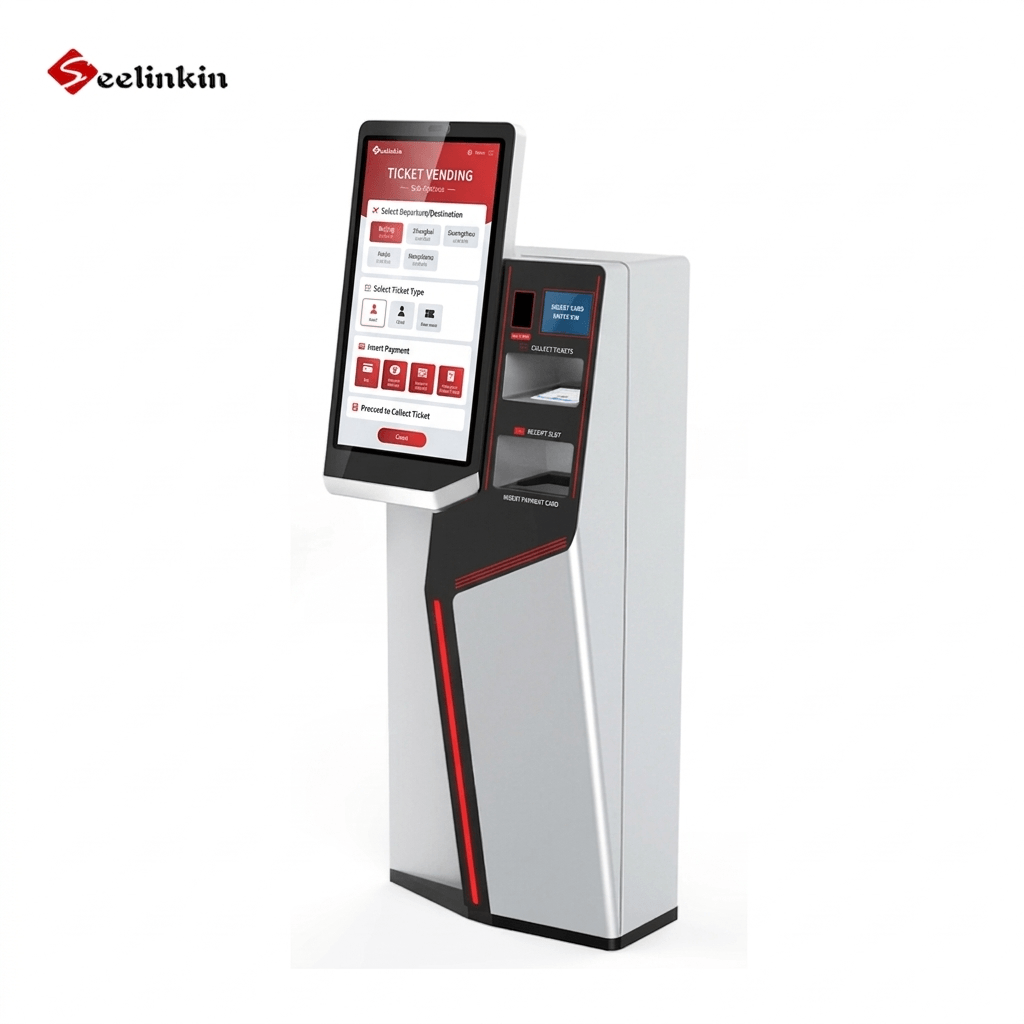
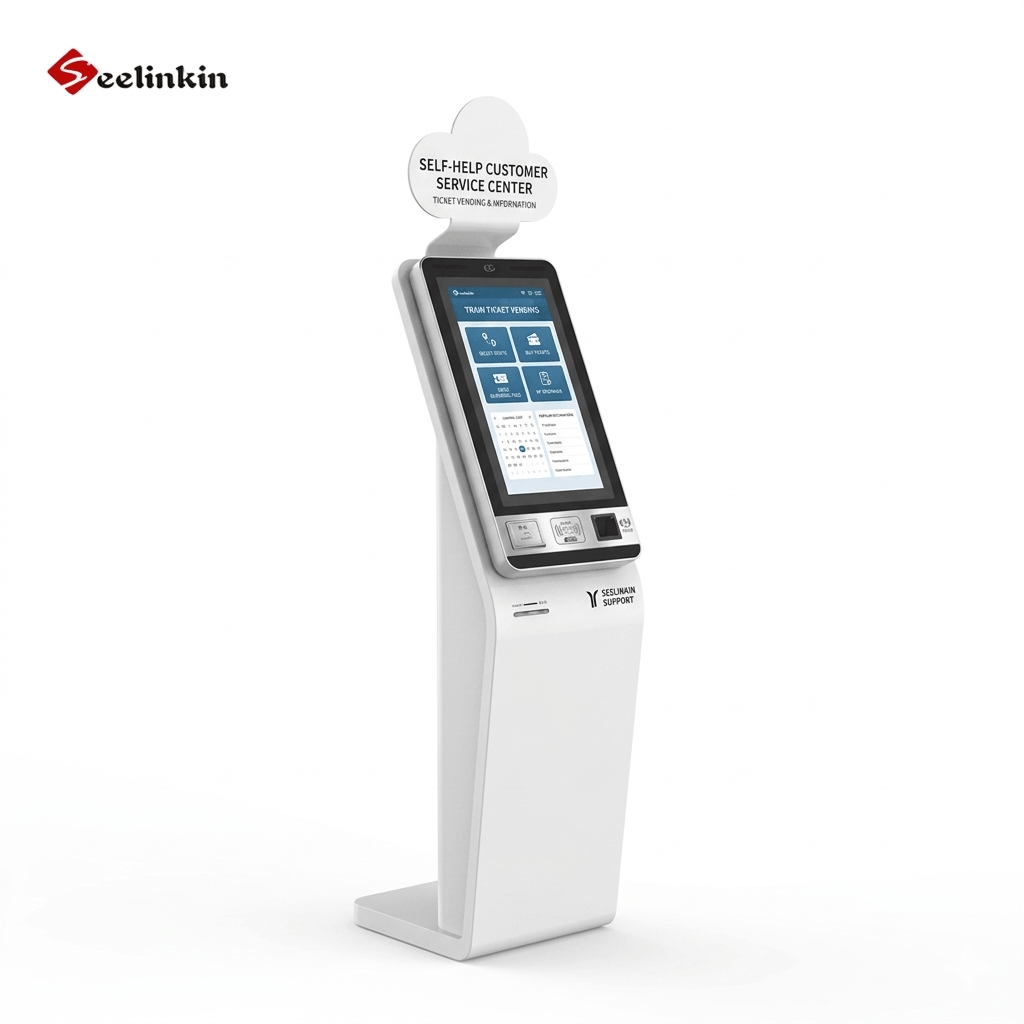
Kiosks can handle ticket sales, bill payments, and information requests. Their flexible design allows businesses to customize features for their needs. This adaptability makes kiosks a smart choice for many organizations.
A list of common uses for self-service kiosks includes:
- Food ordering in quick-service restaurants
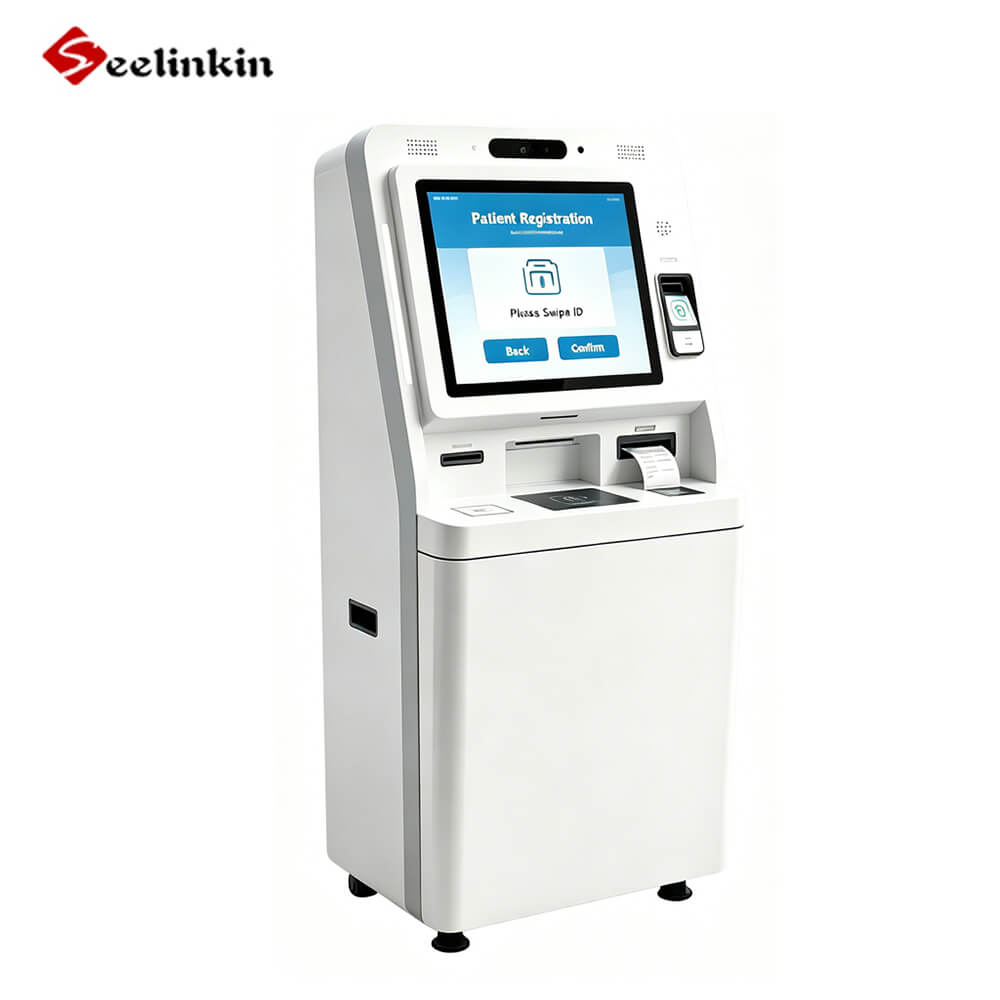
- Patient registration in healthcare settings
- Ticketing at entertainment venues
- Self-service check-in at hotels and airports
Self-service kiosks help businesses improve service and reach more customers. Their adaptability supports growth and innovation in many fields.
Consistent Service Quality
Uniform Experience
Self-service kiosks deliver the same process to every customer. Each user follows the same steps, which helps reduce confusion. This approach creates a uniform experience across all locations.
A consistent process means customers know what to expect. They can trust that their orders will be handled the same way every time. This reliability builds confidence in the service.
A table below shows how uniformity benefits both customers and businesses:
| Benefit | Customer Impact | Business Impact |
|---|---|---|
| Predictability | Less confusion | Fewer complaints |
| Reliability | Trust in service | Stronger reputation |
| Efficiency | Faster transactions | Smoother operations |
Brand Customization
Self-service kiosks allow businesses to customize the look and feel of the interface. Companies can use their colors, logos, and messages. This helps reinforce the brand at every point of contact.
Custom branding makes the kiosk stand out. Customers recognize the business and feel connected to the brand. A familiar design can improve the overall experience.
Kiosks can also display special offers or seasonal themes. This flexibility supports marketing efforts and keeps the service fresh. Businesses can update the kiosk design to match new campaigns or events.
Enhanced Security
Secure Payments
Self-service kiosks use advanced technology to protect payment information. Encryption keeps customer data safe during transactions. Many kiosks support secure payment methods, such as chip cards and contactless payments.
A table below shows common security features in self-service kiosks:
| Security Feature | Benefit |
|---|---|
| Encryption | Protects payment data |
| Secure hardware | Prevents tampering |
| PIN entry | Adds extra protection |
Customers can trust kiosks to handle payments safely. Businesses reduce the risk of fraud by using secure systems. Self check-in kiosks also use these features to protect guest information.
Privacy Protection
Self-service kiosks protect customer privacy by limiting access to sensitive information. Only the person using the kiosk can see their details. Screens often use privacy filters to block others from viewing information.
Kiosks store data securely and follow strict privacy rules. Many systems delete personal information after the transaction ends. This practice helps prevent unauthorized access.
Self-service kiosks support privacy in many settings, including check-in at hotels and airports. Customers feel safer when their information stays private. Businesses gain trust by respecting customer privacy.
Data Collection With Self-Service
Real-Time Analytics
Self-service kiosks collect data as soon as a customer interacts with the kiosk. This data includes transaction times, product choices, and payment methods. Businesses can view this information instantly through dashboards.
Real-time analytics help managers spot trends quickly. For example, they can see which products sell best during certain hours. This allows for faster decision-making and better inventory planning.
A table below shows examples of data points collected by a kiosk:
| Data Point | Example |
|---|---|
| Transaction Time | 1:45 PM |
| Product Selected | Large popcorn |
| Payment Method | Mobile wallet |
Customer Insights
Self-service technology gives businesses a deeper understanding of customer behavior. Kiosks track which options customers choose most often. This helps companies improve menus, services, or layouts.
Customer insights from self-service kiosks can reveal patterns. For instance, businesses may notice that certain items are popular with specific age groups. This information supports targeted marketing and promotions.
Self-service data also improves accuracy in reporting. Managers can trust the numbers because the kiosk records each transaction directly. Reliable insights help businesses grow and meet customer needs.
Reduced Queues
Efficient Peak Hour Management
Self-service kiosks help businesses manage crowds during busy times. These machines can serve many customers at once. This reduces the pressure on staff and keeps lines moving.
Many locations see long lines during lunch or after work. Kiosks allow people to place orders or check in without waiting for a cashier. This helps prevent bottlenecks at the front counter.
A table below shows how wait times change with self-service technology:
| Time of Day | Average Wait (No Kiosks) | Average Wait (With Kiosks) |
|---|---|---|
| Morning Rush | 10 minutes | 4 minutes |
| Lunch Hour | 15 minutes | 6 minutes |
| Evening | 8 minutes | 3 minutes |
Improved Customer Flow
Kiosks improve the way customers move through a business. People can start their transactions as soon as they arrive. This creates a steady flow instead of a crowded waiting area.
Clear instructions on the screen guide users step by step. Customers finish their tasks quickly and leave space for others. This keeps the entrance and service areas open.
Businesses that use kiosks often see fewer complaints about long lines. Customers appreciate the faster service and are more likely to return. Efficient customer flow also helps staff focus on quality service.
Increased Customer Loyalty
Enhanced Journey
Self-service kiosks play a key role in improving the guest experience. These kiosks allow customers to interact with services at their own pace. This control leads to higher guest satisfaction and a more enjoyable visit.
Many customers appreciate the ability to customize their orders or check in quickly. The process is simple and reduces stress for guests. A positive guest experience often results in greater satisfaction and loyalty.
Repeat Business
A smooth and efficient experience encourages customers to return. When guests have a positive interaction, they are more likely to visit again. Consistent satisfaction builds trust and long-term loyalty.
Self-service kiosks help maintain high standards for every guest. This reliability supports customer satisfaction and repeat business. Satisfied customers often recommend the service to others, which helps businesses grow.
A table below shows the impact of self-service kiosks on loyalty:
| Factor | Without Kiosks | With Kiosks |
|---|---|---|
| Repeat Visits | Lower | Higher |
| Guest Satisfaction | Moderate | High |
| Recommendation Rate | Average | Increased |
Self-service kiosks create a cycle of satisfaction and loyalty. Customers who enjoy their experience are more likely to return and share their positive feedback.
Higher Participation In Charitable Giving
Simplified Donation Process
Self-service kiosks make it easier for people to donate to charities. The donation option appears on the kiosk screen during checkout or after a transaction. Customers can choose to round up their total or add a set amount with just a tap.
Many users find this process simple and quick. There is no need to fill out forms or speak with staff. The kiosk guides each person through the steps, making the experience smooth.
A table below shows how donation steps compare between traditional and kiosk-based methods:
| Step | Traditional Method | Kiosk Method |
|---|---|---|
| Fill out form | Yes | No |
| Staff involvement | Required | Not needed |
| Time to complete | Longer | Short |
Increased Donation Size
Kiosks often suggest donation amounts or offer a round-up feature. These prompts can lead to higher average donations. People may feel more comfortable giving when the process is private and pressure-free.
The kiosk can display the impact of each donation, such as meals provided or trees planted. This information helps customers see the value of their gift. Many businesses report that donation sizes increase when using a kiosk for charitable giving.
- Customers can donate with cashless payments or mobile wallets.
- The process is fast, secure, and easy to understand.
- More people participate, and total donations often rise.
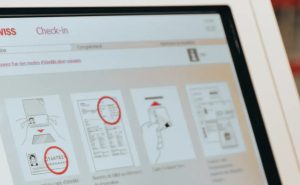
Common Challenges And Tips
Implementation Advice
Implementing self-service kiosks can transform business operations. Planning is the first step to success. Businesses should assess their needs and choose kiosks that fit their environment.
Staff training is important. Employees must know how to assist customers and troubleshoot basic issues. Regular maintenance keeps kiosks running smoothly.
A checklist for a smooth implementation:
- Define clear goals for the kiosk project.
- Select user-friendly hardware and software.
- Train staff on kiosk operation and customer support.
- Monitor performance and gather feedback.
Overcoming Barriers
Some businesses face challenges when implementing self-service kiosks. Common barriers include resistance from staff, technical issues, and customer hesitation. Addressing these barriers early leads to better results.
Communication helps reduce staff concerns. Explain the benefits and show how kiosks support their work. For technical problems, partner with reliable vendors and schedule regular updates.
Customers may need time to adjust. Use clear instructions and friendly signage to guide them. Offer assistance during the first weeks to build confidence.
| Challenge | Solution |
|---|---|
| Staff resistance | Training and open communication |
| Technical difficulties | Reliable support and updates |
| Customer hesitation | On-site assistance and signage |
Conclusion
The 15 key benefits of self-service kiosks show how these tools improve both business operations and customer satisfaction. Self service kiosks help companies deliver consistent service, reduce errors, and lower costs. Consider exploring the benefits of self service kiosks for your business to stay competitive. Learn more about self-service solutions or contact a reliable provider to see how kiosks can support your goals. The future of self-service looks bright as technology continues to advance.
Ready to Transform Your Business?
Whether you run a restaurant, retail store, or healthcare clinic, self-service kiosks are a proven investment that pays off quickly. Don’t let long lines and rising labor costs hold your business back. Contact a trusted kiosk provider today to schedule a free consultation and discover which solution is right for you — because the best time to modernize your operations is now.