Skip to content
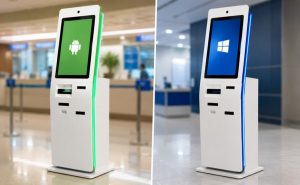
Android tablet kiosks are often the best choice for self-service bill payment kiosks. These kiosks deliver reliable performance, low cost, and easy management for customer-facing tablet kiosks. Businesses seeking a fast, user-friendly self-service experience with interactive kiosks should select an Android tablet kiosk operating system. Windows tablet kiosks suit companies needing advanced software compatibility or wider hardware support in self-service kiosks. Tablet kiosks improve the self-service experience and make bill payment kiosks more efficient for both customers and staff. Self-service tablet kiosks create a smooth experience and help businesses offer interactive kiosks that meet modern expectations.
What Is a Bill Payment Kiosk?
How bill payment kiosks work.
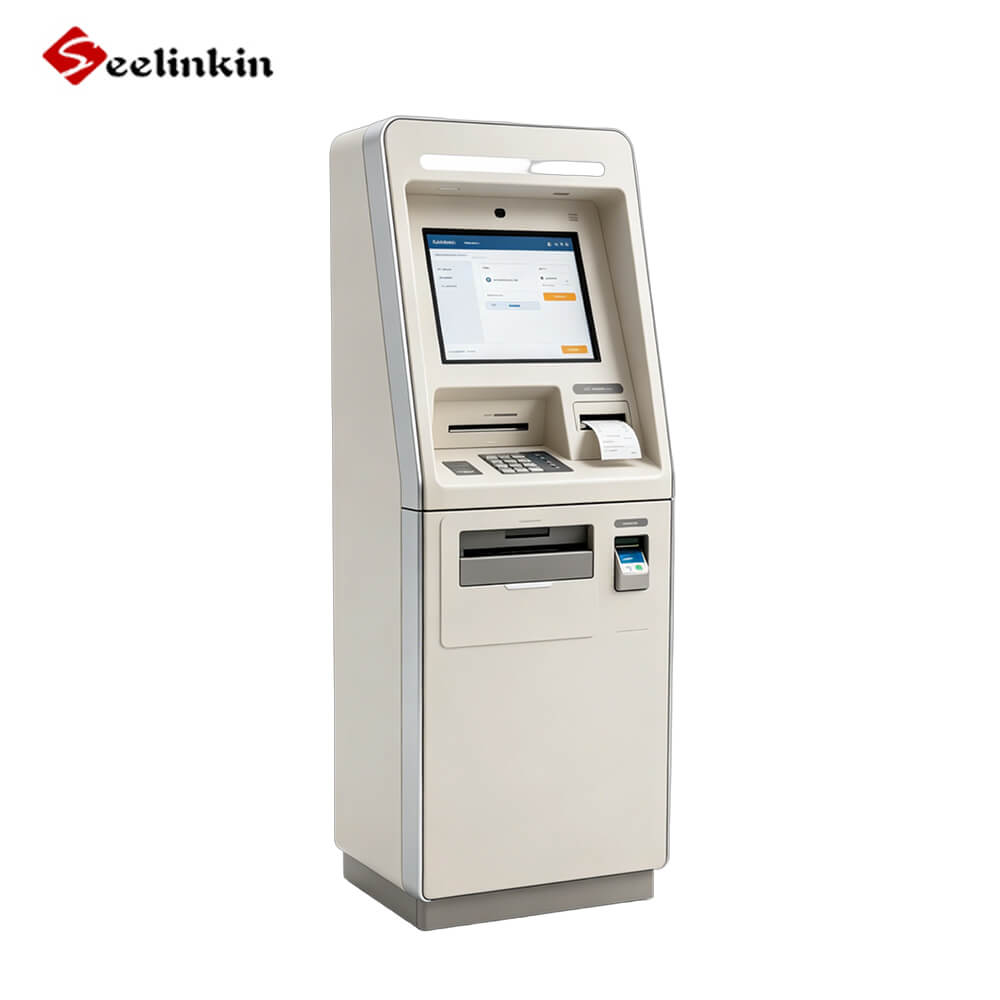
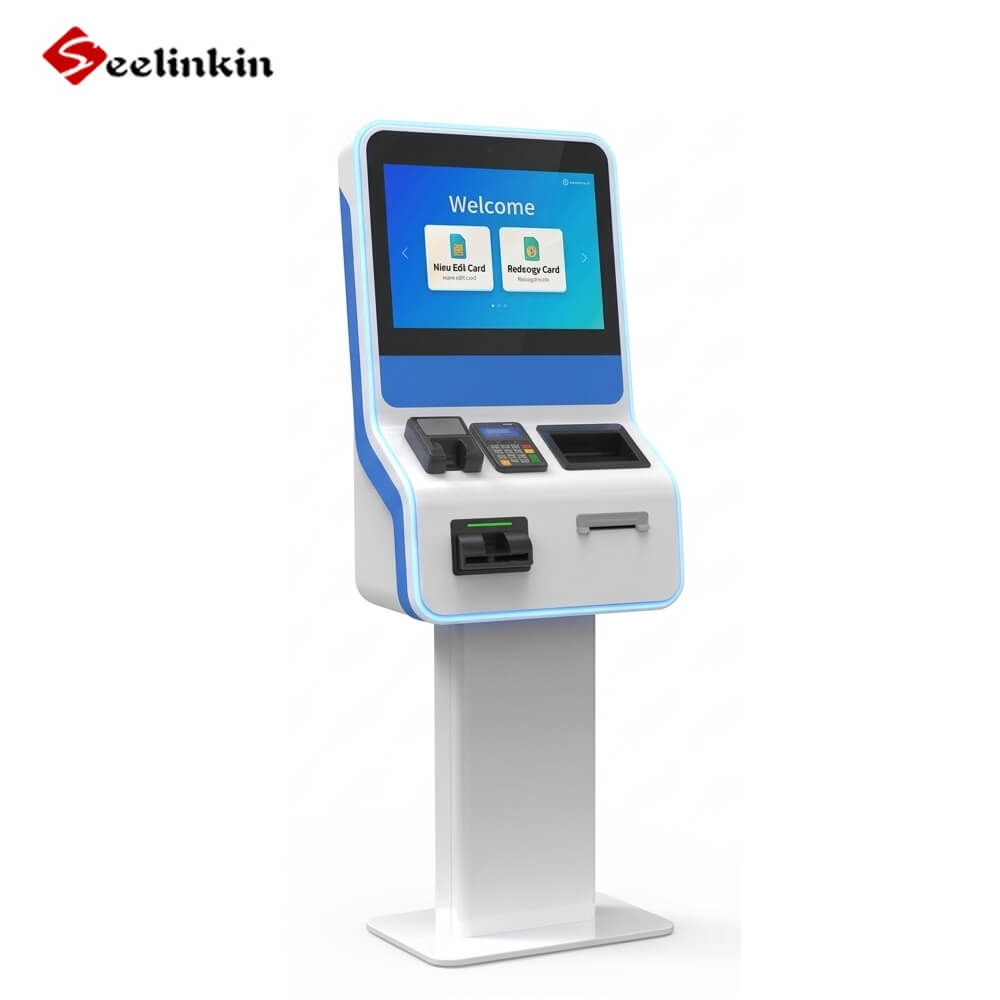
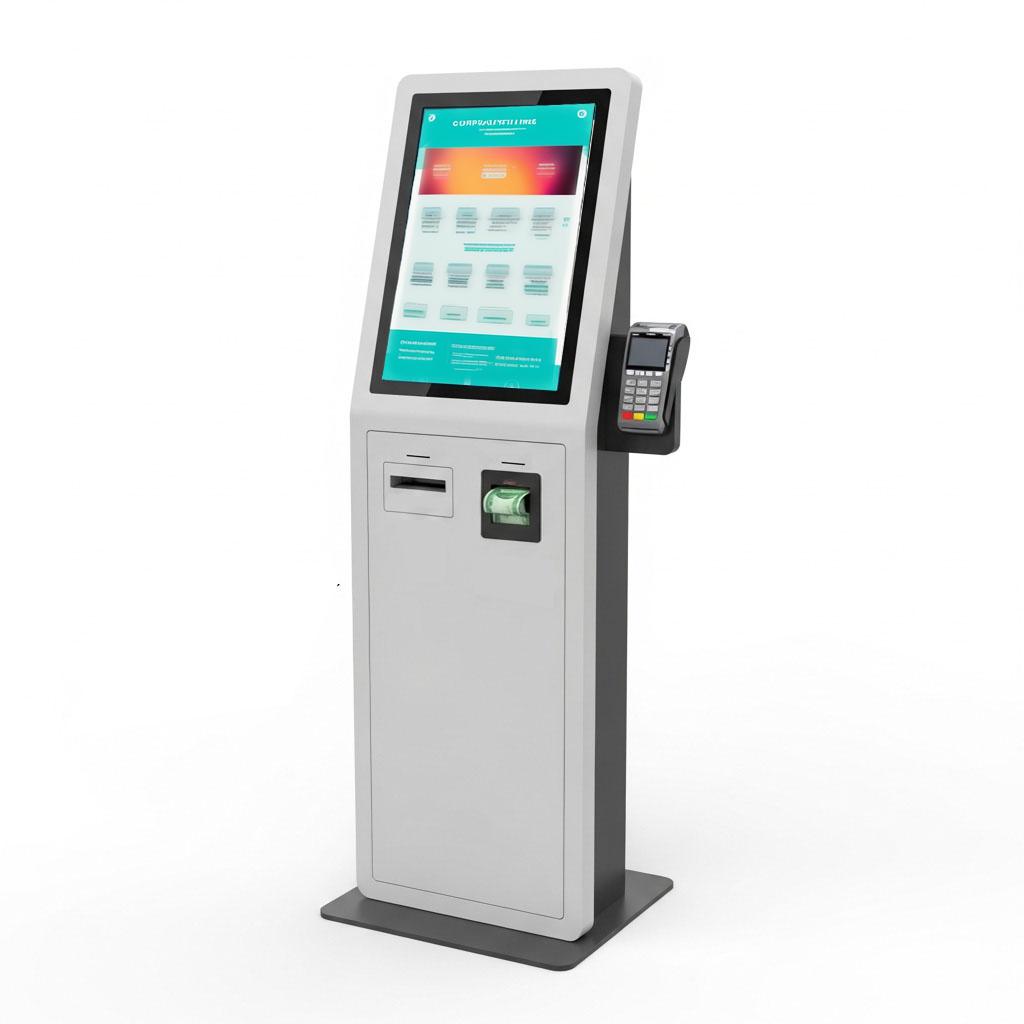
A bill payment kiosk is a machine that lets people pay bills without help from staff. The kiosk system uses a touchscreen to guide users through each payment step. Most kiosks connect to the internet to process payments quickly and securely.
The process starts when a user selects the type of payment they want to make. The kiosk system asks for account details or a reference number. After entering this information, the user chooses a payment method and follows the instructions on the screen.
The kiosk prints a receipt or sends a digital confirmation after the payment goes through. This gives users proof that their payment was successful. Many kiosks also update the account balance right away.
Common payment methods
Bill payment kiosks support several ways to pay. The most common payment methods include:
- Cash: Users insert bills or coins into the kiosk. The machine counts the money and applies it to the payment.
- Card: Many kiosks accept debit and credit cards. Users swipe, tap, or insert their card to complete the payment.
- QR Code: Some kiosks let users scan a QR code from a mobile app. This method is fast and does not require cash or a card.
A table can help compare these payment methods:
| Payment Method | Speed | Security | Popularity |
|---|---|---|---|
| Cash | Medium | Medium | High |
| Card | Fast | High | High |
| QR Code | Fastest | High | Growing |
Each payment method has benefits. Cash works for people without bank accounts. Cards offer speed and security. QR codes are popular with mobile users.
Self-service kiosks make it easy for everyone to complete a payment. The kiosk system ensures that each payment is safe and accurate.
Advantages of Android Bill Payment Kiosks
Lower Cost and Faster Deployment
Android kiosk systems offer a cost-effective tablet os for bill payment kiosks. Many businesses choose android tablet kiosks because they reduce hardware expenses. Android allows quick kiosk deployment, which helps companies start operations faster.
Android kiosk deployment does not require complex setup. The operating system is lightweight and easy to install. This makes android kiosk deployment ideal for small and medium businesses.
Easy Remote Management
Android kiosk solutions support remote management and security. Administrators can monitor android kiosk devices from a central dashboard. This feature helps businesses update software and fix issues without visiting each kiosk.
Android kiosk deployment includes tools for tracking performance and managing settings. Remote management improves efficiency and reduces downtime. Android operating system updates can be pushed to all kiosks at once.
User-Friendly Interface
Android kiosk systems provide a user-friendly interface. The touchscreen layout is simple and clear. Android kiosk software focuses on ease of use, which improves the user experience.
Android tablet kiosks guide users through each step. The operating system supports large icons and easy navigation. Android kiosk deployment ensures customers can pay bills quickly and without confusion.
Android kiosk platforms are popular for bill payment kiosks. The android operating system offers flexibility and reliability. Android kiosk deployment is fast and efficient. Android tablet kiosks improve ease of use and user experience for both staff and customers.
Advantages of Windows Bill Payment Kiosks
Better Software Compatibility
Windows kiosk systems support a wide range of software. Many businesses use windows kiosk solutions because they need programs that only run on windows. Windows tablet kiosks can handle complex applications that android cannot support.
Windows kiosk platforms work well with legacy systems. This makes windows kiosk a good choice for companies that rely on older software. Windows tablet kiosks allow businesses to use the same tools they use on their office computers.
Wider Peripheral Support
Windows kiosk devices connect to more types of hardware. Windows kiosk solutions support printers, barcode scanners, and cash drawers. Android kiosks often have limited hardware options.
Windows kiosk platforms make it easy to add new devices. This helps businesses upgrade their kiosks without changing the whole system. Windows tablet kiosks can support custom hardware setups for special needs.
A table shows the difference in hardware support:
| Peripheral Type | Windows Kiosk | Android Kiosk |
|---|---|---|
| Printer | Yes | Sometimes |
| Barcode Scanner | Yes | Sometimes |
| Cash Drawer | Yes | Rarely |
| Card Reader | Yes | Yes |
Suitable for Enterprise Applications
Windows kiosk systems are built for large organizations. Many companies choose windows kiosk platforms for their security and management features. Windows kiosk solutions offer advanced controls that android kiosks do not provide.
Windows kiosk devices can join company networks and follow strict security rules. This makes windows kiosk a strong choice for banks, utilities, and government offices. Windows tablet kiosks help businesses manage many kiosks from one place.
Android vs Windows Bill Payment Kiosks: Key Differences
Cost
Cost is a major factor in tablet kiosk os comparison. Android kiosks usually have lower cost for hardware and software. Windows kiosks often require higher cost for licenses and maintenance. Businesses can deploy android kiosks quickly with less cost. Windows kiosks may need more investment for advanced features.
Software compatibility
Android kiosks run apps designed for mobile devices. Windows kiosks support a wider range of payment software. Some payment systems only work on windows kiosks. Android kiosks are best for simple payment apps. Windows kiosks handle complex payment programs and legacy systems.
Hardware support
Windows kiosks connect to many types of payment hardware. Android kiosks support fewer devices. Windows kiosks work with printers, scanners, and cash drawers. Android kiosks often use basic payment peripherals.
| Hardware Type | Android Kiosk | Windows Kiosk |
|---|---|---|
| Printer | Limited | Full |
| Scanner | Limited | Full |
| Cash Drawer | Rare | Full |
| Card Reader | Full | Full |
Maintenance
Android kiosks offer easy maintenance. Updates and fixes can be managed remotely. Windows kiosks require more technical support for payment systems. Android kiosks need less downtime for maintenance. Windows kiosks may need regular checks for payment software and hardware.
Security
Security is important for payment kiosks. Android kiosks use built-in security features for safe payment processing. Windows kiosks offer advanced security controls for enterprise payment needs. Both platforms protect payment data in a secure environment. Android kiosks are easier to manage for basic security. Windows kiosks provide strong security for complex payment operations.
How to Choose the Right Bill Payment Kiosk Platform
Consider Your Software Requirements
Start by listing your key considerations for software. Some businesses need advanced payment integration. Others want simple payment apps that work on many devices. Android supports many modern payment apps. Windows offers better compatibility with older payment software. If your payment system needs custom features, check if the kiosk platform supports them. Security is also a top concern. Android and windows both offer strong security, but windows may provide more advanced controls for payment data.
Evaluate Hardware Compatibility
Hardware compatibility is one of the key considerations for any payment kiosk. Android kiosks work well with basic payment hardware. Windows kiosks support a wider range of devices, such as printers and cash drawers. If your payment process needs extra hardware, windows may be the better choice. Always test payment integration with your hardware before full deployment. Security features should protect both the kiosk and the payment devices.
| Kiosk Platform | Hardware Support | Payment Integration | Security Features |
|---|---|---|---|
| Android | Basic | Good | Strong |
| Windows | Advanced | Excellent | Advanced |
Compare Initial and Long-Term Costs
Cost is one of the most important key considerations for self-service kiosks. Android kiosks usually have a lower initial cost. Windows kiosks may cost more at first, but they can support complex payment integration. Think about long-term cost, including maintenance and security updates. Android offers easy updates and lower ongoing cost. Windows may require more technical support, which can add to the total cost. Always balance cost, payment needs, and security when making your decision.
Conclusion
Choosing the right bill payment kiosk depends on your business needs. Android kiosks work well for fast payment, easy management, and lower costs. Windows kiosks support advanced payment software and more hardware for complex payment tasks.