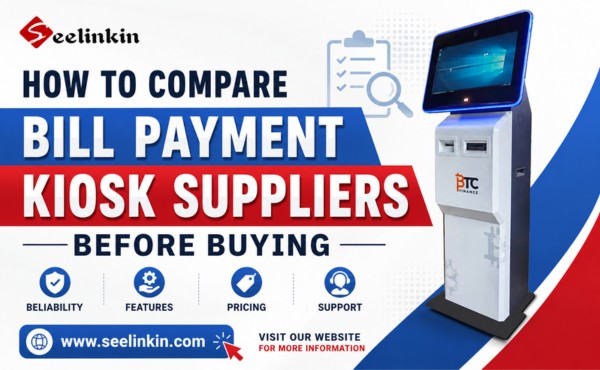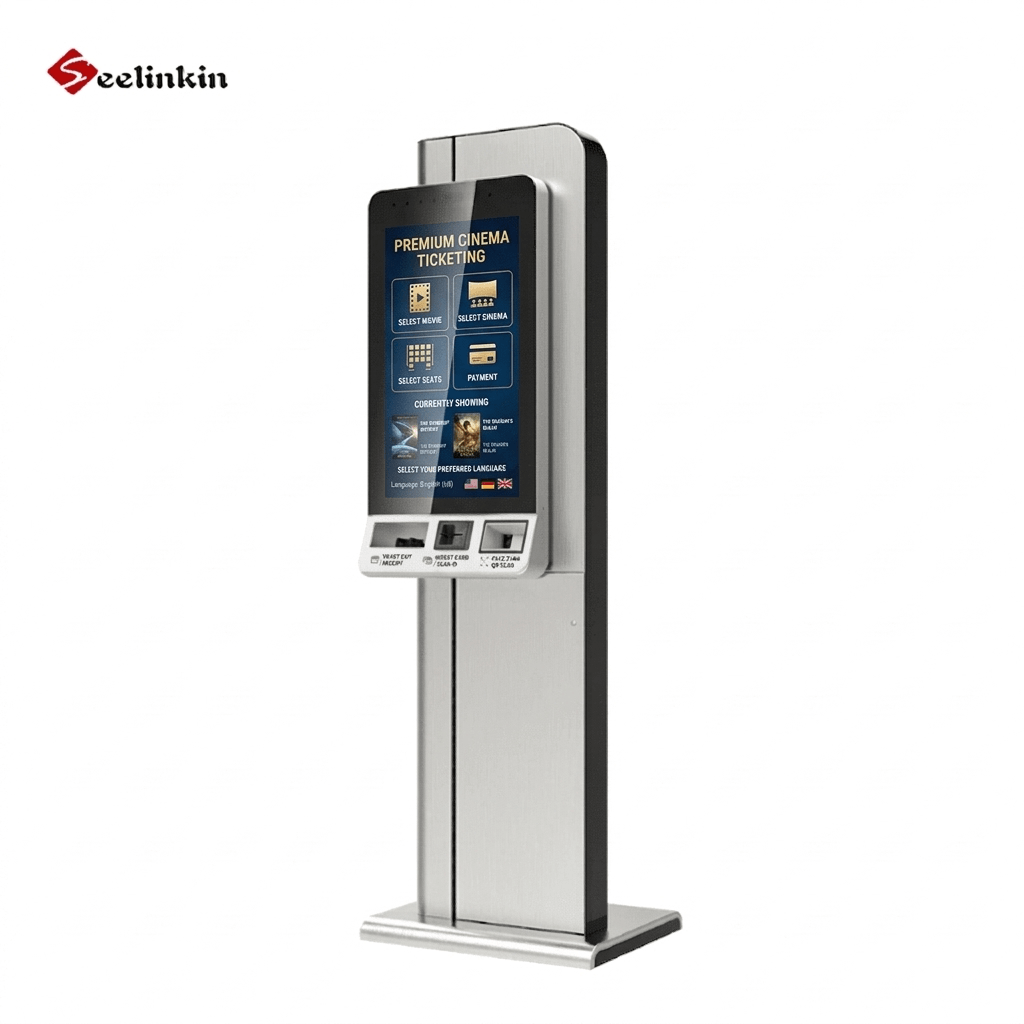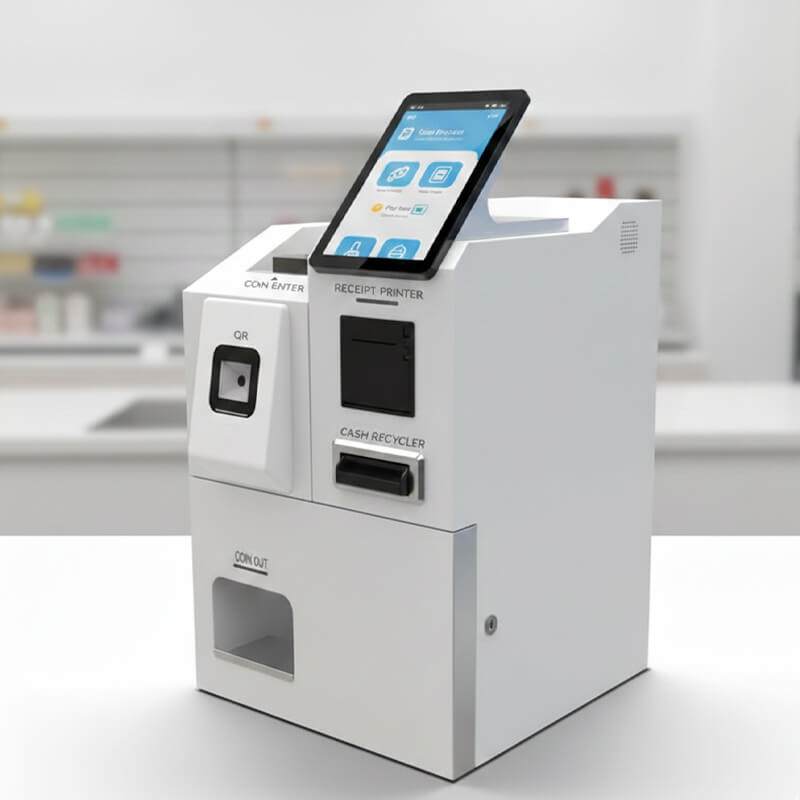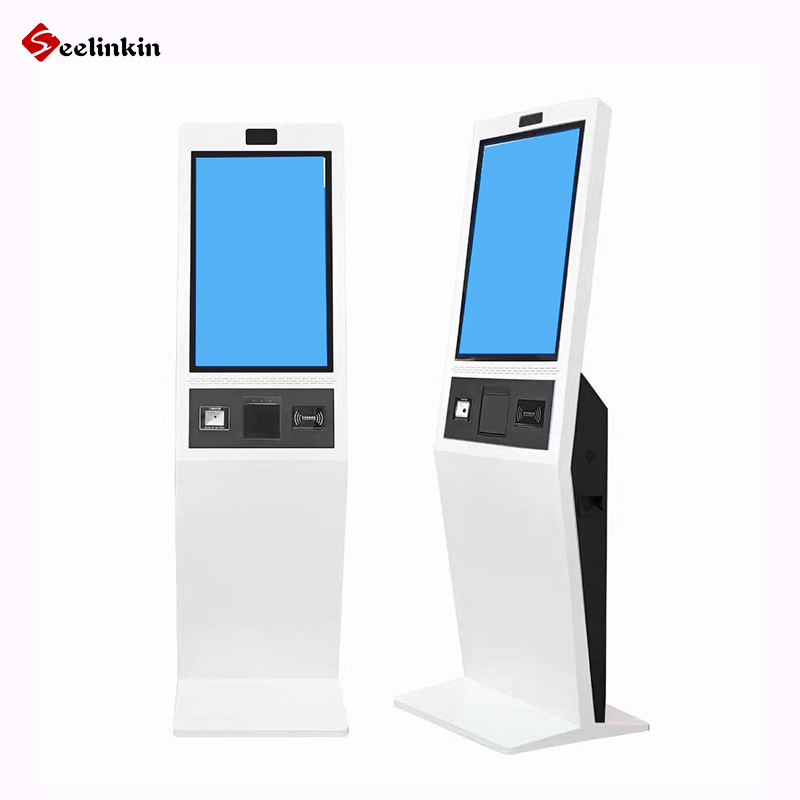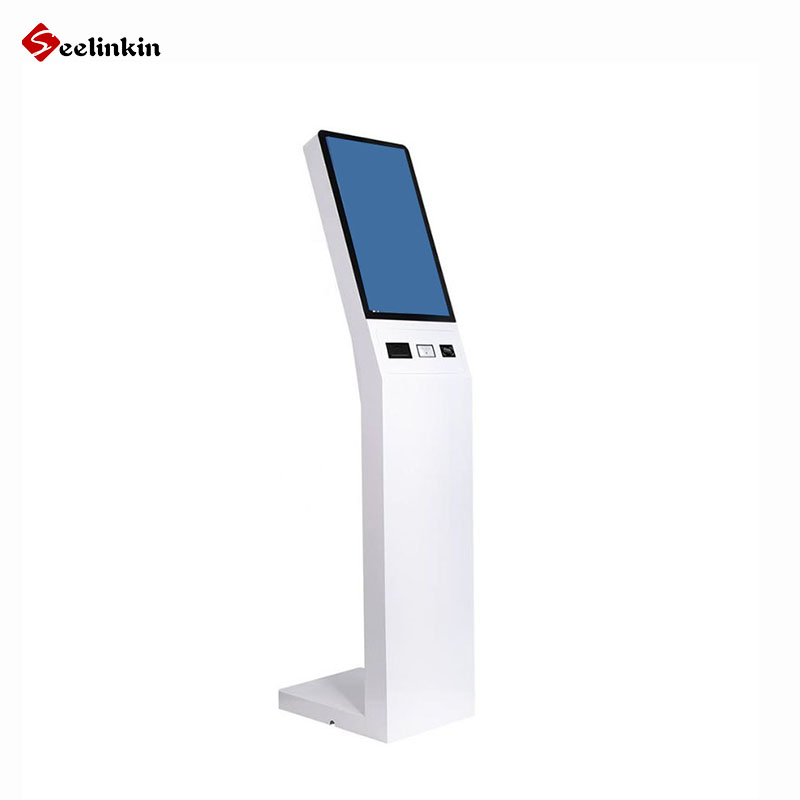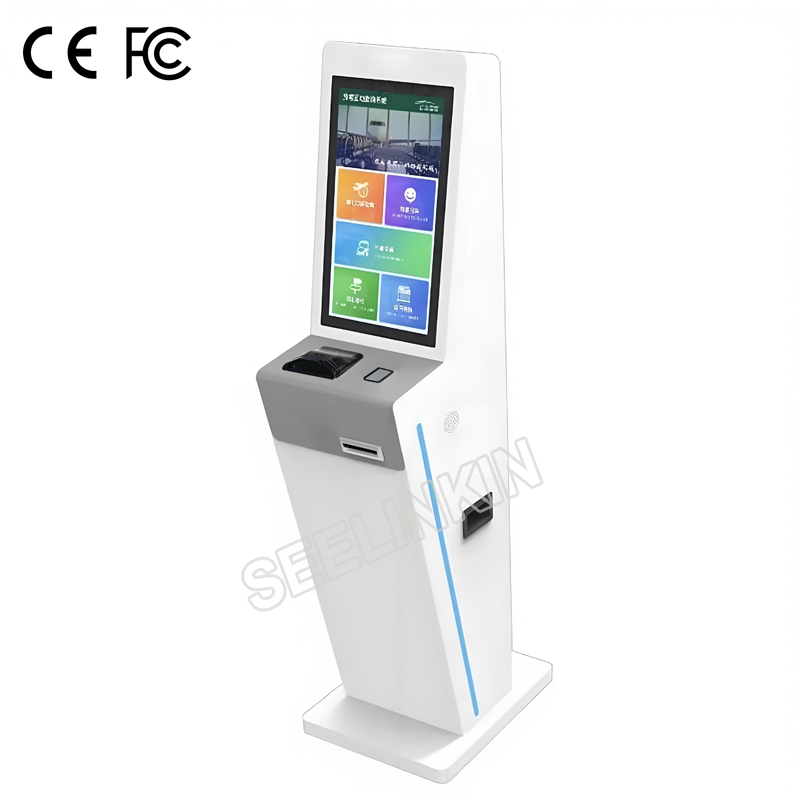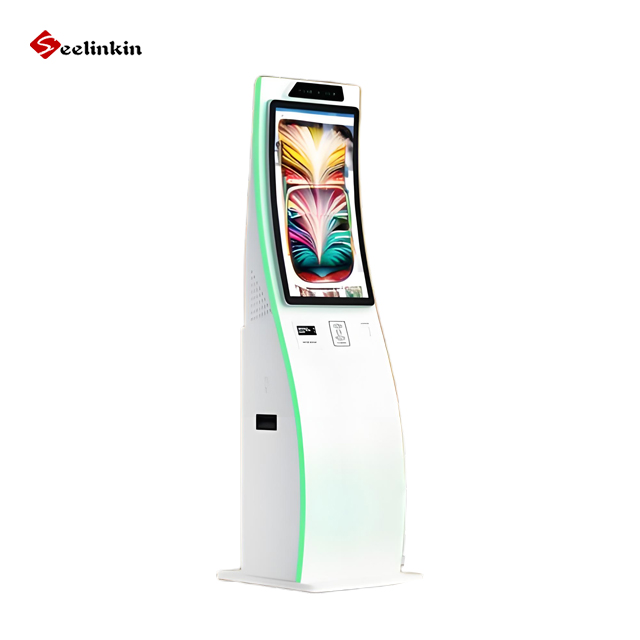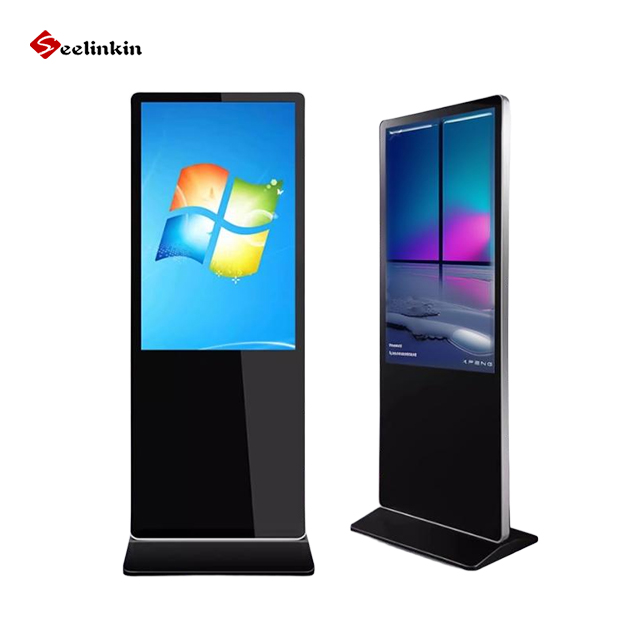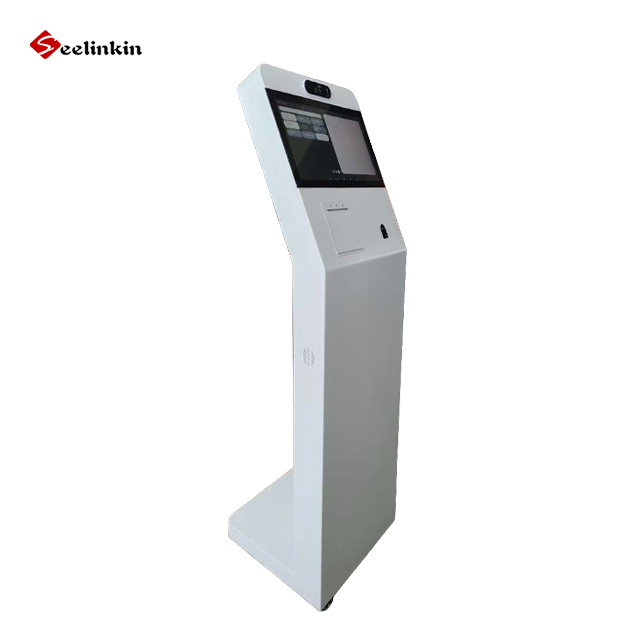
Choosing the right supplier can impact your business success. The most important criteria to compare bill payment kiosk suppliers include reliability, product quality, and support. Use a checklist to track each supplier’s strengths and weaknesses, then compare bill payment kiosk options step by step for the best results.
Define Your Needs
Identify Business Goals
Every business has unique goals. Start by outlining what you want to achieve with a bill payment kiosk. Some companies aim to reduce manual payment processing. Others want to improve customer convenience or increase payment speed.
Think about how the kiosk will fit into your daily operations. Will it serve customers in a busy location? Will it help staff save time? Clear goals guide your decisions and make the selection process easier.
List Essential Features
Make a list of features your business needs. Common features include touch screens, cash and card payment options, and receipt printing. Some kiosks offer digital receipts or support mobile payments.
Here is a sample checklist for essential features:
- Touch screen interface
- Multiple payment methods (cash, card, mobile)
- Receipt options (paper and digital)
- User-friendly software
- Secure payment processing
| Feature | Importance | Notes |
|---|---|---|
| Payment Methods | High | Cash, card, mobile |
| Receipt Options | Medium | Paper, digital |
| Integration | High | Connects to systems |
Check if the kiosk can integrate with your current systems. Integration makes payment tracking easier and reduces errors. When you compare bill payment kiosk options, match features to your business needs.
How to Compare Bill Payment Kiosk Suppliers
Research Supplier Reputation
Start by looking for suppliers with a strong reputation. Read online reviews from other businesses. Check for any awards or industry recognition.
Ask for references from the supplier. Contact these references to learn about their experiences. Reliable suppliers often have positive feedback and a history of successful projects.
A good reputation means the supplier delivers quality products and services. It also shows they value customer satisfaction. This step helps you avoid unreliable vendors.
Request Detailed Quotes
Ask each supplier for a detailed quote. The quote should include hardware, software, installation, and support costs. This makes it easier to compare bill payment kiosk options.
Use a table to organize the quotes you receive:
| Supplier | Hardware Cost | Software Cost | Installation | Support | Total Cost |
|---|---|---|---|---|---|
| Supplier A | $X | $X | $X | $X | $X |
| Supplier B | $X | $X | $X | $X | $X |
Look for any extra fees in the quote. Some suppliers may charge for updates or maintenance. Always ask questions if something is unclear.
Review Case Studies
Ask suppliers for case studies or testimonials. These show how the kiosks work in real businesses. Case studies often highlight challenges and solutions.
Read about the results other companies achieved. Look for examples that match your business needs. This helps you see if the supplier can deliver what you want.
Testimonials from real users add trust. They give you insight into the supplier’s strengths and weaknesses. Use this information to compare bill payment kiosk suppliers more effectively.
By following these steps, you can compare bill payment kiosk options with confidence. Focus on reputation, clear pricing, and real-world results for the best decision.
Compare Bill Payment Kiosk Features
Payment Methods Supported
A bill payment kiosk should support different payment methods. Common options include cash, credit cards, and mobile payments. Some kiosks also accept checks or contactless payments.
When you compare bill payment kiosk features, check if the machine supports the payment types your customers use most. A table can help you track which supplier offers each method:
| Supplier | Cash | Credit Card | Mobile Pay | Check | Contactless |
|---|---|---|---|---|---|
| A | Yes | Yes | Yes | No | Yes |
| B | Yes | Yes | No | Yes | No |
Receipt Options
Customers often want proof of payment. Some kiosks print paper receipts. Others send digital receipts by email or text message.
Offering both options can improve customer satisfaction. Digital receipts are also better for the environment. Make sure to ask suppliers about their receipt features.
Integration with Existing Systems
A good kiosk should connect with your current business systems. This includes accounting software, payment tracking, or customer databases. Integration helps you avoid manual data entry and reduces errors.
Ask suppliers how their kiosks connect to your systems. Some may offer plug-and-play solutions. Others may need custom setup.
When you compare bill payment kiosk options, look for easy integration. This will save time and money in the long run.
Evaluate Product Quality and Security
Hardware Durability
A reliable kiosk must withstand daily use. Look for kiosks made with strong materials like steel or reinforced plastic. Ask suppliers about the expected lifespan and any certifications for durability.
Check if the kiosk has been tested for heavy use. Some suppliers provide data on how many transactions the machine can handle before needing repairs. Durable hardware reduces downtime and repair costs.
Software Reliability
Stable software keeps your kiosk running smoothly. Ask suppliers how often they update their software. Frequent updates can fix bugs and add new features.
Make sure the software has a simple interface. This helps customers complete payments without confusion. Reliable software should also recover quickly from errors.
Ask these questions:
-
- How often does the software crash?
- What support is available for software issues?
- Are updates automatic or manual?
Security Features
Security protects your business and your customers. Look for kiosks with encrypted payment processing. This keeps payment data safe from hackers.
Check if the kiosk has physical locks and alarms. Some machines offer tamper detection or secure cash boxes. Ask about compliance with industry security standards.
| Security Feature | Importance | Notes |
|---|---|---|
| Data Encryption | High | Protects transactions |
| Physical Locks | High | Prevents theft |
| Tamper Detection | Medium | Alerts on breaches |
Analyze Total Cost of Ownership
Initial Purchase Price
The initial purchase price is the first cost you see when buying a bill payment kiosk. This price includes the hardware and basic software. Some suppliers may offer discounts for bulk orders or special promotions.
Compare prices from different suppliers. Use a table to organize the information:
| Supplier | Hardware Price | Software Price | Total Initial Cost |
|---|---|---|---|
| Supplier A | $X | $X | $X |
| Supplier B | $X | $X | $X |
Maintenance and Transaction Fees
Maintenance fees cover regular servicing and software updates. Transaction fees are charges for each payment processed by the kiosk. These costs can add up over time.
- Maintenance fees may be monthly or yearly.
- Transaction fees depend on the number of payments.
- Some suppliers include maintenance in the support package.
Hidden Costs
Hidden costs are expenses that do not appear in the initial quote. These may include installation charges, training fees, or costs for extra features. Sometimes, suppliers charge for upgrades or emergency repairs.
- Installation fees can vary based on location.
- Training costs may apply if you need staff instruction.
- Upgrades and repairs may not be included in the warranty.
Understanding all costs helps you plan your budget. It also prevents surprises after you buy the kiosk.
Assess Support and Training
Customer Support
Customer support plays a key role in your kiosk experience. Reliable suppliers offer multiple ways to contact their support team, such as phone, email, or live chat. Quick response times help resolve issues faster.
Some suppliers provide 24/7 support. Others limit their help to business hours. Check if support includes both technical and operational assistance. Good support reduces downtime and keeps your kiosk running smoothly.
| Support Type | Availability | Response Time |
|---|---|---|
| Phone | 24/7 or Limited | Fast |
| Business Hours | Moderate | |
| Live Chat | 24/7 or Limited | Fast |
Warranty and Service Agreements
Warranty and service agreements protect your investment. Most suppliers offer a warranty for hardware and software. The length and coverage of the warranty can vary.
Read the warranty terms carefully. Some agreements cover only parts, while others include labor and repairs. Service agreements may offer regular maintenance or priority support.
Ask about the process for making a warranty claim. Find out if service agreements include scheduled check-ups or emergency repairs.
Staff Training
Staff training ensures your team can use the kiosk effectively. Suppliers may offer in-person training, online tutorials, or user manuals. Training helps staff handle payments, troubleshoot errors, and assist customers.
Look for training that matches your staff’s skill level. Some suppliers provide ongoing training as new features are added. Well-trained staff improve customer satisfaction and reduce mistakes.
Training Options:
-
- In-person sessions
- Online courses
- Printed guides
Delivery and Installation
Delivery Timelines
Delivery timelines can affect your project schedule. Ask each supplier for an estimated delivery date before you make a decision. Some suppliers may offer faster shipping for an extra fee.
Check if the supplier provides tracking information. This helps you plan for the kiosk’s arrival. Delays can happen, so ask about their process for handling late shipments.
You can use a table to compare delivery timelines:
| Supplier | Estimated Delivery | Rush Option | Tracking Provided |
|---|---|---|---|
| Supplier A | 2 weeks | Yes | Yes |
| Supplier B | 4 weeks | No | Yes |
Installation Process
A smooth installation process reduces downtime. Ask the supplier if they offer on-site installation or remote support. Some suppliers send a technician, while others guide your team through the setup.
Check if the supplier provides a checklist for installation. This can include steps like connecting to power, setting up software, and testing payments. Make sure you know who to contact if you have questions during installation.
Here are common steps in the installation process:
- Unpack and inspect the kiosk.
- Connect to power and internet.
- Install and configure software.
- Test all payment methods.
- Train staff on basic operation.
A well-planned installation helps your kiosk start working quickly. Good support during this stage can prevent problems later.
Request and Compare Proposals
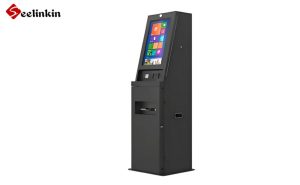
Solicit Proposals
Begin by reaching out to your shortlisted suppliers. Request a formal proposal from each one. Make sure to provide the same information to every supplier so you can compare bill payment kiosk options fairly.
Ask suppliers to include details about hardware, software, installation, and support. Request a timeline for delivery and setup. Let them know if you have any special requirements.
Review Key Elements
When you receive proposals, review them carefully. Focus on the main elements that matter most to your business. Use a checklist to stay organized.
Key elements to review include:
- Total cost, including all fees
- Hardware and software features
- Support and training options
- Delivery and installation timelines
- Warranty and service agreements
A table can help you compare bill payment kiosk proposals side by side:
| Supplier | Total Cost | Features | Support | Delivery Time | Warranty |
|---|---|---|---|---|---|
| A | $X | List | Yes | 2 weeks | 1 year |
| B | $X | List | Yes | 4 weeks | 2 years |
Look for clear answers to your questions. If something is missing, ask the supplier for more details. This process helps you make a smart and confident decision.
Conclusion
Selecting the right supplier requires more than comparing prices alone. By evaluating product quality, security, features, integration capabilities, total ownership costs, and after-sales support, businesses can make a more informed investment decision. A reliable bill payment kiosk supplier helps ensure smooth operations, better customer experiences, and long-term value. Careful supplier comparison is a critical step toward deploying a successful and dependable self-service payment solution.